Original Industrial Spare Part
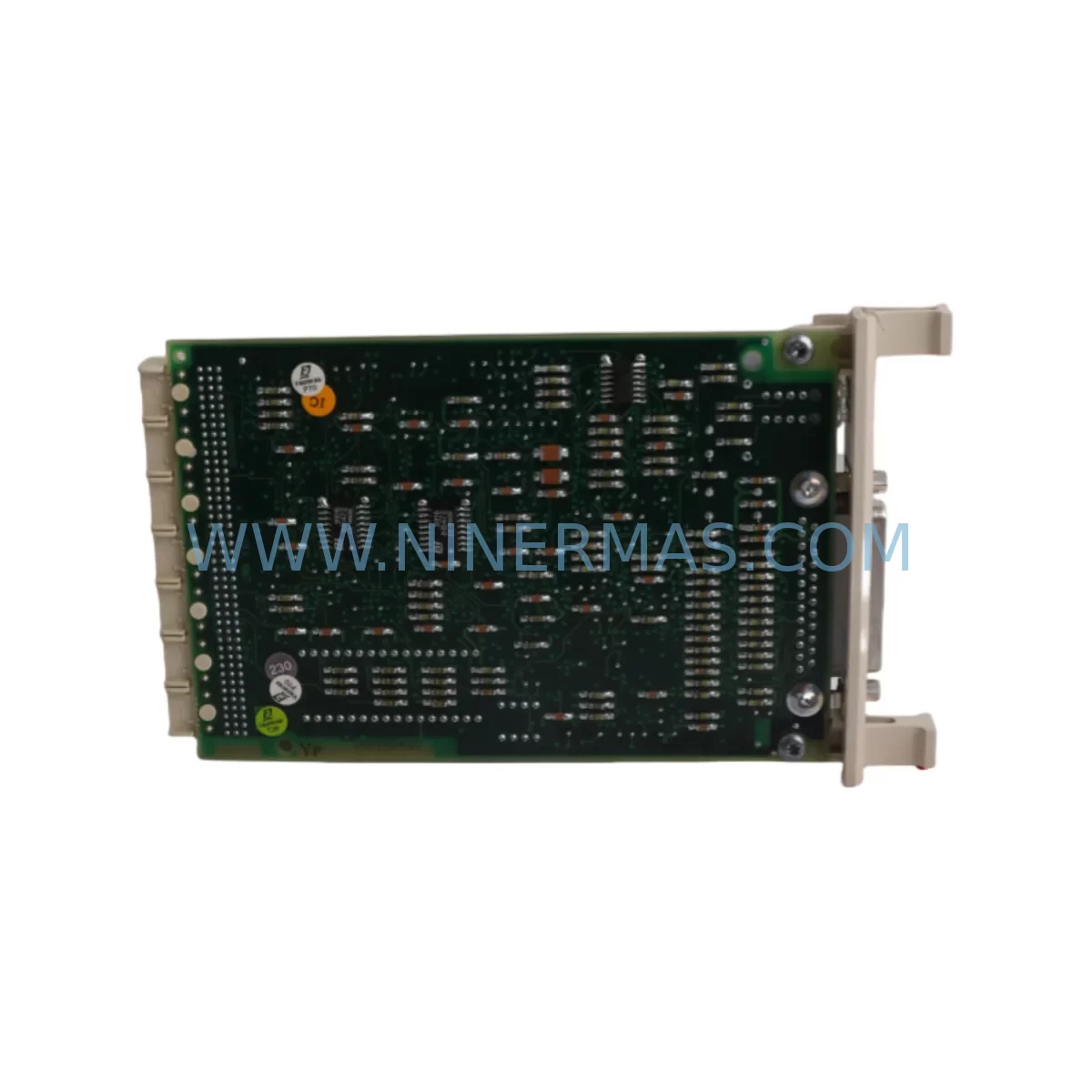
ABB CI570 3BSE001440R1 Service-Ready Spare Part for Industrial Maintenance
Verify the part, confirm the platform family, and move straight into quotation with the right commercial details.
RFQ Ready
- SKUCI570 3BSE001440R1
- CategoryDCS Distributed Control Systems
- BrandABB
- SupportAvailability, lead time, condition, and shipping coordination
How Buyers Usually Use This Page
- Confirm the exact part number and platform family before sending the quote request.
- Use direct email when quantity, condition, and destination are already defined internally.
- Switch to the broader brand or category archive when you need alternates nearby.
Series Navigation
Move through the most common platform families behind this part.
Product RFQ
Send this part directly for quotation.
Include quantity, required condition, destination country, and target delivery timing. Current reference: ABB CI570 3BSE001440R1 Service-Ready Spare Part for Industrial Maintenance with SKU CI570 3BSE001440R1.
ABB CI570 3BSE001440R1 Service-Ready Spare Part for Industrial Maintenance
The ABB CI570 3BSE001440R1 is a MasterFieldbus communication interface module designed for the ABB AC800M controller platform — one of the most widely deployed DCS/PLC architectures in process automation, power generation, and heavy industry. As a fieldbus communication backbone component, the CI570 manages real-time data exchange between the AC800M controller and field devices across PROFIBUS DP, enabling deterministic process control in demanding environments.
For maintenance engineers managing aging control infrastructure, sourcing a verified replacement CI570 3BSE001440R1 is a critical step in minimizing unplanned downtime. This module is stocked as a service-ready spare part, pre-shipment tested, and backed by a 12-month warranty — ensuring your replacement unit performs to original ABB specification from the moment it is installed.
Whether you are responding to a fieldbus communication fault, executing a planned annual overhaul, or building a strategic spare parts buffer for your AC800M control cabinet, the CI570 3BSE001440R1 is a direct-fit replacement that requires no firmware modification when matched to the correct AC800M processor and backplane revision.
Spare Maintenance Table
| Part Number | CI570 / 3BSE001440R1 |
| Manufacturer | ABB |
| Series / Platform | AC800M / MasterFieldbus |
| Module Type | Fieldbus Communication Interface Module |
| Communication Protocol | PROFIBUS DP (MasterFieldbus) |
| Compatible Controllers | ABB AC800M PM851, PM856, PM860, PM861, PM864, PM866 |
| Backplane Interface | AC800M S800 I/O backplane / CEX-Bus |
| Operating Voltage | 24 VDC (supplied via backplane) |
| Operating Temperature | 0°C to +55°C |
| Mounting | DIN rail / AC800M module rack |
| Origin | Sweden (ABB Automation Products) |
| Condition | Original, pre-shipment tested |
| Warranty | 12 Months |
| Application Environment | Process automation, power generation, oil & gas, water treatment, pulp & paper |
| Maintenance Recommendation | Inspect fieldbus cable termination, verify DP address configuration, check backplane seating and CEX-Bus connector integrity during replacement |
Maintenance Planning for Continuous Operation
When a CI570 3BSE001440R1 fieldbus communication fault is identified — whether through a controller diagnostic alarm, loss of DP slave communication, or a physical module LED fault indication — the replacement workflow extends beyond the module itself. A thorough site inspection should accompany every CI570 swap to prevent repeat failures and confirm system integrity.
Begin by verifying the PROFIBUS DP cable and termination resistors at both ends of the fieldbus segment. A degraded cable shield or missing termination is a common root cause of intermittent communication errors that can be misdiagnosed as module failure. Next, inspect the AC800M backplane and CEX-Bus connector for oxidation, bent pins, or mechanical damage — the CI570 relies on a clean backplane interface for both power and data exchange.
The AC800M processor module (PM856, PM860, or PM864 depending on your system revision) should be checked for firmware compatibility with the replacement CI570. In systems running ABB Control Builder M, confirm that the fieldbus configuration database reflects the correct module slot assignment before hot-swapping or cold-starting the controller.
Maintenance engineers should also inspect adjacent S800 I/O modules — including AI810, AO810, DI810, and DO810 series — for any secondary faults that may have been masked by the fieldbus communication loss. A CI570 failure that has persisted for an extended period may have generated cascading I/O alarms that require acknowledgment and reset after the module is replaced.
For control cabinets housing the AC800M, the inspection checklist should include the 24 VDC power supply unit (such as the ABB SD831 or SD832 power supply modules), cabinet ventilation filters, and any signal isolators or surge protection devices installed on the PROFIBUS segment. Fieldbus communication modules are sensitive to voltage transients; if the site has a history of power quality issues, installing a PROFIBUS surge arrester is a recommended preventive measure.
Where the AC800M system interfaces with HART-enabled field instruments via an FCI (Fieldbus Communication Interface) or a dedicated HART multiplexer, verify that the HART pass-through configuration is intact after the CI570 replacement. Similarly, if the system uses redundant fieldbus paths via a CI572 or CI575 module pair, confirm that the redundancy switchover logic is functioning correctly post-replacement.
For sites operating ABB Freelance or Symphony Plus DCS architectures alongside AC800M controllers, cross-check the inter-system communication links — including OPC DA/UA server connections and Ethernet-based controller-to-controller links — to ensure the CI570 replacement has not disrupted higher-level SCADA or historian data flows.
Building a strategic spare parts buffer that includes at least one CI570 3BSE001440R1, one spare PM856 or PM864 processor, and a set of S800 I/O modules appropriate to your process is the most effective way to reduce mean time to repair (MTTR) for AC800M-based control systems. Long-lead-time procurement of ABB DCS components makes on-site inventory essential for any facility operating critical continuous processes.
Site Replacement Workflow
Step 1 — Fault Confirmation: Confirm the CI570 fault via AC800M controller diagnostics in Control Builder M or via the hardware LED status on the module face. A solid red LED on the CI570 typically indicates a module hardware fault; a flashing pattern may indicate a fieldbus configuration or communication error.
Step 2 — System Backup: Before removing the faulty module, export the current AC800M project configuration from Control Builder M and save a backup of the fieldbus segment configuration, including DP slave addresses and GSD file assignments.
Step 3 — Safe Isolation: Place the affected fieldbus segment in a safe state. For process-critical loops, coordinate with the operations team to switch affected control loops to manual mode at the DCS operator station or HMI (ABB 800xA, Operate IT, or third-party SCADA).
Step 4 — Module Replacement: Remove the faulty CI570 from the AC800M rack. Insert the replacement 3BSE001440R1 into the same slot. Verify backplane seating and re-connect the PROFIBUS DP cable connector. Confirm termination resistor status.
Step 5 — Configuration Restore: Power up the controller and allow the CI570 to initialize. In Control Builder M, download the fieldbus configuration to the controller if required. Verify that all DP slaves are communicating and that I/O data is valid.
Step 6 — Functional Verification: Return control loops to automatic mode. Monitor the system for 15–30 minutes to confirm stable fieldbus communication. Document the replacement in the site maintenance log, including the module serial number and date of installation.
This workflow applies equally to planned annual maintenance replacements and emergency fault recovery scenarios. The CI570 3BSE001440R1 is a direct form-fit-function replacement for the original module, requiring no hardware modification to the AC800M rack or backplane.
Spare Parts Support FAQ
Q1: Is the CI570 3BSE001440R1 compatible with all AC800M processor revisions?
The CI570 is designed for the ABB AC800M platform and is compatible with PM851, PM856, PM860, PM861, PM864, and PM866 processor modules. Compatibility with specific firmware versions should be verified against the ABB AC800M Hardware Unit Description (HUD) document for your installed base revision. Our team can assist with compatibility verification prior to shipment.
Q2: What pre-shipment testing is performed on the CI570 3BSE001440R1?
Each CI570 3BSE001440R1 unit undergoes functional power-on testing and communication interface verification before dispatch. Units are inspected for physical integrity, connector condition, and firmware readiness. A 12-month warranty is provided from the date of shipment, covering manufacturing defects and functional failures under normal operating conditions.
Q3: Can you support long-term or repeat supply of the CI570 3BSE001440R1 for multi-site maintenance programs?
Yes. We support blanket order arrangements and scheduled delivery programs for maintenance teams managing multiple AC800M installations. Long-term supply agreements help ensure consistent spare parts availability without the lead time risk associated with spot procurement of legacy ABB DCS components.
Q4: What is the recommended spare parts holding strategy for AC800M fieldbus communication modules?
For facilities operating AC800M controllers in continuous process environments, we recommend holding a minimum of one CI570 per active fieldbus segment, plus one spare PM-series processor module per controller cluster. For high-criticality applications, a cold-standby spare cabinet with pre-configured modules significantly reduces recovery time in the event of a multi-module failure event.
| Product Series | AC800M |
|---|---|
| Country of Origin | SE |
Catalog Continuation
More ABB modules in the catalog.
Use the brand lane to compare nearby part numbers, platform-adjacent modules, and other inquiry-ready listings before sending your final RFQ.
SKU: AI880A 3BSE039293R1
ABB 3BSE039293R1 Service-Ready Spare Part for Industrial Maintenance
SKU: GJR5252200R0101 07DC92
ABB GJR5252200R0101 07DC92 Safety-Reliable Digital I/O Module
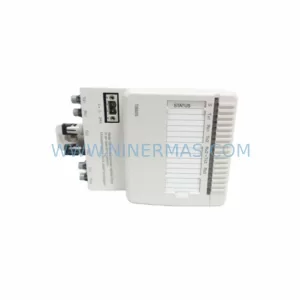
SKU: TB825 3BSE036634R1
ABB TB825 3BSE036634R1 Retrofit-Compatible Terminal for Legacy Systems
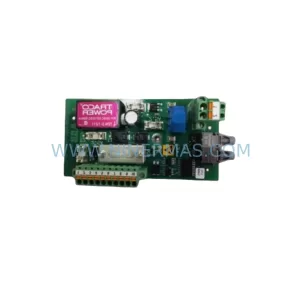
SKU: 3BHE028122R0001 XFD213A SSI
ABB 3BHE028122R0001 XFD213A Service-Ready Industrial Spare
Catalog Continuation
Alternative parts within DCS Distributed Control Systems.
Stay inside the same system family when you need substitutes, adjacent modules, or a broader shortlist for procurement review.
SKU: CC-PDIL51 CC-PDOD51 CC-PAIH51 CC-PAOH51
Honeywell CC-PDIL51 Service-Ready Spare Part for Industrial Maintenance