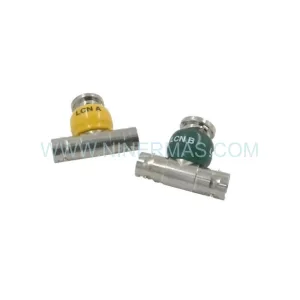
Original Industrial Spare Part
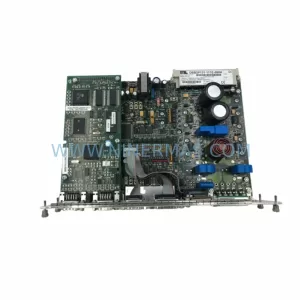
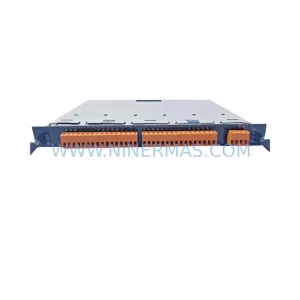
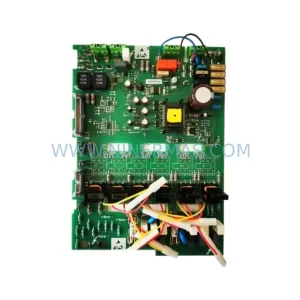
GE IC752QPT012-24 Retrofit-Compatible HMI Safety Module
Verify the part, confirm the platform family, and move straight into quotation with the right commercial details.
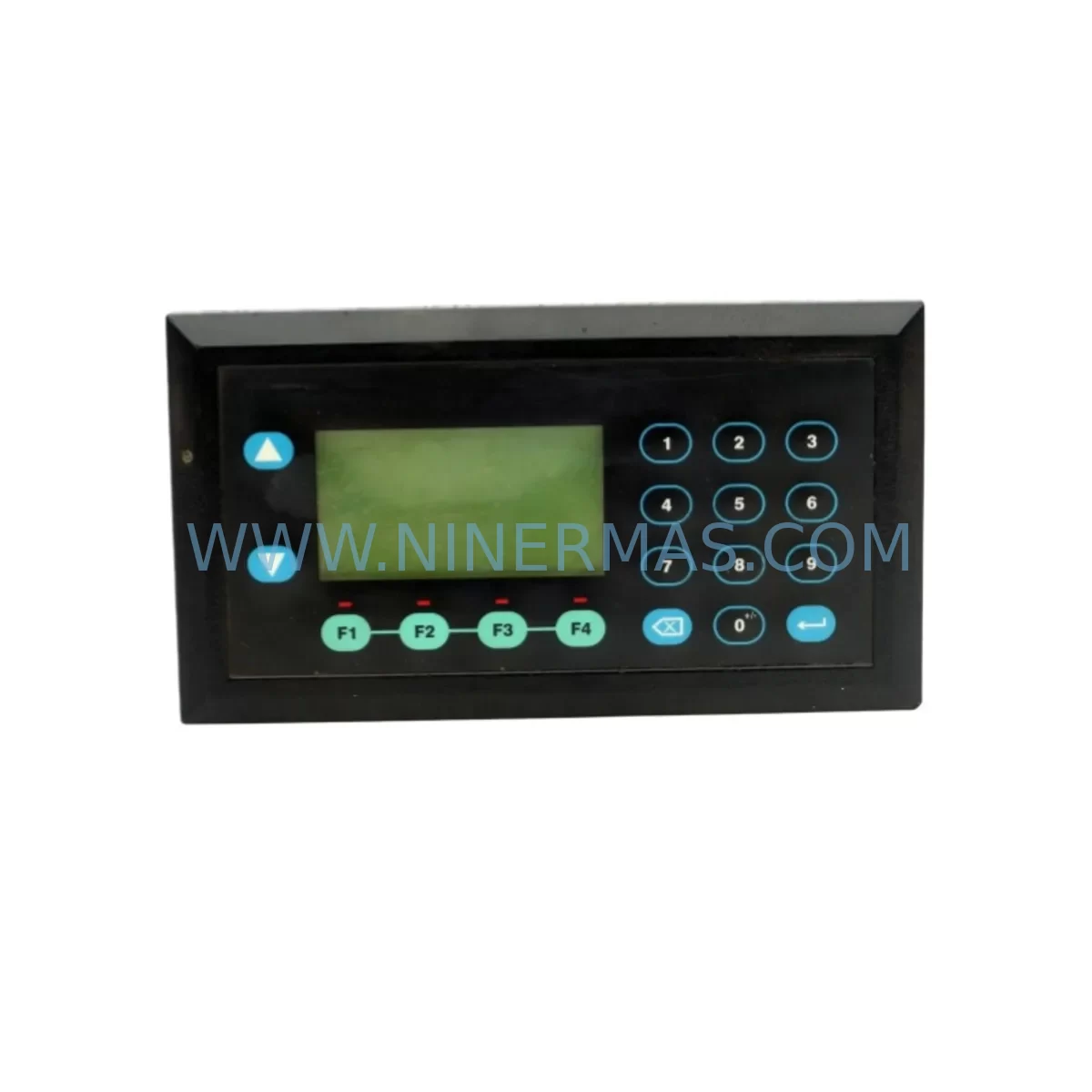
RFQ Ready
- SKUIC752QPT012-24
- CategorySIS Safety & Redundancy Systems
- BrandGE
- SupportAvailability, lead time, condition, and shipping coordination
How Buyers Usually Use This Page
- Confirm the exact part number and platform family before sending the quote request.
- Use direct email when quantity, condition, and destination are already defined internally.
- Switch to the broader brand or category archive when you need alternates nearby.
Series Navigation
Move through the most common platform families behind this part.
Product RFQ
Send this part directly for quotation.
Include quantity, required condition, destination country, and target delivery timing. Current reference: GE IC752QPT012-24 Retrofit-Compatible HMI Safety Module with SKU IC752QPT012-24.
GE IC752QPT012-24 Retrofit-Compatible HMI Safety Module: Legacy System Compatibility & Smooth Upgrade
The GE IC752QPT012-24 is a ruggedized HMI Safety Module designed for harsh industrial environments and widely deployed across GE Series 90-30 and Series 90-70 control platforms. As legacy automation systems age and OEM support windows close, the IC752QPT012-24 has become a critical retrofit component for facilities seeking to extend the operational life of their existing control infrastructure without committing to a full platform migration. NINERMAS maintains verified stock of this module with full functional testing and a 12-month warranty, supporting customers through every phase of their retrofit and upgrade projects.
Upgrade Compatibility Table
| Parameter | IC752QPT012-24 Specification | Retrofit Notes |
|---|---|---|
| Platform Compatibility | GE Series 90-30 / 90-70 | Verify backplane slot assignment before installation |
| Supply Voltage | 24 VDC | Confirm panel PSU capacity; replace IC693PWR321 or IC693PWR330 if undersized |
| Communication Interface | Genius Bus / Serial | Validate protocol compatibility with existing IC693CMM311 or IC693CMM321 comm modules |
| Mounting / Form Factor | Standard GE 90-series rack slot | Confirm rack depth and slot availability on IC693CHS391 or IC693CHS392 baseplate |
| I/O Address Mapping | Configurable via Proficy Machine Edition | Re-map I/O references in ladder logic if replacing a different module type |
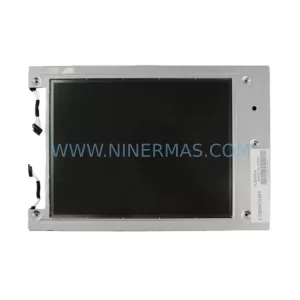
| HMI Screen Compatibility | Compatible with QuickPanel series HMI | Update HMI tag database if screen variables reference old module addresses |
| Safety Function | Hardwired safety interlock support | Verify E-stop and safety relay wiring against original terminal drawings |
| Replacement Candidates | Discontinued GE QPT-series safety modules | Direct form-fit-function replacement in most Series 90 panel configurations |
| Commissioning Tool | Proficy Machine Edition / Logicmaster 90 | Confirm software version supports IC752 module family |
| Warranty | 12-Month Warranty — All units ship after full functional bench test | |
Retrofit Planning for Existing Automation Systems
Integrating the IC752QPT012-24 into an existing control cabinet requires a structured approach that accounts for both electrical and logical compatibility. Before ordering, engineers should pull the original panel drawings and confirm the 24 VDC supply rail capacity. In many aging Series 90-30 installations, the IC693PWR321 power supply is already operating near its rated output, and adding a safety module without first auditing the load budget can cause intermittent resets or nuisance faults. If the power budget is tight, upgrading to an IC693PWR330 high-capacity supply in the same retrofit window eliminates this risk.
Terminal wiring is the next critical checkpoint. The IC752QPT012-24 uses a standard GE terminal block layout, but field wiring from legacy installations may have been modified over the years. Cross-reference the as-built drawings against the module’s terminal assignment before energizing. Pay particular attention to the safety interlock inputs — any miswiring of E-stop channels or safety relay feedback loops will prevent the module from entering run mode and may trigger a system-wide fault on the IC693CPU374 or IC693CPU375 controller.
Backplane slot assignment must be confirmed against the rack configuration stored in the PLC project file. On IC693CHS391 five-slot and IC693CHS392 ten-slot baseplates, the module address is determined by physical slot position. If the IC752QPT012-24 is replacing a module of a different type in the same slot, the I/O reference table in the Proficy Machine Edition project will need to be updated to reflect the new module’s data structure. Failure to do this will result in a configuration mismatch fault at power-up.
For facilities running Genius Bus networks, the IC693CMM311 or IC693CMM321 communication module must be verified for firmware compatibility with the IC752 module family. In some older installations, the Genius Bus scanner firmware predates the IC752QPT012-24 and will not enumerate the module correctly. A firmware update to the comm module — performed offline during the planned maintenance window — resolves this without requiring changes to the main control program.
HMI screens built on GE QuickPanel platforms that display safety status from the legacy module will need their tag databases reviewed. Variable addresses tied to the old module’s output words may shift if the slot position or module type changes. Updating the HMI project in Proficy HMI/SCADA iFIX or the QuickPanel WorkShop environment before go-live prevents operators from seeing stale or incorrect safety status displays during the first post-retrofit shift.
Signal isolation is another consideration in older panels where analog I/O runs alongside safety wiring. Installing a DIN-rail signal isolator between field devices and the IC752QPT012-24 safety inputs reduces the risk of ground loops or induced noise causing spurious safety trips — a common issue in retrofit projects where new modules are installed alongside decades-old field cabling.
Downtime Control During System Migration
Minimizing production downtime during a safety module retrofit requires pre-staging all replacement components and completing as much offline preparation as possible before the maintenance window opens. The IC752QPT012-24 should be bench-tested against a known-good rack and power supply before it arrives on site. NINERMAS ships all units with a completed functional test report, which can be used to satisfy internal QA requirements and reduce on-site verification time.
The original PLC program should be backed up to at least two independent storage locations before any hardware is disturbed. Proficy Machine Edition allows the program to be uploaded directly from the IC693CPU374 or IC693CPU375 controller to a laptop, and this backup should be verified as readable before the module swap begins. If the controller has not been backed up recently, this step alone can justify scheduling a brief pre-maintenance window several days before the main retrofit date.
During the swap, the rack should be de-energized at the panel disconnect rather than at the individual module level. GE Series 90 backplanes do not support hot-swap on safety-rated modules, and attempting to remove the IC752QPT012-24 under power risks corrupting the backplane communication bus. Once the new module is seated and the terminal wiring is confirmed, the system can be re-energized and the controller will perform an automatic I/O configuration scan. If the module type and slot address match the stored configuration, the controller will transition to run mode without requiring a program download.
Post-retrofit commissioning should include a full safety function test — cycling each E-stop and safety interlock input individually and confirming the expected response in both the PLC logic and the HMI display. This test should be documented and signed off by the responsible engineer before the line is returned to production. NINERMAS technical support is available to assist with commissioning questions during the warranty period.
Retrofit Support FAQ
Q: Is the IC752QPT012-24 a direct drop-in replacement for other GE QPT-series safety modules?
A: In most Series 90-30 and 90-70 panel configurations, yes. The IC752QPT012-24 shares the same form factor and backplane interface as other GE QPT-series modules. However, you should verify the I/O address mapping in your PLC project and confirm that the terminal wiring matches the IC752QPT012-24 pinout before powering up. NINERMAS can provide the module datasheet and wiring diagram upon request.
Q: What commissioning steps are required after installing the IC752QPT012-24?
A: After seating the module and confirming terminal wiring, power up the rack and allow the IC693CPU controller to complete its I/O scan. If a configuration mismatch fault appears, open the Proficy Machine Edition project, update the hardware configuration to reflect the IC752QPT012-24 in the correct slot, and download the updated configuration to the controller. Then perform a full safety function test — cycling all connected E-stop and interlock inputs — before returning the system to production.
Q: Does NINERMAS test the IC752QPT012-24 before shipment?
A: Yes. Every unit is functionally tested on a GE Series 90-compatible rack before shipment. A test report is included with each order. All units are covered by a 12-month warranty from the date of shipment. If a unit fails during the warranty period, NINERMAS will provide a replacement or full refund.
Q: What is the typical lead time and stock availability?
A: NINERMAS maintains inventory of the IC752QPT012-24 and can typically ship within 1–3 business days of order confirmation. For urgent retrofit projects or large quantity requirements, contact our sales team directly to confirm current stock levels and arrange expedited shipping.
| Product Series | Fanuc |
|---|---|
| Country of Origin | US |
Catalog Continuation
More GE modules in the catalog.
Use the brand lane to compare nearby part numbers, platform-adjacent modules, and other inquiry-ready listings before sending your final RFQ.
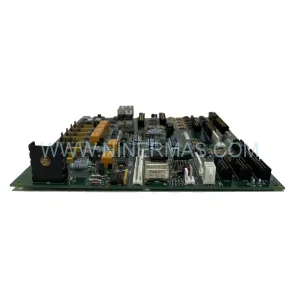
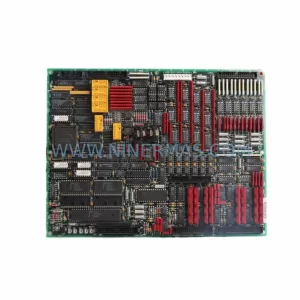
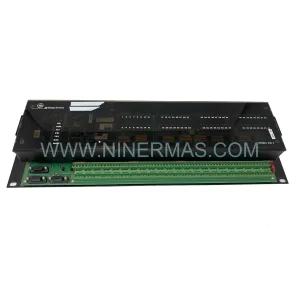
SKU: 820-0154 WESDAC D20 S
GE WESDAC D20 S Logic Panel Module 820-0154 Original Spare Part RFQ
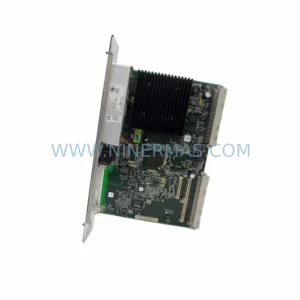
SKU: IC698CPE020-JV
GE IC698CPE020-JV Safety-Reliable CPU for Critical Control
Catalog Continuation
Alternative parts within SIS Safety & Redundancy Systems.
Stay inside the same system family when you need substitutes, adjacent modules, or a broader shortlist for procurement review.