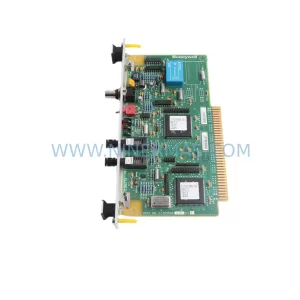
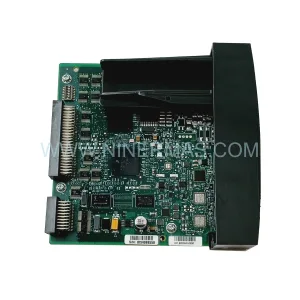
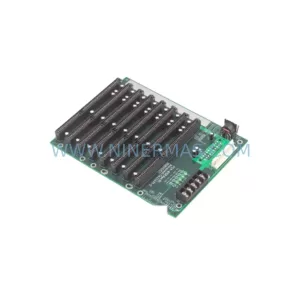
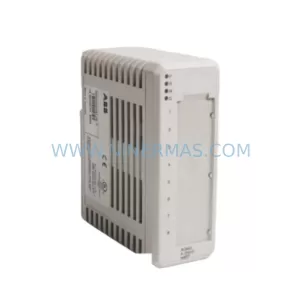
Original Industrial Spare Part
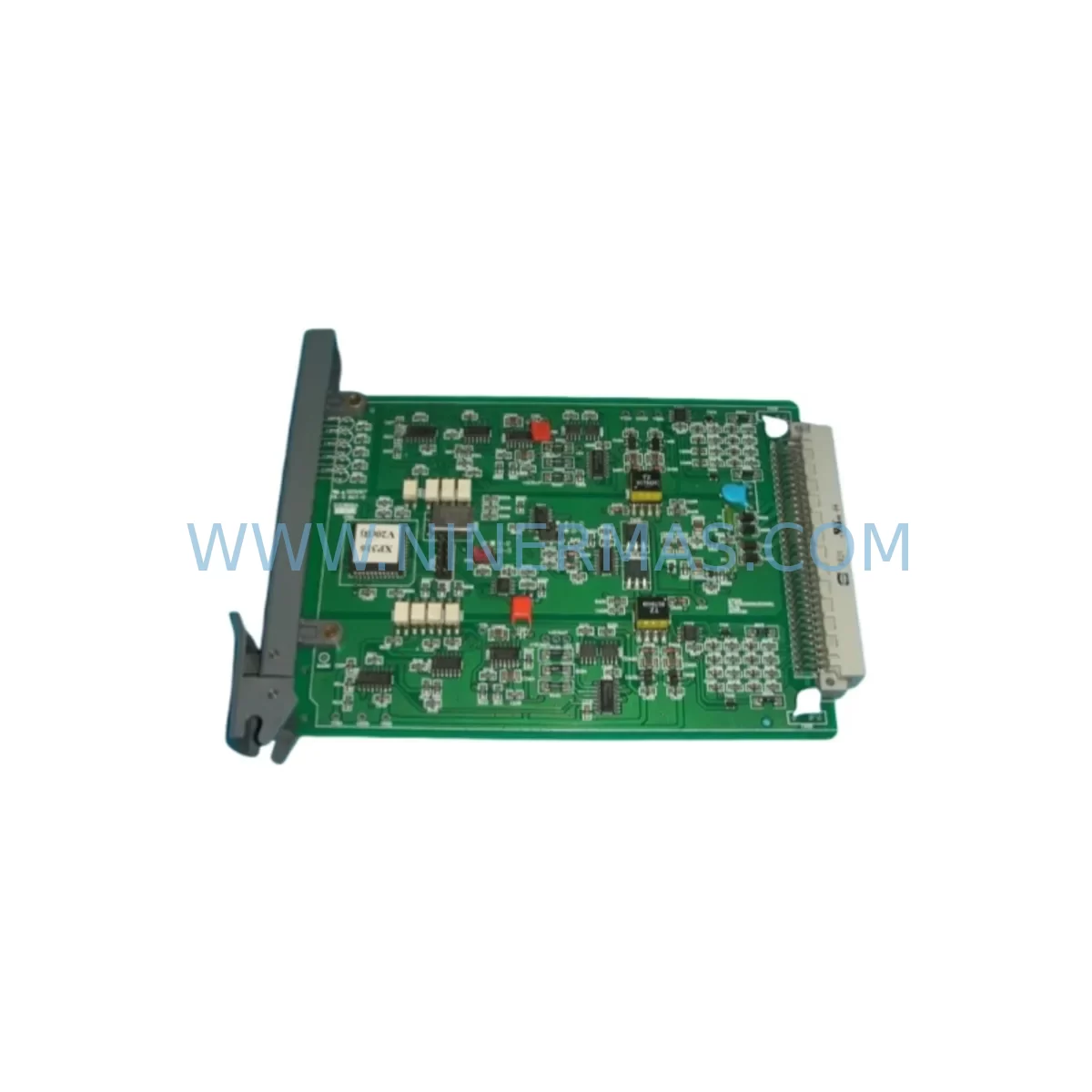
SUPCON XP316 Service-Ready Spare Part for Industrial Maintenance
Verify the part, confirm the platform family, and move straight into quotation with the right commercial details.
RFQ Ready
- SKUXP316
- CategoryDCS Distributed Control Systems
- BrandSUPCON
- SupportAvailability, lead time, condition, and shipping coordination
How Buyers Usually Use This Page
- Confirm the exact part number and platform family before sending the quote request.
- Use direct email when quantity, condition, and destination are already defined internally.
- Switch to the broader brand or category archive when you need alternates nearby.
Series Navigation
Move through the most common platform families behind this part.
Product RFQ
Send this part directly for quotation.
Include quantity, required condition, destination country, and target delivery timing. Current reference: SUPCON XP316 Service-Ready Spare Part for Industrial Maintenance with SKU XP316.
SUPCON XP316 Service-Ready Spare Part for Industrial Maintenance
The SUPCON XP316 is a ruggedized PLC module engineered for continuous operation in demanding industrial environments. As a critical spare part within the SUPCON JX-300XP and Extended Controller series, the XP316 is widely deployed across petrochemical, power generation, pharmaceutical, and heavy manufacturing facilities where system uptime is non-negotiable. Sourced as an original component and fully tested prior to dispatch, this module is stocked by NINERMAS to support emergency replacement, planned annual overhaul, and long-term spare parts inventory programs.
Unplanned downtime caused by a failed PLC module can cascade across an entire production line within minutes. Maintenance engineers and procurement teams managing aging SUPCON-based control systems rely on verified, service-ready stock to execute rapid swap-outs without waiting weeks for factory lead times. The XP316 is available from NINERMAS with a 12-month warranty, pre-shipment functional testing, and long-term supply commitment — making it a dependable choice for both emergency procurement and scheduled maintenance planning.
Spare Maintenance Table
| Parameter | Specification / Detail |
|---|---|
| Part Number / SKU | XP316 |
| Brand | SUPCON (浙大中控) |
| Series | JX-300XP / Extended Controller Series |
| Module Type | Ruggedized PLC / Controller Module |
| Application Environment | Harsh industrial environments — high vibration, wide temperature range, dusty or corrosive atmospheres |
| Compatibility | SUPCON JX-300XP DCS/PLC systems; compatible backplane and I/O bus architecture |
| Communication Interface | Proprietary SUPCON SCnet / internal bus (verify with system configuration) |
| Power Supply Requirement | 24 VDC nominal (confirm with system power rail specification) |
| Mounting | DIN rail / backplane slot installation |
| Origin | China (CN) |
| Condition | Original spare — new or refurbished-to-spec, pre-shipment tested |
| Warranty | 12 months from date of shipment |
| Lead Time | In stock — typically ships within 3–5 business days |
| Maintenance Recommendation | Inspect every 12 months; replace immediately upon fault code or communication loss |
Maintenance Planning for Continuous Operation
When a maintenance or procurement engineer schedules replacement of the SUPCON XP316, the replacement event should be treated as a broader control cabinet health checkpoint — not an isolated module swap. The XP316 interfaces directly with the system backplane and shares power rails, communication buses, and I/O signal paths with multiple adjacent components. Failing to inspect these interconnected elements during the same maintenance window is a common cause of repeat failures and secondary downtime events.
Begin by verifying the 24 VDC power supply module feeding the controller rack — a degraded power supply is frequently the root cause of PLC module faults rather than the module itself. Inspect the SUPCON XP243 or equivalent redundant power supply for output ripple, voltage sag under load, and capacitor aging. Simultaneously, check the backplane bus connector for oxidation, bent pins, or loose seating — the XP316 communicates over the internal SCnet bus, and any impedance mismatch at the backplane will cause intermittent communication faults that are difficult to diagnose remotely.
Review the I/O modules connected downstream of the XP316 — particularly any analog input modules (e.g., XP314 or XP322) and digital output modules that rely on the controller for scan cycle timing. A module replacement is the ideal moment to verify that all field wiring terminal blocks are torqued correctly and that no signal cables have developed insulation fatigue from thermal cycling. Signal isolators on 4–20 mA loops feeding the XP316 should also be tested for drift, as degraded isolation can introduce ground loops that corrupt process data.
For facilities running SUPCON JX-300XP systems with SCnet communication modules, confirm that the network topology remains intact after the module swap — particularly if the XP316 serves as a node in a redundant ring configuration. Check the fiber optic or twisted-pair communication cables for continuity and verify that the replacement module’s firmware version is compatible with the existing system configuration file. Where applicable, inspect the HMI workstation connection and confirm that tag mapping and alarm thresholds are correctly restored after the controller restart.
Procurement engineers building annual spare parts kits for SUPCON-based plants should consider stocking the XP316 alongside fuse holders and 2A blade fuses for the power distribution rail, terminal block sets (e.g., Phoenix Contact or equivalent) for field wiring, and at least one spare communication repeater or hub module for the SCnet segment. A well-structured spare parts kit reduces mean time to repair (MTTR) from hours to under 30 minutes for the most common failure scenarios.
Site Replacement Workflow
Replacing the SUPCON XP316 on a live system requires a structured approach to minimize downtime and avoid configuration loss. Follow this recommended workflow:
1. Pre-Replacement Preparation: Export the current controller configuration from the SUPCON SCKey or JX-300XP engineering workstation. Confirm the firmware version of the existing XP316 and ensure the replacement unit carries the same or a compatible firmware revision. Notify the operations team of the planned maintenance window and confirm that the process can be safely held or switched to manual control.
2. Power Isolation and Module Removal: Where the system architecture permits hot-swap, follow SUPCON’s documented hot-swap procedure for the XP316 slot. If hot-swap is not supported in the installed configuration, coordinate a controlled shutdown of the affected controller segment. Remove the faulty module by releasing the front-panel locking lever and sliding the module clear of the backplane connector. Inspect the backplane slot for debris or damage before inserting the replacement.
3. Installation and Configuration Restore: Seat the replacement XP316 firmly into the backplane slot and secure the locking lever. Power up the rack and observe the module status LEDs — a solid green RUN indicator confirms successful initialization. Download the saved configuration from the engineering workstation and verify that all I/O tags, PID loops, and communication parameters are correctly restored. Run a full I/O check against the field instruments before returning the system to automatic control.
4. Post-Replacement Verification: Monitor the system for a minimum of 30 minutes post-restart, checking for communication alarms, scan cycle overruns, or unexpected output states. Log the replacement event in the plant maintenance management system (CMMS) with the module serial number, firmware version, and test results. Update the spare parts inventory to reflect the consumed unit and initiate a replenishment order to maintain minimum stock levels.
Spare Parts Support FAQ
Q1: What is the warranty coverage for the SUPCON XP316 supplied by NINERMAS?
All XP316 modules supplied by NINERMAS carry a 12-month warranty from the date of shipment. Each unit undergoes pre-shipment functional testing to verify communication, I/O response, and power integrity. In the event of a warranty claim, NINERMAS will arrange replacement or repair at no additional cost, subject to inspection confirming the fault is not caused by installation error or external damage.
Q2: Can the XP316 replacement module be used directly without re-programming?
The XP316 is a hardware module — it does not store the application program internally in a way that prevents direct installation. However, the controller configuration (I/O mapping, PID parameters, communication settings) must be downloaded from the engineering workstation after installation. NINERMAS recommends that customers retain a current backup of their SCKey project file before any module replacement to ensure a smooth configuration restore.
Q3: How does NINERMAS verify compatibility before shipment?
Our technical team cross-references the customer’s system model, series designation, and existing module part numbers against our inventory records before confirming the order. For XP316 replacements, we verify the hardware revision and firmware baseline to ensure compatibility with the JX-300XP backplane and SCnet bus. Customers are encouraged to provide their system configuration details at the time of inquiry to expedite compatibility confirmation.
Q4: Does NINERMAS support long-term supply agreements for the XP316 and related SUPCON modules?
Yes. NINERMAS offers long-term supply commitments for critical spare parts including the XP316, supporting annual procurement plans, blanket purchase orders, and consignment stock arrangements. This is particularly valuable for facilities managing legacy SUPCON systems where factory availability may be limited or lead times are extended. Contact our team to discuss a tailored spare parts program for your plant.
| Product Series | Other series |
|---|
Catalog Continuation
Alternative parts within DCS Distributed Control Systems.
Stay inside the same system family when you need substitutes, adjacent modules, or a broader shortlist for procurement review.