
Original Industrial Spare Part
Dahua DH-LM43-F200 Retrofit-Compatible FHD Monitor
Verify the part, confirm the platform family, and move straight into quotation with the right commercial details.
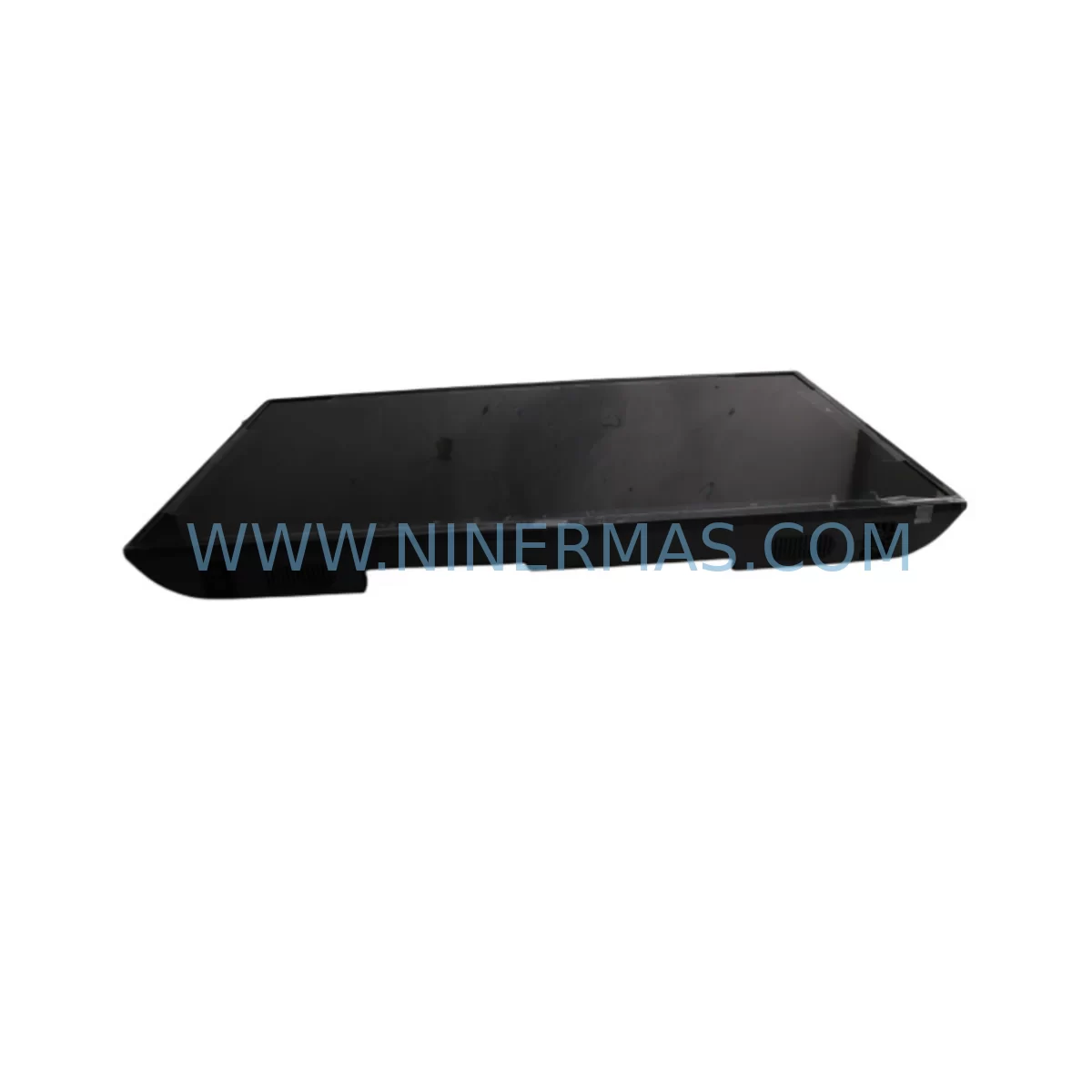
RFQ Ready
- SKUDH-LM43-F200
- CategoryPLC & Industrial Automation Modules
- BrandDahua
- SupportAvailability, lead time, condition, and shipping coordination
How Buyers Usually Use This Page
- Confirm the exact part number and platform family before sending the quote request.
- Use direct email when quantity, condition, and destination are already defined internally.
- Switch to the broader brand or category archive when you need alternates nearby.
Series Navigation
Move through the most common platform families behind this part.
Product RFQ
Send this part directly for quotation.
Include quantity, required condition, destination country, and target delivery timing. Current reference: Dahua DH-LM43-F200 Retrofit-Compatible FHD Monitor with SKU DH-LM43-F200.
Dahua DH-LM43-F200 Retrofit-Compatible FHD Monitor: Legacy System Compatibility & Smooth Upgrade
The Dahua DH-LM43-F200 is a 43-inch Full HD ruggedized industrial monitor engineered for demanding automation environments. As legacy HMI panels and operator workstations reach end-of-life, the DH-LM43-F200 provides a direct retrofit path for control rooms, machine tool panels, and process automation cabinets that previously relied on discontinued display units. With wide-voltage input tolerance, multiple signal interfaces, and a robust metal enclosure rated for harsh industrial conditions, this monitor integrates cleanly into existing control architectures without requiring major cabinet redesign or PLC reprogramming.
Whether you are replacing an aging 40–46″ operator panel on a DCS workstation, upgrading the visualization layer of a SCADA system, or modernizing a legacy CNC machine interface, the DH-LM43-F200 delivers the resolution, brightness, and signal compatibility needed to maintain operational continuity while extending the service life of your automation investment.
Upgrade Compatibility Table
| Parameter | DH-LM43-F200 (New) | Typical Legacy Unit | Retrofit Note |
|---|---|---|---|
| Screen Size | 43″ (1920×1080) | 40″–46″ varies | Confirm panel cutout dimensions before installation |
| Signal Input | HDMI, VGA, DVI (model-dependent) | VGA / DVI / composite | Use active signal converter if source is composite or BNC |
| Power Supply | AC 100–240 V wide-range | Fixed 110 V or 220 V | Verify cabinet power rail; no transformer needed in most cases |
| Mounting Interface | VESA 200×200 / panel-mount flange | Proprietary bracket | Fabricate adapter plate if legacy bracket is non-standard |
| Communication | RS-232 (OSD control) | RS-232 / RS-485 | Map OSD commands to existing serial control logic if used |
| Operating Temperature | -20 °C to +60 °C | 0 °C to +50 °C typical | Suitable for outdoor cabinets and unheated enclosures |
| Protection Rating | IP65 front panel | IP54 or lower | Improved ingress protection; no additional sealing required at front |
| Debugging Focus | Resolution scaling, OSD brightness, signal source selection | — | Adjust SCADA/HMI screen resolution to 1920×1080 after swap |
| Warranty | 12-Month Warranty — covers manufacturing defects, panel failure, and power board faults | ||
Retrofit Planning for Existing Automation Systems
A successful display retrofit begins well before the physical swap. When the DH-LM43-F200 is selected as the replacement for a discontinued operator panel, the engineering team should first audit the upstream signal chain. In most legacy control rooms, the video source is a dedicated industrial PC or an embedded HMI controller — such as a Siemens IPC477E, a Beckhoff C6920, or a Mitsubishi GOT2000 series panel PC — outputting VGA or DVI. If the existing source only provides a VGA signal, a passive VGA-to-HDMI adapter is typically sufficient; however, if the source is an older composite or BNC output from a legacy video distribution unit, an active scan converter will be required to bridge the signal to the DH-LM43-F200’s digital inputs.
Cabinet space planning is equally critical. The DH-LM43-F200’s 43-inch panel requires a clear front-of-door cutout of approximately 970 × 560 mm. If the existing enclosure was designed around a 42-inch legacy display, minor sheet-metal modification or a custom adapter frame may be needed. The monitor’s VESA 200×200 rear mounting pattern allows integration with standard industrial monitor arms and swing-out brackets, which is particularly useful when the control cabinet door must open fully for maintenance access to components such as the Siemens S7-300 or S7-400 CPU rack, I/O modules, and power supply units mounted behind the display.
On the power side, the DH-LM43-F200 accepts a wide-range AC input (100–240 V), which eliminates the need for a dedicated step-down transformer in most North American and European installations. However, engineers should verify that the cabinet’s 24 VDC rail — typically supplied by a Phoenix Contact QUINT or Siemens SITOP power supply — is not overloaded by the addition of new components during the same upgrade cycle. If the retrofit also involves adding a new Ethernet switch for PROFINET or EtherNet/IP communication, or expanding the I/O count with additional Siemens ET 200SP distributed I/O modules, the total power budget must be recalculated before commissioning.
For systems running Wonderware InTouch, iFIX, or Siemens WinCC SCADA software, the display resolution change from a legacy 1366×768 or 1280×1024 panel to the DH-LM43-F200’s native 1920×1080 requires a screen resolution update in the HMI project. Most modern SCADA platforms support resolution scaling without requiring a full graphic rebuild, but operators should validate all alarm pop-ups, trend displays, and navigation buttons at the new resolution before going live. This step is especially important in facilities where the HMI project has not been modified in several years and may contain fixed-position graphic objects tied to the old screen dimensions.
Where the legacy display was connected to a Moxa NPort serial device server or a Lantronix UDS serial-to-Ethernet converter for remote OSD control, the RS-232 port on the DH-LM43-F200 can be mapped to the same serial channel. This preserves the ability to adjust brightness, contrast, and input source remotely — a feature valued in unmanned substations and remote pump stations where physical access to the monitor is limited.
Downtime Control During System Migration
Minimizing unplanned downtime is the primary concern in any display retrofit on a live production line or continuous process plant. The recommended approach for the DH-LM43-F200 installation is a pre-staged swap: the new monitor is fully configured, tested, and mounted on a temporary stand in the workshop before the maintenance window opens. During the window, the legacy display is disconnected, the new unit is bolted into position, signal and power cables are connected, and the SCADA workstation is set to the correct output resolution — all within a target of 30–60 minutes of controlled downtime.
To protect the original program logic during the migration, no changes should be made to the PLC program, I/O mapping, or communication configuration. The DH-LM43-F200 is a passive display device; it does not interact with the control network, so there is zero risk of introducing network conflicts or address collisions during installation. The PLC — whether a Siemens S7-1500, an Allen-Bradley ControlLogix, or a Mitsubishi MELSEC iQ-R — continues to execute its scan cycle uninterrupted throughout the display swap.
Field continuity is maintained by ensuring that the operator has a secondary display or a laptop connected to the SCADA server during the swap window. In facilities with redundant HMI servers, the standby server can be promoted to active status before the primary workstation monitor is replaced, allowing operators to monitor process variables without interruption. Once the DH-LM43-F200 is powered on and the signal is confirmed, the primary server is restored to active status and the standby reverts to its normal role.
Post-installation, a structured commissioning checklist should cover: signal quality verification at all four corners of the display, OSD brightness and contrast calibration to match the ambient light level of the control room, confirmation that all HMI alarm colors render correctly at the new resolution, and a 24-hour soak test under normal operating conditions before the maintenance window is formally closed. All test results should be documented and retained as part of the site’s change management record.
Retrofit Support FAQ
Q1: Is the DH-LM43-F200 a direct replacement for my existing 43″ industrial monitor?
In most cases, yes — provided the signal interface (HDMI, VGA, or DVI) and mounting pattern are compatible. We recommend confirming the panel cutout dimensions, VESA hole pattern, and signal type before ordering. Our technical team can assist with compatibility verification based on your legacy unit’s model number.
Q2: What pre-shipment testing is performed on each unit?
Every DH-LM43-F200 undergoes a full power-on test, pixel uniformity check, signal input verification across all available ports, and an aging burn-in cycle before dispatch. A test report is available upon request. Units are shipped in anti-static, foam-lined packaging to prevent transit damage.
Q3: How do I handle the wiring transition from my legacy display to the DH-LM43-F200?
The DH-LM43-F200 uses standard IEC power inlet and industry-standard video connectors. If your existing cable harness uses a proprietary connector on the display end, a short adapter cable or a new cable run will be required. Signal cable lengths should be kept under 10 m for VGA and under 5 m for HDMI without an active extender to ensure signal integrity.
Q4: What does the 12-month warranty cover, and what is the stock availability?
The 12-month warranty covers manufacturing defects, panel backlight failure, power board faults, and input port failures under normal operating conditions. Physical damage caused by improper installation or overvoltage is excluded. Stock is maintained in our warehouse for immediate dispatch; lead time for in-stock units is typically 3–7 business days depending on destination. Contact us for volume pricing and extended warranty options.
| Product Series | Other series |
|---|
Catalog Continuation
Alternative parts within PLC & Industrial Automation Modules.
Stay inside the same system family when you need substitutes, adjacent modules, or a broader shortlist for procurement review.
SKU: TTLM10-11 ELVIF-F 3895-120321-21 TTLD14-12 WCIF-L 3881-020032-11 TTLM11-11 W/TIF-L 3895-120322-21
TEL 3895-120321-21 Service-Ready Spare for Industrial Maintenance
SKU: KR6 00-204-935 00-204-551
KUKA KR6 00-204-935 00-204-551 Retrofit-Compatible Signal Cable for Legacy Systems



