Original Industrial Spare Part
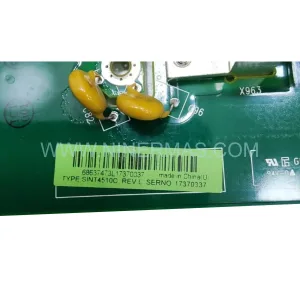
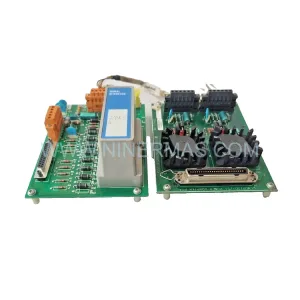
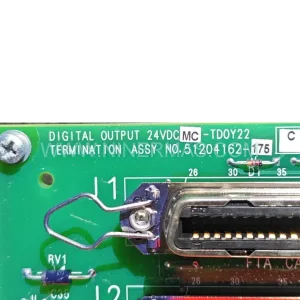
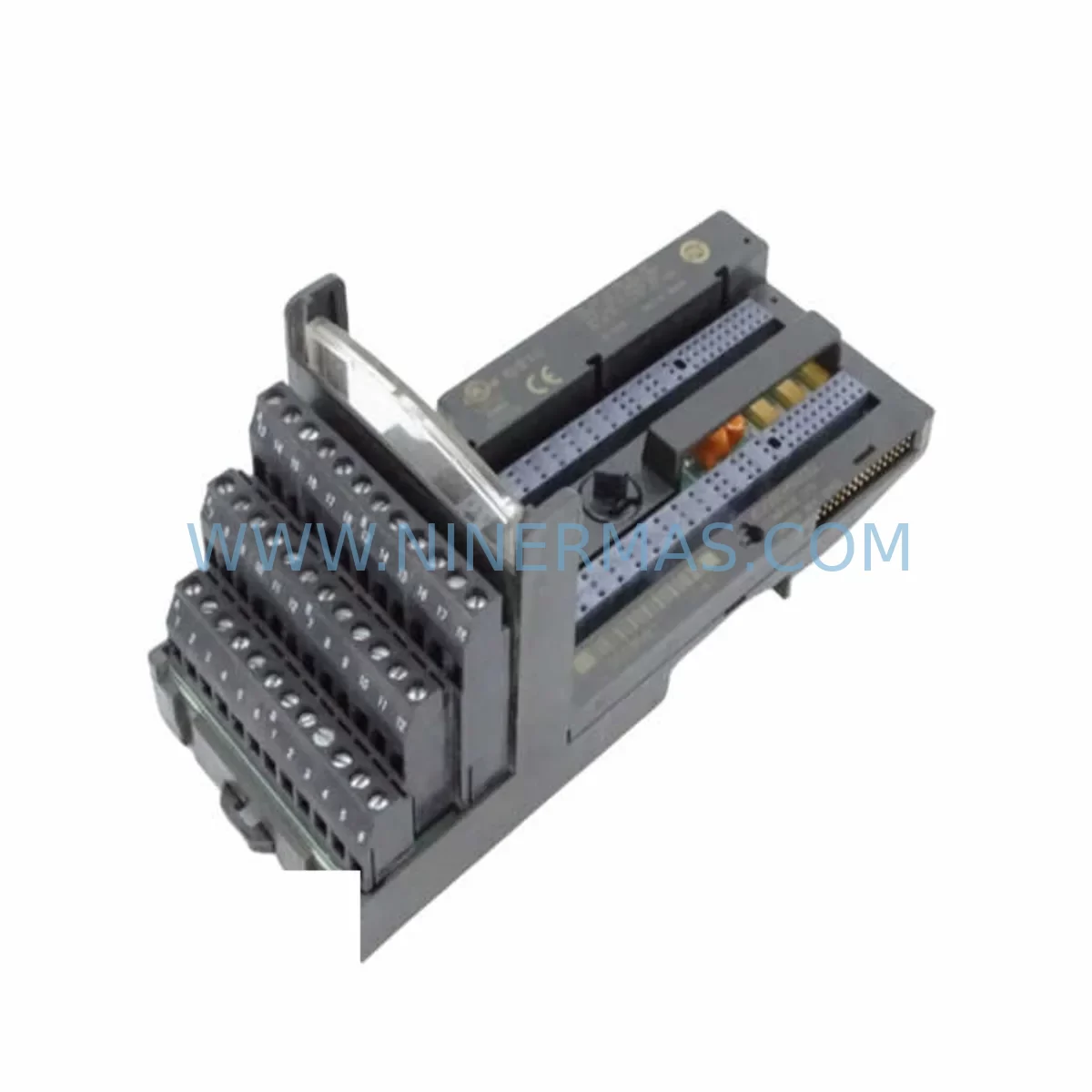
GE IC200CHS0022 Retrofit-Compatible I/O Carrier for Legacy VersaMax
Verify the part, confirm the platform family, and move straight into quotation with the right commercial details.
RFQ Ready
- SKUIC200CHS0022
- CategoryPLC & Industrial Automation Modules
- BrandGE
- SupportAvailability, lead time, condition, and shipping coordination
How Buyers Usually Use This Page
- Confirm the exact part number and platform family before sending the quote request.
- Use direct email when quantity, condition, and destination are already defined internally.
- Switch to the broader brand or category archive when you need alternates nearby.
Series Navigation
Move through the most common platform families behind this part.
Product RFQ
Send this part directly for quotation.
Include quantity, required condition, destination country, and target delivery timing. Current reference: GE IC200CHS0022 Retrofit-Compatible I/O Carrier for Legacy VersaMax with SKU IC200CHS0022.
GE IC200CHS0022 Retrofit-Compatible I/O Carrier for Legacy VersaMax Systems
The GE IC200CHS0022 is a VersaMax series I/O carrier module designed to support legacy automation system retrofits, discontinued spare part replacements, and control cabinet upgrades. As GE Fanuc’s VersaMax platform continues to serve critical production lines worldwide, the IC200CHS0022 remains a cornerstone component for engineers managing aging infrastructure, extending system lifecycles, and minimizing unplanned downtime during migration projects.
Whether you are replacing a failed carrier on an existing VersaMax rack, expanding I/O capacity in a legacy control cabinet, or executing a phased migration from an older GE Series 90 platform, the IC200CHS0022 provides the mechanical and electrical compatibility required for a smooth, low-risk transition. NINERMAS maintains verified stock of this module with full functional testing prior to shipment and a 12-month warranty on every unit.
Upgrade Compatibility Table
| Parameter | IC200CHS0022 Specification | Retrofit / Upgrade Notes |
|---|---|---|
| Platform | GE VersaMax | Compatible with VersaMax modular rack systems; verify rack slot count before ordering |
| Module Type | I/O Carrier (Expansion Carrier) | Supports standard VersaMax I/O modules; confirm module footprint matches existing carrier |
| Backplane Interface | VersaMax local bus | Direct drop-in for same-generation VersaMax racks; not cross-compatible with PACSystems RX3i backplane without adapter |
| Communication Compatibility | Profibus DP, DeviceNet, Ethernet (via NIU) | Confirm Network Interface Unit (NIU) firmware version supports existing field device protocol; IC200PBI001 and IC200BEM002 are common companion modules |
| Power Requirements | Supplied via VersaMax power supply module | Verify IC200PWR002 or IC200PWR102 power supply capacity covers total I/O load after expansion |
| Installation Space | Standard VersaMax DIN rail / panel mount | Measure available cabinet depth and rail spacing; confirm clearance for wiring harness and terminal blocks |
| Replacement Path | Direct replacement for failed or end-of-life IC200CHS0022 units | No firmware re-flash required for like-for-like swap; re-address only if module slot position changes |
| Commissioning | Hardware configuration via Proficy Machine Edition or VersaPro | Backup existing I/O configuration before removal; restore and verify I/O map after installation |
| Warranty | 12-Month Warranty — All units shipped by NINERMAS are functionally tested and covered for 12 months from date of delivery | |
Retrofit Planning for Existing Automation Systems
Successful integration of the IC200CHS0022 into a legacy control system requires a structured pre-retrofit assessment. Engineers should begin by auditing the existing VersaMax rack configuration, documenting every occupied slot, the I/O module type installed in each position, and the current wiring schedule for each terminal block. This baseline is essential before any hardware is removed from service.
Power budget verification is a critical early step. The IC200PWR002 or IC200PWR102 power supply modules feeding the rack must have sufficient headroom to support the IC200CHS0022 carrier and any I/O modules mounted on it. Overloading the power supply is a common cause of intermittent faults after expansion, and it is far easier to address during planning than during a live commissioning session.
Terminal block and wiring compatibility must also be confirmed. VersaMax I/O modules such as the IC200MDL640 (discrete input) or IC200MDL741 (discrete output) use specific terminal block assemblies. When the carrier is replaced, the associated terminal blocks and field wiring must be re-landed correctly. Label every wire before disconnection and photograph the original wiring layout as a reference.
Backplane slot addressing is another area requiring careful attention. In a VersaMax system, the IC200CHS002 and related carrier modules define the physical slot boundaries that the CPU or Network Interface Unit uses to map I/O references. If the IC200CHS0022 is being added to expand an existing rack rather than replacing a failed unit, the programmer must update the hardware configuration in Proficy Machine Edition or VersaPro to reflect the new slot assignments. Failure to do so will result in I/O reference mismatches and potential program faults.
For systems communicating over Profibus DP, the Network Interface Unit — typically an IC200PBI001 — must be checked for firmware compatibility with the expanded I/O count. Similarly, if the control system uses DeviceNet via an IC200BEM002 bridge module, the node address table and EDS file configuration should be reviewed to ensure the new carrier and its associated modules are correctly enumerated on the network.
Where the retrofit involves migrating from an older GE Series 90-30 platform to VersaMax, additional planning is required around program conversion. The Series 90-30 CPU rack, typically built around modules like the IC693CPU364, uses a different I/O addressing model. Logic blocks referencing %I and %Q addresses must be remapped to match the VersaMax I/O configuration. Signal isolators may also be required at the field wiring interface if the new I/O modules operate at different signal levels than the legacy hardware.
HMI screen updates are frequently overlooked during retrofit projects. If the plant uses a QuickPanel or third-party HMI connected to the VersaMax CPU via serial or Ethernet, any I/O tag references that change as a result of the carrier expansion must be updated in the HMI project before the system is returned to service. Coordinate HMI updates with the control system changes to avoid operator confusion during startup.
Finally, confirm that installation space in the control cabinet is adequate. The IC200CHS0022 requires standard DIN rail mounting with sufficient depth for the I/O modules and their wiring harnesses. Measure the available cabinet space carefully, particularly in older enclosures where cable management may already be congested. A pre-installation dry-fit of the carrier and modules before the scheduled maintenance window will prevent delays on the day of the retrofit.
Downtime Control During System Migration
Minimizing production downtime is the primary concern for any maintenance team executing a VersaMax carrier replacement or expansion. The most effective strategy is to complete as much preparation work as possible while the system remains in service, reserving the actual hardware swap for a planned maintenance window of the shortest possible duration.
Begin by creating a full backup of the existing PLC program using Proficy Machine Edition or VersaPro. Store the backup on at least two separate media — a local engineering workstation and a removable drive kept off-site. Verify the backup is readable and complete before scheduling the maintenance window. A corrupted or incomplete backup discovered after the hardware has been removed is one of the most costly mistakes in retrofit work.
Pre-stage all replacement hardware — the IC200CHS0022 carrier, any associated I/O modules, terminal blocks, and mounting hardware — in the control room before the maintenance window begins. Confirm that the replacement unit has been functionally tested and that the 12-month warranty documentation is on file. Having a spare IC200PWR002 power supply module on hand is also advisable, as power supply failures are sometimes triggered by the disturbance of removing and reinstalling rack components.
During the maintenance window, follow a strict sequence: isolate the affected rack from field power, document the final state of all I/O indicators before power-down, remove the failed or target carrier, install the IC200CHS0022, re-land all field wiring per the documented schedule, restore power, and perform a controlled program download. Do not attempt to restore production before completing a full I/O checkout — verify every discrete input and output against the field device it controls, and confirm all analog signals are within expected ranges.
For systems where even a brief interruption is unacceptable, consider a parallel commissioning approach: configure the new carrier and its I/O modules on a bench test rack, validate the program logic against simulated I/O, and then execute the physical swap with a pre-validated configuration ready to download. This approach can reduce the live commissioning phase to under 30 minutes for straightforward carrier replacements.
After the system is returned to service, monitor the first production run closely. Check for any unexpected I/O faults, communication alarms, or program scan time increases that might indicate a configuration issue. Document the completed retrofit in the plant maintenance record, including the serial number of the installed IC200CHS0022, the date of installation, and the warranty expiry date.
Retrofit Support FAQ
Q1: Is the IC200CHS0022 a direct drop-in replacement for a failed VersaMax carrier?
Yes, for like-for-like replacements within the same VersaMax rack generation, the IC200CHS0022 is a direct mechanical and electrical substitute. No firmware changes are required if the module slot position remains unchanged. If the carrier is being installed in a different slot position, update the hardware configuration in Proficy Machine Edition or VersaPro and perform a full I/O verification before returning the system to service.
Q2: What commissioning steps are required after installing the IC200CHS0022?
After physical installation and field wiring re-termination, restore power to the rack and perform a controlled program download from the engineering workstation. Verify the I/O configuration is accepted without faults, then conduct a point-by-point I/O checkout against the field wiring schedule. For systems using Profibus DP or DeviceNet, confirm that all network nodes are communicating correctly before releasing the system to production.
Q3: Can the IC200CHS0022 be used in a migration from GE Series 90-30 to VersaMax?
The IC200CHS0022 is a VersaMax-native component and is not directly compatible with Series 90-30 rack hardware. However, it is a key building block for the VersaMax target system in a Series 90-30 migration project. The migration requires program conversion, I/O address remapping, and field wiring adaptation. NINERMAS can supply both the IC200CHS0022 and companion VersaMax modules to support a complete migration bill of materials.
Q4: What warranty and stock availability does NINERMAS offer for the IC200CHS0022?
NINERMAS maintains verified in-stock inventory of the IC200CHS0022 with a 12-month warranty from the date of delivery. Every unit undergoes functional testing prior to shipment. For urgent retrofit projects, expedited shipping is available. Contact our team at sale@ninermas.com or +0086 187 5021 5667 to confirm current stock levels and lead times.
| Product Series | Fanuc |
|---|---|
| Country of Origin | US |
Catalog Continuation
Likely VersaMax platform matches.
These parts are closer to the same platform family signaled by the current SKU and title, so buyers can validate continuity before sending a final RFQ.
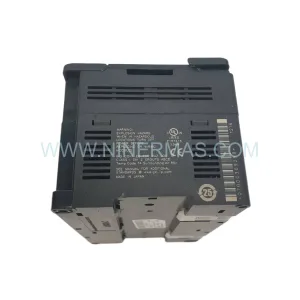
Catalog Continuation
Nearby part numbers around IC200CHS.
Use this lane when the buyer is comparing adjacent model numbers, revision-near items, or closely related spare variants within the same brand family.


Catalog Continuation
More GE modules in the catalog.
Use the brand lane to compare nearby part numbers, platform-adjacent modules, and other inquiry-ready listings before sending your final RFQ.
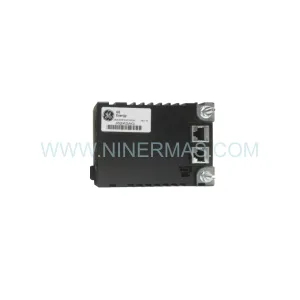
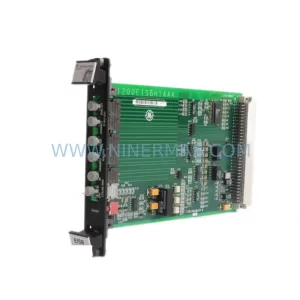
SKU: IS200EISBH1A IS200EISBH1AAA
GE IS200EISBH1A IS200EISBH1AAA Safety-Reliable I/O for Critical Control
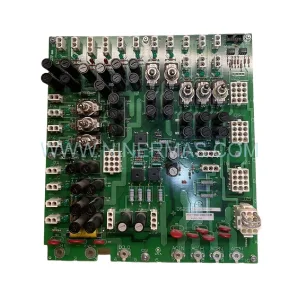
SKU: DS200TCPDG2BEC
GE DS200TCPDG2BEC Power Distribution Board Original Spare Parts
Catalog Continuation
Alternative parts within PLC & Industrial Automation Modules.
Stay inside the same system family when you need substitutes, adjacent modules, or a broader shortlist for procurement review.