
Original Industrial Spare Part
ABB 1MRB150004R0001 500SCM01 Service-Ready Spare Part
Verify the part, confirm the platform family, and move straight into quotation with the right commercial details.
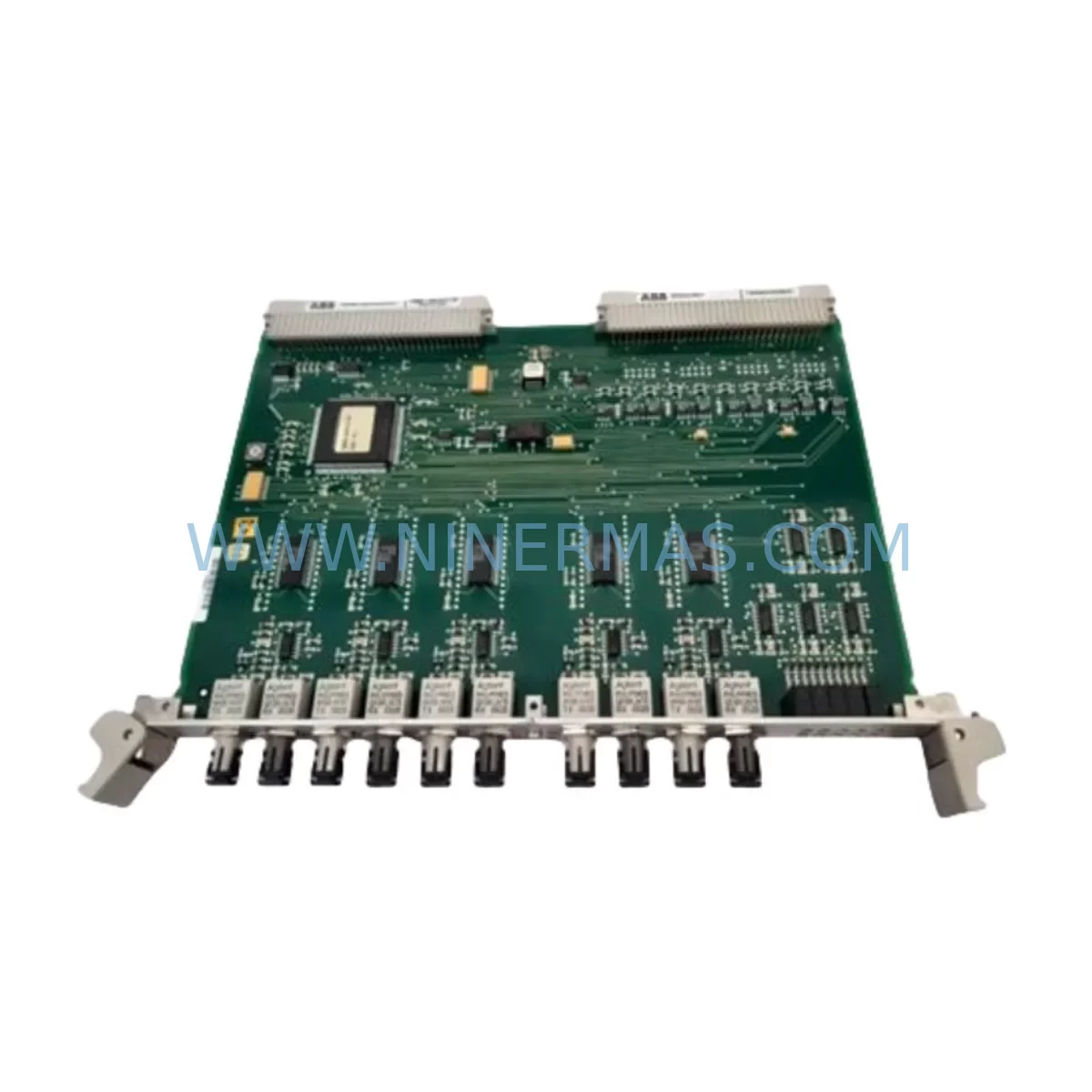
RFQ Ready
- SKU1MRB150004R0001 (500SCM01)
- CategoryDCS Distributed Control Systems
- BrandABB
- SupportAvailability, lead time, condition, and shipping coordination
How Buyers Usually Use This Page
- Confirm the exact part number and platform family before sending the quote request.
- Use direct email when quantity, condition, and destination are already defined internally.
- Switch to the broader brand or category archive when you need alternates nearby.
Series Navigation
Move through the most common platform families behind this part.
Product RFQ
Send this part directly for quotation.
Include quantity, required condition, destination country, and target delivery timing. Current reference: ABB 1MRB150004R0001 500SCM01 Service-Ready Spare Part with SKU 1MRB150004R0001 (500SCM01).
ABB 1MRB150004R0001 500SCM01 Service-Ready Spare Part for Industrial Maintenance
The ABB 1MRB150004R0001 (500SCM01) is a communication module designed for the ABB AC500 PLC series — one of the most widely deployed programmable logic controller platforms in industrial automation, process control, and critical infrastructure applications. When this module fails or degrades, the consequences extend beyond a single I/O channel: the entire communication backbone of the control cabinet may be compromised, triggering unplanned downtime, production loss, and costly emergency procurement. Stocking a verified, service-ready replacement is the most effective strategy for minimizing mean time to repair (MTTR) and maintaining operational continuity.
At NINERMAS, every ABB 1MRB150004R0001 unit is sourced from authorized supply chains, inspected against original ABB specifications, and dispatched with full functional test documentation. Our 12-month warranty covers all verified original spare parts, giving maintenance engineers and procurement teams the confidence to plan ahead rather than react under pressure.
Spare Maintenance Table
| Part Number | 1MRB150004R0001 |
| Module Type | 500SCM01 — Serial Communication Module |
| Compatible Platform | ABB AC500 PLC Series (PM571, PM581, PM591, PM595 and compatible CPUs) |
| Communication Interface | Serial (RS-232 / RS-485, protocol-dependent configuration) |
| Mounting | Direct backplane mounting on AC500 I/O bus |
| Power Supply | Supplied via AC500 backplane bus (no external power required) |
| Operating Temperature | -25°C to +60°C (standard industrial range) |
| Protection Rating | IP20 (panel-mount installation) |
| Application Environment | Industrial automation, process control, building management, energy, water treatment |
| Maintenance Recommendation | Inspect communication integrity during scheduled cabinet audits; replace at first sign of intermittent signal loss or CRC errors |
| Warranty | 12 Months — All units tested before dispatch |
| Condition | Original Spare — New or Refurbished-to-Spec |
| Lead Time | In-stock units ship within 2 business days |
Maintenance Planning for Continuous Operation
Replacing the ABB 1MRB150004R0001 (500SCM01) in the field is rarely an isolated task. Experienced maintenance engineers know that a communication module failure is often a symptom of broader stress in the control cabinet — and that a thorough replacement workflow must account for the surrounding electrical and signal environment.
Before installing the new 500SCM01, verify the condition of the AC500 CPU module (such as the PM581 or PM591) to confirm the backplane bus is delivering clean power and that no firmware incompatibility exists. Check the AC500 power supply module (e.g., CP-E 24VDC series) for output voltage stability — an under-voltage condition is a common root cause of communication module degradation. Inspect all terminal blocks and field wiring connected to the serial port; corroded or loose terminals on RS-485 lines introduce noise that accelerates module wear.
If the 500SCM01 is used for Modbus RTU or PROFIBUS communication, also audit the network termination resistors and cable shielding continuity. For cabinets where the AC500 communicates with an ABB CP600 or CP620 HMI panel, confirm that the HMI communication parameters (baud rate, parity, stop bits) match the replacement module’s configuration before going live. In multi-rack installations, inspect the AC500 expansion backplane and its ribbon or bus connectors for physical damage.
Maintenance planners should also consider scheduling concurrent inspection of AC500 digital I/O modules (such as the DC532 or DA501 series), analog input modules, and any installed signal isolators or barriers in the same cabinet. Relay output modules and their associated 24VDC interposing relays should be checked for contact wear, especially in high-cycle applications. If the system includes a fieldbus coupler or gateway module for PROFINET or EtherNet/IP integration, verify its firmware version is compatible with the restored communication stack.
For aging AC500 installations approaching end-of-life, proactive spare parts inventory should include at minimum: the 500SCM01 communication module, one CPU module, one power supply, and a set of I/O modules matching the installed configuration. This approach eliminates the most common causes of extended downtime and supports a structured old-system life extension strategy without requiring full platform migration.
Site Replacement Workflow
Step 1 — Pre-Replacement Verification: Download and archive the current PLC program from the AC500 CPU before any hardware change. Confirm the replacement 1MRB150004R0001 unit matches the installed firmware baseline or is compatible with an available upgrade path.
Step 2 — Safe Isolation: Follow your site’s lockout/tagout (LOTO) procedure. De-energize the control cabinet and discharge any residual voltage on the backplane bus. Remove the faulty 500SCM01 by releasing the DIN rail latch and disconnecting the backplane connector carefully to avoid pin damage.
Step 3 — Module Installation: Seat the replacement module firmly on the backplane. Verify the bus connector is fully engaged. Re-energize the cabinet and observe the module’s LED status indicators — a solid green RUN LED confirms successful initialization.
Step 4 — Communication Restoration: Using ABB Automation Builder or the applicable engineering tool, re-download the communication configuration to the 500SCM01. Verify Modbus, PROFIBUS, or serial link integrity using the diagnostic tools available in the CPU’s web server or engineering software.
Step 5 — Functional Test and Documentation: Confirm all field devices connected via the serial link are responding correctly. Update the maintenance log with the replacement date, module serial number, and test results. This record supports warranty claims and future audit requirements.
This workflow is designed to minimize downtime to under two hours for a prepared maintenance team, and to ensure full system compatibility without requiring a full PLC reconfiguration.
Spare Parts Support FAQ
Q1: Is the ABB 1MRB150004R0001 (500SCM01) compatible with all AC500 CPU variants?
The 500SCM01 is designed for the AC500 platform and is compatible with the majority of AC500 CPU modules including the PM571, PM581, PM591, and PM595 families. Compatibility with specific firmware versions should be confirmed using ABB’s product compatibility matrix or by consulting your NINERMAS technical support contact before installation.
Q2: What is included with each unit shipped by NINERMAS?
Every 1MRB150004R0001 unit is dispatched with a pre-shipment functional test report, anti-static packaging, and a 12-month warranty certificate. Units are inspected against original ABB electrical and mechanical specifications before release. Expedited shipping options are available for emergency maintenance situations.
Q3: Can NINERMAS supply this part on a long-term or blanket order basis?
Yes. NINERMAS supports long-term supply agreements for maintenance teams managing multiple AC500 installations. Blanket orders allow you to lock in pricing, guarantee stock availability, and reduce procurement lead times for scheduled annual overhauls or multi-site maintenance programs.
Q4: What should I do if the replacement module does not resolve the communication fault?
If installing a new 500SCM01 does not restore communication, the fault is likely upstream (CPU, power supply, or field wiring) or downstream (connected device configuration). NINERMAS technical support can assist with fault isolation guidance. All units carry a 12-month warranty — if the module is confirmed defective on arrival, we will arrange immediate replacement at no additional cost.
| Product Series | AC500 |
|---|---|
| Country of Origin | SE |
Catalog Continuation
Nearby part numbers around 1MRB1500.
Use this lane when the buyer is comparing adjacent model numbers, revision-near items, or closely related spare variants within the same brand family.
Catalog Continuation
More ABB modules in the catalog.
Use the brand lane to compare nearby part numbers, platform-adjacent modules, and other inquiry-ready listings before sending your final RFQ.
SKU: IRB7600 3HAC17484-1 3HAC062339-006 IRB6620 3HAC025007-001 DSQC1018 3HAC050363-001 DSQC1000 3HAC042766-001
ABB 3HAC17484-1 Service-Ready Spare for Industrial Maintenance
Catalog Continuation
Alternative parts within DCS Distributed Control Systems.
Stay inside the same system family when you need substitutes, adjacent modules, or a broader shortlist for procurement review.
SKU: 01984-4282-0001
Fisher 01984-4282-0001 Retrofit-Compatible Control Module
SKU: KJ1501X1-BB1 12P0678X042 VE5002
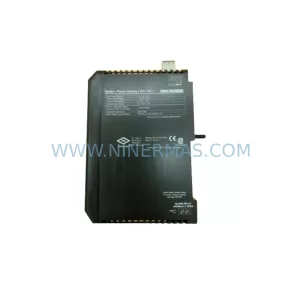
Emerson KJ1501X1-BB1 Retrofit Power Supply for Legacy DeltaV
SKU: 8C-TCNT02 8U-TCNT02 8C-TCNTA1 8U-TCNTA1
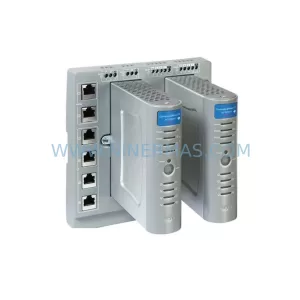
Honeywell 8C-TCNT02 Service-Ready Spare Part for Industrial Maintenance



