
Original Industrial Spare Part
SANYO DENKI TP-C20EB Retrofit-Compatible HMI for Legacy Systems
Verify the part, confirm the platform family, and move straight into quotation with the right commercial details.
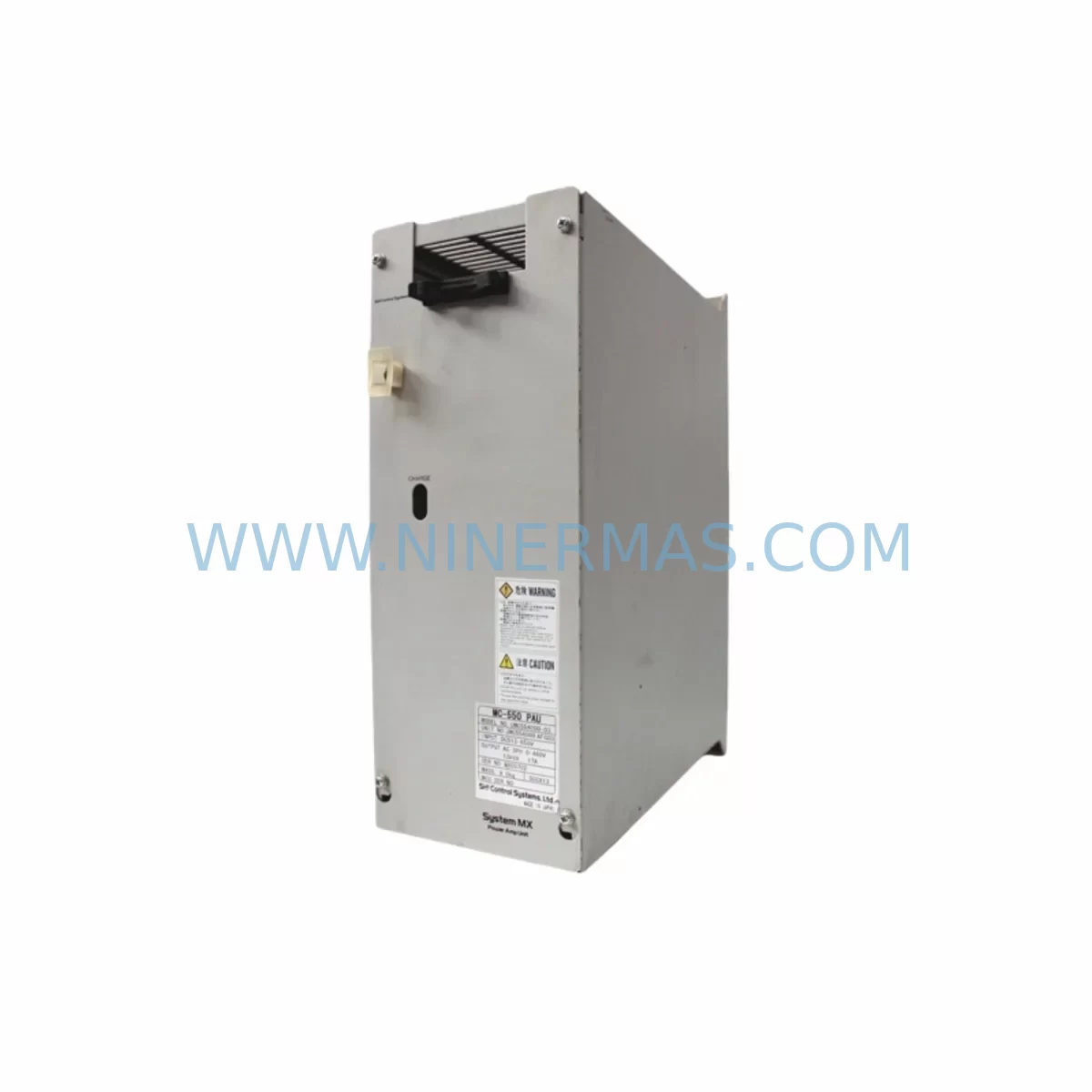
RFQ Ready
- SKUTP-C20EB TP-C20E B JP-386-1324
- CategoryPLC & Industrial Automation Modules
- BrandSanyo Denki
- SupportAvailability, lead time, condition, and shipping coordination
How Buyers Usually Use This Page
- Confirm the exact part number and platform family before sending the quote request.
- Use direct email when quantity, condition, and destination are already defined internally.
- Switch to the broader brand or category archive when you need alternates nearby.
Series Navigation
Move through the most common platform families behind this part.
Product RFQ
Send this part directly for quotation.
Include quantity, required condition, destination country, and target delivery timing. Current reference: SANYO DENKI TP-C20EB Retrofit-Compatible HMI for Legacy Systems with SKU TP-C20EB TP-C20E B JP-386-1324.
SANYO DENKI TP-C20EB Retrofit-Compatible HMI for Legacy Systems
The SANYO DENKI TP-C20EB (also referenced as TP-C20E-B, JP-386-1324) is a compact operator interface panel designed for integration into legacy industrial control cabinets. As production lines age and original equipment manufacturers discontinue support for older HMI platforms, the TP-C20EB has become a critical retrofit component for maintenance engineers seeking to extend the operational life of existing automation systems without committing to a full control architecture overhaul. This unit is sourced from verified supply channels, pre-tested prior to shipment, and backed by a 12-month warranty — making it a reliable choice for both emergency replacement and planned upgrade projects.
Whether you are replacing a failed panel on a legacy packaging line, upgrading an aging injection moulding cell, or migrating a food processing system from an obsolete HMI platform, the TP-C20EB provides a dimensionally and functionally compatible solution within the TP-C20E series ecosystem. Its compact form factor and standardised terminal layout reduce the engineering effort required during panel changeover, allowing maintenance teams to restore operational continuity with minimal downtime.
Upgrade Compatibility Table
| Parameter | TP-C20EB (This Unit) | Retrofit Notes |
|---|---|---|
| Model / SKU | TP-C20EB / JP-386-1324 | Verify label matches TP-C20E-B suffix |
| Series | TP-C20E Series | Compatible within TP-C20E platform family |
| Interface Type | Operator Touch Panel / HMI | Confirm screen resolution and touch type match legacy unit |
| Power Supply | 24V DC (nominal) | Verify cabinet PSU capacity before installation |
| Communication Protocol | RS-232C / RS-422 (series standard) | Confirm PLC communication port and baud rate settings |
| Mounting | Panel cut-out mount | Measure existing cut-out; TP-C20E series dimensions apply |
| Backplane / Rack | Stand-alone panel unit | No backplane required; direct cabinet door mounting |
| Program Compatibility | TP-C20E series project files | Backup existing screen project before transfer |
| Replacement Path | Direct drop-in for TP-C20E-B variants | Confirm firmware version compatibility with engineering software |
| Warranty | 12 Months | Covered from date of shipment; includes functional test certificate |
Retrofit Planning for Existing Automation Systems
Successful integration of the TP-C20EB into an existing control system requires a structured pre-installation review. Before removing the failed or obsolete panel, engineers should document the existing wiring configuration at the terminal block level, noting signal assignments for RS-232C or RS-422 communication lines, 24V DC power feed terminals, and any discrete I/O connections routed through the HMI. In many legacy installations, the TP-C20E series panel is wired in conjunction with SANYO DENKI servo amplifiers such as the PY2A030E3XXXC01 or RS1A01AA, which communicate with the HMI via serial link for axis status monitoring and alarm display. Confirming that these communication parameters — baud rate, data bits, stop bits, and parity — are preserved during the panel swap is essential to avoid post-installation communication faults.
In control cabinets where the TP-C20EB is paired with a programmable logic controller, engineers should verify that the PLC communication driver loaded in the replacement panel matches the protocol version used by the installed controller. For systems running on older Mitsubishi Q-series or FX-series PLCs, or Omron CJ/CS-series controllers, the HMI project file must be confirmed compatible with the TP-C20E series programming software before the new unit is powered on. Programming cables specific to the TP-C20E platform should be prepared in advance to allow on-site project upload if the internal memory of the replacement unit does not carry a pre-loaded project.
Power supply capacity is a frequently overlooked factor in HMI retrofit projects. Where the existing 24V DC rail also feeds DIN rail terminal blocks, signal isolators, and distributed I/O modules, engineers should calculate the total current draw to confirm the installed power supply module can support the additional load of the replacement panel. In cabinets where power budget is tight, a dedicated 24V DC supply for the HMI circuit is recommended. Signal isolators installed between the HMI serial port and the PLC communication module can also help eliminate ground loop interference that sometimes appears after a panel replacement in older installations.
For systems undergoing a broader migration — for example, moving from a legacy SANYO DENKI TP-C20E platform to a newer TP-C21EB or TP-C22EB operator interface — the TP-C20EB can serve as an interim replacement while the new HMI project is being developed and tested. This staged approach allows the production line to remain operational on the existing screen logic while engineering resources are allocated to the longer-term upgrade. During this period, maintaining a spare TP-C20EB unit in local inventory is advisable to protect against secondary failures before the full migration is complete.
Where I/O expansion is required as part of the retrofit, remote I/O terminal blocks and communication adapters compatible with the existing PLC backplane should be sourced alongside the HMI replacement. In installations where the control cabinet also houses BL Super P series servo motors and their associated drive modules, confirming that the HMI alarm and status screens correctly reference the updated drive addresses after any I/O reconfiguration is a critical commissioning step. Overlooking this detail can result in misleading alarm displays that complicate fault diagnosis during the initial post-retrofit production run.
Downtime Control During System Migration
Minimising production downtime during an HMI replacement requires preparation that begins well before the maintenance window opens. The most effective approach is to create a complete backup of the existing HMI project — including all screen pages, tag assignments, alarm configurations, and communication settings — and store this backup on a dedicated engineering laptop or USB drive that will be present on-site during the changeover. If the existing panel is still partially functional, this backup should be extracted using the original TP-C20E series programming software before the unit is removed from service.
During the physical swap, the replacement TP-C20EB should be pre-wired on a bench if possible, with terminal connections prepared according to the documented wiring schedule. This reduces the time the control cabinet is open and the production line is offline. Once the unit is installed and powered, the HMI project should be loaded via programming cable and the communication link to the PLC verified before any attempt is made to restart the controlled process. A structured commissioning checklist — covering power-on sequence, communication link confirmation, alarm screen verification, and operator acknowledgement of key process screens — helps ensure that no configuration step is missed under time pressure.
For critical production environments where even a brief unplanned outage carries significant cost, maintaining a pre-configured spare TP-C20EB with the current HMI project pre-loaded is the most effective downtime mitigation strategy. This approach reduces the changeover time to the physical installation and wiring verification steps, eliminating the project upload and commissioning phases from the critical path. NINERMAS maintains in-stock inventory of the TP-C20EB to support urgent replacement requirements, with same-day dispatch available for confirmed orders received before the daily shipping cutoff.
Retrofit Support FAQ
Q: Is the TP-C20EB a direct replacement for the TP-C20E-B, and will my existing HMI project load without modification?
A: Yes. The TP-C20EB and TP-C20E-B designations refer to the same unit within the SANYO DENKI TP-C20E series. Existing project files created with the TP-C20E series programming software are compatible with the replacement unit. However, it is recommended to verify the firmware version of the replacement unit against the version used during project development, as minor firmware differences can occasionally affect screen rendering or communication timing.
Q: What communication wiring changes are required when installing the TP-C20EB as a replacement?
A: In most cases, no wiring changes are required if the replacement unit is installed in the same cabinet position as the original. The RS-232C or RS-422 terminal assignments follow the TP-C20E series standard pinout. Engineers should confirm terminal labelling against the original wiring diagram and verify that cable shielding is correctly terminated to prevent communication interference after installation.
Q: How is the TP-C20EB tested before shipment, and what does the 12-month warranty cover?
A: Each TP-C20EB unit supplied by NINERMAS undergoes a functional test prior to dispatch, confirming power-on operation, display function, and communication port integrity. The 12-month warranty covers manufacturing defects and functional failures under normal operating conditions. Units that fail during the warranty period are replaced or repaired at no additional cost. A test certificate is available upon request for quality-assurance documentation purposes.
Q: What is the typical lead time, and do you maintain stock for urgent replacement orders?
A: NINERMAS maintains in-stock inventory of the TP-C20EB to support urgent maintenance requirements. Standard orders are dispatched within one to two business days. For critical breakdown situations, please contact our sales team directly to confirm current stock availability and arrange priority dispatch. Same-day shipping may be available for orders confirmed before the daily cutoff time.
| Product Series | Legacy |
|---|
Catalog Continuation
More Sanyo Denki modules in the catalog.
Use the brand lane to compare nearby part numbers, platform-adjacent modules, and other inquiry-ready listings before sending your final RFQ.
SKU: PV2A015WN31A00 2MC-H500-N 4022.436.1575 G-50S
Sanyo Denki PV2A015WN31A00 Safety-Reliable Servo Drive
SKU: PV2A015SMT1P50-C1 E2-500-250-A A4249-9215HG-A1 BLUAC5-Q, 929537-003 5000-107
Sanyo Denki PV2A015SMT1P50 Safety-Reliable Servo Drive
SKU: PYRG015K1XXVP00
SANYO DENKI PYRG015K1XXVP00 Safety-Reliable AC Servo Drive
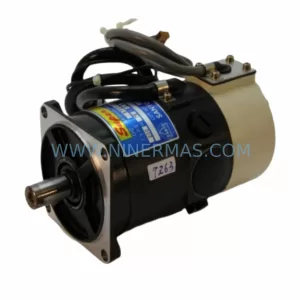
SKU: R720-012E18 E681000C30
Sanyo Denki R720-012E18 E681000C30 Service-Ready Spare Part
Catalog Continuation
Alternative parts within PLC & Industrial Automation Modules.
Stay inside the same system family when you need substitutes, adjacent modules, or a broader shortlist for procurement review.



SKU: HDD02.2-W040N-HS12-01-FW FWA-DIAX04-ELS-05VRS-MS
Rexroth HDD02.2-W040N-HS12-01-FW Service-Ready Spare Part

SKU: I5DAE375F10010000S
Lenze I5DAE375F10010000S Service-Ready Spare Part for Industrial Maintenance



