Original Industrial Spare Part
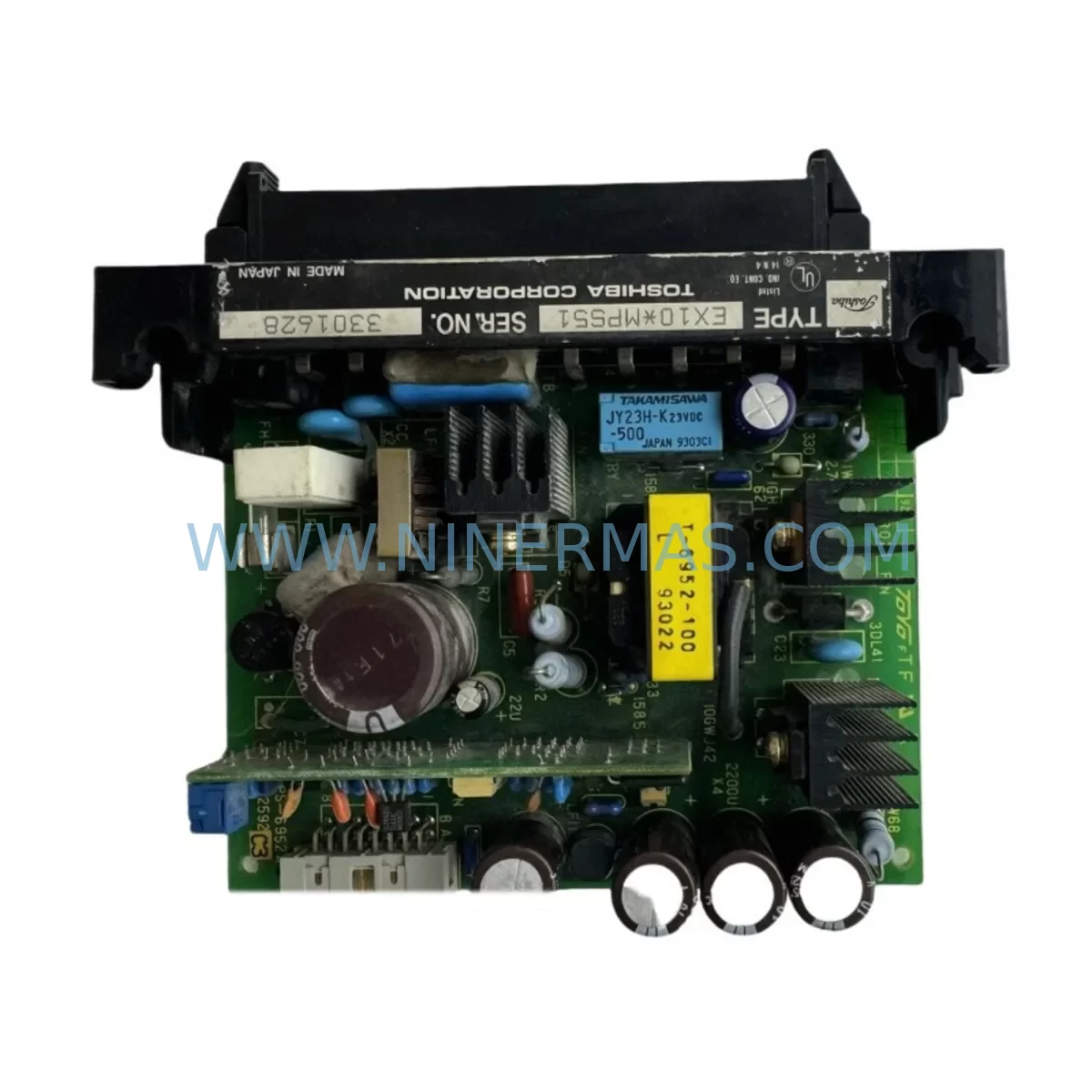
TOSHIBA EX10*MPS51 Service-Ready Spare Part for Industrial Maintenance
Verify the part, confirm the platform family, and move straight into quotation with the right commercial details.
RFQ Ready
- SKUEX10*MPS51
- CategoryPLC & Industrial Automation Modules
- BrandToshiba
- SupportAvailability, lead time, condition, and shipping coordination
How Buyers Usually Use This Page
- Confirm the exact part number and platform family before sending the quote request.
- Use direct email when quantity, condition, and destination are already defined internally.
- Switch to the broader brand or category archive when you need alternates nearby.
Series Navigation
Move through the most common platform families behind this part.
Product RFQ
Send this part directly for quotation.
Include quantity, required condition, destination country, and target delivery timing. Current reference: TOSHIBA EX10*MPS51 Service-Ready Spare Part for Industrial Maintenance with SKU EX10*MPS51.
TOSHIBA EX10*MPS51 Service-Ready Spare Part for Industrial Maintenance
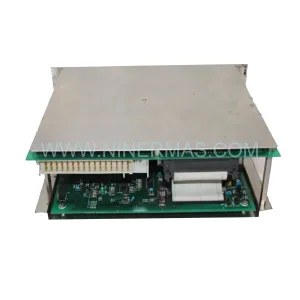
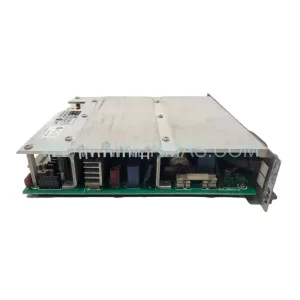
The TOSHIBA EX10*MPS51 is a ruggedized power supply input module engineered for the TOSHIBA EX10 programmable logic controller series, widely deployed across process automation, discrete manufacturing, and utility control systems. As industrial facilities push aging control infrastructure beyond its original design life, maintaining a verified, service-ready stock of the EX10*MPS51 is a critical element of any proactive maintenance strategy. Unplanned downtime caused by power supply failure in a PLC rack is among the most disruptive events a maintenance team can face — and the EX10*MPS51 is precisely the component that prevents a minor electrical fault from escalating into a full production stoppage.
Sourced directly for industrial maintenance and MRO procurement channels, every EX10*MPS51 unit shipped by NINERMAS undergoes pre-shipment functional verification, ensuring that the module arrives ready for immediate installation without the delays associated with incoming inspection or warranty claim processing. Each unit is backed by a 12-month replacement warranty, giving maintenance engineers and procurement managers the confidence to stock this module as a long-term spare.
Spare Maintenance Table
| Parameter | Specification / Detail |
|---|---|
| Part Number / SKU | EX10*MPS51 |
| Brand | TOSHIBA |
| Series | EX10 PLC Series |
| Module Type | Power Supply Input Module |
| Application | Industrial PLC Power Distribution & Input Conditioning |
| Operating Environment | Ruggedized — suitable for harsh industrial environments (vibration, dust, wide temperature range) |
| Compatibility | TOSHIBA EX10 series PLC racks and backplanes |
| Origin | Japan |
| Installation | Rack-mount, backplane-integrated; follow EX10 hardware installation manual |
| Maintenance Recommendation | Inspect every 12 months or upon any power anomaly; replace proactively in systems over 8 years old |
| Pre-Shipment Testing | Yes — functional verification performed before dispatch |
| Warranty | 12 Months |
| Lead Time | Contact for current stock availability |
Maintenance Planning for Continuous Operation
When a maintenance engineer schedules a replacement of the EX10*MPS51 power supply input module, the intervention window should be used to inspect the entire power distribution and I/O chain within the control cabinet. A failing or degraded power supply module rarely operates in isolation — associated components are often subjected to the same electrical stress, thermal cycling, and environmental exposure.
Begin by verifying the condition of the EX10*BU01 backplane unit, which interfaces directly with the MPS51 and distributes regulated power to all installed I/O and communication modules. A backplane showing signs of connector oxidation or micro-arcing should be replaced concurrently to avoid a repeat failure within weeks of the initial repair. Next, inspect the EX10*CPU51 or EX10*CPU52 central processing unit for firmware integrity and battery backup status — power interruptions caused by a degraded MPS51 can corrupt CPU memory or trigger watchdog faults that require a full program reload.
On the I/O side, check the EX10*DI32 digital input module and EX10*DO32 digital output module for blown fuse indicators or field wiring insulation breakdown, both of which are common secondary effects of upstream power instability. If the system includes analog signal loops, the EX10*AI16 analog input module should be tested for zero-drift and span accuracy, as power fluctuations frequently introduce calibration offsets in precision analog circuits.
For systems with serial or fieldbus communication, inspect the EX10*COM51 communication module and verify that RS-232/RS-485 termination resistors are intact and that baud rate settings have not been corrupted. In cabinets where signal isolation is critical, check any installed signal isolators or loop-powered transmitter barriers — these passive components are often overlooked during routine maintenance but degrade silently under sustained electrical noise.
Terminal blocks and DIN-rail mounted fuse holders feeding the MPS51 input circuit should be torque-checked and visually inspected for discoloration or heat damage. Upstream 24VDC or 120VAC industrial power supplies (such as MEAN WELL or Phoenix Contact units commonly paired with TOSHIBA EX10 systems) should have their output voltage and ripple measured before the new MPS51 is commissioned. Finally, if the control cabinet includes an HMI panel — such as a TOSHIBA-compatible operator terminal or a third-party touch panel — verify that the HMI communication link to the EX10 CPU is restored and stable after the module swap, as some HMI configurations require a soft restart following a PLC power cycle.
Stocking one spare EX10*MPS51 per active EX10 rack, alongside a spare CPU module and at least one I/O module of each type in use, is the minimum recommended inventory posture for facilities operating continuous or semi-continuous processes where unplanned downtime carries significant financial or safety consequences.
Site Replacement Workflow
Replacing the TOSHIBA EX10*MPS51 on-site is a structured process that, when executed correctly, minimizes total downtime to under 30 minutes for a prepared maintenance team. Before beginning, confirm that a verified replacement unit is on hand and that the EX10 rack’s current program has been backed up to an external memory device or engineering workstation running TOSHIBA’s programming software.
Initiate a controlled PLC shutdown by placing the CPU in STOP mode and acknowledging all active alarms at the HMI or SCADA level. De-energize the cabinet using the main isolator and apply lockout/tagout (LOTO) per site safety procedures. Remove the field wiring connections from the MPS51 input terminals, photographing or labeling each wire before disconnection. Slide the module out of the rack slot, taking care not to disturb adjacent I/O modules or the backplane connector.
Insert the new EX10*MPS51, ensuring the backplane connector is fully seated and the module retention latch is engaged. Reconnect field wiring in the documented sequence, verify terminal torque, and restore cabinet power. Bring the CPU back to RUN mode and monitor the first 10–15 minutes of operation for any power fault indicators, I/O error flags, or communication alarms. Document the replacement in the site maintenance log, including the serial number of the removed module and the date of installation of the new unit.
For facilities managing multiple EX10 racks across different production lines or substations, a standardized replacement kit — including the MPS51, a set of spare fuses, and a terminal block screwdriver — stored at each cabinet location reduces mean time to repair (MTTR) and eliminates the delay of retrieving tools and parts from a central store during an emergency.
Spare Parts Support FAQ
Q1: Is the EX10*MPS51 still available as a new original spare, or only as refurbished stock?
NINERMAS supplies the EX10*MPS51 as a service-ready spare part. Each unit is functionally tested prior to shipment. For specific stock condition details, contact our sales team directly at sale@ninermas.com.
Q2: How do I confirm compatibility between the EX10*MPS51 and my existing EX10 rack configuration?
Compatibility is determined by the EX10 rack model and backplane revision. Provide your full rack part number and any existing module list to our technical team, and we will confirm fit before shipment. As a general rule, the MPS51 is designed for the standard EX10 series backplane and is not interchangeable with EX20 or EX100 series hardware.
Q3: What does the 12-month warranty cover, and what is the replacement process?
The 12-month warranty covers functional failure under normal operating conditions. If a unit fails within the warranty period, contact sale@ninermas.com with your order reference and a description of the fault. NINERMAS will arrange a replacement dispatch after fault verification. Physical damage caused by incorrect installation, overvoltage, or environmental conditions outside the module’s rated specification is not covered.
Q4: Can NINERMAS support long-term or blanket purchase orders for the EX10*MPS51 to support multi-year maintenance contracts?
Yes. NINERMAS supports long-term supply agreements for industrial spare parts, including the EX10*MPS51. We recommend that facilities with more than three active EX10 racks establish a standing order or annual blanket PO to ensure priority allocation and avoid stock-out risk as this product line matures. Contact our procurement team to discuss volume pricing and delivery scheduling.
| Product Series | Other series |
|---|
Catalog Continuation
More Toshiba modules in the catalog.
Use the brand lane to compare nearby part numbers, platform-adjacent modules, and other inquiry-ready listings before sending your final RFQ.
Catalog Continuation
Alternative parts within PLC & Industrial Automation Modules.
Stay inside the same system family when you need substitutes, adjacent modules, or a broader shortlist for procurement review.
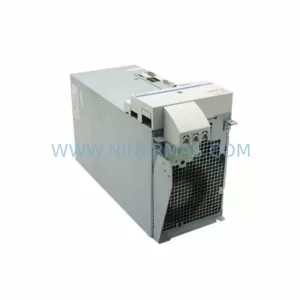
SKU: HMS01.1N-W0054-A-07-NNNN HMS01.1N-W0054
Rexroth HMS01.1N-W0054-A-07-NNNN Service-Ready Spare Part
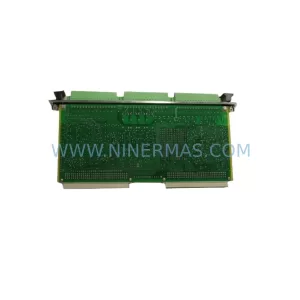
SKU: VIBRO METER VM600 IOC4T 200-560-000-019 I/O MODULE
Vibro-Meter VM600 IOC4T 200-560-000-019 Spare Part
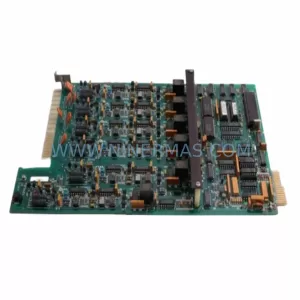
SKU: KPC400-357-986 00-271-601 KPC400-271-601 00-271-601KPC4 00271601
KUKA KPC400-271-601 Retrofit Controller for Legacy Systems