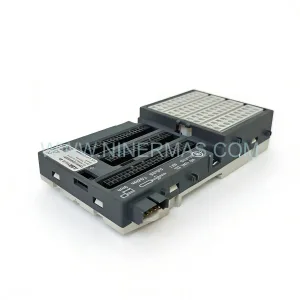
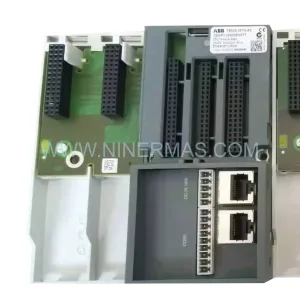
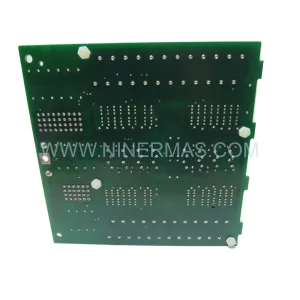
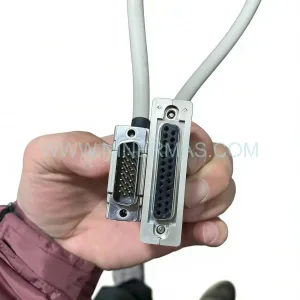
Original Industrial Spare Part
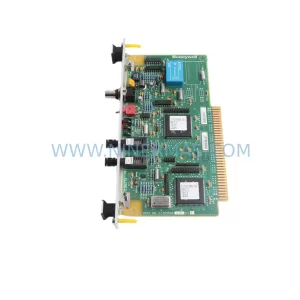
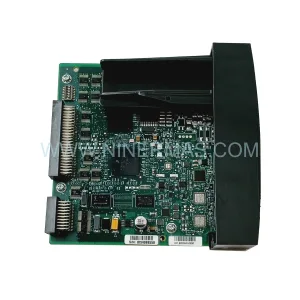
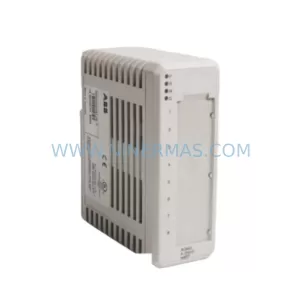
PEACOCK COM5V2 Spare Part for Industrial Maintenance
Verify the part, confirm the platform family, and move straight into quotation with the right commercial details.
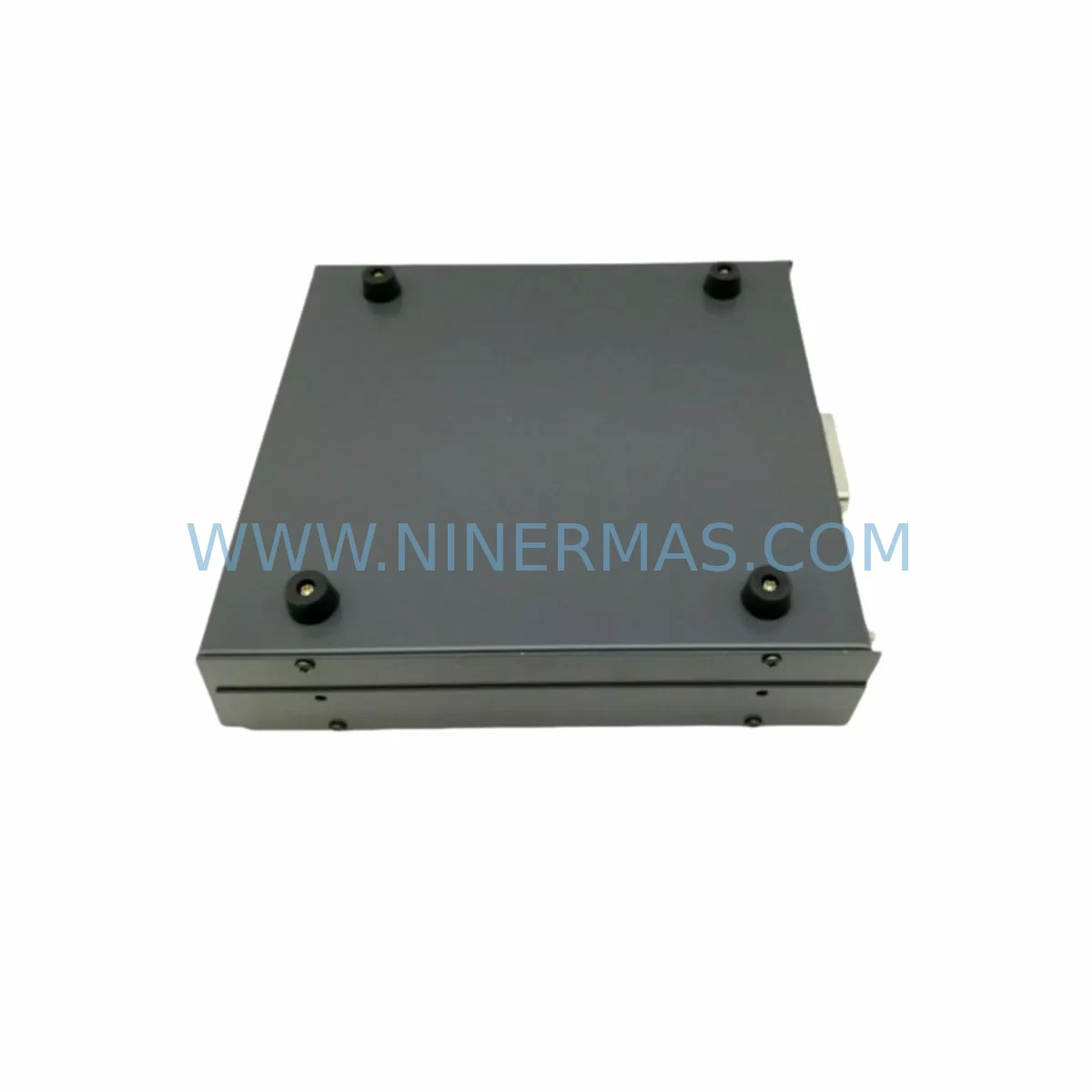
RFQ Ready
- SKUCOM5V2
- CategoryDCS Distributed Control Systems
- BrandPEACOCK
- SupportAvailability, lead time, condition, and shipping coordination
How Buyers Usually Use This Page
- Confirm the exact part number and platform family before sending the quote request.
- Use direct email when quantity, condition, and destination are already defined internally.
- Switch to the broader brand or category archive when you need alternates nearby.
Series Navigation
Move through the most common platform families behind this part.
Product RFQ
Send this part directly for quotation.
Include quantity, required condition, destination country, and target delivery timing. Current reference: PEACOCK COM5V2 Spare Part for Industrial Maintenance with SKU COM5V2.
PEACOCK COM5V2 Spare Part for Industrial Maintenance: Minimizing Downtime with Reliable Signal Comparison
The PEACOCK COM5V2 is a ruggedized digital comparator module engineered for continuous operation in harsh industrial environments. Designed as part of PEACOCK’s COM Series, the COM5V2 delivers precise digital signal comparison across demanding process control applications — including high-vibration zones, temperature-variable enclosures, and electrically noisy control cabinets found in oil & gas, chemical processing, power generation, and heavy manufacturing facilities.
For maintenance engineers managing aging control infrastructure, the COM5V2 represents a critical spare part that must be available on-site before a fault occurs — not after. Signal comparator failures are rarely isolated events. When a COM5V2 module degrades or fails, downstream effects can cascade across I/O loops, trigger false alarms in the DCS, or cause unplanned shutdowns that cost thousands per hour. Stocking a verified, service-ready COM5V2 is a fundamental element of any responsible spare parts program for PEACOCK-equipped control systems.
NINERMAS supplies the COM5V2 as an original-specification spare part, pre-tested prior to shipment, with a 12-month warranty covering manufacturing defects and functional performance. Each unit is inspected against PEACOCK COM Series electrical and mechanical standards before dispatch, ensuring that what arrives on-site is ready for immediate installation — not a source of additional troubleshooting.
Spare Maintenance Table
| Parameter | Specification / Detail |
|---|---|
| Part Number / SKU | COM5V2 |
| Brand | PEACOCK |
| Series | COM Series — Ruggedized Digital Comparator Modules |
| Module Type | Digital Comparator Module |
| Application Environment | Harsh industrial environments: high vibration, wide temperature range, electrically noisy enclosures |
| Typical Installation | DCS/PLC control cabinets, process control panels, signal conditioning racks |
| Signal Function | Digital signal comparison, threshold detection, logic output for process control loops |
| Compatibility | PEACOCK COM Series control systems; verify backplane slot and firmware revision before installation |
| Mounting | Rack/backplane mount — confirm slot pitch and connector type against existing COM Series chassis |
| Operating Temperature | Industrial grade — suitable for extended temperature range environments (confirm exact range with datasheet) |
| Warranty | 12 months from date of shipment — covers manufacturing defects and functional performance |
| Pre-Shipment Testing | Yes — each unit functionally tested prior to dispatch |
| Lead Time | Contact NINERMAS for current stock availability and delivery schedule |
| Long-Term Supply | Available through NINERMAS spare parts program — suitable for multi-unit procurement and annual maintenance contracts |
Maintenance Planning for Continuous Operation
Replacing a COM5V2 in the field is rarely a standalone task. Experienced maintenance engineers know that a digital comparator module fault is often symptomatic of broader stress across the control cabinet. Before returning the system to service after a COM5V2 replacement, a structured inspection of adjacent components is essential to prevent repeat failures and ensure signal integrity across the entire control loop.
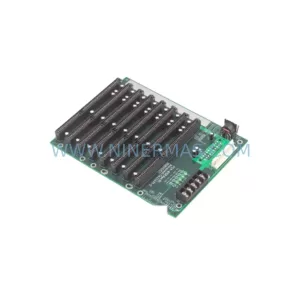
Begin with the backplane and rack assembly. The COM5V2 interfaces directly with the COM Series backplane — inspect connector pins for oxidation, mechanical damage, or intermittent contact caused by vibration fatigue. A compromised backplane connection can cause a new module to fail prematurely or produce erratic comparison outputs that are difficult to diagnose remotely.
Next, verify the 24VDC or 48VDC power supply module feeding the comparator rack. Voltage ripple, transient spikes, or marginal regulation are common root causes of digital module degradation in harsh environments. If the power supply is original to the installation and has not been replaced within the last five years, it should be treated as a concurrent maintenance item alongside the COM5V2.
Inspect all signal input wiring and terminal blocks connected to the COM5V2’s input channels. Loose terminations, corroded ferrules, or undersized conductors introduce resistance that distorts the digital threshold levels the comparator is designed to evaluate. Re-torque all terminals to specification and replace any discolored or brittle wiring insulation.
For systems where the COM5V2 feeds outputs into a relay or solid-state output module, verify that the downstream relay contacts are within specification. A worn relay that chatters or fails to switch cleanly can mask a successful COM5V2 replacement, leading engineers to incorrectly conclude the new module is also faulty.
If the control system includes signal isolators or signal conditioners between field instruments and the COM5V2 input, these should be checked for drift. Signal isolators in high-temperature environments are prone to calibration shift over time, which can cause the comparator to operate outside its intended threshold window even with a new module installed.
Review the communication module or fieldbus interface that transmits COM5V2 status to the DCS or SCADA layer. In PEACOCK COM Series installations, a PROFIBUS DP or Modbus RTU communication card is often co-located in the same rack. Confirm that the communication module firmware is compatible with the replacement COM5V2 revision, particularly if the original module was an earlier hardware generation.
For facilities running HMI panels that display COM5V2 comparison status, update the tag configuration if the replacement module uses a different register map or output scaling. Failure to update HMI tags can result in operators receiving misleading process data during the post-replacement commissioning period.
Finally, check the fuse protection on the COM5V2 supply circuit. A blown or weakened fuse is sometimes the primary fault rather than the module itself — and an undersized or incorrect fuse rating will cause repeat failures regardless of how many replacement modules are installed. Confirm fuse ratings match the COM Series panel design documentation.
NINERMAS recommends maintaining a minimum of two COM5V2 units in on-site spare stock for critical process lines, supplemented by a broader COM Series spare kit that includes at least one power supply module, one communication card, and a set of terminal block assemblies. This approach supports rapid fault isolation and same-shift restoration without waiting for emergency procurement.
Site Replacement Workflow
When a COM5V2 failure is confirmed — either through diagnostic alarms, loss of comparison output, or physical inspection — follow a structured replacement workflow to minimize downtime and avoid introducing secondary faults during the swap.
Step 1 — Isolate and document. Before removing the failed module, capture the current DCS alarm state, record the module’s slot position and wiring configuration, and photograph the terminal connections. This documentation is critical if the replacement module requires any configuration differences from the original.
Step 2 — Verify compatibility. Confirm that the replacement COM5V2 matches the hardware revision of the installed COM Series chassis. PEACOCK COM Series modules are generally backward-compatible within the same generation, but cross-generation substitutions may require firmware updates or jumper reconfiguration. Contact NINERMAS if revision compatibility is uncertain — our technical team can advise based on your system’s serial number and installation date.
Step 3 — Install and secure. Insert the COM5V2 into the correct backplane slot, ensuring full connector engagement. Secure the module retention latch or screw to prevent vibration-induced disconnection — a common failure mode in rotating equipment environments.
Step 4 — Restore and verify. Power up the rack and confirm that the COM5V2 initializes correctly, that comparison outputs are within expected range, and that the DCS or SCADA system acknowledges the module without fault codes. Run a functional test against a known-good input signal before returning the process loop to automatic control.
Step 5 — Update maintenance records. Log the replacement date, module serial number, and any configuration changes in the plant maintenance management system. Schedule the next inspection interval based on the operating environment severity — typically 12 to 24 months for harsh-environment installations.
Spare Parts Support FAQ
Q: Is the PEACOCK COM5V2 available for long-term supply, or is it a one-time purchase?
A: NINERMAS maintains ongoing stock of the COM5V2 and supports long-term spare parts programs for industrial customers. We can accommodate single-unit emergency orders as well as multi-year blanket purchase agreements for facilities that require guaranteed availability. Contact our sales team to discuss a tailored supply arrangement.
Q: How do I verify that the COM5V2 is compatible with my existing PEACOCK COM Series chassis?
A: Compatibility depends on the chassis generation, backplane revision, and firmware version of your installed system. Provide NINERMAS with your system’s model number, serial number, and installation year, and our technical team will confirm compatibility before shipment. We do not ship units where compatibility cannot be confirmed.
Q: What does the 12-month warranty cover, and what is the claims process?
A: The 12-month warranty covers manufacturing defects and functional performance failures under normal operating conditions. It does not cover damage caused by incorrect installation, overvoltage events, or physical mishandling. To initiate a warranty claim, contact NINERMAS with the original order reference, a description of the fault, and photographic evidence of the installation. We will arrange return, inspection, and replacement or repair within an agreed timeframe.
Q: Can NINERMAS supply multiple COM5V2 units for a planned annual shutdown?
A: Yes. We regularly support planned maintenance shutdowns with bulk spare parts orders, including the COM5V2 and associated COM Series components. Early procurement — ideally 8 to 12 weeks before the scheduled shutdown — ensures availability and allows time for pre-shipment testing and documentation. Contact us with your shutdown schedule and bill of materials for a consolidated quotation.
| Product Series | Other series |
|---|
Catalog Continuation
More PEACOCK modules in the catalog.
Use the brand lane to compare nearby part numbers, platform-adjacent modules, and other inquiry-ready listings before sending your final RFQ.
Catalog Continuation
Alternative parts within DCS Distributed Control Systems.
Stay inside the same system family when you need substitutes, adjacent modules, or a broader shortlist for procurement review.