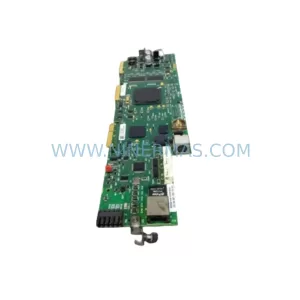
Original Industrial Spare Part
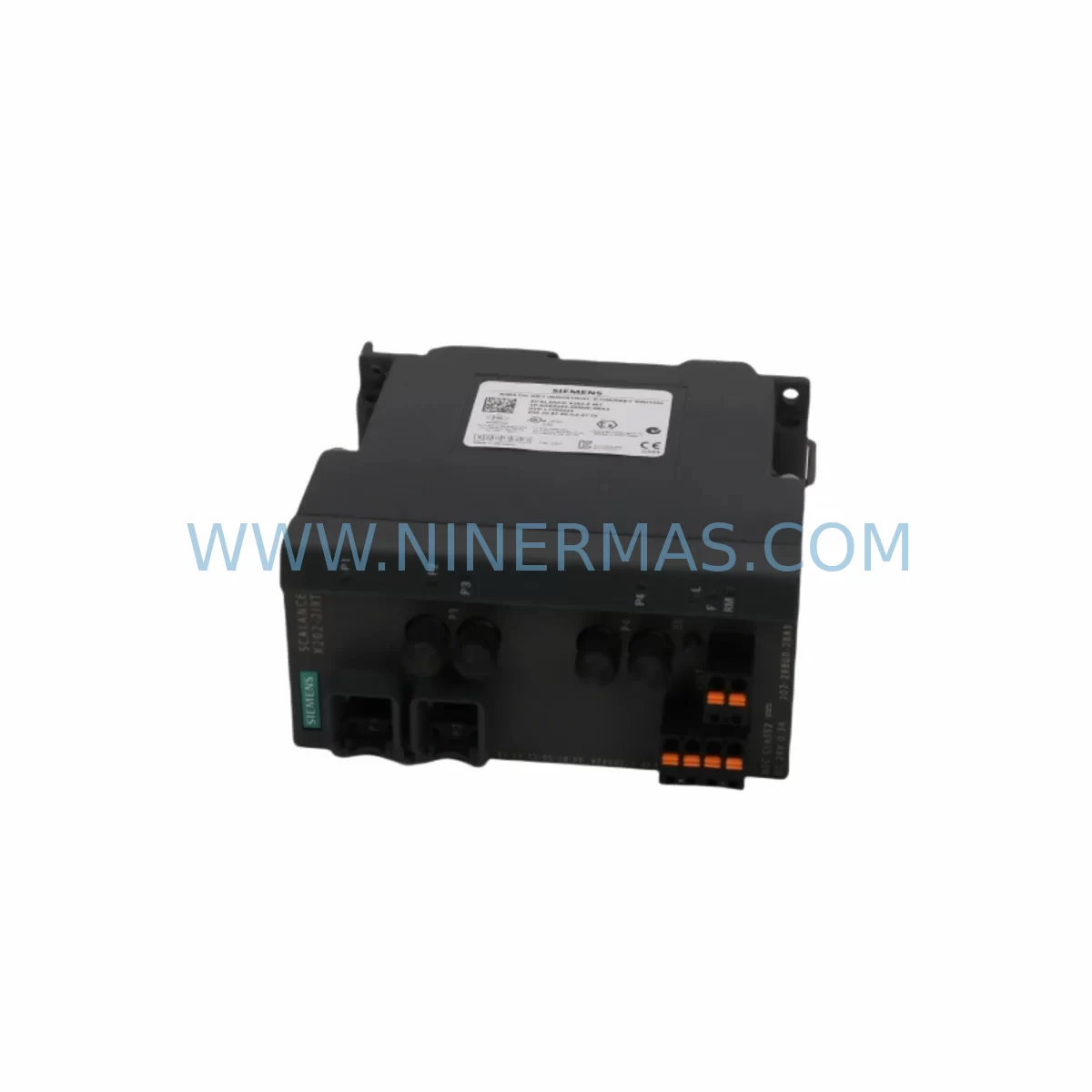
SIEMENS 6GK5108-2BB00-2AB2 Retrofit-Compatible Ethernet Switch
Verify the part, confirm the platform family, and move straight into quotation with the right commercial details.
RFQ Ready
- SKU6GK5108-2BB00-2AB2
- CategoryPLC & Industrial Automation Modules
- BrandSiemens
- SupportAvailability, lead time, condition, and shipping coordination
How Buyers Usually Use This Page
- Confirm the exact part number and platform family before sending the quote request.
- Use direct email when quantity, condition, and destination are already defined internally.
- Switch to the broader brand or category archive when you need alternates nearby.
Series Navigation
Move through the most common platform families behind this part.
Product RFQ
Send this part directly for quotation.
Include quantity, required condition, destination country, and target delivery timing. Current reference: SIEMENS 6GK5108-2BB00-2AB2 Retrofit-Compatible Ethernet Switch with SKU 6GK5108-2BB00-2AB2.
SIEMENS 6GK5108-2BB00-2AB2 Retrofit-Compatible Ethernet Switch for Legacy Systems
The SIEMENS 6GK5108-2BB00-2AB2 is an 8-port unmanaged industrial Ethernet switch from the SCALANCE X100 series, purpose-built for demanding factory floor environments. As automation engineers face the growing challenge of maintaining aging PROFINET and Industrial Ethernet backbones, this module has become a critical component in retrofit projects, discontinued model replacements, and control cabinet upgrades across process and discrete manufacturing industries. With ruggedized housing, wide operating temperature tolerance, and DIN-rail mounting compatibility, the 6GK5108-2BB00-2AB2 integrates seamlessly into existing panel layouts without requiring structural modifications to the control enclosure.
Upgrade Compatibility Table
| Parameter | Details |
|---|---|
| SKU / Part Number | 6GK5108-2BB00-2AB2 |
| Series | SCALANCE X100 |
| Port Configuration | 8 × 10/100 Mbps RJ45 (auto-sensing) |
| Mounting | DIN-rail (35 mm), compatible with standard control cabinet rails |
| Power Supply Input | 24 V DC (18–32 V DC range); dual redundant power terminals |
| Communication Protocol | PROFINET IO, Industrial Ethernet (IEEE 802.3) |
| Legacy Replacement For | SCALANCE X005, X008, earlier X108 variants (6GK5108-0BA00-2AA3) |
| Retrofit Recommendation | Direct drop-in for unmanaged 8-port SCALANCE switches; verify terminal block pitch and power wiring before installation |
| Installation Space | ~60 mm width on DIN rail; confirm cabinet depth ≥ 80 mm for cable routing |
| Commissioning Notes | No IP configuration required for unmanaged mode; verify link LEDs per port after wiring; test PROFINET device discovery via STEP 7 or TIA Portal |
| Warranty | 12 Months — covers manufacturing defects, functional failure under rated conditions |
Retrofit Planning for Existing Automation Systems
When planning a retrofit around the 6GK5108-2BB00-2AB2, engineers must account for the full network topology of the existing control system. In many legacy installations, the Ethernet switch sits at the heart of a PROFINET ring or star topology connecting a SIMATIC S7-300 or S7-400 CPU to distributed I/O nodes such as ET 200M or ET 200S remote I/O stations. Replacing an end-of-life switch in this environment requires careful documentation of all connected devices before any physical swap is made.
Power supply compatibility is the first checkpoint. The 6GK5108-2BB00-2AB2 operates on 24 V DC, so the existing SITOP PSU100S or SITOP modular power supply in the cabinet must be verified to have sufficient residual capacity — typically at least 0.5 A headroom above current load — to support the switch without triggering overcurrent protection. If the cabinet uses an older SITOP 6EP1 series power supply with degraded output regulation, this is an ideal time to evaluate a parallel replacement.
Terminal block wiring is the next critical step. The switch uses push-in or screw-type terminals for power input; confirm the existing wire gauge (typically 0.5–1.5 mm²) matches the terminal specification. In older cabinets where wiring was routed for a different switch form factor, cable slack and routing channels should be inspected to avoid stress on RJ45 connectors after installation.
For systems using a CP 343-1 or CP 443-1 communications processor to bridge the PROFINET segment to a higher-level MES or SCADA network, the switch port assignment must be re-verified after replacement. PROFINET device names and IP addresses assigned to downstream nodes — including SINAMICS G120 or SINAMICS S120 drives connected via PROFINET — are stored in the CPU project, not in the switch itself, so no re-parameterization of the switch is needed. However, the engineer should confirm that the PROFINET topology view in TIA Portal or STEP 7 HW Config reflects the correct physical connection order, especially if the switch is part of a Media Redundancy Protocol (MRP) ring.
In control systems where an OP 277 or TP 700 Comfort HMI panel communicates with the CPU over the same Ethernet segment, the HMI’s network settings and screen update cycles should be tested after the switch replacement to confirm no latency degradation. If the legacy switch was operating at half-duplex due to older NIC limitations on connected devices, the auto-negotiation behavior of the 6GK5108-2BB00-2AB2 should be validated against each endpoint.
For I/O expansion scenarios — where the retrofit also involves adding new ET 200SP or ET 200MP I/O modules to an existing backplane — the switch port count of 8 is typically sufficient for small-to-medium PROFINET segments. If the expanded system exceeds 8 nodes, a managed SCALANCE X200 or X300 series switch should be considered to support VLAN segmentation and port mirroring for diagnostics.
Programming cable access during commissioning is also worth planning in advance. If the CPU requires a firmware update or program download via a PROFIBUS DP interface using a PC Adapter USB or via Ethernet using a standard RJ45 patch cable, the switch provides the necessary connectivity without additional hardware. Ensure the programming laptop’s firewall settings permit STEP 7 or TIA Portal broadcast discovery packets on the local subnet.
Downtime Control During System Migration
Minimizing unplanned downtime is the primary concern in any live production environment. For the 6GK5108-2BB00-2AB2 replacement, the recommended approach is a pre-staged swap: mount the new switch on a spare DIN-rail section or test bench, pre-wire the power terminals, and verify LED power-on behavior before the scheduled maintenance window. This eliminates the risk of discovering a wiring issue during a live cutover.
During the actual swap, the sequence should be: (1) place the CPU in STOP mode via the mode selector or TIA Portal online connection; (2) document all RJ45 port assignments with labeled patch cables or a port map photograph; (3) disconnect and reconnect cables in the same port order on the new switch; (4) restore power and return the CPU to RUN mode; (5) verify all PROFINET devices return to cyclic data exchange within the expected watchdog timeout period (typically 100–500 ms depending on device configuration).
If the system uses a redundant CPU configuration such as a SIMATIC S7-400H with H-sync modules, the switch replacement can often be performed on one network path while the redundant path maintains production continuity — effectively achieving zero-downtime migration. For non-redundant systems, coordinating the swap during a scheduled shift change or planned maintenance interval is strongly advised.
Original PLC program logic stored in the CPU’s load memory is unaffected by the switch replacement. No program backup or restore is required unless the CPU battery is found to be depleted during the maintenance window — in which case a program upload to the programming device before power cycling is a prudent precaution. HMI screen configurations and alarm histories stored on the TP or OP panel are similarly unaffected.
All units supplied by NINERMAS are pre-tested for power-on functionality and port link integrity before shipment, reducing the risk of receiving a non-functional unit during a time-critical retrofit. Stock availability is confirmed at time of order, and standard lead times support planned maintenance schedules. Every unit carries a 12-month warranty covering manufacturing defects and functional failure under rated operating conditions.
Retrofit Support FAQ
Q1: Is the 6GK5108-2BB00-2AB2 a direct replacement for the older 6GK5108-0BA00-2AA3?
In most cases, yes. Both are 8-port unmanaged SCALANCE X100 switches with DIN-rail mounting and 24 V DC power input. The primary differences are in the housing revision and terminal block design. Verify the power terminal pitch and cable routing space in your cabinet before installation. No software or network reconfiguration is required for the replacement.
Q2: Do I need to reconfigure PROFINET device names or IP addresses after replacing the switch?
No. The 6GK5108-2BB00-2AB2 is an unmanaged switch and does not store or process PROFINET device names or IP addresses. All device identity and address assignments remain in the CPU project. After the physical swap, PROFINET devices will resume normal cyclic communication once the CPU returns to RUN mode, provided all cable connections are restored correctly.
Q3: What pre-shipment testing is performed, and what does the 12-month warranty cover?
Each unit undergoes power-on verification and port link integrity testing before dispatch. The 12-month warranty covers manufacturing defects and functional failure under rated operating conditions (24 V DC input, specified temperature range, rated port load). It does not cover damage from incorrect wiring, overvoltage, or physical impact. Warranty claims are processed directly through NINERMAS with a target response time of 2 business days.
Q4: What if my cabinet has limited space — will this switch fit where the old one was installed?
The 6GK5108-2BB00-2AB2 occupies approximately 60 mm of DIN-rail width. If the legacy switch had a different form factor, measure the available rail space and cabinet depth (minimum 80 mm recommended for cable bend radius). In tight enclosures, consider repositioning adjacent terminal blocks or using right-angle RJ45 patch cables to manage cable routing within the available space.
| Product Series | SIMATIC |
|---|---|
| Country of Origin | DE |
Catalog Continuation
More Siemens modules in the catalog.
Use the brand lane to compare nearby part numbers, platform-adjacent modules, and other inquiry-ready listings before sending your final RFQ.
SKU: 99-10-209 424U0471B-05 424U0511C-05 6SL3120-2TE13-0AA3 (UE41PP) Z376A
Siemens 6SL3120-2TE13-0AA3 Safety-Reliable Double Motor Module
SKU: 6ES7138-4FA02-0AB0
Siemens 6ES7138-4FA02-0AB0 Retrofit-Compatible Power Module
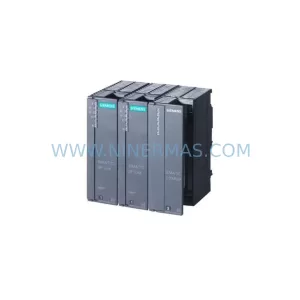
SKU: 6SL3120-2TE13-0AA4 0020-18542 0010-02146 11210-0203RS-001
Siemens 6SL3120-2TE13-0AA4 Service-Ready Spare for Maintenance
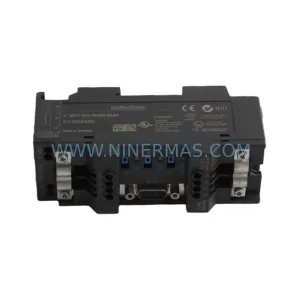
SKU: 6ES7972-4AA02-0XA0
Siemens 6ES7972-4AA02-0XA0 Safety-Reliable PROFIBUS Booster
Catalog Continuation
Alternative parts within PLC & Industrial Automation Modules.
Stay inside the same system family when you need substitutes, adjacent modules, or a broader shortlist for procurement review.
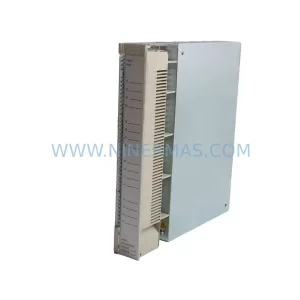
SKU: AI625 3BHT300036R1
ABB AI625 3BHT300036R1 Retrofit Analog Input Module
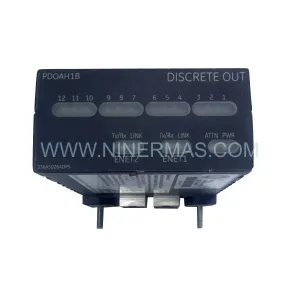
SKU: 3HAC062339-004 3HAC062339-006 lRB7600 3HAC064662-001 DSQC3037 3HAC023195-001
ABB 3HAC062339-004 Service-Ready Spare Part for Industrial Maintenance