Original Industrial Spare Part
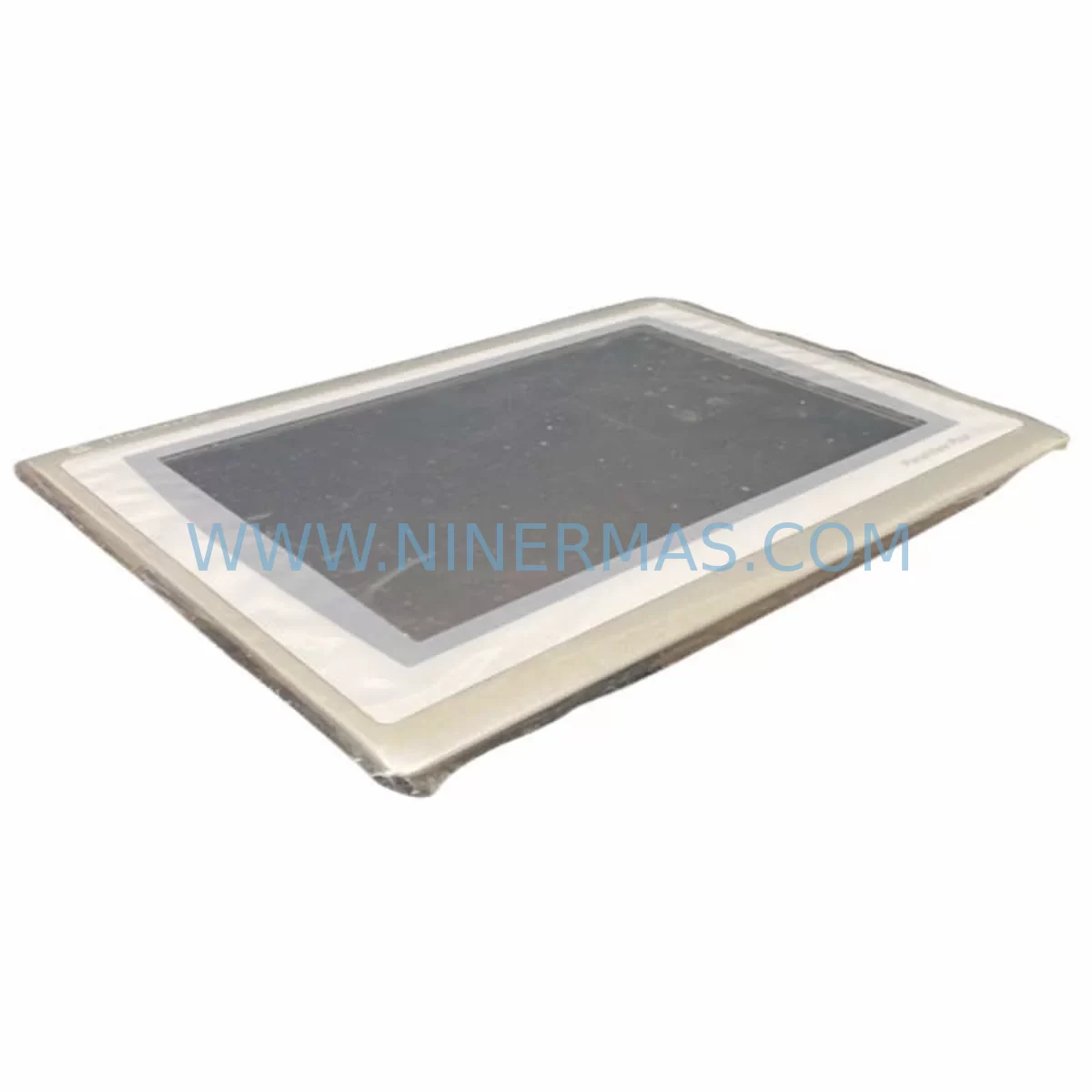
Allen-Bradley 2711P-T12W22D9P Retrofit HMI for Legacy Systems
Verify the part, confirm the platform family, and move straight into quotation with the right commercial details.
RFQ Ready
- SKU2711P-T12W22D9P
- CategoryPLC & Industrial Automation Modules
- BrandAllen-Bradley
- SupportAvailability, lead time, condition, and shipping coordination
How Buyers Usually Use This Page
- Confirm the exact part number and platform family before sending the quote request.
- Use direct email when quantity, condition, and destination are already defined internally.
- Switch to the broader brand or category archive when you need alternates nearby.
Series Navigation
Move through the most common platform families behind this part.
Product RFQ
Send this part directly for quotation.
Include quantity, required condition, destination country, and target delivery timing. Current reference: Allen-Bradley 2711P-T12W22D9P Retrofit HMI for Legacy Systems with SKU 2711P-T12W22D9P.
Allen-Bradley 2711P-T12W22D9P Retrofit HMI for Legacy Systems: Seamless PanelView Plus 7 Upgrade
The Allen-Bradley 2711P-T12W22D9P is a 12-inch widescreen PanelView Plus 7 HMI terminal designed for demanding industrial environments. As legacy PanelView Plus 6 and PanelView 1000/1400e installations approach end-of-life, the 2711P-T12W22D9P provides a proven, retrofit-compatible upgrade path that preserves existing control logic, minimises panel rework, and extends the operational life of your automation infrastructure. NINERMAS maintains verified in-stock inventory of the 2711P-T12W22D9P with a 12-month warranty and pre-shipment functional testing on every unit.
This terminal operates on a 24 VDC power supply and communicates natively over EtherNet/IP, making it directly compatible with ControlLogix L7x and CompactLogix L3x controller platforms. The unit supports dual Ethernet ports for Device Level Ring (DLR) topology, eliminating the need for an external managed switch in many retrofit scenarios. Engineers migrating from older PanelView Plus 6 terminals — such as the 2711P-T10C21D8S or 2711P-T12C4D8 — will find that FactoryTalk View ME application files can be converted and redeployed with minimal screen-layout adjustment, significantly reducing HMI re-engineering hours.
Upgrade Compatibility Table
| Parameter | Legacy Reference | 2711P-T12W22D9P Specification | Retrofit Note |
|---|---|---|---|
| Display Size | 10.4″ / 12.1″ (4:3) | 12.1″ Widescreen (16:10) | Panel cutout enlargement may be required; verify cabinet depth ≥ 95 mm |
| Power Supply | 24 VDC (18–32 VDC range) | 24 VDC (18–32 VDC range) | Existing 24 VDC rail compatible; verify current capacity ≥ 2.5 A |
| Primary Communication | EtherNet/IP, DH+, DF1 | EtherNet/IP (dual port, DLR) | DH+ / DF1 legacy links require 1761-NET-ENI or 1784-U2DHP adapter |
| Backplane / Rack | N/A (standalone HMI) | N/A (standalone HMI) | No backplane dependency; mounts directly in panel door |
| Software Platform | FactoryTalk View ME 6.x / 7.x | FactoryTalk View ME 10.x | Application conversion via FT View ME Studio; test all alarm and trend objects |
| USB / SD Storage | CompactFlash / USB-A | USB-A × 2, SD card slot | Update backup/restore procedures; CompactFlash not supported |
| Installation Space | Panel cutout per legacy model | 305 × 200 mm cutout (W × H) | Confirm cutout dimensions before ordering; adapter plates available |
| Warranty | OEM warranty expired (EOL) | 12-Month NINERMAS Warranty | Covers functional failure under normal operating conditions |
Retrofit Planning for Existing Automation Systems
A successful 2711P-T12W22D9P retrofit begins well before the unit arrives on site. Start by auditing the existing control cabinet for available panel-door real estate. The widescreen form factor of the PanelView Plus 7 series differs from the 4:3 aspect ratio of earlier PanelView Plus 6 terminals, so a new cutout template should be prepared in advance. Simultaneously, review the 1756-L74 or 1756-L75 ControlLogix processor program to confirm that all HMI tag references are mapped to the correct controller tags — any tag-name discrepancies will surface as communication faults during commissioning.
Power distribution is a common oversight in HMI retrofit projects. The 2711P-T12W22D9P draws up to 60 W at full brightness; verify that the 24 VDC power supply — often a 1606-XLP95E or equivalent — has sufficient headroom after accounting for I/O modules, relay coils, and communication adapters already on the same rail. If the cabinet also houses a 1769-L33ER CompactLogix controller with a 1769-IQ16 digital input module and a 1769-OB16 digital output module, the aggregate load calculation must include all active consumers.
Communication link verification is equally critical. In plants where the legacy HMI communicated via DF1 serial to a SLC 500 or MicroLogix 1400 controller, a 1761-NET-ENI Serial-to-EtherNet/IP converter bridges the protocol gap without requiring a full controller replacement. For sites already running EtherNet/IP, confirm that the managed switch — or the DLR ring if applicable — has an available port and that the IP address scheme is documented before the old terminal is removed. Where a 1784-U2DHP USB-to-DH+ adapter is used for programming access, ensure the replacement laptop has the correct FactoryTalk Linx driver version installed.
HMI application migration should be completed and validated in a staging environment before the maintenance window. Convert the existing .mer application file using FactoryTalk View ME Studio, then run a full tag-browse to confirm all 1,000+ tags resolve correctly against the target controller. Pay particular attention to alarm banner objects, trend pens linked to historian tags, and any VBA scripts embedded in display pages — these elements require manual review and are the most common source of post-cutover defects. Once validated, load the converted application onto the 2711P-T12W22D9P via USB or SD card and perform a dry-run simulation before the live cutover.
Downtime Control During System Migration
Minimising production downtime during an HMI swap requires a disciplined sequence of pre-work, cutover, and verification steps. Begin by scheduling the physical swap during a planned maintenance window — ideally a shift changeover or weekend shutdown — and communicate the expected outage duration to operations. Prepare a rollback plan: retain the legacy 2711P-T12C4D8 or equivalent terminal in a known-good state until the replacement has been running stably for at least one full production cycle.
During the cutover window, follow this sequence: (1) save a backup of the running controller program from the 1756-L74 to a USB drive; (2) export the current HMI application from the legacy terminal; (3) isolate the 24 VDC supply to the HMI circuit only — do not de-energise the entire control panel; (4) remove the legacy terminal and install the 2711P-T12W22D9P using the pre-cut panel opening; (5) reconnect the Ethernet cable and 24 VDC power; (6) load the pre-validated application; (7) verify communication to the controller and confirm all I/O status displays are reading correctly before releasing the line to production.
For sites where continuous process control is mandatory, consider deploying a temporary 1747-SN Remote I/O Scanner or maintaining a parallel Ethernet segment so that the controller continues to execute its scan cycle uninterrupted while the HMI is swapped. This approach is particularly effective in food and beverage or pharmaceutical lines where a full process stop triggers a lengthy restart and cleaning procedure. NINERMAS pre-tests every 2711P-T12W22D9P unit against a live ControlLogix rack before shipment, reducing the risk of a DOA unit extending your maintenance window.
Retrofit Support FAQ
Q1: Is the 2711P-T12W22D9P a direct drop-in replacement for the 2711P-T12C4D8?
The 2711P-T12W22D9P shares the same PanelView Plus 7 platform and EtherNet/IP communication stack as the 2711P-T12C4D8, but the widescreen display requires a different panel cutout. The FactoryTalk View ME application must be converted to the ME 10.x runtime. All other electrical connections — 24 VDC power, Ethernet, and USB — are compatible.
Q2: Can this terminal communicate with a legacy SLC 500 or MicroLogix controller?
Yes, via a 1761-NET-ENI Serial-to-EtherNet/IP adapter or a 1784-U2DHP DH+ adapter. The 2711P-T12W22D9P does not have a native serial or DH+ port, so a protocol converter is required for these legacy controller families. NINERMAS can advise on the correct adapter model for your specific controller and baud-rate configuration.
Q3: What pre-shipment testing does NINERMAS perform on the 2711P-T12W22D9P?
Every unit undergoes a full power-on functional test, display calibration check, Ethernet port verification, and USB/SD interface test before shipment. Units are shipped with original or equivalent packaging and include a test report. The 12-month warranty covers functional failure under normal operating conditions from the date of delivery.
Q4: How quickly can NINERMAS ship the 2711P-T12W22D9P for an emergency breakdown?
NINERMAS maintains ready stock of the 2711P-T12W22D9P and can arrange same-day or next-business-day dispatch for urgent breakdown orders. Contact our team at sale@ninermas.com or +0086 187 5021 5667 to confirm current stock availability and expedited freight options to your site.
| Product Series | 2711 |
|---|---|
| Country of Origin | US |
Catalog Continuation
More Allen-Bradley modules in the catalog.
Use the brand lane to compare nearby part numbers, platform-adjacent modules, and other inquiry-ready listings before sending your final RFQ.
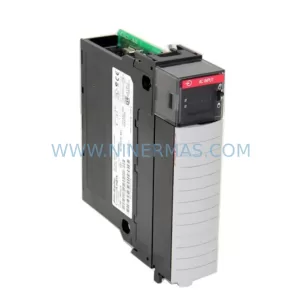
SKU: 2711P-B15C22D9P
Allen-Bradley 2711P-B15C22D9P Retrofit HMI for Legacy Systems
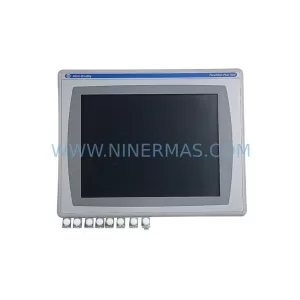
SKU: 2711P-RDT15C SER C
Allen-Bradley 2711P-RDT15C SER C Safety-Reliable HMI Terminal
Catalog Continuation
Alternative parts within PLC & Industrial Automation Modules.
Stay inside the same system family when you need substitutes, adjacent modules, or a broader shortlist for procurement review.
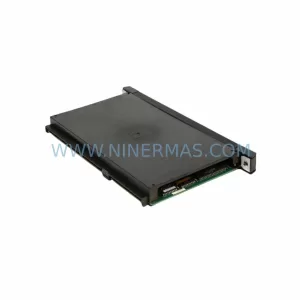
SKU: MMC-SD-12.0-460-D
KOLLMORGEN MMC-SD-12.0-460-D Retrofit-Compatible Servo Drive
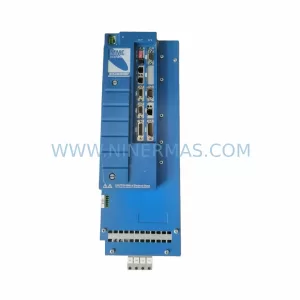
SKU: BM-DP12 1070075887-202
Bosch BM-DP12 1070075887-202 Retrofit-Compatible PROFIBUS DP Module