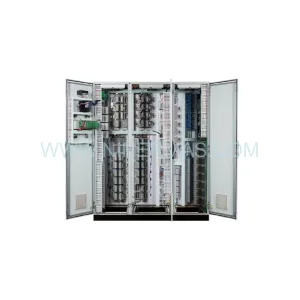
Original Industrial Spare Part
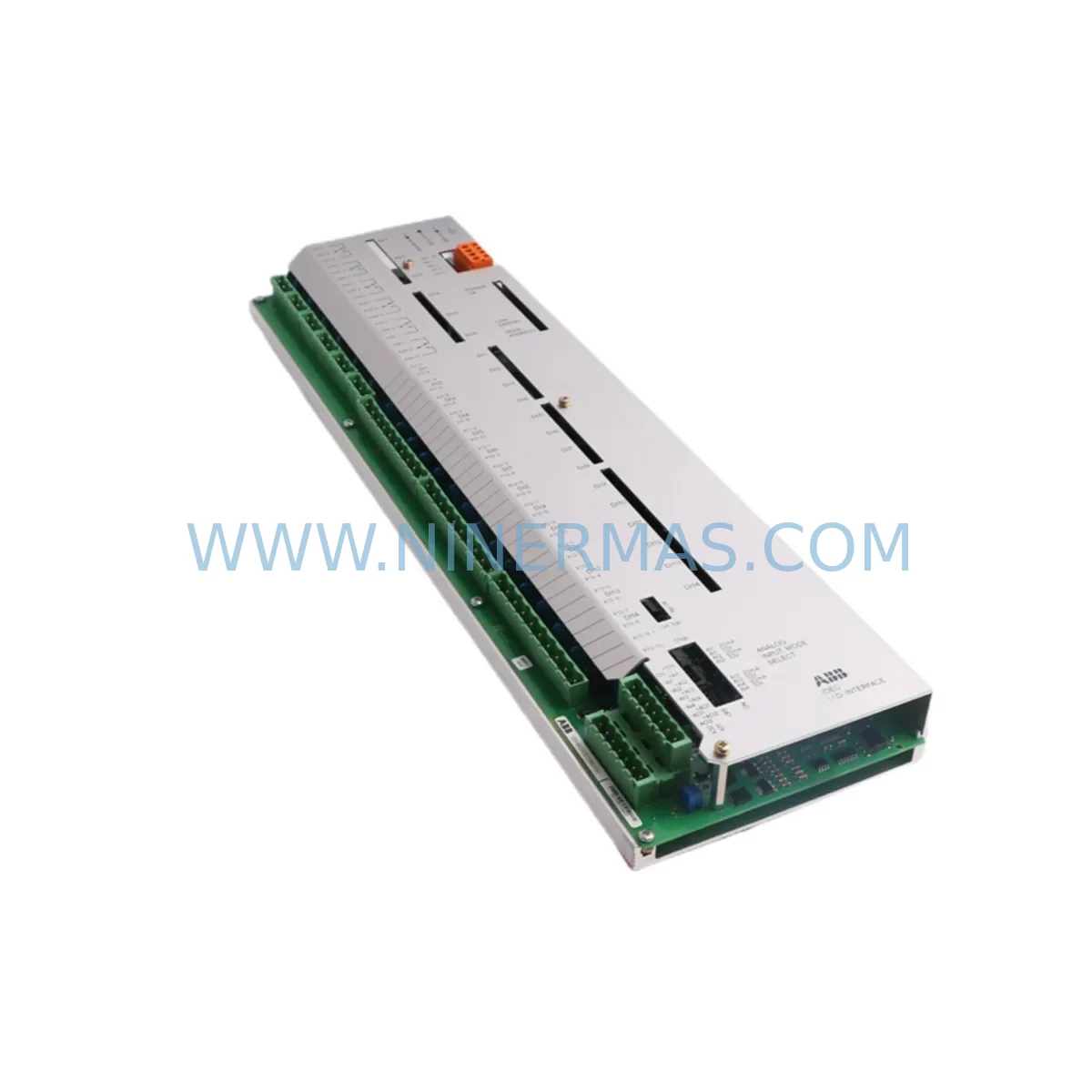
ABB UFC719AE101 3BHB003041R0101 Retrofit-Compatible IOEC Module
Verify the part, confirm the platform family, and move straight into quotation with the right commercial details.
RFQ Ready
- SKUUFC719AE101 3BHB003041R0101
- CategoryPLC & Industrial Automation Modules
- BrandABB
- SupportAvailability, lead time, condition, and shipping coordination
How Buyers Usually Use This Page
- Confirm the exact part number and platform family before sending the quote request.
- Use direct email when quantity, condition, and destination are already defined internally.
- Switch to the broader brand or category archive when you need alternates nearby.
Series Navigation
Move through the most common platform families behind this part.
Product RFQ
Send this part directly for quotation.
Include quantity, required condition, destination country, and target delivery timing. Current reference: ABB UFC719AE101 3BHB003041R0101 Retrofit-Compatible IOEC Module with SKU UFC719AE101 3BHB003041R0101.
ABB UFC719AE101 3BHB003041R0101 Retrofit-Compatible IOEC Module: Legacy System Compatibility & Smooth Upgrade Path
The ABB UFC719AE101 (part number 3BHB003041R0101) is a critical I/O Extension Controller (IOEC) module widely deployed in ABB’s legacy industrial automation platforms, including the UNITROL and AC800M-based control architectures. As original equipment reaches end-of-life and spare parts become increasingly scarce, plant engineers and maintenance teams face mounting pressure to source verified replacement units that maintain full backward compatibility with existing backplane interfaces, terminal wiring, and control logic. Ninermas maintains ready stock of the UFC719AE101 3BHB003041R0101, fully tested and backed by a 12-month warranty, to support your retrofit, upgrade, or emergency replacement requirements.
Whether you are managing a scheduled control cabinet modernization, responding to an unplanned module failure, or executing a phased migration from a discontinued ABB platform to a current-generation system, the UFC719AE101 serves as a reliable bridge component. Its compatibility with the IOEC bus architecture means that in most retrofit scenarios, the module can be installed without requiring changes to the existing backplane, terminal blocks, or field wiring — significantly reducing downtime and engineering risk during changeover.
Upgrade Compatibility Table
| Parameter | Details |
|---|---|
| Part Number | UFC719AE101 / 3BHB003041R0101 |
| Manufacturer | ABB (Sweden) |
| Module Type | IOEC I/O Extension Controller |
| Compatible Platforms | ABB UNITROL, AC800M, IOEC Bus Systems |
| Backplane Interface | IOEC Bus — direct plug-in replacement, no backplane modification required in standard configurations |
| Terminal Wiring | Verify existing terminal block pinout against UFC719AE101 datasheet before installation; field wiring typically reusable |
| Communication Compatibility | Compatible with PROFIBUS DP and ABB proprietary communication links used in legacy IOEC architectures |
| Installation Space | Standard IOEC rack slot; confirm rack model (e.g., IOEC4, IOEC5) for physical fit before ordering |
| Replacement Recommendation | Direct replacement for failed or end-of-life UFC719AE101 units; verify firmware revision compatibility with host controller |
| Commissioning Notes | Module address configuration via DIP switch or software tool; confirm address map matches original unit before power-up |
| Warranty | 12 Months — covers manufacturing defects and functional failure under normal operating conditions |
| Outgoing Test | Each unit is function-tested prior to shipment |
Retrofit Planning for Existing Automation Systems
A successful retrofit involving the UFC719AE101 3BHB003041R0101 requires careful pre-engineering to avoid surprises during installation. The following considerations apply to most legacy ABB IOEC-based control systems and should be reviewed before committing to a replacement or upgrade plan.
Power Supply Capacity: Before installing a replacement IOEC module, verify that the existing 24 VDC power supply — often an ABB DSQC661 or equivalent rack-mount power supply unit — has sufficient residual capacity to support the UFC719AE101’s current draw alongside other modules in the same rack. Overloaded power rails are a common cause of intermittent faults after module replacement.
Backplane and Rack Compatibility: The UFC719AE101 is designed for use in ABB IOEC rack assemblies. Confirm the rack model (IOEC4 or IOEC5 series) and available slot positions before ordering. In mixed-generation racks, slot addressing may differ between older and newer IOEC modules, so review the rack’s address map carefully. If the existing rack is also at end-of-life, consider sourcing a replacement IOEC rack assembly at the same time to avoid a second maintenance window.
Terminal Block and Field Wiring: In most cases, the existing terminal blocks and field wiring can be reused when replacing a UFC719AE101 with a like-for-like unit. However, if the replacement is part of a broader migration — for example, moving from an older IOEC generation to a newer ABB AC800M I/O module such as the AI810 analog input module or DI810 digital input module — terminal adapter plates or rewiring may be required. Document all terminal assignments before disconnecting any wiring.
Module Address Configuration: The UFC719AE101 uses hardware address settings (DIP switches or jumpers) to define its position on the IOEC bus. Record the address settings of the original module before removal and replicate them exactly on the replacement unit. Incorrect addressing will prevent the host controller — typically an ABB AC800M CPU module or a legacy UNITROL controller — from recognizing the new module, resulting in I/O faults and potential process interruption.
Program and Logic Compatibility: The control program running on the host CPU (whether developed in ABB’s Control Builder M or an older IEC 61131-3 programming environment) references I/O channels by address. A direct UFC719AE101 replacement preserves these address mappings without requiring program changes. If the retrofit involves a platform migration — for instance, integrating a new ABB AC800M controller alongside legacy IOEC modules — the I/O mapping in the control program must be updated and thoroughly tested in simulation before going live.
HMI Screen Validation: After module replacement, validate all HMI screens that display signals sourced from the UFC719AE101’s I/O channels. Whether the plant uses an ABB Panel 800 operator terminal, a third-party SCADA system, or a legacy ABB Operate IT HMI, confirm that all analog and digital signal values are reading correctly and that alarm setpoints are functioning as expected.
Communication Link Integrity: If the UFC719AE101 participates in a PROFIBUS DP network or an ABB proprietary fieldbus segment, verify bus termination and node addressing after installation. Use a PROFIBUS diagnostic tool or the ABB Control Builder M network diagnostics function to confirm that the replacement module is communicating correctly with the master controller and that no other nodes on the segment have been disrupted.
Signal Isolation and Conditioning: In applications where the UFC719AE101 interfaces with field instruments through signal isolators or signal conditioners — such as ABB HART multiplexers or third-party DIN-rail isolators — verify that the isolator output ranges match the module’s input specifications. Mismatched signal ranges are a frequent source of calibration errors after module replacement.
Programming Cable and Firmware Tools: If firmware verification or update is required on the replacement UFC719AE101, ensure that the appropriate ABB programming cable (such as the TK212A or equivalent USB-to-serial adapter) and the correct version of ABB’s configuration software are available on-site before the maintenance window begins. Firmware mismatches between the module and the host controller can cause communication failures that are difficult to diagnose under time pressure.
Downtime Control During System Migration
Minimizing unplanned downtime is the primary concern for any plant engineer managing a legacy control system retrofit. When replacing the UFC719AE101 3BHB003041R0101 in a live production environment, a structured approach to the changeover significantly reduces risk.
Begin by scheduling the replacement during a planned maintenance window rather than responding reactively to a module failure. If the plant operates continuously, coordinate with operations to identify the shortest acceptable outage window and prepare all replacement components — including the UFC719AE101 unit, any required terminal adapters, and a verified backup of the control program — before the window opens.
Before powering down the affected control cabinet, take a full snapshot of the current I/O status from the HMI or SCADA system. This provides a reference baseline for post-installation verification and helps identify any signals that were already in a fault state before the replacement, avoiding confusion during commissioning.
During the physical swap, work methodically through the terminal disconnection sequence, labeling each wire group before removal. Photograph the original module’s DIP switch or jumper settings before extraction. Install the replacement UFC719AE101, replicate the address settings, reconnect field wiring, and perform a visual inspection before restoring power.
On power-up, monitor the host controller’s diagnostic display for module recognition confirmation. Use ABB Control Builder M or the applicable configuration tool to verify that all I/O channels are reporting correctly. Compare live signal values against the pre-shutdown baseline to confirm that field instruments are reading within expected ranges. Only after this verification is complete should the process be returned to automatic control.
For plants where even a brief outage is unacceptable, consider maintaining a hot-standby UFC719AE101 unit in the control room. Ninermas can supply tested spare units with short lead times to support your inventory strategy and extend the operational life of your existing IOEC-based control infrastructure.
Retrofit Support FAQ
Q1: Is the UFC719AE101 3BHB003041R0101 a direct drop-in replacement for my existing IOEC module?
In most cases, yes. The UFC719AE101 is designed as a plug-compatible replacement for the same part number in ABB IOEC rack systems. Before installation, confirm that the rack model, slot position, DIP switch address settings, and firmware revision of the replacement unit are compatible with your host controller. Ninermas can provide technical documentation to support your pre-installation verification.
Q2: What commissioning steps are required after installing the replacement module?
After physical installation and address configuration, power up the rack and confirm that the host controller (AC800M CPU or UNITROL controller) recognizes the UFC719AE101 on the IOEC bus. Verify all I/O channel readings against known reference values, check PROFIBUS or fieldbus communication status, and validate HMI signal displays. A full I/O loop check is recommended before returning the system to automatic operation.
Q3: Can I use the UFC719AE101 as part of a migration from a legacy ABB platform to a newer control system?
Yes. The UFC719AE101 is commonly used as an interim component during phased migrations, allowing legacy IOEC I/O infrastructure to remain operational while the host controller is upgraded. For full platform migrations to current ABB AC800M or AC800PEC architectures, additional I/O mapping and program adaptation work will be required. Ninermas can advise on compatible migration paths based on your specific system configuration.
Q4: What warranty and testing does Ninermas provide with the UFC719AE101 3BHB003041R0101?
Every UFC719AE101 unit supplied by Ninermas is function-tested prior to shipment and covered by a 12-month warranty against manufacturing defects and functional failure under normal operating conditions. Units are shipped with appropriate anti-static packaging. For urgent requirements, expedited shipping options are available. Contact our technical sales team at sale@ninermas.com or +0086 187 5021 5667 to confirm stock availability and lead time.
| Product Series | UFC |
|---|---|
| Country of Origin | SE |
Catalog Continuation
Nearby part numbers around UFC719AE.
Use this lane when the buyer is comparing adjacent model numbers, revision-near items, or closely related spare variants within the same brand family.
SKU: 3BHB003041R0101 UFC719AE01
ABB 3BHB003041R0101 UFC719AE01 Service-Ready Spare Part
SKU: 3BHB003041R0001 UFC719AE01
ABB 3BHB003041R0001 UFC719AE01 Safety-Reliable Field Controller
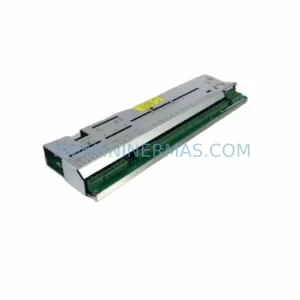
SKU: 3BHB000272R0001 UFC719AE01
ABB 3BHB000272R0001 UFC719AE01 I/O Interface Safety Spare
Catalog Continuation
More ABB modules in the catalog.
Use the brand lane to compare nearby part numbers, platform-adjacent modules, and other inquiry-ready listings before sending your final RFQ.

SKU: 3BSE011790R1(PXHK401)
ABB 3BSE011790R1 PXHK401 Retrofit-Ready Communication Module
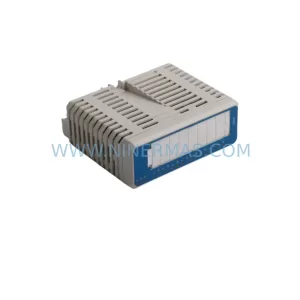
SKU: DI890 3BSC690073R1
ABB DI890 3BSC690073R1 Retrofit-Compatible Digital Input for Legacy S800
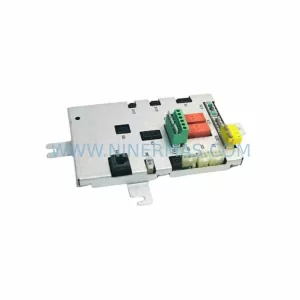
SKU: DSQC611 3HAC13389-2
ABB DSQC611 3HAC13389-2 Service-Ready Spare for IRC5
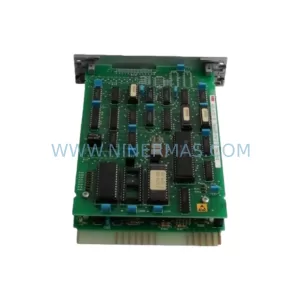
SKU: HESG447440R0001 70BK03C-E
ABB HESG447440R0001 70BK03C-E Safety-Reliable I/O Module
Catalog Continuation
Alternative parts within PLC & Industrial Automation Modules.
Stay inside the same system family when you need substitutes, adjacent modules, or a broader shortlist for procurement review.