Original Industrial Spare Part
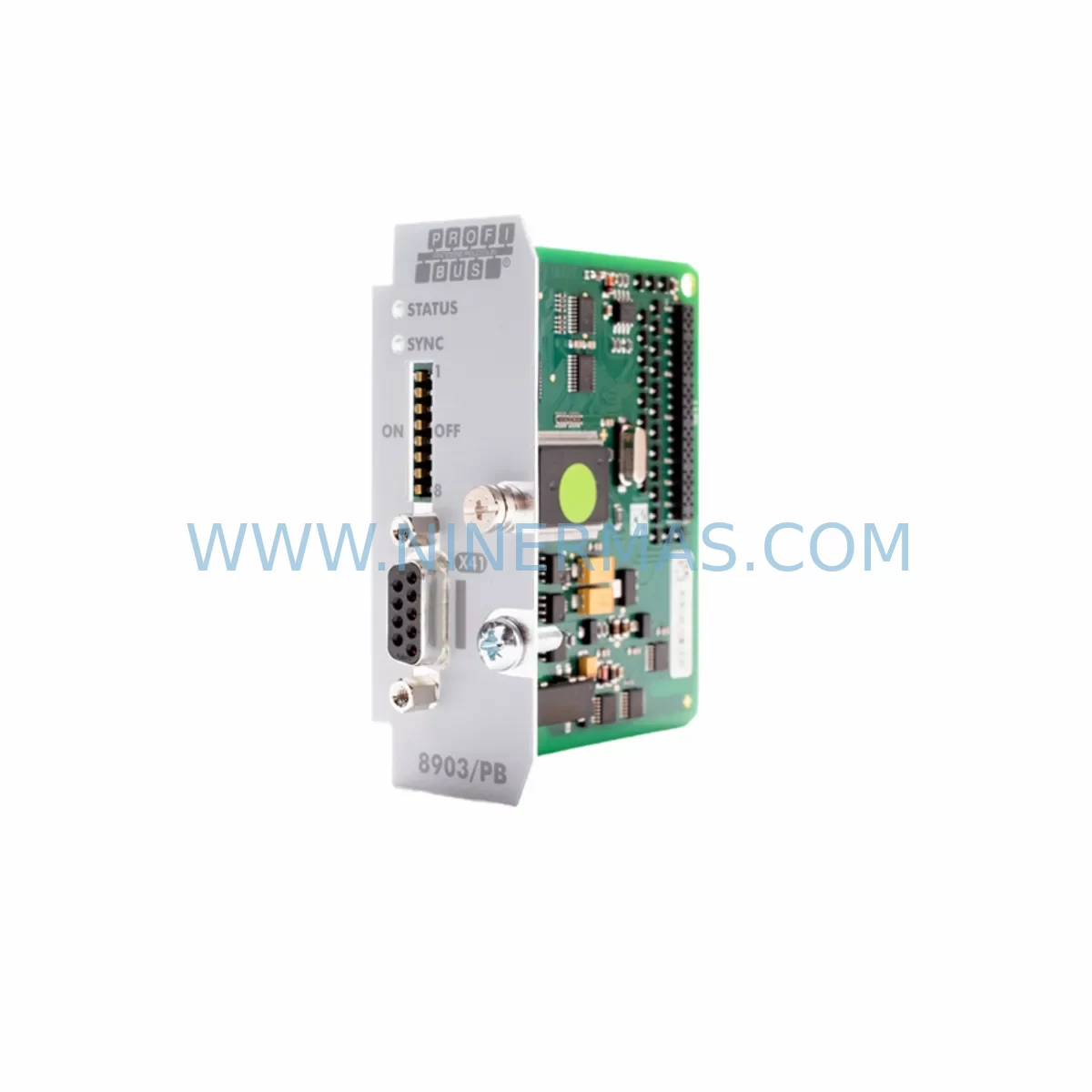
PARKER 8903-PB-00 Service-Ready Spare Part for Industrial Maintenance
Verify the part, confirm the platform family, and move straight into quotation with the right commercial details.
RFQ Ready
- SKU8903-PB-00
- CategoryPLC & Industrial Automation Modules
- BrandParker
- SupportAvailability, lead time, condition, and shipping coordination
How Buyers Usually Use This Page
- Confirm the exact part number and platform family before sending the quote request.
- Use direct email when quantity, condition, and destination are already defined internally.
- Switch to the broader brand or category archive when you need alternates nearby.
Series Navigation
Move through the most common platform families behind this part.
Product RFQ
Send this part directly for quotation.
Include quantity, required condition, destination country, and target delivery timing. Current reference: PARKER 8903-PB-00 Service-Ready Spare Part for Industrial Maintenance with SKU 8903-PB-00.
PARKER 8903-PB-00 Service-Ready Spare Part for Industrial Maintenance
The PARKER 8903-PB-00 is an original Profibus DP communication option card designed for Parker AC variable frequency drives, including the widely deployed Parker 690+ Series and AC30 Series drive platforms. As a plug-in TechCard module, the 8903-PB-00 enables seamless Profibus DP network integration, allowing drive parameters, speed references, and status feedback to be exchanged with a PLC or DCS master controller over a standardised fieldbus architecture.
In industrial maintenance environments — from automotive assembly lines to water treatment facilities and packaging plants — the 8903-PB-00 is a critical interface component. When this card fails or becomes damaged, the drive loses its ability to communicate with the control network, resulting in unplanned downtime and production loss. Holding a verified service-ready spare in your maintenance inventory is the most effective strategy to minimise mean time to repair (MTTR) and restore operations within the same shift.
Spare Maintenance Table
| Parameter | Specification |
|---|---|
| Part Number | 8903-PB-00 |
| Brand / Manufacturer | PARKER (Parker Hannifin) |
| Module Type | Profibus DP Communication Option Card (TechCard) |
| Compatible Drive Series | Parker 690+ Series, AC30 Series |
| Fieldbus Protocol | Profibus DP (EN 50170 / IEC 61158) |
| Baud Rate Support | Up to 12 Mbit/s (auto-detect) |
| Installation Method | Plug-in TechCard slot (tool-free insertion) |
| Power Supply | Supplied via drive option slot (no external power required) |
| Operating Temperature | 0°C to +50°C (drive ambient rating applies) |
| Application Environment | Industrial automation, process control, motion control |
| Maintenance Recommendation | Inspect connector pins and slot contacts during annual drive service; replace if communication errors persist after firmware reset |
| Warranty | 12 Months from date of shipment |
| Condition | Original spare part — tested before dispatch |
| Lead Time | In-stock items ship within 2–5 business days |
Maintenance Planning for Continuous Operation
When a Parker 690+ or AC30 drive loses Profibus communication, the fault is rarely isolated to the 8903-PB-00 card alone. A structured maintenance inspection should cover the entire communication chain and associated power circuit to prevent repeat failures and confirm root cause before the replacement card is installed.
Begin by verifying the 24 VDC control power supply feeding the drive’s control board — a marginal or noisy supply is a common cause of option card resets and communication dropouts. Check the Profibus cable termination resistors at both ends of the segment; missing or double-terminated segments cause reflection errors that can mimic card failure. Inspect the DB9 Profibus connector on the 8903-PB-00 for bent pins, corrosion, or loose cable shielding — poor shield continuity is a frequent source of intermittent faults on long cable runs.
At the PLC or DCS level, confirm that the Profibus master configuration (GSD file, station address, and I/O mapping) matches the replacement card’s settings. If the site uses a Siemens S7-300 or S7-400 PLC as the Profibus master, verify the hardware configuration in STEP 7 or TIA Portal before going live. For systems using a Profibus repeater or segment coupler, check that the repeater is powered and that segment lengths are within specification.
Inside the control cabinet, this is also an appropriate time to inspect the Parker 690+ drive’s main control board for signs of capacitor aging or thermal stress, particularly on drives that have been in service for more than seven years. Check the 24 VDC SMPS (switched-mode power supply) module for output voltage stability under load. Review the condition of terminal block wiring on the drive’s I/O section — loose analogue reference signals or digital enable inputs can cause erratic behaviour that is incorrectly attributed to the communication card.
For sites running Parker drives in coordinated multi-drive systems, also inspect the Parker SSD 590+ DC drive or any Parker 890 Series drives sharing the same Profibus segment, as a faulty node on the same network can prevent the replacement card from initialising correctly. If the system includes a Parker HMI or keypad remote, verify that the keypad communication cable is intact and that the keypad firmware is compatible with the drive firmware version in use.
Finally, confirm that the site’s spare parts inventory includes at least one additional 8903-PB-00 card, one set of Profibus termination connectors, and a spare Parker 690+ control board for critical production lines. Proactive spare holding eliminates the risk of extended lead times during emergency breakdowns and supports a predictable annual maintenance budget.
Site Replacement Workflow
Step 1 — Isolate and de-energise. Follow site LOTO (Lockout/Tagout) procedures. Confirm that the drive’s DC bus voltage has discharged to a safe level before opening the drive enclosure.
Step 2 — Record existing configuration. Before removing the 8903-PB-00, note the Profibus station address set on the card’s DIP switches (if applicable) and photograph the wiring and connector orientation. Download the drive parameter set using Parker’s DSE Lite or Commander software if not already backed up.
Step 3 — Remove the faulty card. Disconnect the Profibus DB9 connector. Slide the TechCard out of the option slot. Inspect the slot contacts on the drive for debris or corrosion before inserting the replacement.
Step 4 — Install the 8903-PB-00 replacement. Insert the new card firmly into the TechCard slot until it seats fully. Reconnect the Profibus cable. Set the station address to match the original configuration.
Step 5 — Power up and verify. Restore power and observe the card’s LED indicators. A steady green LED confirms Profibus network participation. Check the PLC diagnostics to confirm the drive node is online and exchanging data correctly.
Step 6 — Functional test. Issue a test speed reference via the Profibus master and confirm the drive responds correctly. Log the replacement in the site’s maintenance management system (CMMS) and update the spare parts inventory record.
This workflow is applicable to both like-for-like replacement of a failed 8903-PB-00 and to upgrading older Parker drives that previously used a different fieldbus option card. The plug-in TechCard format means no drive firmware changes are required in most cases, significantly reducing commissioning time and minimising production downtime.
Spare Parts Support FAQ
Q1: Is the 8903-PB-00 compatible with all variants of the Parker 690+ drive?
The 8903-PB-00 is designed for the Parker 690+ Series and AC30 Series drives that feature the TechCard option slot. Compatibility depends on the drive’s firmware version and hardware revision. We recommend confirming the drive’s nameplate details and firmware version before ordering. Our technical team can assist with compatibility verification prior to shipment.
Q2: How is the spare part tested before shipment?
Each 8903-PB-00 unit is functionally tested prior to dispatch to verify Profibus communication initialisation and option slot interface integrity. Units are shipped in anti-static packaging with a test record. A 12-month warranty is provided from the date of shipment, covering manufacturing defects and functional failures under normal operating conditions.
Q3: Can you support long-term or blanket purchase orders for this part?
Yes. NINERMAS supports long-term supply agreements and blanket purchase orders for critical spare parts including the 8903-PB-00. This is particularly valuable for customers managing fleets of Parker 690+ drives across multiple sites, where consistent spare availability is essential for planned maintenance programmes. Contact our sales team to discuss stock commitment and pricing arrangements.
Q4: What should I do if the replacement card does not resolve the Profibus communication fault?
If installing a new 8903-PB-00 does not restore communication, the fault is likely upstream or downstream of the card. Check the Profibus cable integrity, termination resistors, master PLC configuration, and the drive’s main control board. Our technical support team can provide remote diagnostic guidance. If the unit supplied is confirmed defective on arrival, it will be replaced under the 12-month warranty at no additional cost.
—
| Product Series | Other series |
|---|
Catalog Continuation
More Parker modules in the catalog.
Use the brand lane to compare nearby part numbers, platform-adjacent modules, and other inquiry-ready listings before sending your final RFQ.
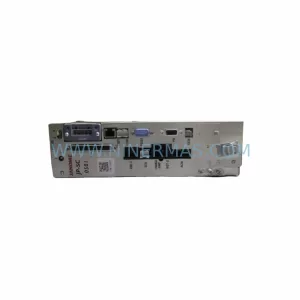
SKU: C3S063V2F10I20T30M00
Parker C3S063V2F10I20T30M00 Service-Ready Spare Part for Industrial Maintenance
Catalog Continuation
Alternative parts within PLC & Industrial Automation Modules.
Stay inside the same system family when you need substitutes, adjacent modules, or a broader shortlist for procurement review.
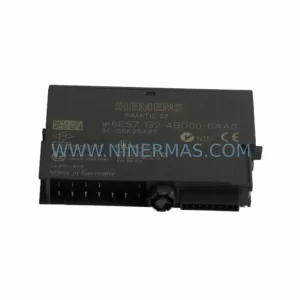
SKU: 6ES7138-4FA02-0AB0
Siemens 6ES7138-4FA02-0AB0 Retrofit-Compatible Power Module
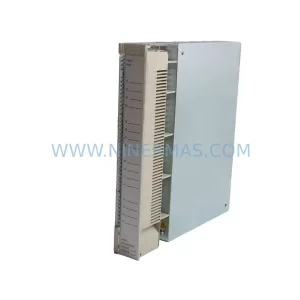
SKU: AI625 3BHT300036R1
ABB AI625 3BHT300036R1 Retrofit Analog Input Module
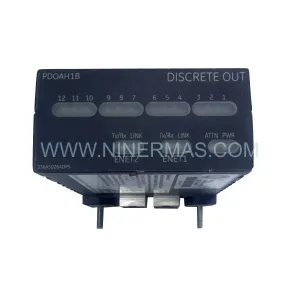
SKU: 3HAC062339-004 3HAC062339-006 lRB7600 3HAC064662-001 DSQC3037 3HAC023195-001
ABB 3HAC062339-004 Service-Ready Spare Part for Industrial Maintenance