Original Industrial Spare Part
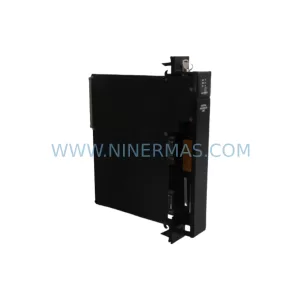
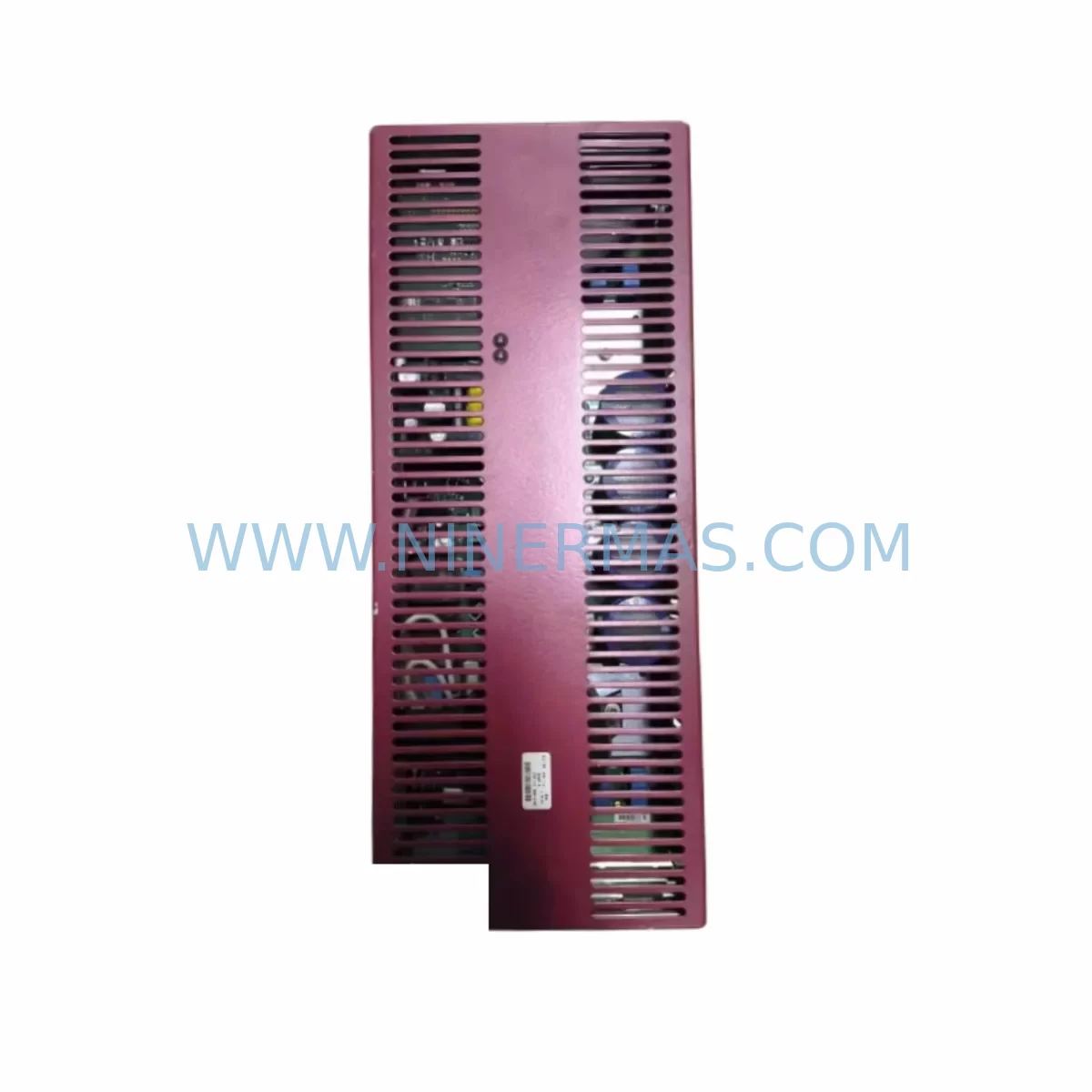
Wittmann EU-189 W-DRIVE 20A/20A/20A Retrofit Drive
Verify the part, confirm the platform family, and move straight into quotation with the right commercial details.
RFQ Ready
- SKUEU-189 W-DRIVE 20A/20A/20A
- CategoryPLC & Industrial Automation Modules
- BrandWittmann
- SupportAvailability, lead time, condition, and shipping coordination
How Buyers Usually Use This Page
- Confirm the exact part number and platform family before sending the quote request.
- Use direct email when quantity, condition, and destination are already defined internally.
- Switch to the broader brand or category archive when you need alternates nearby.
Series Navigation
Move through the most common platform families behind this part.
Product RFQ
Send this part directly for quotation.
Include quantity, required condition, destination country, and target delivery timing. Current reference: Wittmann EU-189 W-DRIVE 20A/20A/20A Retrofit Drive with SKU EU-189 W-DRIVE 20A/20A/20A.
Wittmann EU-189 W-DRIVE 20A/20A/20A: Retrofit-Compatible Drive for Legacy Automation Systems
The Wittmann EU-189 W-DRIVE 20A/20A/20A is a three-axis servo/frequency drive module rated at 20A per axis, designed for integration within Wittmann W-DRIVE series control architectures. As production lines built around legacy Wittmann robot controllers and injection moulding automation systems approach end-of-service milestones, the EU-189 has become a critical retrofit and replacement component for maintenance engineers seeking to extend operational life without full system overhaul. NINERMAS maintains verified stock of this unit, supplied with a 12-month warranty and pre-shipment functional testing.
Whether you are replacing a failed drive in a Wittmann W8 or W8pro robot controller, upgrading a multi-axis servo system in a plastics processing cell, or migrating from an obsolete drive platform to a compatible modern equivalent, the EU-189 W-DRIVE 20A/20A/20A provides a direct-fit solution that minimises engineering rework and reduces unplanned downtime exposure.
Upgrade Compatibility Table
| Parameter | EU-189 W-DRIVE 20A/20A/20A | Retrofit Notes |
|---|---|---|
| Drive Type | 3-Axis Servo/Frequency Drive | Direct replacement for same-series W-DRIVE units |
| Current Rating (per axis) | 20A / 20A / 20A | Verify motor nameplate current before installation |
| Series Compatibility | Wittmann W-DRIVE Series | Compatible with W8, W8pro robot controller backplanes |
| Mounting / Installation | DIN rail / panel mount per W-DRIVE standard | Confirm cabinet depth and rail spacing before ordering |
| Communication Interface | Wittmann proprietary bus / CANopen (series-dependent) | Verify protocol version with existing controller firmware |
| Terminal Wiring | Standard W-DRIVE terminal block layout | Cross-reference wiring diagram against existing harness |
| Replacement Scope | Drop-in for EU-189 and compatible W-DRIVE variants | Check axis count and current rating match |
| Commissioning | Parameter upload via Wittmann teach pendant or PC tool | Backup original parameters before drive swap |
| Warranty | 12 Months | Covered from date of shipment; functional test included |
Retrofit Planning for Existing Automation Systems
Retrofitting the EU-189 W-DRIVE 20A/20A/20A into an existing Wittmann robot or automation cell requires a structured pre-installation review. Engineers should begin by auditing the control cabinet layout to confirm available rail space and verify that the existing Wittmann W-DRIVE power supply module — typically a 24VDC or 48VDC bus supply — can sustain the combined current draw of all three axes at full load. In multi-robot cells, the shared DC bus architecture means that adding or replacing a drive unit can affect the voltage stability seen by adjacent modules, including the Wittmann W-DRIVE I/O expansion module and any connected servo amplifier cards.
Terminal wiring is a frequent source of commissioning delay. The EU-189 uses the standard W-DRIVE terminal block arrangement, but harness pin assignments can vary between robot generations. Before disconnecting the existing drive, photograph or document all terminal connections and cross-reference against the robot’s wiring schematic. Pay particular attention to the feedback encoder cables routed from each servo motor axis — incorrect reconnection of encoder signals will prevent the controller from establishing axis home positions and will trigger fault codes on the Wittmann robot controller CPU board.
For systems where the original Wittmann W-DRIVE communication module handles CANopen or proprietary fieldbus traffic between the drive and the main PLC or robot controller, confirm that the replacement EU-189 unit carries the same firmware revision or is compatible with the controller’s expected protocol version. Mismatched firmware can cause axis enable failures or erratic motion profiles that are difficult to diagnose without access to the original commissioning documentation.
In injection moulding automation environments, the EU-189 often operates alongside a Wittmann W-DRIVE safety relay module and interacts with the mould area safety gate interlock chain. Verify that the safety input wiring to the drive’s STO (Safe Torque Off) terminals is correctly reinstated after the swap, and perform a full safety function test before returning the cell to production. Skipping this step can result in a machine that passes motion tests but fails the safety audit required by your site’s machinery directive compliance records.
Where the retrofit involves migrating from an older W-DRIVE generation to the EU-189, engineers should also review the HMI screen configuration on the Wittmann teach pendant. Drive parameter sets stored in the pendant may reference axis scaling factors or current limit values specific to the previous drive hardware. Uploading the original parameter file to the EU-189 without adjustment can result in overcurrent trips or reduced axis performance. A parameter comparison using the Wittmann PC commissioning tool is recommended before live axis testing.
Signal isolation between the drive’s analogue reference inputs and the PLC analogue output card is another area requiring attention in older installations. If the existing system uses a signal isolator module between the PLC and the drive’s speed reference input, confirm that the isolator’s output range matches the EU-189’s input specification. Incompatible signal levels will cause speed reference errors that manifest as unstable axis velocity during pick-and-place cycles.
Downtime Control During System Migration
Minimising production downtime during a W-DRIVE replacement begins with preparation completed before the maintenance window opens. Request the EU-189 unit from NINERMAS in advance of the planned outage, confirm receipt and inspect the unit against the order specification, and stage all tools, wiring documentation, and parameter backup files at the work location before the line stops.
The most effective downtime reduction strategy for a drive swap in a Wittmann robot cell is to perform a full parameter backup from the existing drive — using the teach pendant’s parameter export function or the Wittmann PC tool — before the drive is powered down. This backup preserves axis tuning data, current limits, acceleration ramps, and any application-specific motion profiles that have been optimised for the robot’s payload and reach envelope. Restoring this parameter set to the EU-189 after installation eliminates the need for full re-commissioning and reduces the post-swap test cycle to a verification run rather than a tuning exercise.
Where the failed drive has already lost its parameter data due to a catastrophic fault, NINERMAS recommends sourcing the original commissioning report from the robot’s installation records or contacting the Wittmann service network for a factory default parameter set appropriate to the robot model. Running the EU-189 on factory defaults is safe for initial axis enable testing but will require tuning before the robot can resume production at rated cycle speed.
After the drive is installed and parameters are loaded, perform axis jog tests at reduced speed before enabling full automatic cycle. Confirm that all three axes respond correctly to jog commands, that encoder feedback is clean (no position error alarms), and that the safety interlock chain — including the mould area gate, emergency stop circuit, and STO function — operates correctly. Document the commissioning test results and retain them with the robot’s maintenance record.
Retrofit Support FAQ
Q1: Is the EU-189 W-DRIVE 20A/20A/20A a direct replacement for my existing W-DRIVE unit?
The EU-189 is designed as a direct replacement within the Wittmann W-DRIVE series for units with matching axis count and current rating. Confirm that your existing drive carries the EU-189 part number or is listed as a compatible replacement in the Wittmann spare parts documentation. If your existing drive has a different current rating or axis configuration, contact NINERMAS to identify the correct replacement unit.
Q2: What pre-shipment testing does NINERMAS perform on the EU-189?
Each EU-189 unit supplied by NINERMAS undergoes functional verification testing prior to shipment, covering power-on self-test, axis enable response, and communication interface check. Units are supplied with a 12-month warranty from the date of shipment. Test records are available on request.
Q3: Can I use my existing wiring harness with the replacement EU-189?
In most cases, yes. The EU-189 uses the standard W-DRIVE terminal block layout, and existing harnesses are typically compatible. However, harness pin assignments can vary between robot generations and cabinet configurations. Always cross-reference your wiring schematic against the EU-189 terminal diagram before reconnecting. Pay particular attention to encoder feedback cables and safety input terminals.
Q4: How quickly can NINERMAS ship the EU-189, and is stock available?
NINERMAS maintains inventory of the EU-189 W-DRIVE 20A/20A/20A and can confirm current stock availability upon enquiry. Global shipping is supported, with lead times dependent on destination and logistics option selected. Contact the NINERMAS sales team for a stock confirmation and shipping quotation before scheduling your maintenance window.
| Product Series | Other series |
|---|
Catalog Continuation
Alternative parts within PLC & Industrial Automation Modules.
Stay inside the same system family when you need substitutes, adjacent modules, or a broader shortlist for procurement review.
SKU: DX100DX200 jZRCR-YPP01-1 JZRCR-YPP21-1 SRDA-SDB95A01A-E 10Y-06A DC-24V
Yaskawa JZRCR-YPP01-1 Retrofit-Compatible Pendant for Legacy Systems