Original Industrial Spare Part
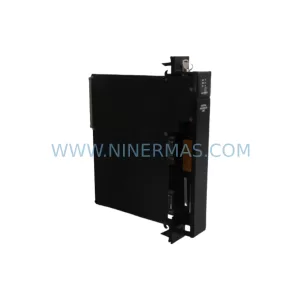
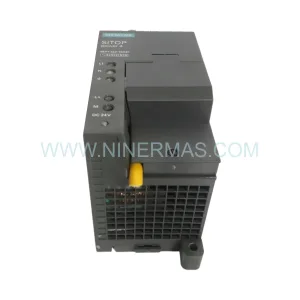
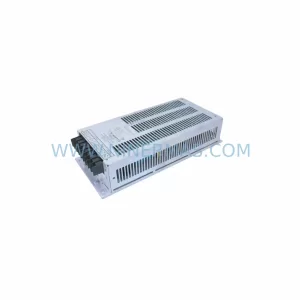
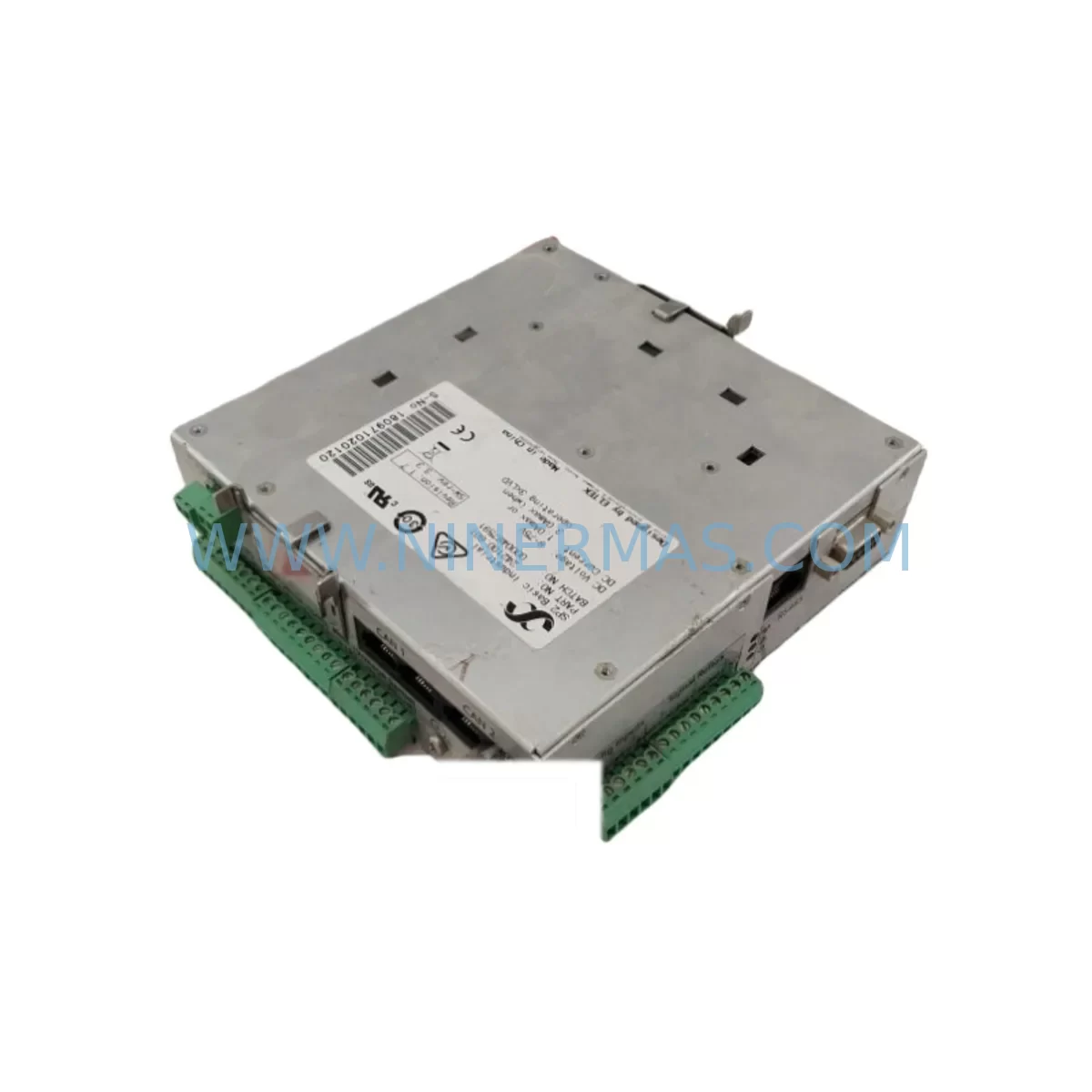
Eltek 242100.601 Retrofit-Compatible Rectifier for Legacy Systems
Verify the part, confirm the platform family, and move straight into quotation with the right commercial details.
RFQ Ready
- SKU242100.601
- CategoryPLC & Industrial Automation Modules
- BrandEltek
- SupportAvailability, lead time, condition, and shipping coordination
How Buyers Usually Use This Page
- Confirm the exact part number and platform family before sending the quote request.
- Use direct email when quantity, condition, and destination are already defined internally.
- Switch to the broader brand or category archive when you need alternates nearby.
Series Navigation
Move through the most common platform families behind this part.
Product RFQ
Send this part directly for quotation.
Include quantity, required condition, destination country, and target delivery timing. Current reference: Eltek 242100.601 Retrofit-Compatible Rectifier for Legacy Systems with SKU 242100.601.
Eltek 242100.601 Retrofit-Compatible Rectifier for Legacy Systems
The Eltek 242100.601 is a high-reliability rectifier module engineered for seamless integration into legacy telecom and industrial power systems. As aging infrastructure reaches end-of-life and OEM support is discontinued, the 242100.601 serves as a proven retrofit solution that allows facilities to extend operational continuity without committing to a full system overhaul. NINERMAS maintains verified stock of this module, fully tested and ready for immediate dispatch with a 12-month warranty.
For maintenance engineers managing aging Eltek Flatpack or Valere-series power shelves, the 242100.601 delivers the same output characteristics and bus compatibility as the original factory unit. Whether you are replacing a failed module in a critical UPS cabinet, restoring a redundant rectifier bank, or building a retrofit-ready spare inventory for a multi-site rollout, this module eliminates the risk of extended downtime caused by obsolete part shortages.
Procurement engineers sourcing this part for legacy system support will appreciate that NINERMAS provides pre-shipment functional testing, documented compatibility verification, and long-term supply continuity — critical factors when the original manufacturer has discontinued the product line or extended lead times beyond acceptable operational windows.
Upgrade Compatibility Table
| Parameter | Details |
|---|---|
| SKU / Part Number | 242100.601 |
| Brand | Eltek |
| Series | Flatpack / Valere Legacy Power Series |
| Module Type | AC/DC Rectifier Module |
| Typical Output Voltage | 48 VDC (nominal, system-dependent) |
| Interface Compatibility | Standard Eltek shelf backplane bus |
| Installation Format | Hot-swap plug-in module (shelf-dependent) |
| Communication Protocol | CAN bus / Eltek proprietary management |
| Replacement Scope | Direct drop-in for same-series legacy shelves |
| Commissioning Requirement | Address configuration via shelf controller or SmartPack |
| Pre-Shipment Testing | Full functional load test performed |
| Warranty | 12 Months — NINERMAS Guarantee |
| Origin | Norway (OEM); NINERMAS-verified stock |
| Condition | Original / Refurbished-to-spec (confirmed at order) |
Retrofit Planning for Existing Automation Systems
A successful retrofit of the Eltek 242100.601 requires more than a physical module swap. Engineers must evaluate the entire power distribution chain to ensure the replacement module integrates without introducing new failure points or triggering system alarms.
Begin with the Eltek SmartPack controller or equivalent shelf management unit. The SmartPack governs module addressing, load sharing, and alarm thresholds across the rectifier bank. When inserting the 242100.601 into a shelf that has been running with a reduced module count, the controller must be verified to accept the new module address and redistribute load correctly. Firmware version compatibility between the SmartPack and the replacement rectifier should be confirmed before commissioning.
The Eltek power shelf backplane — whether a 19-inch rack-mount or wall-mount enclosure — must be inspected for connector wear, corrosion, and mechanical alignment. A degraded backplane connector can cause intermittent contact faults that mimic rectifier failure, leading to unnecessary module replacements. Cleaning and re-seating the backplane contacts is recommended as part of any rectifier retrofit procedure.
On the AC input side, verify that the input circuit breaker and associated AC distribution terminal blocks are rated for the combined inrush current of the full rectifier bank, including the newly installed 242100.601. Undersized breakers or aged terminal connections are a common cause of nuisance tripping during post-retrofit commissioning.
For systems using battery backup integration, confirm that the DC bus voltage setpoint and float charge parameters are correctly configured in the shelf controller after module replacement. Eltek systems using external battery monitoring units (BMU) or battery temperature sensors should be re-validated to ensure charge curves remain within specification.
If the power system feeds a PLC or DCS control cabinet, the 24 VDC or 48 VDC downstream distribution — including DC fuse blocks, surge protection devices (SPD), and power distribution modules — should be inspected for load balance and fault isolation integrity. A rectifier retrofit is an ideal opportunity to replace aging blade fuses or NH fuse carriers in the DC distribution panel.
For sites where the Eltek system interfaces with SCADA or remote monitoring platforms via RS-232, RS-485, or Ethernet, verify that the communication link to the SmartPack or equivalent controller is restored and alarm forwarding is functional after the retrofit. Signal isolators or protocol converters in the monitoring chain should also be checked for compatibility with the updated module configuration.
Downtime Control During System Migration
Minimizing downtime during a rectifier retrofit is the primary concern for both maintenance and operations teams. The Eltek 242100.601 supports hot-swap installation in compatible Eltek shelves, meaning the module can be inserted and removed while the shelf remains energized and other rectifiers continue to supply load. This eliminates the need for a full system shutdown in most retrofit scenarios.
Before removing the failed or end-of-life module, document the current shelf configuration: number of active modules, load sharing percentages, alarm status, and controller firmware version. This baseline record allows rapid restoration if the retrofit introduces unexpected behavior.
During the swap, ensure that the remaining rectifier modules in the shelf have sufficient combined capacity to carry the full load without entering current limiting. If the shelf is operating near capacity, coordinate the retrofit during a low-load period or arrange temporary load reduction on the DC bus.
After insertion of the 242100.601, allow the SmartPack controller sufficient time to recognize and initialize the new module before verifying output voltage, load sharing balance, and alarm clearance. If the system uses a remote monitoring panel or network management system (NMS), confirm that the new module appears correctly in the system topology and that no latent alarms remain active.
For multi-site deployments, NINERMAS recommends maintaining a minimum of one spare 242100.601 per power shelf in the site inventory. This eliminates procurement lead time as a variable in emergency response and ensures that any future module failure can be resolved within the same maintenance shift — a critical requirement for facilities operating under strict SLA or uptime commitments.
Retrofit Support FAQ
Q1: Is the Eltek 242100.601 a direct drop-in replacement for the original module in my legacy shelf?
In most Eltek Flatpack and Valere-series shelves, the 242100.601 is a direct physical and electrical replacement. However, firmware compatibility between the module and the shelf controller (SmartPack or equivalent) should be verified before installation. NINERMAS can provide compatibility confirmation based on your shelf model and controller firmware version upon request.
Q2: How does NINERMAS verify the 242100.601 before shipment?
Every unit undergoes a full functional load test prior to dispatch. Output voltage, current regulation, and communication interface response are verified against OEM specifications. A test report is available upon request. All units are shipped with a 12-month warranty covering manufacturing defects and functional failure under normal operating conditions.
Q3: Can NINERMAS supply multiple units for a fleet-wide retrofit or spare parts program?
Yes. NINERMAS maintains ongoing stock of the 242100.601 and can fulfill both single-unit emergency orders and bulk procurement for planned retrofit programs. Long-term supply agreements are available for customers managing multi-site or multi-year maintenance contracts. Contact sale@ninermas.com to discuss volume pricing and delivery scheduling.
Q4: What should I check if the shelf controller does not recognize the replacement module after installation?
First, verify that the module is fully seated on the backplane and that the shelf slot is not flagged as disabled in the controller configuration. Check the SmartPack firmware version for known compatibility notes related to the 242100.601. If the issue persists, inspect the backplane connector for mechanical damage or oxidation. NINERMAS technical support is available to assist with post-installation troubleshooting at no additional charge within the warranty period.
| Product Series | Legacy |
|---|
Catalog Continuation
Alternative parts within PLC & Industrial Automation Modules.
Stay inside the same system family when you need substitutes, adjacent modules, or a broader shortlist for procurement review.
SKU: DX100DX200 jZRCR-YPP01-1 JZRCR-YPP21-1 SRDA-SDB95A01A-E 10Y-06A DC-24V
Yaskawa JZRCR-YPP01-1 Retrofit-Compatible Pendant for Legacy Systems