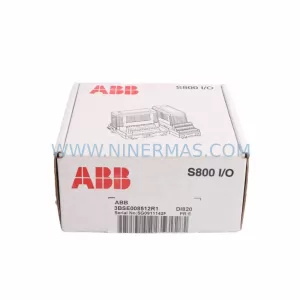
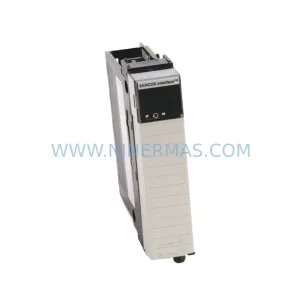
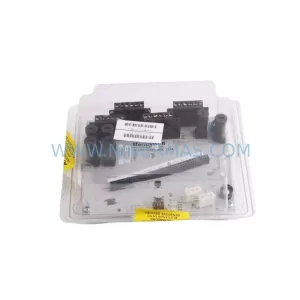
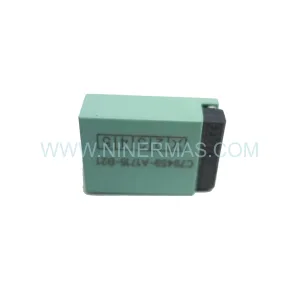
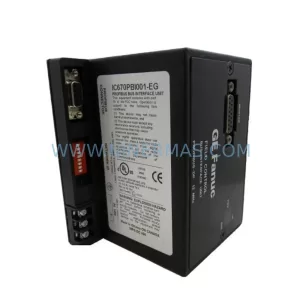
Original Industrial Spare Part
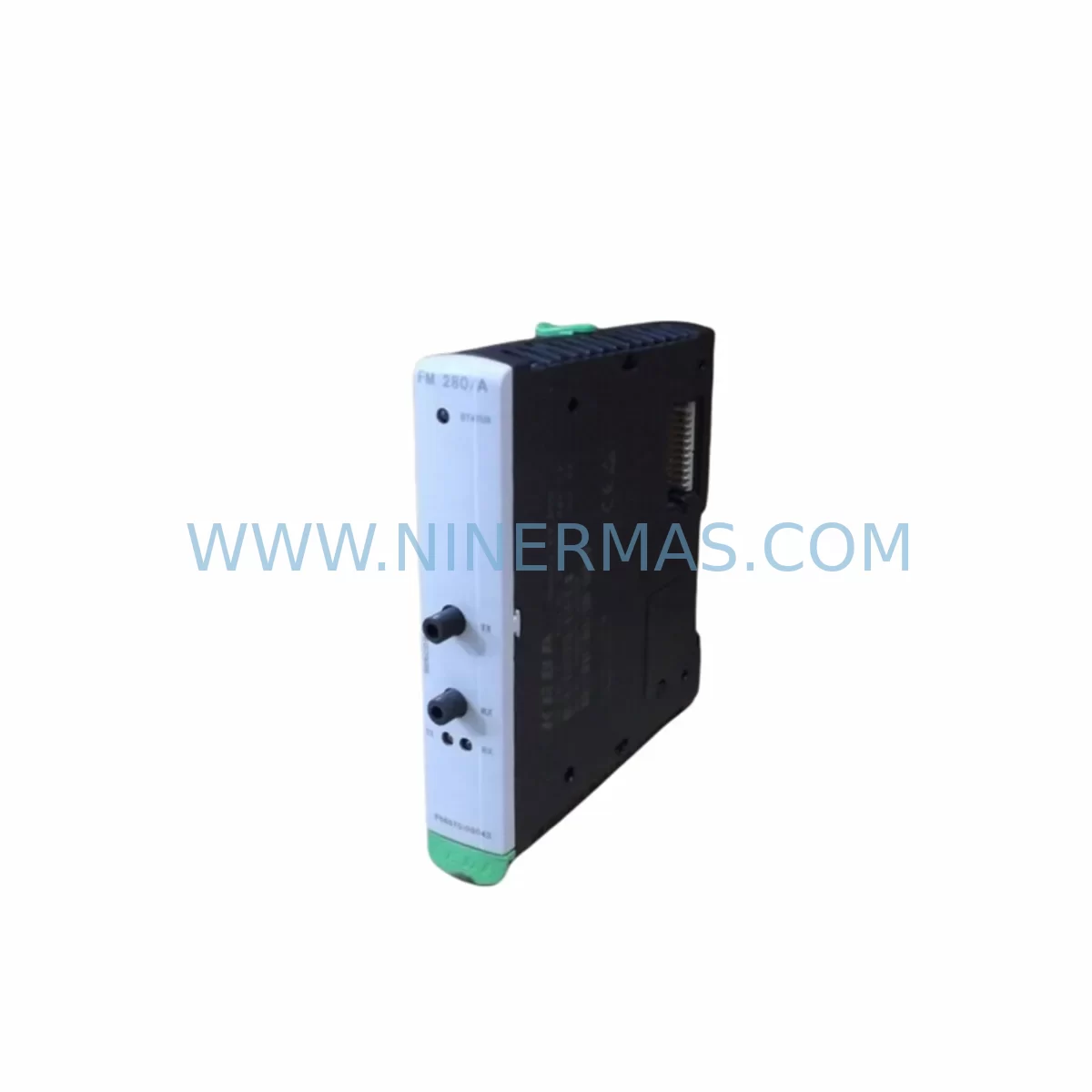
KEBA FM280/A Service-Ready Spare Part for Industrial Maintenance
Verify the part, confirm the platform family, and move straight into quotation with the right commercial details.
RFQ Ready
- SKUFM280/A
- CategoryPLC & Industrial Automation Modules
- BrandKEBA
- SupportAvailability, lead time, condition, and shipping coordination
How Buyers Usually Use This Page
- Confirm the exact part number and platform family before sending the quote request.
- Use direct email when quantity, condition, and destination are already defined internally.
- Switch to the broader brand or category archive when you need alternates nearby.
Series Navigation
Move through the most common platform families behind this part.
Product RFQ
Send this part directly for quotation.
Include quantity, required condition, destination country, and target delivery timing. Current reference: KEBA FM280/A Service-Ready Spare Part for Industrial Maintenance with SKU FM280/A.
KEBA FM280/A Service-Ready Spare Part for Industrial Maintenance
The KEBA FM280/A is a field-proven interface module from KEBA’s FM280 series, widely deployed in industrial automation control cabinets, motion control systems, and PLC-integrated architectures. For maintenance engineers managing aging automation infrastructure, sourcing a verified, service-ready FM280/A spare is critical to minimizing unplanned downtime and sustaining production continuity. NINERMAS stocks the KEBA FM280/A as an original-grade spare part, fully tested prior to shipment and backed by a 12-month warranty.
Whether you are executing a scheduled annual overhaul, responding to an emergency fault isolation event, or building a strategic spare parts inventory for a KEBA-based control system, the FM280/A represents a high-priority line item. Its role as a communication and signal interface bridge within the FM280 series makes it a single point of failure risk — one that proactive maintenance programs must address with pre-positioned stock.
Spare Maintenance Table
| Part Number | FM280/A |
| Brand | KEBA |
| Series | FM280 |
| Module Type | Interface Module |
| Application | Industrial Automation, Motion Control, PLC/DCS Integration |
| Compatibility | KEBA FM280 Series Control Systems |
| Origin | Austria (AT) |
| Installation | DIN Rail / Control Cabinet Backplane Mount |
| Operating Environment | Industrial Control Cabinet, 0–55°C, IP20 |
| Signal Interface | Digital/Analog I/O Interface (FM280 Series Standard) |
| Maintenance Recommendation | Inspect connectors, backplane seating, and signal integrity annually; replace at first sign of communication fault |
| Pre-Shipment Testing | Functional test performed before dispatch |
| Warranty | 12 Months from date of shipment |
| Lead Time | Subject to stock availability — contact NINERMAS for confirmation |
Maintenance Planning for Continuous Operation
When replacing the KEBA FM280/A interface module, a disciplined maintenance engineer will not stop at the module itself. The FM280/A sits at the intersection of power distribution, signal routing, and communication integrity within the control cabinet — meaning adjacent components must be inspected simultaneously to prevent repeat failures and ensure a clean system restoration.
Begin with the 24VDC power supply rail feeding the FM280 backplane. A degraded KEBA power supply module — such as those in the CP series or equivalent KEBA PSU units — can cause intermittent resets or communication errors that mimic an FM280/A fault. Verify output voltage stability under load before declaring the interface module as the root cause.
Next, inspect the backplane connector and bus termination. KEBA FM280 series modules rely on a passive backplane for inter-module communication; oxidized or mechanically stressed backplane contacts are a common source of signal degradation. If the FM280/A has been in service for more than five years, consider scheduling a backplane inspection as part of the same maintenance window.
The I/O wiring terminals connected to the FM280/A should be checked for terminal block integrity, wire ferrule condition, and correct torque. Loose field wiring at the terminal strip — particularly on high-vibration machinery — can cause sporadic I/O faults that are incorrectly attributed to the interface module. KEBA-compatible terminal blocks and DIN rail-mounted terminal strips should be part of your standard spare parts kit.
For systems integrating KEBA motion controllers or CP series CPUs, verify that the firmware version on the replacement FM280/A is compatible with the host controller. In legacy installations, a firmware mismatch between the interface module and the CPU backplane can prevent successful initialization. Confirm compatibility before powering up the replacement unit.
If the FM280/A interfaces with fieldbus or serial communication networks — such as PROFIBUS, CANopen, or RS-485 segments — inspect the communication cable shielding, termination resistors, and network topology for integrity. A faulty bus termination resistor or damaged shielded cable can cause the new module to report communication errors immediately after installation, creating a false impression of a defective spare.
For control cabinets also housing signal isolators or signal conditioners, verify that the isolation barriers between the FM280/A’s analog inputs and field sensors remain within specification. Signal isolators from brands such as Phoenix Contact or Weidmüller are commonly found in the same cabinet and should be tested for drift or insulation breakdown during the same maintenance cycle.
Finally, if the system includes a KEBA HMI panel or operator terminal communicating with the FM280 series controller, confirm that the HMI communication link is restored and displaying correct process values after the module replacement. An HMI that continues to show stale or error data after a module swap may indicate a residual communication configuration issue rather than a hardware fault.
NINERMAS recommends maintaining a minimum of one FM280/A unit in on-site spare stock for every KEBA FM280-based control system in your facility. For multi-line or multi-cabinet installations, a ratio of one spare per two to three systems is a practical starting point for procurement planning.
Site Replacement Workflow
Step 1 — Fault Isolation: Confirm the FM280/A as the failed component using the KEBA diagnostic software or controller fault log. Document the fault code and timestamp before proceeding.
Step 2 — Safe Isolation: De-energize the control cabinet following your site LOTO (Lockout/Tagout) procedure. Verify zero voltage on the backplane power rail before handling the module.
Step 3 — Module Extraction: Release the FM280/A from the backplane using the module ejector lever (if equipped). Note the slot position and any DIP switch or jumper settings on the outgoing module before removal.
Step 4 — Replacement Configuration: Transfer any DIP switch, address, or jumper settings from the failed unit to the replacement FM280/A. Confirm firmware compatibility with the host controller before insertion.
Step 5 — Reinsertion and Power-Up: Seat the replacement module firmly into the backplane slot. Re-energize the cabinet and observe the module status LEDs during initialization. A solid green status LED indicates successful backplane communication.
Step 6 — Functional Verification: Using the KEBA engineering tool or HMI, verify that all I/O channels associated with the FM280/A are reading correctly. Confirm fieldbus communication is re-established if applicable.
Step 7 — Documentation: Record the replacement in your maintenance log, including the new module serial number, date of installation, and post-replacement test results. Update your spare parts inventory accordingly.
This workflow is designed to minimize mean time to repair (MTTR) and restore production within a single maintenance shift. NINERMAS ships the FM280/A with a pre-shipment functional test certificate to support rapid site deployment without incoming inspection delays.
Spare Parts Support FAQ
Q1: Is the KEBA FM280/A available as a long-term supply item?
Yes. NINERMAS maintains sourcing channels for KEBA FM280 series components to support legacy system lifecycle extension programs. Contact our team to discuss annual supply agreements or blanket purchase orders for multi-year procurement planning.
Q2: How is the FM280/A tested before shipment?
Every KEBA FM280/A dispatched by NINERMAS undergoes a functional pre-shipment test to verify module initialization, backplane communication readiness, and I/O channel integrity. A test record is available upon request and accompanies the shipment documentation.
Q3: What is covered under the 12-month warranty?
The 12-month warranty covers manufacturing defects and functional failures under normal operating conditions from the date of shipment. It does not cover damage resulting from incorrect installation, overvoltage events, or unauthorized modification. NINERMAS will replace or refund defective units within the warranty period following fault verification.
Q4: Can the FM280/A replace earlier FM280 series variants in the same backplane slot?
In most KEBA FM280 series installations, the FM280/A is backward-compatible with earlier FM280 module variants occupying the same backplane slot. However, firmware version alignment with the host CPU is recommended before installation. NINERMAS technical support can assist with compatibility verification based on your system’s controller firmware version and hardware revision.
| Product Series | Other series |
|---|
Catalog Continuation
More KEBA modules in the catalog.
Use the brand lane to compare nearby part numbers, platform-adjacent modules, and other inquiry-ready listings before sending your final RFQ.
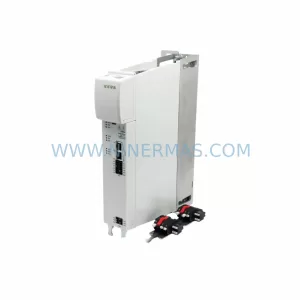
SKU: D3-DA 330/A-1211-00
KEBA D3-DA 330/A-1211-00 Service-Ready Spare Part
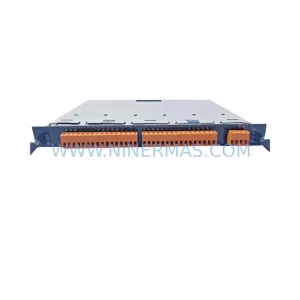
SKU: D3-DP 300/A-1000-00
KEBA D3-DP 300/A-1000-00 Service-Ready Spare Part
Catalog Continuation
Alternative parts within PLC & Industrial Automation Modules.
Stay inside the same system family when you need substitutes, adjacent modules, or a broader shortlist for procurement review.


SKU: 00-176-037 00-176-037 00-262-652 00-262-652 00-178-888 00-178-888
KUKA 00-176-037 Retrofit Reducer Module for Legacy Systems

SKU: 6SE7027-2TD84-6HF3
SIEMENS 6SE7027-2TD84-6HF3 Service-Ready Spare Part