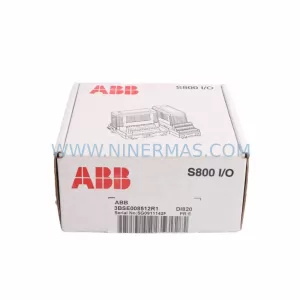
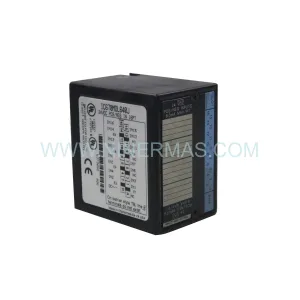
Original Industrial Spare Part
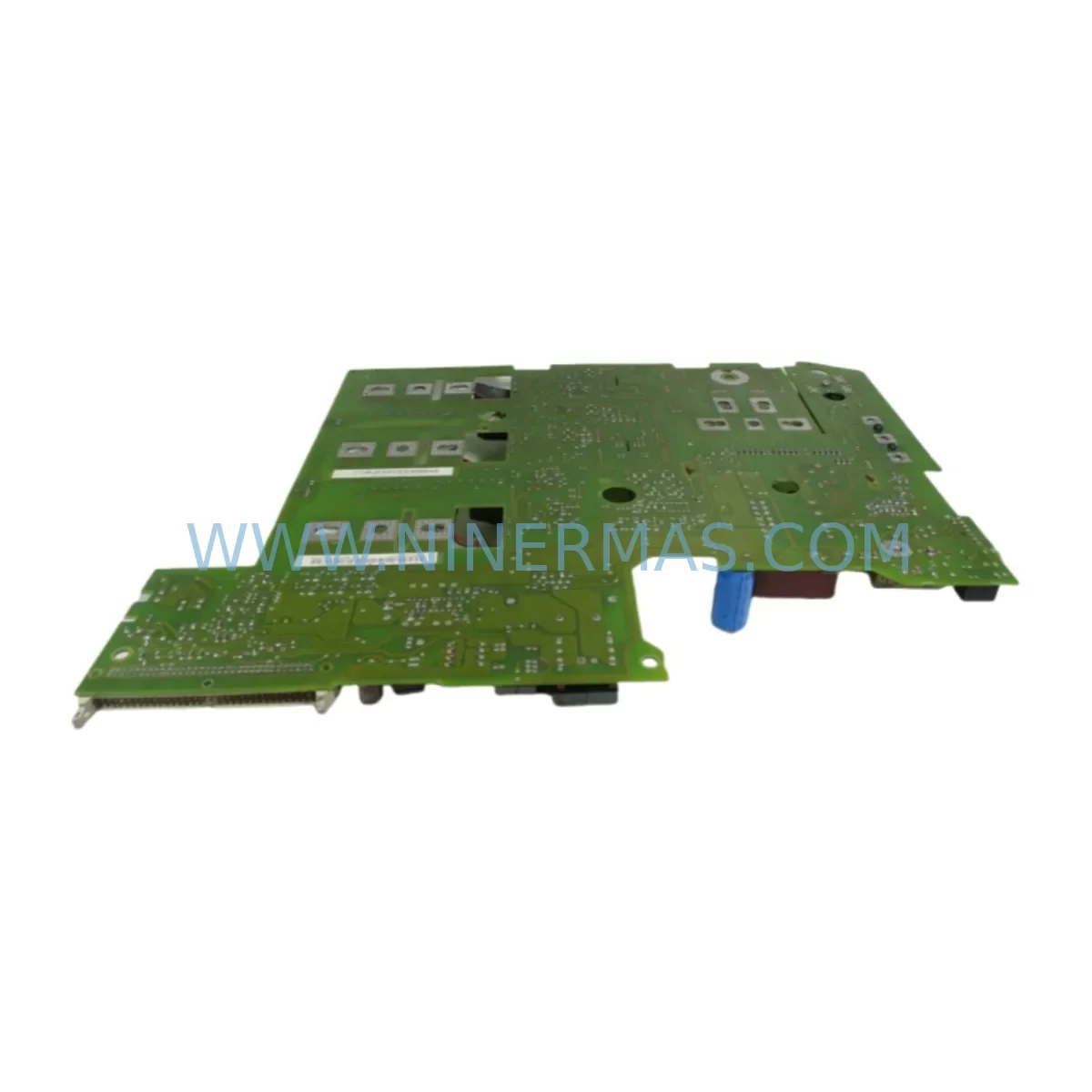
SIEMENS 6SE7027-2TD84-6HF3 Service-Ready Spare Part
Verify the part, confirm the platform family, and move straight into quotation with the right commercial details.
RFQ Ready
- SKU6SE7027-2TD84-6HF3
- CategoryPLC & Industrial Automation Modules
- BrandSiemens
- SupportAvailability, lead time, condition, and shipping coordination
How Buyers Usually Use This Page
- Confirm the exact part number and platform family before sending the quote request.
- Use direct email when quantity, condition, and destination are already defined internally.
- Switch to the broader brand or category archive when you need alternates nearby.
Series Navigation
Move through the most common platform families behind this part.
Product RFQ
Send this part directly for quotation.
Include quantity, required condition, destination country, and target delivery timing. Current reference: SIEMENS 6SE7027-2TD84-6HF3 Service-Ready Spare Part with SKU 6SE7027-2TD84-6HF3.
SIEMENS 6SE7027-2TD84-6HF3 Service-Ready Spare Part for Industrial Maintenance
The SIEMENS 6SE7027-2TD84-6HF3 is a high-performance inverter drive module from the SIMOVERT MASTERDRIVES series, engineered for demanding industrial automation environments. As a service-ready original spare part, this unit is a critical component for maintenance engineers managing variable-speed drive systems in manufacturing, process control, and heavy-industry applications. Whether you are responding to an unplanned shutdown, executing a scheduled annual overhaul, or building a strategic spare parts inventory, the 6SE7027-2TD84-6HF3 delivers the reliability and compatibility your operation demands.
Downtime in industrial facilities is costly. A failed drive module can halt an entire production line within seconds. Stocking the SIEMENS 6SE7027-2TD84-6HF3 as a ready-to-deploy spare eliminates the lead-time risk associated with emergency procurement and ensures your maintenance team can execute a rapid swap-out without waiting days or weeks for a replacement to arrive. Every unit supplied by NINERMAS undergoes pre-shipment inspection and functional verification, backed by a 12-month warranty from the date of delivery.
Spare Maintenance Table
| Parameter | Specification |
|---|---|
| Part Number / SKU | 6SE7027-2TD84-6HF3 |
| Brand | SIEMENS |
| Series | SIMOVERT MASTERDRIVES |
| Product Type | Inverter Drive Module |
| Output Current (Rated) | 27 A (typical for -2TD84 frame) |
| Voltage Class | 3-phase AC, 380–480 V |
| Cooling Method | Forced air / integrated fan |
| Protection Class | IP20 (cabinet installation) |
| Communication Option | 6HF3 — PROFIBUS DP interface board |
| Compatible Systems | SIMOVERT MASTERDRIVES MC / VC platforms |
| Installation Environment | Industrial control cabinet, DIN rail or panel mount |
| Ambient Temperature | 0 °C to +40 °C (derate above 40 °C) |
| Origin | Germany |
| Condition | Original / Service-Ready |
| Warranty | 12 Months from shipment date |
| Pre-Shipment Test | Yes — functional verification included |
| Maintenance Recommendation | Replace cooling fan and DC bus capacitors during installation if drive age exceeds 5 years |
Maintenance Planning for Continuous Operation
When a SIEMENS 6SE7027-2TD84-6HF3 is identified as a fault source during routine control cabinet inspection or fault-code diagnostics, experienced maintenance engineers know that replacing the drive module alone is rarely sufficient for a durable recovery. A thorough site assessment should accompany every drive replacement to prevent repeat failures and protect the broader automation system.
Begin by inspecting the 24 VDC auxiliary power supply feeding the drive’s control electronics — a degraded or noisy supply is a common root cause of intermittent drive faults that are often misattributed to the drive module itself. Check the SIEMENS SITOP power supply or equivalent DIN-rail PSU in the same cabinet section for output ripple and load regulation. Next, verify the integrity of the motor power cable and shielding: damaged insulation or improper shield termination can inject EMI that corrupts the drive’s internal IGBT gate signals.
Because the 6SE7027-2TD84-6HF3 carries the 6HF3 PROFIBUS DP communication board, the fieldbus segment should be tested after replacement. Confirm that the PROFIBUS termination resistors at both ends of the segment are correctly installed and that the DP address is set to match the original configuration stored in the PLC or DCS. If the site uses a SIMATIC S7-300 or S7-400 PLC as the PROFIBUS master, verify the GSD file and hardware configuration in STEP 7 or TIA Portal to ensure the new drive is recognized without a configuration mismatch alarm.
During the replacement window, it is best practice to also inspect the input line reactor or EMC filter upstream of the drive, as these components absorb voltage transients that would otherwise stress the drive’s rectifier bridge. Check the fuse or circuit breaker protecting the drive input — a nuisance trip that preceded the drive failure may indicate an upstream overcurrent event. Inspect the braking resistor and braking chopper module if the application involves regenerative loads such as hoists, centrifuges, or winding machines; a failed braking resistor can cause DC bus overvoltage faults that damage the replacement drive within hours of commissioning.
For sites running multiple SIMOVERT MASTERDRIVES units in a common DC bus configuration, inspect the DC bus connection bars and pre-charge circuit before energizing the replacement module. Also review the I/O terminal wiring on the CU (Control Unit) board — loose or corroded terminals on analog speed reference inputs or digital enable signals are a frequent source of erratic drive behavior after a module swap. If the site uses signal isolators or analog input conditioners between the PLC and the drive’s reference input, verify their output range and offset calibration. Finally, check the operator panel (OP1S) or local HMI connection if parameter upload/download is required after replacement, and confirm that the parameter set stored in the PMU or external memory card matches the application requirements.
Site Replacement Workflow
Step 1 — Isolation and Lockout: De-energize the drive and apply LOTO (Lockout/Tagout) per site safety procedures. Allow a minimum of 5 minutes for the DC bus capacitors to discharge before opening the cabinet door. Verify bus voltage with a calibrated multimeter before touching any internal components.
Step 2 — Parameter Backup: If the existing drive is still partially functional, upload the full parameter set to the OP1S panel or a laptop running DriveMonitor / Starter software. This backup is essential for restoring the replacement unit to the exact application configuration without re-commissioning from scratch.
Step 3 — Mechanical Removal: Disconnect the motor power cables (U2, V2, W2), the line input cables (U1, V1, W1), the DC bus connections (if applicable), and the control wiring harness. Label all connectors before removal. Unbolt the drive from the mounting rail or backplate and remove it from the cabinet.
Step 4 — Installation of 6SE7027-2TD84-6HF3: Mount the replacement unit, reconnect all power and control wiring in reverse order, and verify torque on all power terminals per the SIMOVERT MASTERDRIVES installation manual. Reinstall the PROFIBUS DP cable on the 6HF3 board and confirm the bus address switch setting.
Step 5 — Parameter Restore and Commissioning: Download the saved parameter set to the new drive. Perform a no-load test run at low speed before reconnecting the mechanical load. Monitor current, speed feedback, and fault registers during the first full-load run. Confirm PROFIBUS communication status in the PLC diagnostic buffer.
Step 6 — Documentation: Record the replacement in the site maintenance log, including the old unit’s serial number, fault history, and the new unit’s serial number and delivery date. Update the spare parts inventory to trigger a replenishment order for the next standby unit.
Spare Parts Support FAQ
Q1: Is the 6SE7027-2TD84-6HF3 a direct drop-in replacement for older SIMOVERT MASTERDRIVES units with the same frame size?
Yes, in most cases. The 6SE7027-2TD84-6HF3 is designed for direct mechanical and electrical compatibility within the SIMOVERT MASTERDRIVES MC/VC platform. However, always verify the firmware version and option board configuration against your existing system documentation before installation, as certain legacy sites may require a firmware downgrade or parameter adjustment for full compatibility.
Q2: What pre-shipment testing does NINERMAS perform on this spare part?
Every unit undergoes a functional verification check prior to dispatch, including power-on self-test, communication board handshake verification, and visual inspection for physical damage. Units that do not pass inspection are not shipped. A 12-month warranty covers manufacturing defects and functional failures under normal operating conditions from the date of shipment.
Q3: Can NINERMAS support long-term or blanket purchase orders for this part?
Yes. NINERMAS specializes in long-term supply agreements for industrial automation spare parts, including obsolete and hard-to-source SIEMENS SIMOVERT MASTERDRIVES components. Contact our sales team to discuss volume pricing, reserved stock arrangements, and scheduled delivery programs that align with your annual maintenance budget cycle.
Q4: What should I do if the replacement drive shows a fault immediately after commissioning?
First, cross-reference the fault code against the SIMOVERT MASTERDRIVES fault list in the system manual. Common post-replacement faults include PROFIBUS communication loss (check bus address and termination), overcurrent on first run (verify motor cable integrity and parameter settings), and DC bus overvoltage (check braking resistor connection). If the fault persists after these checks, contact NINERMAS technical support with the fault code, parameter list, and site wiring diagram for remote diagnostic assistance.
| Product Series | SIMOVERT |
|---|---|
| Country of Origin | DE |
Catalog Continuation
More Siemens modules in the catalog.
Use the brand lane to compare nearby part numbers, platform-adjacent modules, and other inquiry-ready listings before sending your final RFQ.
SKU: 6ES5955-7NC12
Siemens 6ES5955-7NC12 Safety-Reliable Power Supply Module
SKU: 6AV6542-0CA10-0AX0
Siemens 6AV6542-0CA10-0AX0 Safety-Reliable HMI for Critical Sites
SKU: A5E00158600 6SE70 TP/EP60 CUVP-02
SIEMENS A5E00158600 6SE70 TP/EP60 CUVP-02 Safety-Reliable Power Module
SKU: 6SE7038-6EK84-1GF0
SIEMENS 6SE7038-6EK84-1GF0 Service-Ready Spare Part
Catalog Continuation
Alternative parts within PLC & Industrial Automation Modules.
Stay inside the same system family when you need substitutes, adjacent modules, or a broader shortlist for procurement review.


SKU: 00-176-037 00-176-037 00-262-652 00-262-652 00-178-888 00-178-888
KUKA 00-176-037 Retrofit Reducer Module for Legacy Systems