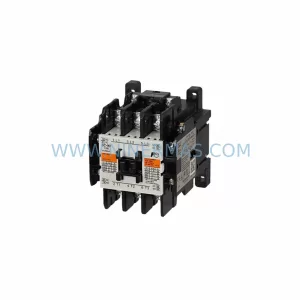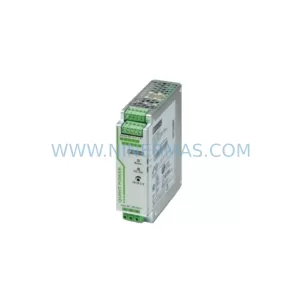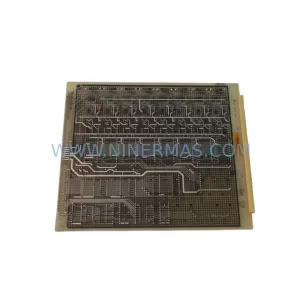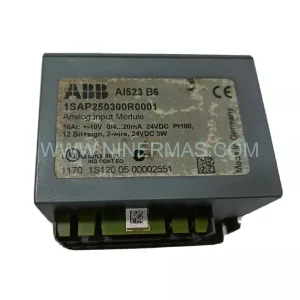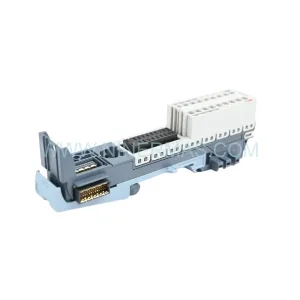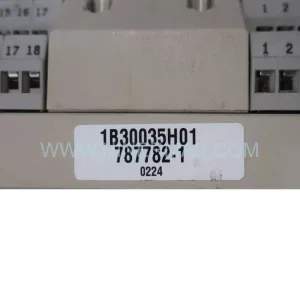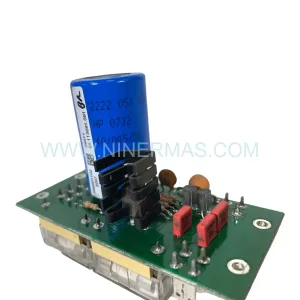
Original Industrial Spare Part
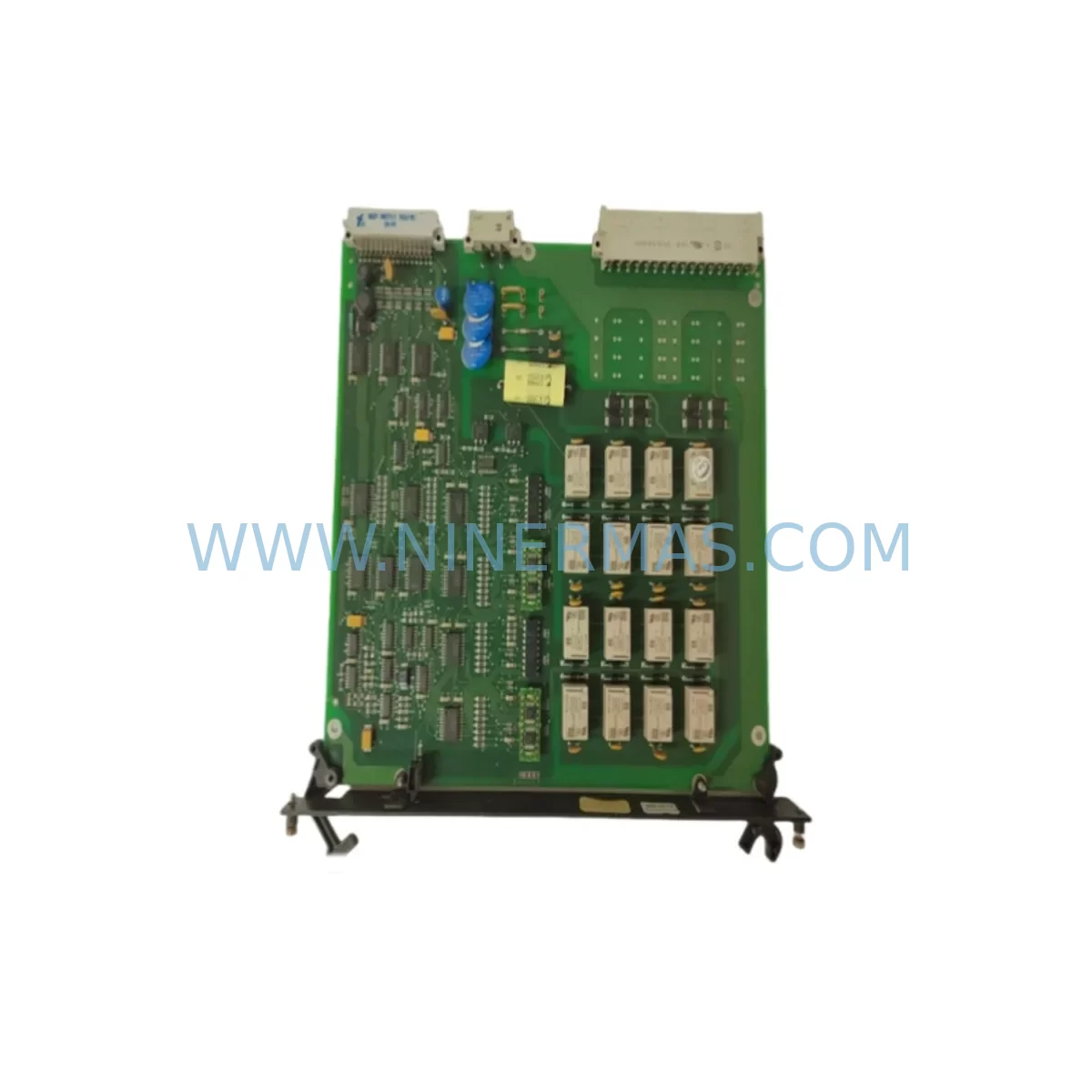
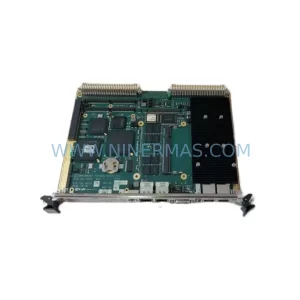
ALSTOM LC106-1 Retrofit-Compatible PLC Logic Module
Verify the part, confirm the platform family, and move straight into quotation with the right commercial details.
RFQ Ready
- SKULC106-1
- CategoryPLC & Industrial Automation Modules
- BrandALSTOM
- SupportAvailability, lead time, condition, and shipping coordination
How Buyers Usually Use This Page
- Confirm the exact part number and platform family before sending the quote request.
- Use direct email when quantity, condition, and destination are already defined internally.
- Switch to the broader brand or category archive when you need alternates nearby.
Series Navigation
Move through the most common platform families behind this part.
Product RFQ
Send this part directly for quotation.
Include quantity, required condition, destination country, and target delivery timing. Current reference: ALSTOM LC106-1 Retrofit-Compatible PLC Logic Module with SKU LC106-1.
ALSTOM LC106-1 Retrofit-Compatible PLC Logic Module: Legacy System Compatibility & Smooth Upgrade
The ALSTOM LC106-1 is a ruggedized PLC logic module engineered for demanding industrial environments and purpose-built for retrofit integration into aging automation architectures. As legacy ALSTOM control platforms approach end-of-life and spare parts become increasingly scarce, the LC106-1 serves as a proven drop-in replacement that preserves existing program logic, terminal wiring layouts, and backplane communication protocols — dramatically reducing the engineering effort and downtime risk associated with control system modernization projects.
For facilities still operating on first-generation ALSTOM Micro or ALSTOM P320 series controllers, the LC106-1 provides a validated migration path that avoids the cost and complexity of a full system overhaul. Engineers can retain existing I/O field wiring, reuse established HMI screen configurations, and maintain continuity of the control loop without rewriting ladder logic from scratch. This makes the LC106-1 particularly valuable in power generation, rail traction control, water treatment, and heavy process industries where unplanned downtime carries severe operational and financial consequences.
Upgrade Compatibility Table
| Parameter | Details |
|---|---|
| SKU | LC106-1 |
| Brand / Series | ALSTOM / LC106 Series |
| Module Type | Ruggedized PLC Logic Module |
| Backplane Interface | Compatible with ALSTOM legacy backplane bus; verify slot addressing before installation |
| Communication Compatibility | Supports legacy serial and proprietary ALSTOM bus protocols; confirm protocol version with engineering team |
| Installation Requirement | Standard DIN rail or rack-mount; confirm physical clearance and slot depth in existing control cabinet |
| Power Supply Compatibility | Verify DC bus voltage and current capacity of existing ALSTOM power supply module before hot-swap |
| Replacement Recommendation | Direct replacement for discontinued LC106-1 units; functional equivalent for LC106 series variants |
| Commissioning Notes | Confirm module address configuration, I/O mapping, and program upload before returning to service |
| Warranty | 12-Month Warranty — all units ship tested and verified |
Retrofit Planning for Existing Automation Systems
A successful LC106-1 retrofit begins well before the module arrives on site. The first step is a thorough audit of the existing control cabinet: document the current power supply module output ratings, confirm that the available DC bus capacity can support the LC106-1 alongside co-installed modules such as analog input cards, digital output modules, and any communication gateway units already occupying the rack. In many legacy ALSTOM installations, the power supply module is itself approaching end-of-life and should be evaluated for concurrent replacement to avoid a secondary failure shortly after the logic module swap.
Terminal wiring is the next critical checkpoint. The LC106-1 uses a standard screw-terminal interface, but field wiring from legacy installations may use non-standard wire gauges or ferrule types that require adapters. Before disconnecting any field wiring, photograph and label every terminal connection. Cross-reference the existing wiring diagram against the LC106-1 terminal layout to identify any pin-mapping differences, particularly for analog signal channels and shield grounding points.
Backplane slot addressing must be confirmed prior to module insertion. In multi-slot ALSTOM racks, each module occupies a defined address that the CPU references during program execution. If the LC106-1 is replacing a module at a non-zero slot position, the replacement module’s DIP switch or firmware address setting must match the original. Failure to set the correct address will cause the CPU — whether an ALSTOM Micro controller or a compatible third-party PLC CPU — to generate a configuration fault and halt the control program.
For sites that have already partially migrated to newer platforms, the LC106-1 can coexist within hybrid architectures. It is common to find legacy ALSTOM I/O modules operating alongside modern communication modules such as Modbus RTU-to-Ethernet gateways or PROFIBUS DP interface cards. In these configurations, the LC106-1 handles local discrete and analog I/O while the communication module bridges data to a supervisory SCADA system or DCS. Confirm that the communication module’s polling cycle is compatible with the LC106-1’s response timing to avoid data latency issues on the HMI display.
HMI screen configurations linked to the original LC106-1 tag database should be validated after module replacement. If the site uses an ALSTOM-compatible operator panel or a third-party HMI with a custom driver, verify that all tag addresses, data types, and scaling factors remain intact after the module swap. In some cases, a full tag re-import from the PLC program file is required to restore correct HMI communication. Programming cables and software licenses for the ALSTOM programming environment should be confirmed available on site before the maintenance window begins, as last-minute software access issues are a common cause of extended downtime during retrofit projects.
Downtime Control During System Migration
Minimizing downtime during an LC106-1 replacement requires a structured pre-outage preparation protocol. Begin by creating a full backup of the existing PLC program, including all data blocks, retentive memory values, and communication configuration files. Store this backup on at least two independent media — a local engineering laptop and a secure network share — before any hardware is disturbed. If the existing module is still partially functional, use the programming cable to perform a live program upload and compare it against the last known-good version to identify any undocumented field modifications that may have been made since the original commissioning.
During the physical swap, follow a strict sequence: place the process in manual or safe-state mode, de-energize the control cabinet section containing the LC106-1, remove the failed module, insert the replacement, restore power, and perform a controlled program download before returning any field devices to automatic control. This sequence protects field actuators — including motor starters, control valves, and safety interlocks — from receiving unintended commands during the module initialization phase.
After the LC106-1 is online, conduct a point-by-point I/O verification before releasing the system to production. Force each digital input and output in sequence, confirm correct response at the field device, and verify that the HMI reflects the correct status. For analog channels, apply a known reference signal at the field terminal and confirm that the PLC registers the expected engineering unit value within the specified accuracy tolerance. Document all verification results as part of the retrofit completion record. With proper preparation, a single LC106-1 module replacement can typically be completed within a two-to-four hour planned maintenance window, preserving production continuity and avoiding the extended outages associated with unplanned failures.
Retrofit Support FAQ
Q: Is the ALSTOM LC106-1 a direct drop-in replacement for the original discontinued unit?
A: Yes. The LC106-1 is functionally equivalent to the original ALSTOM LC106-1 specification. It uses the same backplane connector, terminal layout, and module addressing scheme. In most installations, no program modifications are required. However, we recommend verifying the firmware revision level and confirming compatibility with your specific rack and CPU combination before installation.
Q: What testing is performed before shipment?
A: Every LC106-1 unit supplied by NINERMAS undergoes a full functional test prior to dispatch. This includes power-on verification, I/O channel continuity checks, communication bus response testing, and a burn-in cycle to screen for early-life component failures. A test report is available upon request. All units are covered by a 12-month warranty from the date of shipment.
Q: Can the LC106-1 operate in a mixed-protocol environment alongside Modbus or PROFIBUS modules?
A: The LC106-1 itself communicates via the ALSTOM proprietary backplane bus. Integration with Modbus RTU, PROFIBUS DP, or Ethernet-based protocols is handled at the CPU or communication gateway level, not at the LC106-1 module. Confirm your CPU’s protocol handling capability and ensure the communication gateway is correctly configured to map LC106-1 I/O data to the required network protocol.
Q: What is the typical lead time and do you maintain stock?
A: NINERMAS maintains inventory of the LC106-1 to support urgent retrofit and emergency replacement requirements. Standard orders ship within 3–5 business days. For large-quantity orders or long-term supply agreements, contact our sales team to discuss dedicated stock allocation and scheduled delivery programs.
| Product Series | Other series |
|---|
Catalog Continuation
More ALSTOM modules in the catalog.
Use the brand lane to compare nearby part numbers, platform-adjacent modules, and other inquiry-ready listings before sending your final RFQ.
Catalog Continuation
Alternative parts within PLC & Industrial Automation Modules.
Stay inside the same system family when you need substitutes, adjacent modules, or a broader shortlist for procurement review.