Original Industrial Spare Part
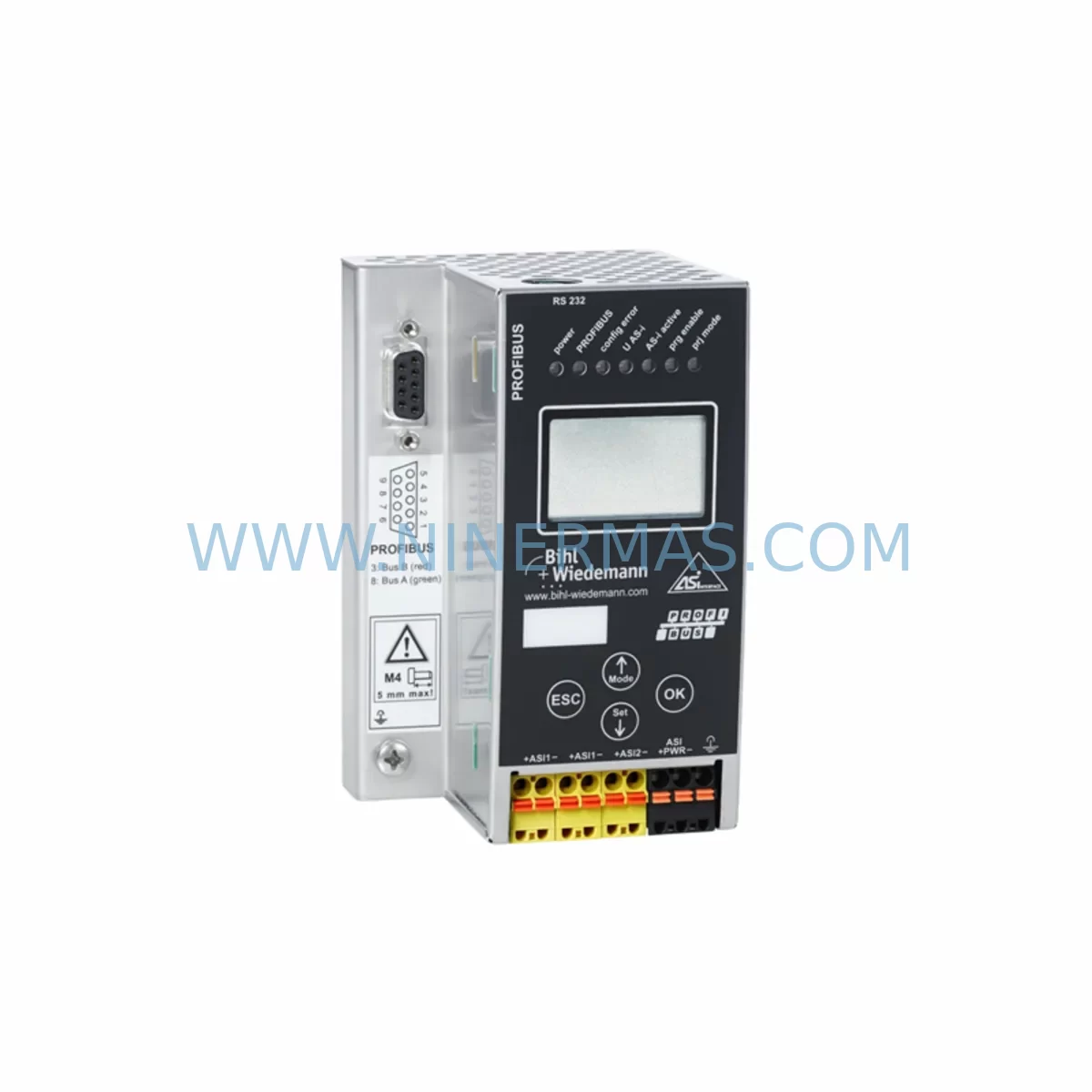
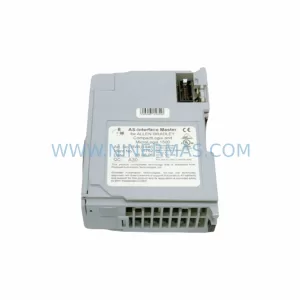
Bihl+Wiedemann BWU1569 Service-Ready Spare Part for AS-i 3.0
Verify the part, confirm the platform family, and move straight into quotation with the right commercial details.
RFQ Ready
- SKUBWU1569 AS-I 3.0
- CategoryPLC & Industrial Automation Modules
- BrandBihl+Wiedemann
- SupportAvailability, lead time, condition, and shipping coordination
How Buyers Usually Use This Page
- Confirm the exact part number and platform family before sending the quote request.
- Use direct email when quantity, condition, and destination are already defined internally.
- Switch to the broader brand or category archive when you need alternates nearby.
Series Navigation
Move through the most common platform families behind this part.
Product RFQ
Send this part directly for quotation.
Include quantity, required condition, destination country, and target delivery timing. Current reference: Bihl+Wiedemann BWU1569 Service-Ready Spare Part for AS-i 3.0 with SKU BWU1569 AS-I 3.0.
Bihl+Wiedemann BWU1569 Service-Ready Spare Part for AS-i 3.0
The Bihl+Wiedemann BWU1569 is an AS-i 3.0 gateway module designed for seamless integration between AS-Interface field networks and higher-level fieldbus or Industrial Ethernet systems. As a service-ready spare part, the BWU1569 is sourced, inspected, and pre-shipment tested to support maintenance engineers and procurement teams managing legacy AS-i installations. Whether you are responding to an unplanned gateway failure, executing a scheduled annual overhaul, or building a strategic spare parts buffer, the BWU1569 delivers the original compatibility and electrical performance required to restore your control system without costly re-engineering.
Downtime caused by a failed AS-i gateway can cascade rapidly across an entire production line. The BWU1569 supports up to 62 AS-i slaves per segment and maintains full AS-i 3.0 specification compliance, including extended addressing and combined transaction capability. Its direct form-fit-function replacement profile means maintenance teams can swap the unit without modifying existing wiring, slave addressing, or PLC program logic — a critical advantage when every minute of downtime carries measurable production cost.
Spare Maintenance Table
| Parameter | Specification |
|---|---|
| Part Number | BWU1569 |
| Brand | Bihl+Wiedemann |
| Series | AS-i 3.0 Gateway |
| Product Type | AS-Interface Gateway Module |
| AS-i Specification | AS-i 3.0 (Extended Addressing) |
| Max. AS-i Slaves | Up to 62 per segment |
| Supply Voltage | 24 V DC (via AS-i power supply) |
| Fieldbus / Upper Interface | PROFIBUS DP / Industrial Ethernet (model-dependent) |
| Mounting | DIN Rail (35 mm) |
| Operating Temperature | 0 °C to +55 °C |
| Protection Class | IP20 |
| Origin | Germany |
| Compatibility | Direct replacement for BWU1569 in existing AS-i 3.0 installations |
| Warranty | 12 Months |
| Pre-Shipment Test | Yes — functional verification before dispatch |
| Condition | Original / New Old Stock / Refurbished (confirmed on order) |
Maintenance Planning for Continuous Operation
A gateway failure rarely occurs in isolation. When replacing the BWU1569, a thorough site inspection of the surrounding electrical environment is essential to prevent repeat failures and ensure long-term system stability. Maintenance engineers should begin by verifying the AS-i power supply unit — typically a dedicated 30 V DC AS-i power supply such as the Bihl+Wiedemann BWU2786 or equivalent — since an under-rated or aging power supply is a common root cause of gateway instability and slave communication errors.
Next, inspect the AS-i flat cable and all tap connectors for insulation damage, moisture ingress, or mechanical stress. Corroded or loose taps introduce impedance variations that can cause intermittent slave dropouts even after a gateway replacement. If the installation includes an AS-i repeater or extension module to span longer cable runs, verify that the repeater’s segment timing and power budget remain within specification after the gateway swap.
On the upper network side, check the PROFIBUS DP termination resistors and cable shielding continuity, or — for Ethernet-based variants — verify switch port configuration, IP addressing, and cable integrity. A misconfigured network switch or a degraded Ethernet cable can prevent the new gateway from establishing communication with the PLC or DCS, masking the successful hardware replacement.
Within the control cabinet, inspect the 24 V DC auxiliary power rail supplying the gateway’s logic circuits, along with any associated fuse holders, miniature circuit breakers, and terminal blocks. Loose terminal connections on the power rail are a frequent but overlooked cause of gateway resets. If the cabinet includes a safety monitor — such as a Bihl+Wiedemann BWU3787 AS-i Safety Monitor — confirm that the safety configuration and slave address assignments are intact after the gateway replacement, as some safety monitors require re-validation following a gateway change.
For installations where the AS-i network feeds I/O signals into a Siemens S7 or similar PLC, review the GSD/GSDML file version loaded in the hardware configuration to confirm it matches the replacement BWU1569 firmware. Mismatched GSD files can cause the PLC to report configuration errors even when the physical hardware is correctly installed. Similarly, if the system uses an HMI panel for AS-i diagnostics or slave status visualization, verify that the HMI communication parameters and tag mappings remain valid after the gateway swap.
Procurement engineers building a spare parts inventory for AS-i 3.0 systems should consider stocking complementary components alongside the BWU1569: AS-i power supplies, AS-i safety monitors, flat cable tap connectors, DIN rail terminal blocks, and PROFIBUS DP connectors with integrated termination. A well-structured spare parts kit reduces mean time to repair (MTTR) and eliminates the risk of secondary delays caused by ancillary component shortages during an emergency replacement.
Site Replacement Workflow
Step 1 — Pre-Replacement Verification: Document the existing BWU1569 configuration, including AS-i slave address list, fieldbus node address, baud rate settings, and any safety monitor pairing data. Export or photograph the PLC hardware configuration and HMI tag list for reference.
Step 2 — Safe Isolation: Follow your site’s lockout/tagout (LOTO) procedure. De-energize the AS-i segment and the upper fieldbus network connection. Confirm zero voltage on the AS-i cable and the 24 V DC auxiliary supply before proceeding.
Step 3 — Physical Replacement: Remove the failed BWU1569 from the DIN rail. Install the replacement unit in the same rail position. Reconnect the AS-i flat cable tap, the fieldbus connector, and the auxiliary power terminals. Verify all connections are fully seated and terminal screws are torqued to specification.
Step 4 — Configuration Restore: Apply the documented slave address configuration and fieldbus node address to the replacement gateway. For PROFIBUS variants, confirm the GSD file in the PLC project matches the replacement unit. For Ethernet variants, assign the correct IP address and subnet mask.
Step 5 — Power-Up and Validation: Re-energize the AS-i segment. Confirm all slaves are detected and no address conflicts are reported on the gateway’s diagnostic LEDs or display. Verify PLC communication is re-established and all I/O signals are responding correctly. If a safety monitor is present, complete the required safety validation procedure before resuming production.
Step 6 — Return to Service: Document the replacement in the site maintenance log, including the date, replaced unit serial number, and technician sign-off. Update the spare parts inventory to trigger reorder of the consumed BWU1569 unit.
Spare Parts Support FAQ
Q1: Is the BWU1569 a direct drop-in replacement for the original unit without PLC reprogramming?
Yes. The BWU1569 is a form-fit-function replacement. Provided the replacement unit carries the same firmware generation and the GSD/GSDML file in the PLC project matches, no PLC reprogramming is required. Slave address configuration must be restored as documented during pre-replacement verification.
Q2: What warranty and pre-shipment testing does this spare part include?
Every BWU1569 unit supplied by NINERMAS is covered by a 12-month warranty from the date of shipment. Each unit undergoes functional pre-shipment testing to verify power-up, AS-i communication, and fieldbus interface operation before dispatch. Test records are available on request.
Q3: Can you support long-term or blanket purchase orders for BWU1569 inventory replenishment?
Yes. NINERMAS supports long-term supply agreements and scheduled delivery programs for the BWU1569 and related AS-i 3.0 components. Contact our sales team to discuss volume pricing, lead time commitments, and consignment stock arrangements tailored to your maintenance planning cycle.
Q4: How do I confirm compatibility if my existing gateway carries a different hardware revision suffix?
Provide your existing unit’s full nameplate data — including the complete part number, hardware revision, and firmware version — to our technical team at sale@ninermas.com. We will cross-reference against our inventory and confirm compatibility or identify the correct replacement variant before shipment.
| Product Series | Other series |
|---|
Catalog Continuation
More Bihl+Wiedemann modules in the catalog.
Use the brand lane to compare nearby part numbers, platform-adjacent modules, and other inquiry-ready listings before sending your final RFQ.
Catalog Continuation
Alternative parts within PLC & Industrial Automation Modules.
Stay inside the same system family when you need substitutes, adjacent modules, or a broader shortlist for procurement review.
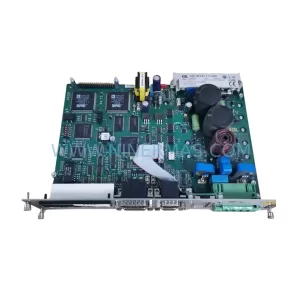
SKU: DSC2P142-111-000
Etel DSC2P142-111-000 Retrofit-Compatible Digital Servo Amplifier
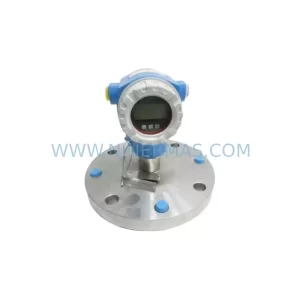
SKU: FMB51-AA21RA1FGC80GGJB3A+AA
E+H FMB51-AA21RA1FGC80GGJB3A+AA Retrofit Magnetic Flowmeter
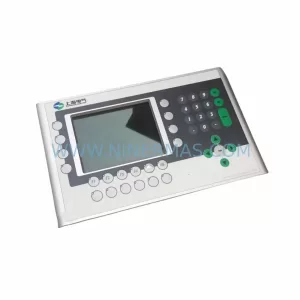
SKU: 4PP350.0571-K01
B&R 4PP350.0571-K01 Retrofit-Compatible HMI Panel for Legacy Systems