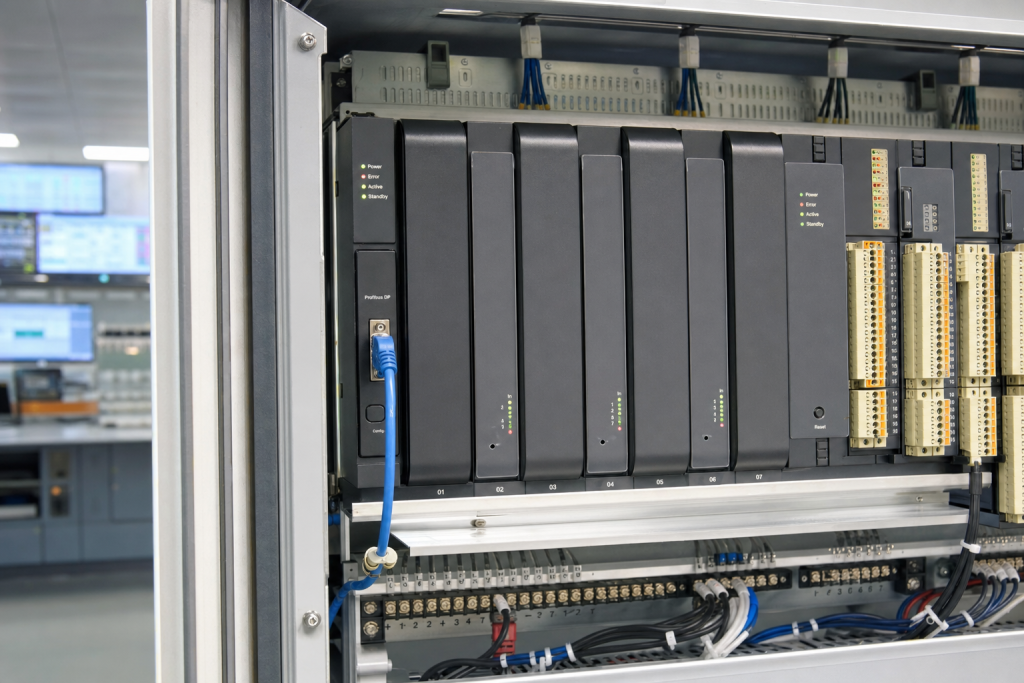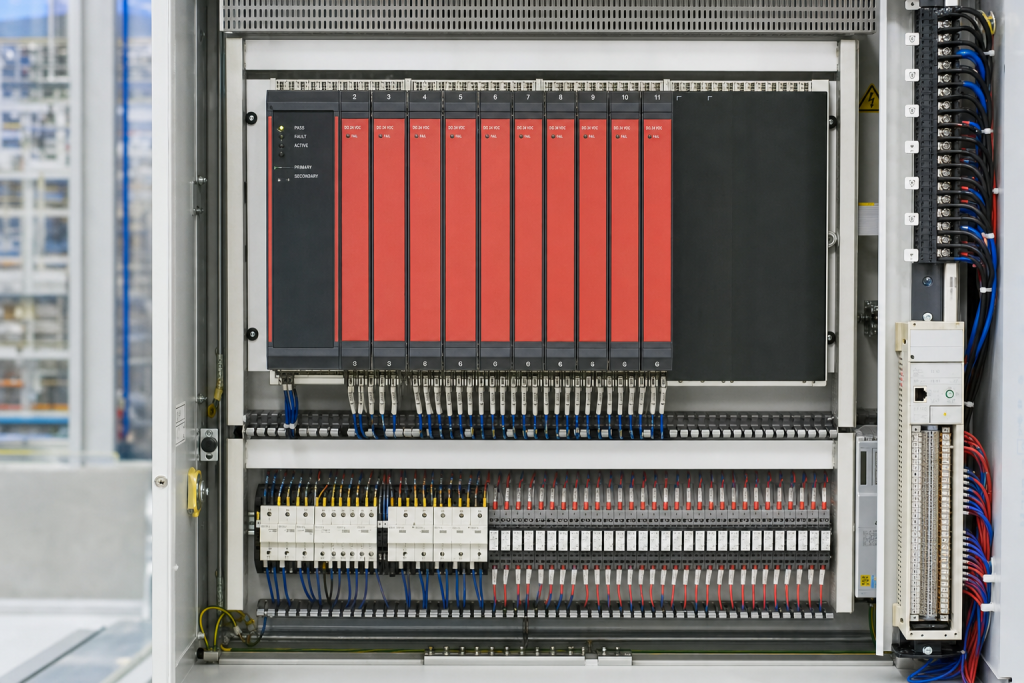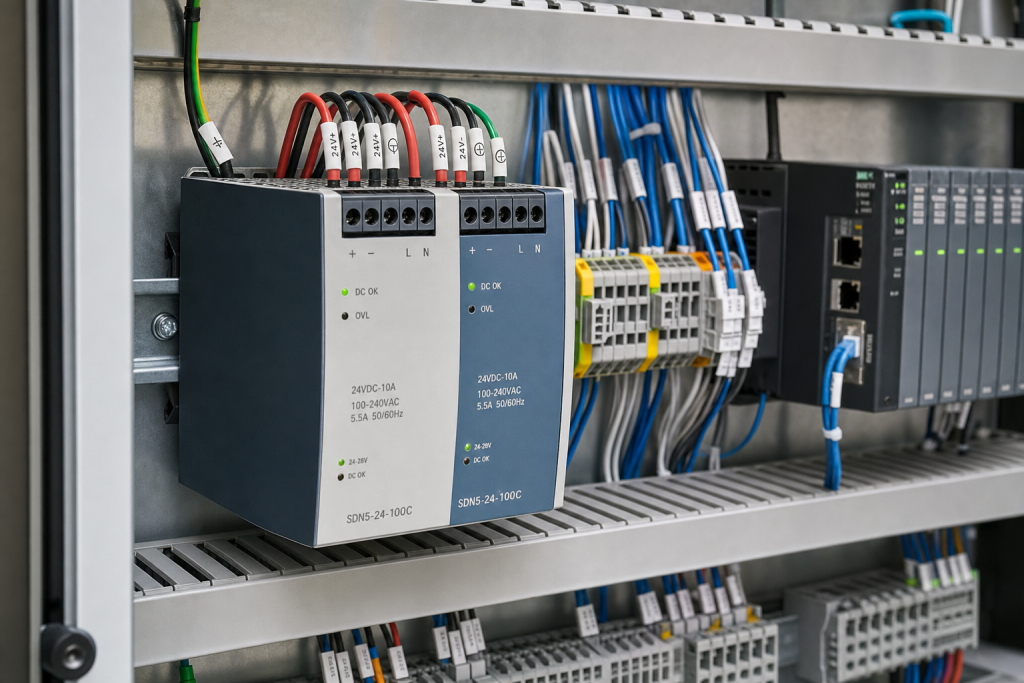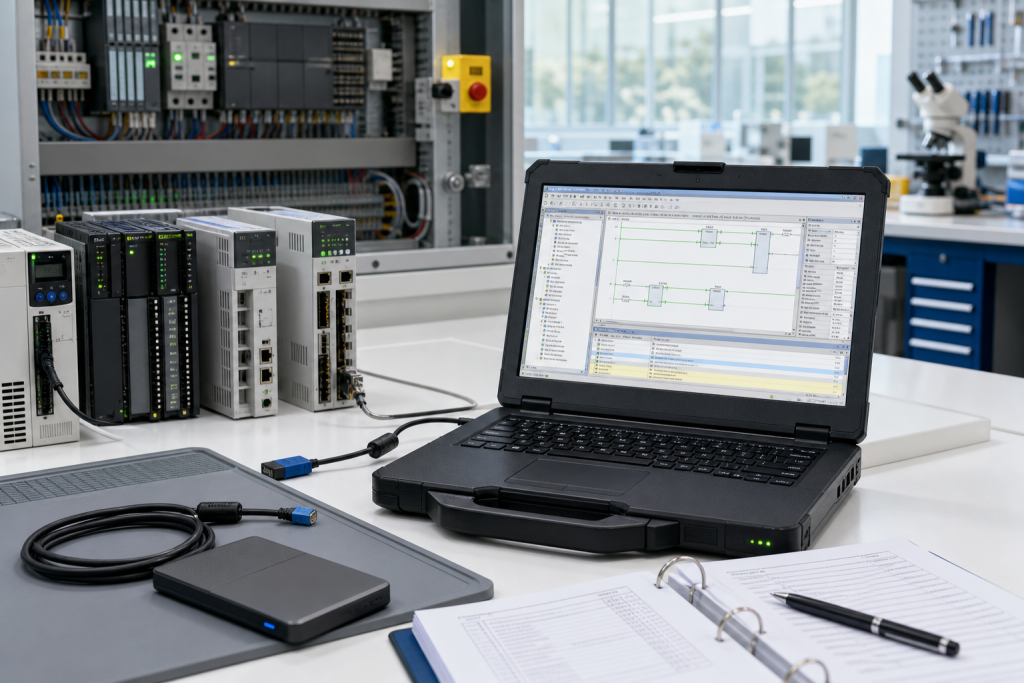
On June 25, 2026, CISA published advisory ICSA-26-176-01 for Yokogawa FAST/TOOLS and Collaborative Information Server. The advisory describes cleartext transmission of sensitive information, with affected FAST/TOOLS versions from R9.01 through R10.04 and CI Server versions from R1.01 through R1.04. Yokogawa recommends updating FAST/TOOLS and moving CI Server to a later version. For a plant maintenance team, the advisory is not only a software note. It is a reminder that SCADA servers, historian-facing services, and information gateways need the same spare discipline as PLC racks and DCS I/O.
FAST/TOOLS is often used in environments where the process is geographically wide, operationally critical, or data-heavy: energy, utilities, manufacturing, food, and infrastructure sites. These installations tend to last a long time. The server hardware may be several lifecycle steps behind the newest supported architecture, while the plant depends on it for trends, alarms, reports, remote visibility, or operations support. When a security advisory appears, the question is not simply “can we patch?” It is “can we patch, back out, rebuild, or replace without losing operational visibility?”
SCADA server exposure is a hardware planning signal
A control engineer may focus first on version numbers and vendor remediation. That is the correct starting point. But the maintenance and procurement team should quickly translate the advisory into asset evidence. Which server hosts FAST/TOOLS? Which server hosts CI Server? Which network zone is it in? Is the operating system still supported? Is there a current image? Are licenses, install media, database backups, certificates, and interface notes stored with the recovery plan?
The answer often varies by site. One plant has a virtualized SCADA environment with snapshots and tested restore procedures. Another plant has a physical server under a desk, a RAID alarm that nobody owns, and a backup that has not been opened in years. Both may show the same software version on paper, but their outage risk is completely different.
NINERMAS treats Yokogawa SCADA and DCS lifecycle work as part of broader platform planning. A useful starting point is to connect the server inventory with actual Yokogawa installed hardware and related spare paths, including the Yokogawa equipment records already used by maintenance and purchasing teams.
What should be checked before the update window
First, confirm the version and role of every affected component. FAST/TOOLS runtime, engineering tools, CI Server, database services, interfaces, remote access paths, and reporting functions should be mapped separately. If the system supports remote sites, pipelines, substations, tank farms, or packaging areas, document which users lose visibility if the server is offline.
Second, verify backup quality. A folder named “SCADA backup” is not enough. The recovery set should include project files, database backup, historian links, interface configuration, license information, Windows or Linux image where applicable, network settings, user roles, service accounts, certificates, and restoration notes. If the backup has not been restored to a test environment, call it unproven.
Third, identify the spare path. For a physical server, decide whether the plant needs an exact server spare, compatible industrial PC, storage media, power supply, network card, or support contract. For a virtual machine, verify host capacity, snapshot policy, and restoration permissions. For a hybrid installation, make sure the team understands which functions are virtual and which still depend on physical hardware.
How procurement should support the engineering team
A good RFQ for SCADA server recovery should include server model, operating system, storage configuration, interface cards, license constraints, required delivery time, and whether the request is for emergency replacement, bench testing, or planned modernization. If the plant is responding to the Yokogawa advisory, say that the equipment supports a remediation window, but do not share credentials or sensitive configuration files.
Procurement should also separate server spares from modernization decisions. A spare server may protect the next shutdown. It does not remove the need for a future upgrade if the operating system, hardware platform, or vendor support path is aging. The right question is not “spare or migrate?” It is “what protects production now, and what trigger tells us extension is no longer responsible?” NINERMAS keeps these decisions in our platform and system guides because they sit between reliability, cybersecurity, and asset lifecycle planning.
Finally, receiving inspection should not stop at the box. Confirm storage health, NICs, accessories, power supply, image compatibility, and service documentation before the spare is accepted. A server that arrives on time but lacks the right interface card or recovery image is not ready for the maintenance window.
FAQ
Does the Yokogawa FAST/TOOLS advisory mean we should replace the SCADA server?
Not automatically. First confirm affected versions, vendor remediation, backup quality, operating system support, and recovery risk. Hardware replacement becomes important when the server cannot be updated or restored confidently.
What should be included in a SCADA server recovery package?
Include project files, database backup, license data, operating system image, network settings, interface notes, service account handling, and hardware or VM recovery details.
Should CI Server be treated like a critical control spare?
Yes, if plant operations depend on the information it serves. Visibility, reporting, and remote support can become production-critical during an incident.
What should I send when requesting Yokogawa SCADA spare support?
Send server photos, software versions, hardware model, required recovery time, condition requirement, destination, and whether the request supports patching, emergency recovery, or modernization planning.
If your plant is reviewing Yokogawa FAST/TOOLS or CI Server after the June 2026 advisory, send NINERMAS your version notes, server photos, backup status, and required recovery window. We can help turn the advisory into a practical spare and lifecycle action list.
© 2026 NINERMAS. All rights reserved. Official Website: https://NINERMAS.com Inquiry: sale@NINERMAS.com | WhatsApp/Tel: +86 187 5021 5667
Next Step
Move the research into a cleaner RFQ.
Send the part number, quantity, condition expectation, destination, and timing details so the sourcing team can reply with better availability and lead-time context.