When CISA releases a small advisory batch, the practical value is not only the named product. The latest visible ICS advisories still point to a larger maintenance problem: many plants cannot quickly connect an advisory to installed assets, shelf spares, backups, substitute rules, and RFQ evidence. A weekend or low-production window is a good time to close that gap.
For NINERMAS readers, the spare register is where lifecycle management becomes real. A DCS card, PLC CPU, remote gateway, HMI panel, or engineering workstation is only a useful spare if the plant knows where it fits, which firmware or project it supports, which accessories belong with it, and who can approve its use.
Start with installed evidence, not assumptions
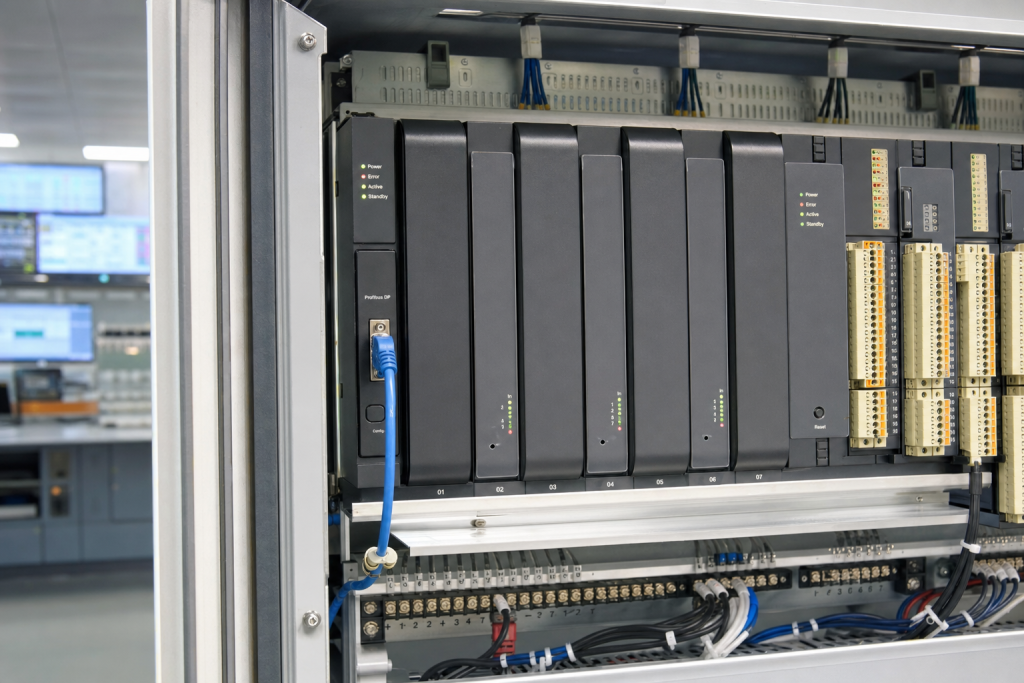
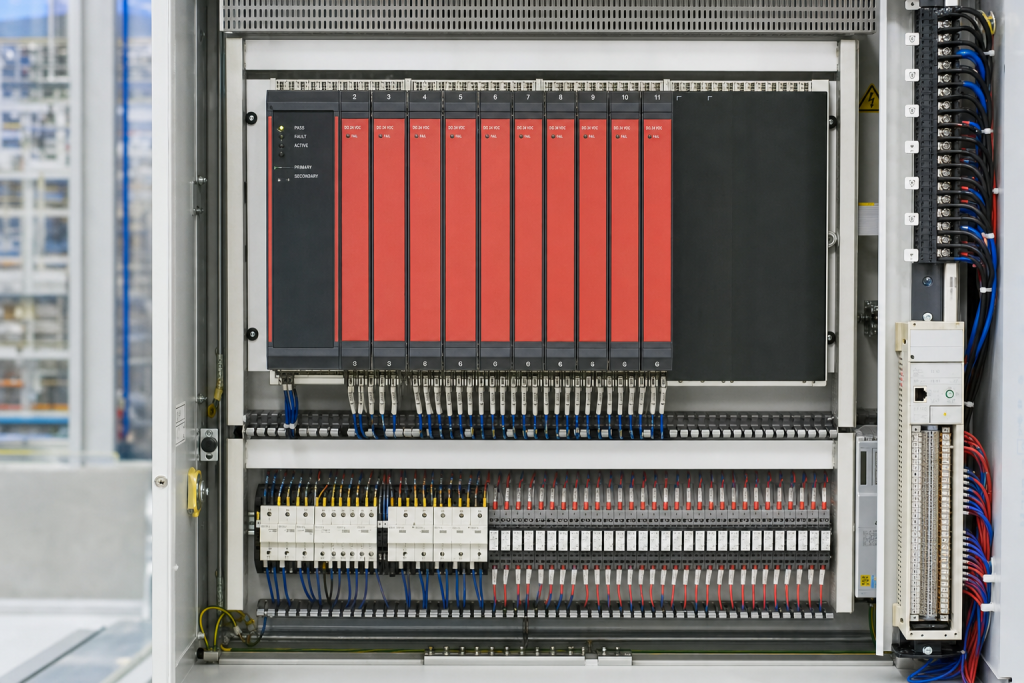
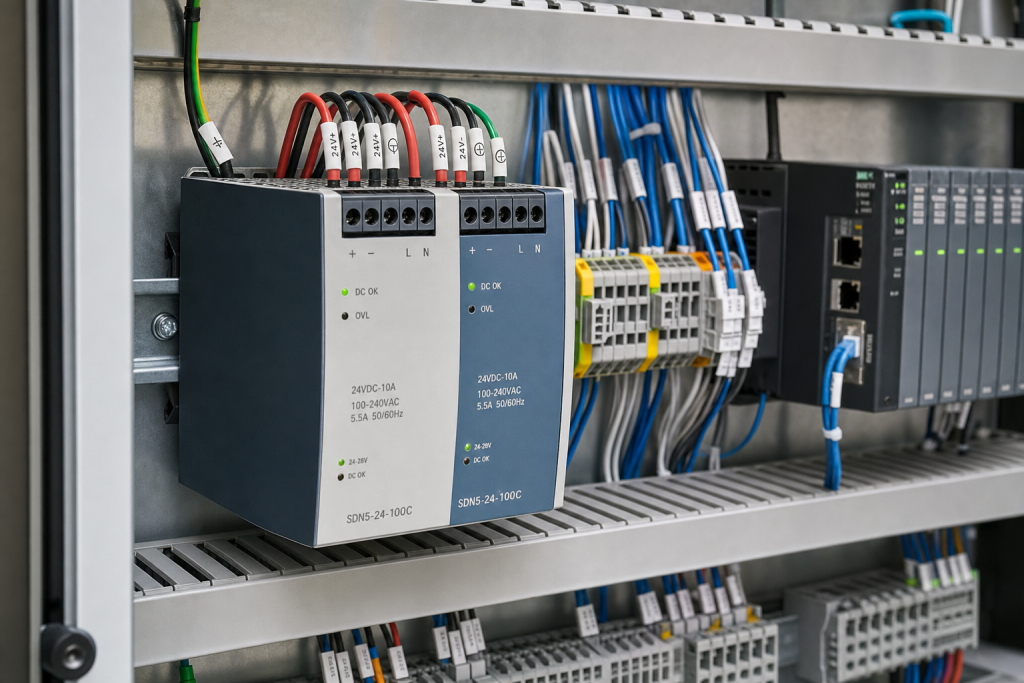
Pick the systems most likely to create downtime: legacy PLC racks, DCS interface cards, SIS modules, industrial Ethernet devices, remote communication gateways, and engineering stations. For each item, capture label photos, installed location, cabinet context, firmware if safely visible, and the related process or machine role.
The record should link installed assets to shelf items. If an installed controller has a spare, mark whether it is exact, conditional, repair-only, or unknown. If no spare exists, state that clearly. An empty field can be mistaken for a missing audit; a confirmed gap becomes an action item.
NINERMAS keeps this work close to platform and system guides because platform context tells maintenance whether a part can actually recover a system. A part number alone does not explain the recovery chain.
Add backup and configuration status
Hardware is not enough. Each critical spare should have a backup owner, project-file status, license note, and commissioning path. If a spare CPU requires a memory card image, a drive requires parameters, or a gateway requires configuration export, those dependencies belong in the register.
Do not place passwords or confidential project files in open purchasing records. Instead, write safe status language: current backup, old backup, unknown backup, vendor-controlled backup, or engineering review required. That is enough to guide procurement without exposing sensitive details.
If the plant runs mixed old and new platforms, mark software version dependencies. Many delays happen when the hardware is available but the required engineering environment is not.
Use advisories as audit triggers
Every advisory review should leave a trace: affected, not affected, not installed, under review, spare missing, backup missing, or substitute pending. Those outcomes are useful even when no purchase is made.
The goal is not a perfect database. The goal is a shelf-ready evidence trail that lets maintenance, procurement, and reliability make decisions before the outage clock starts.
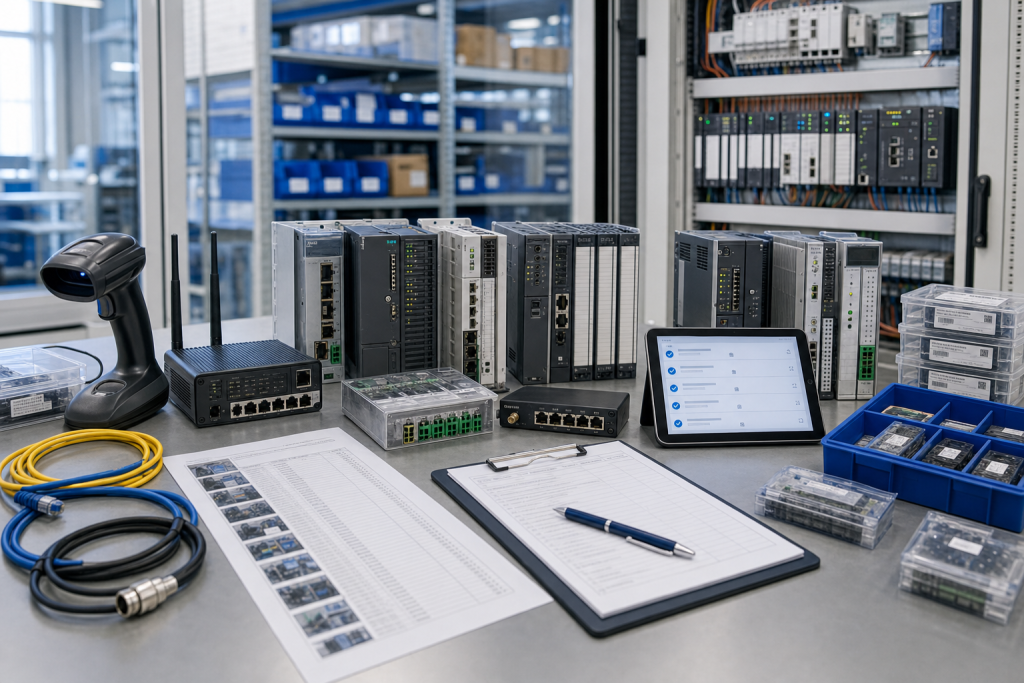
For high-risk gaps, create a short RFQ packet now: photos, model, quantity, acceptable condition, destination, deadline, accessory needs, and recovery purpose. That packet saves time when the need becomes urgent.
Procurement and receiving discipline
A useful RFQ separates immediate replacement, planned shelf stock, test-bench hardware, repair exchange, and possible substitute. These are not the same purchasing need. Immediate replacement needs dispatch certainty and accessory completeness. Planned stock can allow more time for condition comparison. Test hardware may be acceptable with a narrower configuration if it is clearly labeled and never treated as production-approved stock.
Ask for actual photos, visible labels, port views, accessory scope, condition language, warranty terms, and realistic shipment timing. Compare device-only quotes against field-ready kits carefully. A low price can become expensive when a missing connector, memory card, cable, power supply, mounting part, or configuration owner forces a second shipment during the maintenance window.
Receiving inspection should mirror the RFQ. Confirm model, ports, power input, accessory count, packaging, visible condition, and included documents before the item enters stores. If firmware, software, backup, or approval status is unknown, mark it unknown. Clear uncertainty is safer than a quiet assumption that will surprise the next technician.
Keep the record alive
After the order, save the original RFQ photos, supplier photos, final quote, received-item photos, and engineering comments together. That file becomes the next buyer’s starting point. It also helps the maintenance team when the same platform appears in a later advisory, outage, shutdown, or modernization review.
Use simple status labels: exact match, possible substitute, repair option, test bench only, and rejected. A conditional spare should not sit on the shelf pretending to be an exact replacement. Stores staff and night-shift technicians need the same clarity as the engineer who approved the quote.
Review the record after the next field repair. If a cable, license note, backup file, terminal plug, network setting, or configuration owner became the bottleneck, add that lesson to the standard kit. Spare planning improves when purchasing evidence and repair evidence are allowed to meet.
Risk grading keeps the work practical. Not every item deserves the same shelf depth, but every critical item deserves a clear decision. Rank by downtime consequence, lead time, substitute confidence, backup complexity, local skill, and whether the plant can still operate while waiting. This turns spare planning from opinion into a defensible maintenance action.
A short review rhythm is enough for most teams. Before shutdowns, pull the highest-risk records, confirm the spare still exists, check that accessories remain boxed with it, and verify that the named technical owner is still current. Quiet drift is common in store rooms; catching it early is far cheaper than discovering it during a night callout.
FAQ
What is an OT spare register audit?
It is a review that connects installed assets, shelf spares, photos, backup status, substitute rules, and recovery ownership.
How often should the register be reviewed?
Review critical items after major advisories, before shutdowns, during lifecycle audits, and whenever a platform migration changes recovery assumptions.
Should every advisory trigger a purchase?
No. Some trigger documentation, backup testing, substitute review, or confirmation that the product is not installed.
What should I send for help?
Send safe label photos, system role, current spare status, backup status, and urgency through the request quote path.
Send NINERMAS your critical installed-base photos and spare-register gaps. We can help turn advisory reviews into practical spare and lifecycle actions.
© 2026 NINERMAS. All rights reserved. Official Website: https://NINERMAS.com Inquiry: sale@NINERMAS.com | WhatsApp/Tel: +86 187 5021 5667
Next Step
Move the research into a cleaner RFQ.
Send the part number, quantity, condition expectation, destination, and timing details so the sourcing team can reply with better availability and lead-time context.