On June 16, 2026, CISA published an advisory for Rockwell Automation FLEX I/O EtherNet/IP adapters with a CVSS v3 score of 9.4. For a plant team, the important point is not only the vulnerability wording. The practical question is whether the installed remote I/O layer can be patched, isolated, replaced, or supported without turning a cybersecurity action into an unplanned production stop.
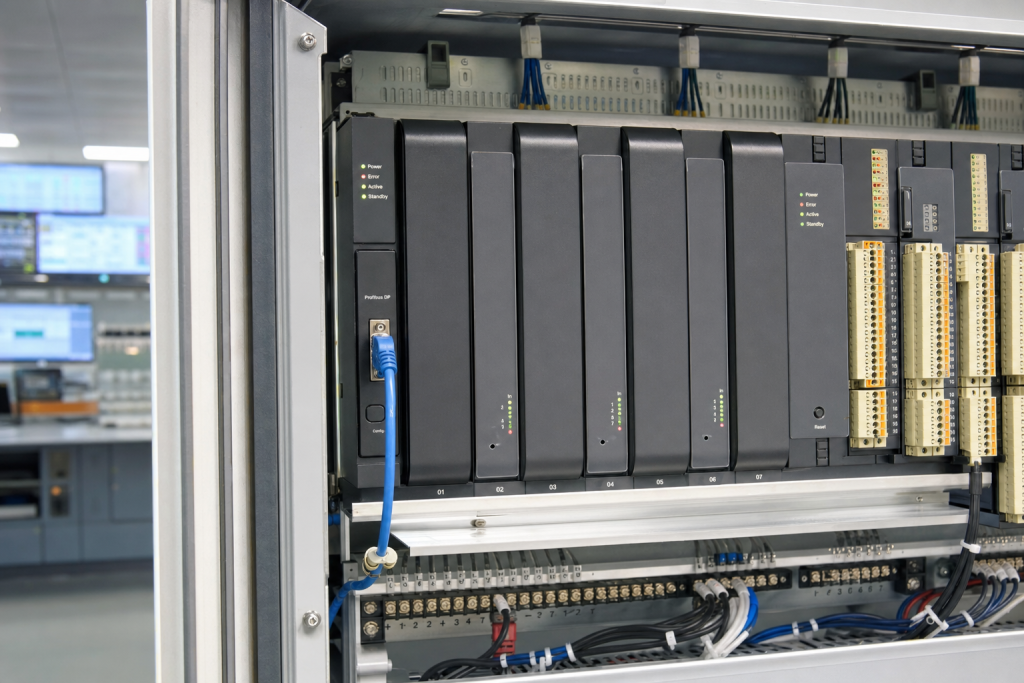
FLEX I/O is often treated as background hardware. It sits outside the main controller cabinet, close to valves, instruments, motor control centers, skids, and package machines. Because the adapters are small and familiar, they can be missed during lifecycle reviews. But when a remote I/O adapter loses availability or must be replaced under pressure, the failure is rarely small. A single adapter can represent dozens of signals that maintenance, operations, and safety procedures depend on.
Why this advisory belongs in a spare-parts review
The CISA advisory described weaknesses that could allow unauthorized access, account takeover, or loss of availability. In plain maintenance language, that means a vulnerable adapter is not just an IT item. It is a production dependency. If the remediation path requires firmware work, network changes, or replacement hardware, the team needs a known-good spare strategy before the change window starts.
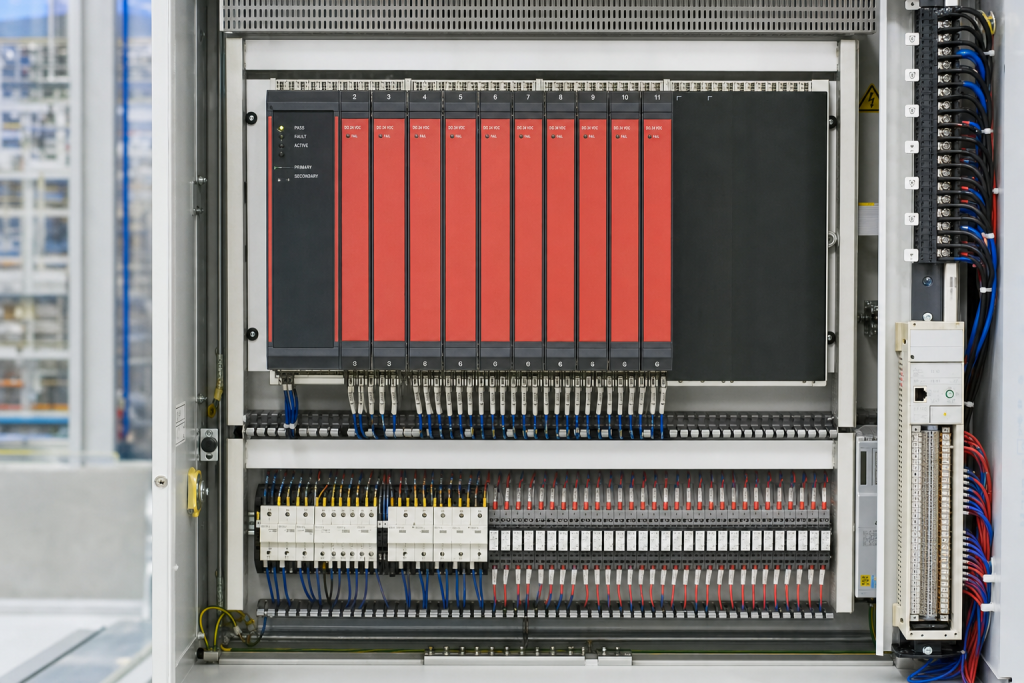
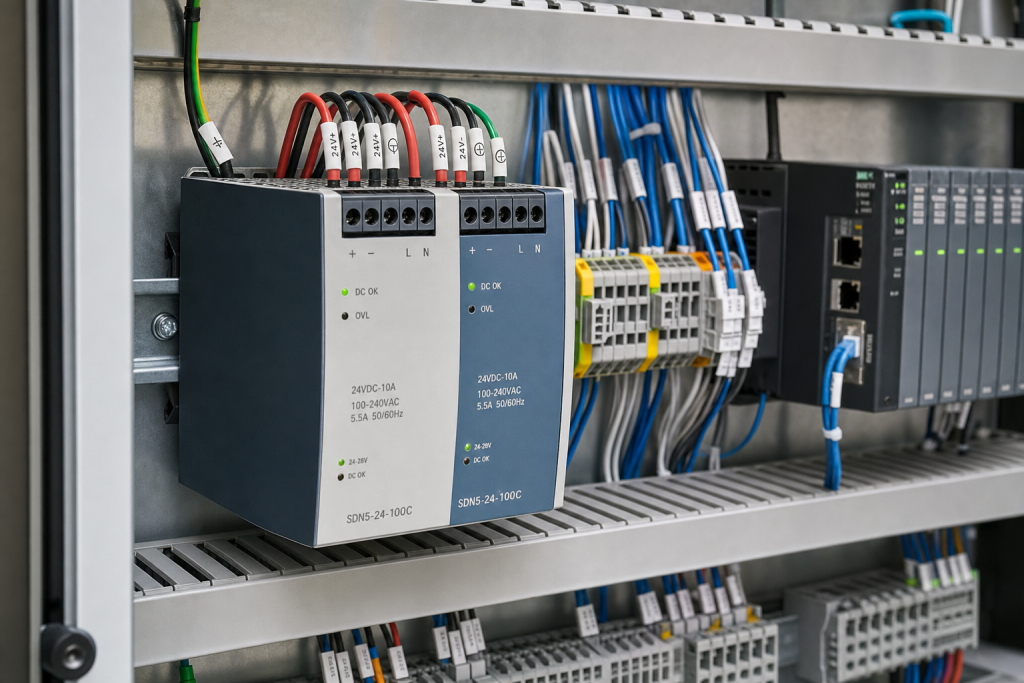
For older Allen-Bradley installations, the field reality is mixed. Some adapters are still well documented. Others are installed on aging skids where the original bill of material is incomplete. A cabinet may contain a working adapter, a terminal base, several I/O modules, and power accessories that were ordered as separate items years ago. If the spare shelf only says “FLEX I/O spare,” the buyer may not know whether it covers the adapter, the terminal base, the power supply, or the actual I/O slice.
NINERMAS keeps this distinction central when advising buyers on Allen-Bradley ControlLogix chassis spares and related Rockwell platform support. The controller may be the visible asset, but the field I/O layer is often where a rushed recovery succeeds or fails.
What maintenance teams should verify first
Start with installed population. Count every FLEX I/O EtherNet/IP adapter by line, cabinet, skid, and network zone. Record catalog number, series, firmware, IP address range, connected terminal base, power module, and the process area it supports. Do not rely on the PLC program alone. Walk the cabinet and photograph the actual label, because plant modifications often leave the program comments behind the physical hardware.
Second, separate the security action from the recovery action. The security team may ask whether the device can be patched or segmented. The maintenance team must also ask what happens if the adapter does not restart cleanly after a change. That requires a tested spare, compatible terminal base, correct firmware path, backup configuration, and an agreed rollback plan. The cheapest spare is not useful if it cannot be commissioned during a four-hour outage.
Third, review network architecture. Remote I/O should not sit on a broad flat network where engineering workstations, HMIs, cameras, and business devices can all touch it. Even when replacement is not planned, segmentation can reduce exposure. But segmentation changes can reveal undocumented dependencies, so they should be tested with the same care as hardware replacement.
How to build a practical spare position
A serious Rockwell FLEX I/O spare position should include more than one adapter in a drawer. At minimum, list the adapter catalog number, compatible terminal base, power supply, key I/O modules, firmware baseline, and any special connectors or removable terminal blocks. Where the line is critical, keep a commissioning note that explains how to set the address, restore configuration, and confirm communication after installation.
For buyers, the RFQ should include photos of the existing adapter label, module stack, terminal base, and cabinet layout. If the site has a preferred condition requirement such as new surplus, tested used, or factory sealed, say it directly. Also state whether the spare is for preventive stock, immediate replacement, or a planned cybersecurity remediation window. Suppliers can respond faster when the operational reason is clear.
When the installed base is old, exact-match availability may vary. This is where a lifecycle discussion becomes valuable. A team may choose to hold exact spares for the next outage while planning a controlled migration later. That is very different from discovering scarcity only after a failed patch or network incident. Articles in our platform and system guides are written for exactly this kind of decision: keep production stable today while reducing technical debt over time.
One useful discipline is to make the spare review visible to operations, maintenance, and purchasing at the same time. Operations can rank which remote drops are most critical. Maintenance can define what hardware must be held locally. Purchasing can confirm whether the market can still supply exact parts within a realistic lead time. This shared view prevents a common failure: security approves an action, maintenance schedules the outage, and purchasing only then discovers that the required adapter or base is not immediately available.
FAQ
Should we replace every affected FLEX I/O adapter immediately?
Not automatically. First confirm exposure, firmware status, network access, process criticality, and spare availability. High-risk adapters on poorly segmented networks deserve faster action than isolated units with a tested mitigation plan.
Is firmware enough to solve the maintenance risk?
Firmware can reduce security risk when it is available and properly applied, but it does not remove the need for a recovery spare. A failed update or incompatible replacement can still stop a line.
What information should be sent in a Rockwell FLEX I/O RFQ?
Send the exact catalog number, series, firmware if known, photos of the adapter and terminal base, quantity, condition preference, destination, and whether the part is needed for stock or an outage date.
Can a ControlLogix spare plan ignore remote I/O?
No. A controller spare helps only if the field I/O network can also return to service. Remote I/O adapters, terminal bases, and power accessories should be reviewed with the main PLC platform.
If your team is reviewing Rockwell remote I/O exposure after the latest advisory, send NINERMAS the installed catalog numbers, photos, and outage timeline. We can help check practical spare options before the maintenance window becomes urgent.
© 2026 NINERMAS. All rights reserved. Official Website: https://NINERMAS.com Inquiry: sale@NINERMAS.com | WhatsApp/Tel: +86 187 5021 5667
Next Step
Move the research into a cleaner RFQ.
Send the part number, quantity, condition expectation, destination, and timing details so the sourcing team can reply with better availability and lead-time context.