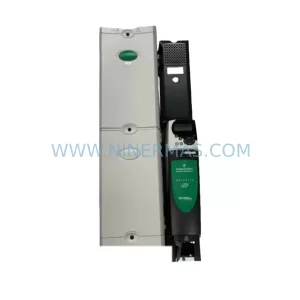
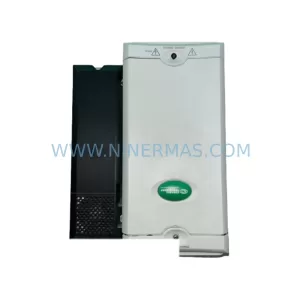
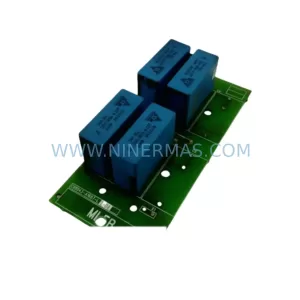
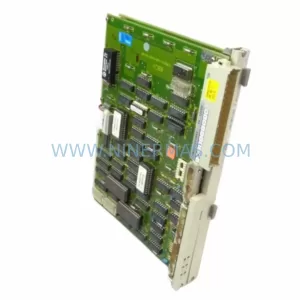
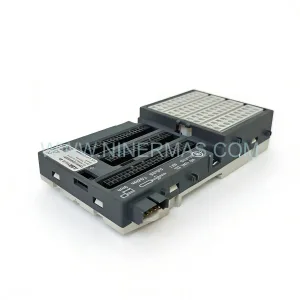
Original Industrial Spare Part
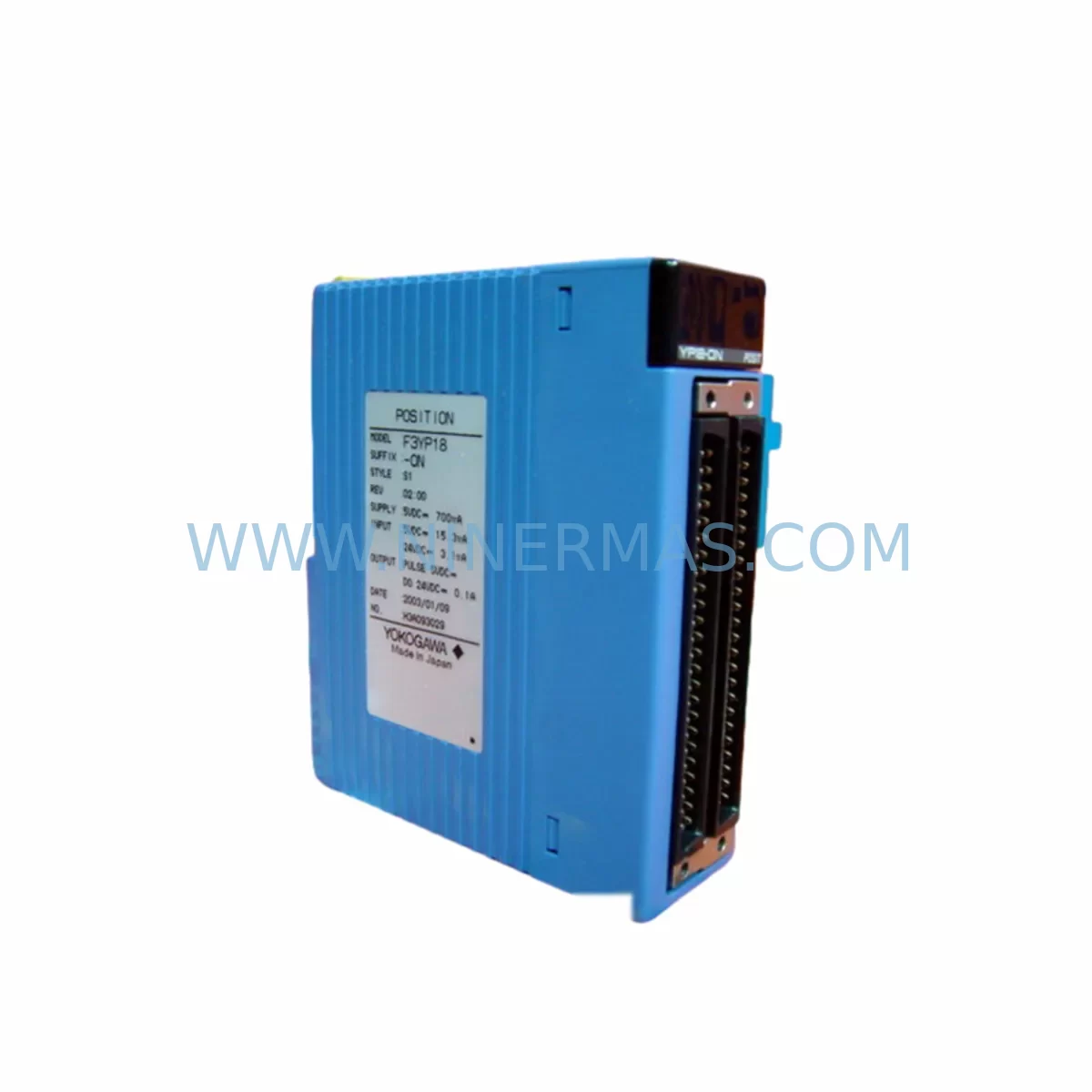
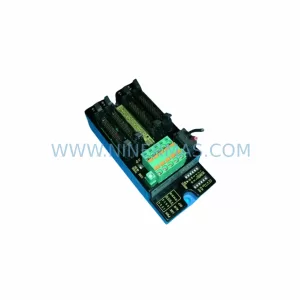
YOKOGAWA F3LC21-1N Service-Ready Spare Part for FA-M3
Verify the part, confirm the platform family, and move straight into quotation with the right commercial details.
RFQ Ready
- SKUF3LC21-1N LC21-1N
- CategoryDCS Distributed Control Systems
- BrandYokogawa
- SupportAvailability, lead time, condition, and shipping coordination
How Buyers Usually Use This Page
- Confirm the exact part number and platform family before sending the quote request.
- Use direct email when quantity, condition, and destination are already defined internally.
- Switch to the broader brand or category archive when you need alternates nearby.
Series Navigation
Move through the most common platform families behind this part.
Product RFQ
Send this part directly for quotation.
Include quantity, required condition, destination country, and target delivery timing. Current reference: YOKOGAWA F3LC21-1N Service-Ready Spare Part for FA-M3 with SKU F3LC21-1N LC21-1N.
YOKOGAWA F3LC21-1N Service-Ready Spare Part for FA-M3
The YOKOGAWA F3LC21-1N (also referenced as LC21-1N) is a Multi-Link communication module designed for the YOKOGAWA FA-M3 modular PLC platform — one of the most widely deployed process and discrete automation controllers in petrochemical, power generation, pharmaceutical, and advanced manufacturing facilities. When this module fails or degrades, the consequences extend beyond a single I/O channel: the entire FA-M3 rack’s inter-module communication fabric can be disrupted, triggering unplanned shutdowns, production loss, and extended troubleshooting cycles. Sourcing a verified, service-ready F3LC21-1N spare is the fastest path to restoring system integrity and resuming normal operations.
At NINERMAS, every F3LC21-1N unit is pre-shipment tested against YOKOGAWA FA-M3 electrical and communication specifications. Each module is supplied with a 12-month warranty covering manufacturing defects and functional failures under normal operating conditions. Our long-term supply program ensures continued availability of this module even as YOKOGAWA transitions product lines, supporting lifecycle extension strategies for installed FA-M3 systems.
Spare Maintenance Table
| Parameter | Specification / Value |
|---|---|
| Part Number | F3LC21-1N / LC21-1N |
| Brand | YOKOGAWA |
| Series | FA-M3 (FACTORY ACE) |
| Module Type | Multi-Link Communication Module |
| Communication Protocol | YOKOGAWA Multi-Link (proprietary inter-module bus) |
| Mounting | FA-M3 base unit / backplane slot |
| Power Supply | Supplied via FA-M3 backplane (5 VDC internal bus) |
| Operating Temperature | 0°C to 55°C (32°F to 131°F) |
| Storage Temperature | -20°C to 70°C |
| Humidity | 10% to 90% RH, non-condensing |
| Compatibility | YOKOGAWA FA-M3 Series PLC racks and base units |
| Origin | Japan |
| Condition | Original, pre-shipment tested |
| Warranty | 12 months from shipment date |
| Lead Time | Subject to stock availability; long-term supply program available |
| Application | Process control, discrete manufacturing, utility automation |
| Maintenance Recommendation | Inspect every 12–24 months; replace on first sign of communication fault or LED error indication |
Maintenance Planning for Continuous Operation
The F3LC21-1N does not operate in isolation. In a typical FA-M3 control cabinet, this Multi-Link module coordinates data exchange between CPU modules such as the F3SP71-4N or F3SP76-7N and downstream I/O modules including digital input cards (F3XD32-3H), digital output cards (F3YD32-3H), and analog I/O modules (F3AD08-6R, F3DA04-1N). A failure in the F3LC21-1N can mask or misroute signals across all connected I/O, making it critical to verify the module’s status before concluding that an I/O card or field device is at fault.
During planned maintenance or emergency replacement of the F3LC21-1N, maintenance engineers should simultaneously inspect the following components in the same control cabinet:
- FA-M3 Power Supply Module (F3PU20-0S / F3PU30-0S): Verify output voltage stability on the 5 VDC and 24 VDC rails. A degraded power supply is a leading cause of intermittent communication module faults and should be replaced proactively if the unit has exceeded 5 years of continuous service.
- FA-M3 Base Unit / Backplane: Inspect the backplane connector pins for oxidation, mechanical damage, or contamination. A faulty backplane slot can cause repeated F3LC21-1N failures even after module replacement.
- CPU Module (F3SP-series): Confirm firmware version compatibility with the replacement F3LC21-1N. After module swap, perform a cold restart and verify that the CPU recognizes the new module without configuration errors.
- Communication Cables and Connectors: If the FA-M3 system uses external Multi-Link cables to connect remote racks, inspect cable shielding, connector seating, and termination resistors. Damaged cables can generate communication errors that are incorrectly attributed to the module itself.
- Relay Output Modules and Terminal Blocks: In systems where the FA-M3 drives relay-based output circuits, inspect relay coil resistance and contact condition on associated relay modules. Relay chatter or coil degradation can introduce electrical noise that stresses communication modules.
- Signal Isolators: For analog loops connected to the FA-M3 system, verify that signal isolators between field transmitters and analog I/O cards are functioning correctly. Isolation failures can introduce ground loops that affect module stability.
- Fuses and Circuit Protection: Check all fuse ratings and condition in the control panel. A blown or weakened fuse on the 24 VDC field power circuit can cause erratic I/O behavior that mimics a communication module fault.
- HMI Communication Link: If the FA-M3 system communicates with an HMI (such as a YOKOGAWA ProSafe or third-party panel) via Ethernet or serial link, verify the communication cable and HMI driver configuration after replacing the F3LC21-1N to ensure the HMI re-establishes its data connection correctly.
Procurement engineers should maintain at least one F3LC21-1N in the site spare parts inventory for every FA-M3 rack that uses this module type. Given the module’s role in inter-rack communication, a single failed unit can take an entire production line offline. Stocking a tested spare eliminates the lead time risk associated with emergency procurement and supports a mean-time-to-repair (MTTR) target of under two hours for communication-related faults.
Site Replacement Workflow
Replacing the F3LC21-1N on-site is a structured process that, when followed correctly, minimizes downtime and eliminates the risk of configuration loss or system instability:
- Pre-Replacement Backup: Before powering down the rack, use the YOKOGAWA FA-M3 programming tool (WideField3 or equivalent) to back up the CPU program, I/O configuration, and module parameter settings. Confirm the backup file is complete and accessible.
- Safe Power-Down: Follow the site’s lockout/tagout (LOTO) procedure. Power down the FA-M3 rack in the correct sequence — field power first, then the rack power supply — to avoid transient voltages on the backplane.
- Module Removal: Release the module locking lever, slide the F3LC21-1N out of its slot, and inspect the backplane connector for damage or contamination before inserting the replacement unit.
- Replacement Installation: Insert the new F3LC21-1N into the same slot, ensuring the module is fully seated and the locking lever is engaged. Do not force the module — misalignment can damage backplane pins.
- Power-Up and Verification: Restore power in reverse sequence. Observe the module’s LED indicators: the RUN LED should illuminate green within 30 seconds of power-up. A flashing or red LED indicates a configuration mismatch or hardware fault.
- Configuration Restore: If the replacement module requires parameter configuration, download the backed-up settings from WideField3. Verify that all I/O modules in the rack are recognized and that the CPU reports no communication errors.
- Functional Test: Perform a loop check on critical I/O channels to confirm that signals are passing correctly through the Multi-Link bus. Document the replacement in the site maintenance log with the module serial number, replacement date, and test results.
This workflow is compatible with both hot-standby and simplex FA-M3 configurations. For redundant systems, coordinate the replacement with the control room operator to ensure the standby CPU assumes control before the primary rack is powered down.
Spare Parts Support FAQ
Q1: Is the F3LC21-1N compatible with all FA-M3 base units and rack configurations?
The F3LC21-1N is designed for the YOKOGAWA FA-M3 (FACTORY ACE) platform and is compatible with standard FA-M3 base units that support Multi-Link communication slots. Compatibility should be verified against the specific base unit model and firmware version in your installation. Contact our technical team with your rack model number for confirmation before ordering.
Q2: What pre-shipment testing is performed on each F3LC21-1N unit?
Every F3LC21-1N supplied by NINERMAS undergoes functional power-on testing to verify communication bus initialization, LED status indication, and backplane interface integrity. Units that fail any test parameter are quarantined and not shipped. A test record is available upon request for quality-critical applications.
Q3: What does the 12-month warranty cover, and how is a warranty claim processed?
The 12-month warranty covers manufacturing defects and functional failures under normal operating conditions from the date of shipment. It does not cover damage caused by incorrect installation, overvoltage, physical impact, or unauthorized modification. To initiate a warranty claim, contact sale@ninermas.com with the order reference, module serial number, and a description of the fault. NINERMAS will arrange return shipping and provide a replacement or repair within an agreed timeframe.
Q4: Can NINERMAS support long-term supply of the F3LC21-1N for multi-year maintenance contracts?
Yes. NINERMAS operates a long-term spare parts supply program specifically designed for industrial automation components with extended lifecycle requirements. We can reserve stock, provide fixed pricing for multi-year agreements, and offer scheduled delivery to align with your annual maintenance windows. Contact our procurement team at sale@ninermas.com or +0086 187 5021 5667 to discuss a supply agreement tailored to your site’s FA-M3 installed base.
| Product Series | FA-M3 |
|---|---|
| Country of Origin | JP |
Catalog Continuation
More Yokogawa modules in the catalog.
Use the brand lane to compare nearby part numbers, platform-adjacent modules, and other inquiry-ready listings before sending your final RFQ.

Catalog Continuation
Alternative parts within DCS Distributed Control Systems.
Stay inside the same system family when you need substitutes, adjacent modules, or a broader shortlist for procurement review.