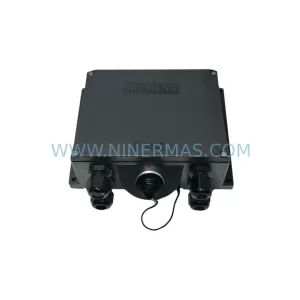
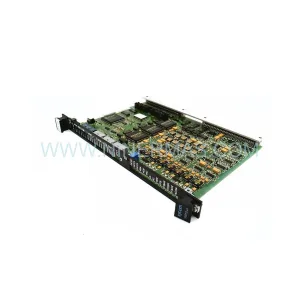
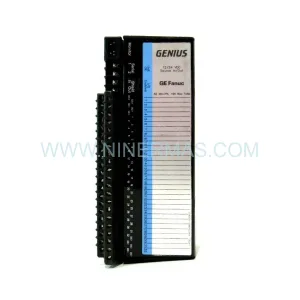
Original Industrial Spare Part
WELD-FASE F356-IOE Retrofit-Compatible I/O Expansion Module
Verify the part, confirm the platform family, and move straight into quotation with the right commercial details.
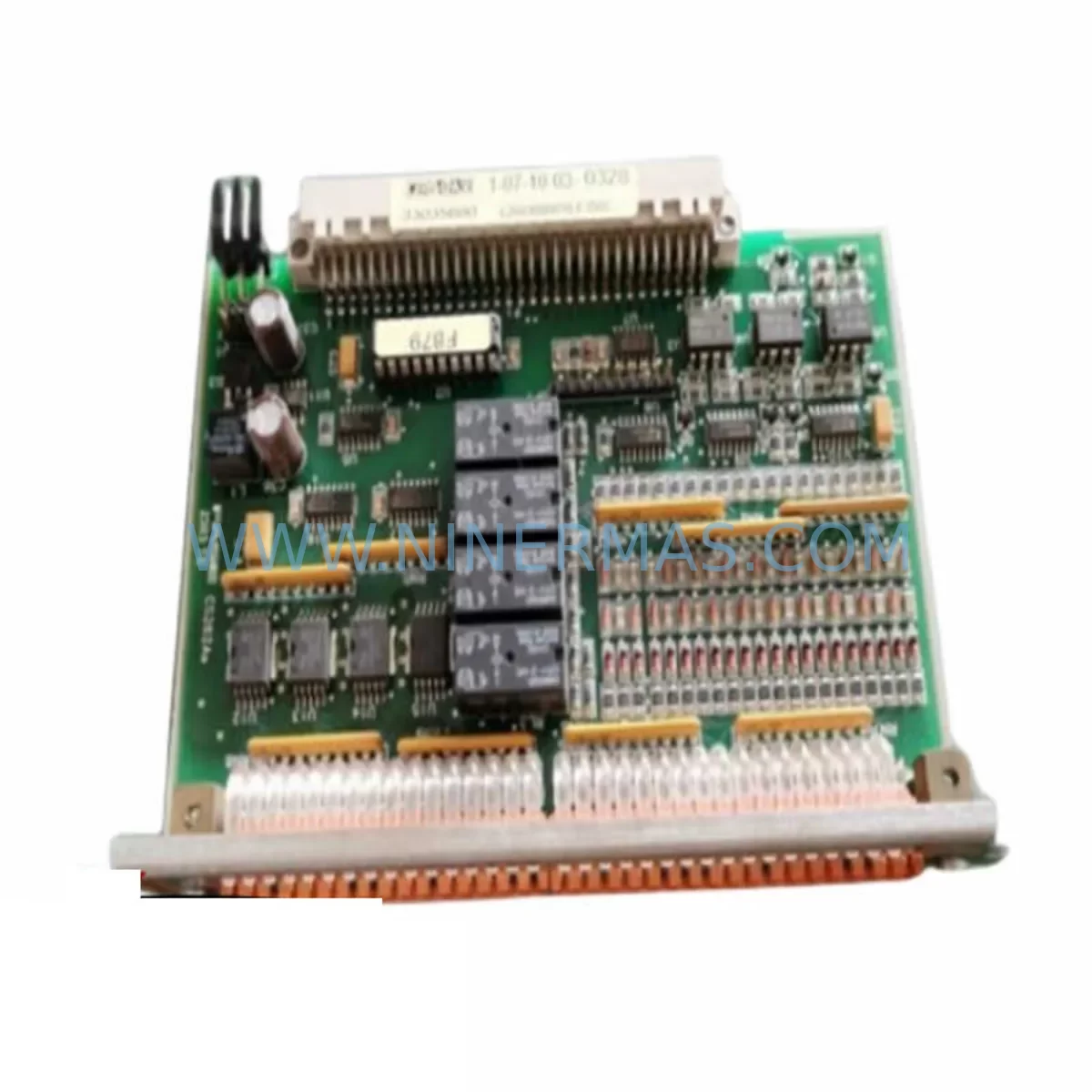
RFQ Ready
- SKUF356-IOE
- CategoryPLC & Industrial Automation Modules
- BrandWELD-FASE
- SupportAvailability, lead time, condition, and shipping coordination
How Buyers Usually Use This Page
- Confirm the exact part number and platform family before sending the quote request.
- Use direct email when quantity, condition, and destination are already defined internally.
- Switch to the broader brand or category archive when you need alternates nearby.
Series Navigation
Move through the most common platform families behind this part.
Product RFQ
Send this part directly for quotation.
Include quantity, required condition, destination country, and target delivery timing. Current reference: WELD-FASE F356-IOE Retrofit-Compatible I/O Expansion Module with SKU F356-IOE.
WELD-FASE F356-IOE Retrofit-Compatible I/O Expansion Module for Legacy System Modernization
The WELD-FASE F356-IOE is a retrofit-compatible I/O expansion module engineered for industrial facilities managing aging distributed control systems (DCS), programmable logic controllers (PLC), and remote I/O networks. As legacy platforms approach end-of-life and OEM spare parts become increasingly scarce, the F356-IOE provides a reliable, drop-in compatible solution that extends the operational lifespan of existing control architectures without requiring a full system overhaul.
Designed for integration into the WELD-FASE F356 series control platform, this module supports seamless expansion of digital and analog I/O capacity within existing control cabinets. Whether you are managing a brownfield retrofit, replacing a discontinued module in a critical production line, or expanding I/O capacity during a phased system upgrade, the F356-IOE delivers the compatibility, reliability, and technical support your engineering team requires.
NINERMAS maintains verified stock of the F356-IOE with pre-shipment functional testing, 12-month warranty coverage, and rapid international dispatch — ensuring your maintenance team can restore operations with minimal downtime.
Upgrade Compatibility Table
| Parameter | F356-IOE Specification | Retrofit Notes |
|---|---|---|
| Module Type | I/O Expansion Module | Replaces discontinued F356-series I/O expansion units |
| Series Compatibility | WELD-FASE F356 Platform | Verify backplane slot assignment and rack addressing before installation |
| Communication Interface | Backplane bus (F356 native) | Confirm backplane connector pinout matches existing rack; no protocol conversion required for same-series racks |
| Power Supply Requirement | 24 VDC (typical) | Verify power budget on existing F356 power supply module (e.g. F356-PSU) before adding expansion modules |
| Terminal Wiring | Screw-terminal field wiring | Re-use existing field wiring; confirm terminal block pitch and labeling against original I/O schedule |
| Module Addressing | DIP switch / software configurable | Set module address to match original slot configuration; update PLC I/O map if address changes |
| Program Compatibility | Compatible with F356 controller logic | No PLC program rewrite required for direct slot replacement; verify I/O tag mapping in HMI configuration |
| Installation Footprint | Standard F356 rack slot | Confirm available rack slots; no panel modification required for same-form-factor replacement |
| Commissioning | Online hot-swap (system dependent) | Confirm hot-swap capability with F356 controller firmware version before live insertion |
| Warranty | 12 Months | Covered from date of dispatch; includes functional pre-shipment testing |
Retrofit Planning for Existing Automation Systems
Integrating the F356-IOE into an existing automation environment requires a structured pre-installation review. Engineering teams should begin by auditing the current F356 rack configuration, confirming the number of occupied and available backplane slots, and reviewing the power budget available from the installed F356-PSU power supply module. Overloading the power rail is a common cause of intermittent faults during I/O expansion projects and must be assessed before any new module is inserted.
Field wiring connected to the original I/O module should be documented against the existing I/O schedule before removal. The F356-IOE uses a screw-terminal interface consistent with the F356 platform standard, allowing direct re-termination of existing field cables. Where signal types include thermocouple or RTD inputs, confirm that the F356-IOE variant supports the required input type, or plan for an inline signal conditioner or signal isolator to bridge any input range differences.
For facilities running mixed-generation control architectures — for example, where an F356 controller communicates upstream to a supervisory SCADA system via Modbus RTU or PROFIBUS DP — the addition of I/O expansion modules does not affect the communication link between the F356 controller and the network. However, if the retrofit involves migrating from an older F300-series rack to the F356 platform, a communication gateway or protocol converter may be required to maintain continuity with legacy HMI panels or historian systems.
Where the control cabinet houses companion modules such as the F356-AIO analog I/O module, F356-DIO digital I/O module, F356-COM communication interface module, or F356-CPU controller module, the addition of the F356-IOE must be reflected in the controller’s I/O configuration table. This typically involves updating the hardware configuration in the programming software, downloading the revised configuration to the F356-CPU, and verifying that all I/O tags resolve correctly in the HMI engineering environment before returning the system to automatic control.
For sites where the F356 rack is installed in a compact control cabinet with limited clearance, confirm that the module insertion depth and ventilation clearance requirements are met. Thermal management is particularly important in high-density cabinets where multiple I/O modules, power supplies, and communication modules share a confined enclosure. A programming cable connection to the F356-CPU during commissioning allows real-time diagnostics and I/O force testing without requiring panel access to individual field terminals.
Downtime Control During System Migration
Minimizing production downtime during an I/O expansion or module replacement is a primary concern for maintenance engineers working on continuous process lines. The F356-IOE is designed to support controlled, low-risk installation procedures that protect existing program logic and field control continuity.
Where the F356 controller supports online module insertion, the F356-IOE can be installed into an available rack slot while the controller remains in run mode, provided the slot was previously configured as an empty or reserved slot in the hardware configuration. In cases where a full controller stop is required — for example, when replacing a failed module in an occupied slot — the recommended procedure is to export the current PLC program and hardware configuration backup before any physical intervention, ensuring that program logic can be restored rapidly in the event of an unexpected fault during the changeover.
Field I/O connected to the module being replaced should be placed in a safe state prior to module removal. For analog output channels driving control valves or variable speed drives, confirm that the downstream process is in manual or hold mode before disconnecting field wiring. Digital output channels controlling motors, solenoids, or safety interlocks must be de-energized and locked out in accordance with site LOTO procedures.
Once the F356-IOE is installed and the hardware configuration has been downloaded to the F356-CPU, a systematic I/O verification sequence should be performed: force each input channel and confirm the correct tag state in the HMI; energize each output channel under controlled conditions and verify field device response. This structured commissioning approach — combined with NINERMAS pre-shipment functional testing and 12-month warranty coverage — ensures that the replacement module performs to specification from the first power-on, reducing the risk of extended downtime caused by infant-failure defects.
Retrofit Support FAQ
Q1: Is the F356-IOE a direct replacement for the original WELD-FASE F356 series I/O expansion module?
A: Yes. The F356-IOE is designed as a retrofit-compatible replacement for the original F356-series I/O expansion units. It maintains the same backplane interface, terminal wiring layout, and module addressing scheme as the original, allowing direct slot-for-slot substitution in existing F356 racks without modification to the control cabinet or field wiring.
Q2: What commissioning steps are required after installing the F356-IOE?
A: After physical installation, update the hardware configuration in the F356 programming environment to reflect the new module, download the revised configuration to the F356-CPU, and perform a full I/O verification sequence. Confirm that all I/O tags resolve correctly in the HMI and that field devices respond as expected to forced output tests before returning the system to automatic control.
Q3: Does NINERMAS provide pre-shipment testing and warranty coverage for the F356-IOE?
A: Yes. Every F356-IOE unit dispatched by NINERMAS undergoes functional pre-shipment testing to verify I/O channel integrity, backplane communication, and power consumption within specification. All units are covered by a 12-month warranty from the date of dispatch. In-stock units are available for rapid international shipment to minimize lead time for urgent maintenance requirements.
Q4: What should I verify regarding power supply capacity before adding the F356-IOE to an existing rack?
A: Review the power budget of the installed F356-PSU power supply module and calculate the total current draw of all modules currently installed in the rack, including the F356-CPU, communication modules, and existing I/O modules. Confirm that the available headroom is sufficient to support the F356-IOE’s rated current consumption. If the existing power supply is operating near its rated capacity, a supplementary power supply or rack expansion may be required before the I/O expansion module can be safely added.
| Product Series | Other series |
|---|
Catalog Continuation
Alternative parts within PLC & Industrial Automation Modules.
Stay inside the same system family when you need substitutes, adjacent modules, or a broader shortlist for procurement review.