Original Industrial Spare Part
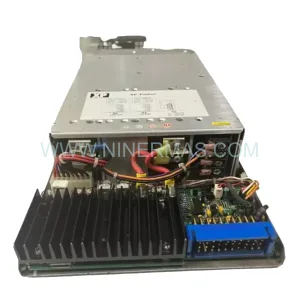
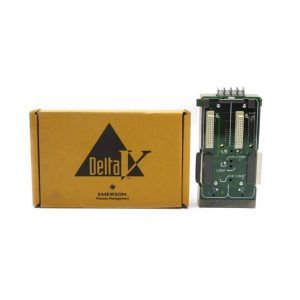
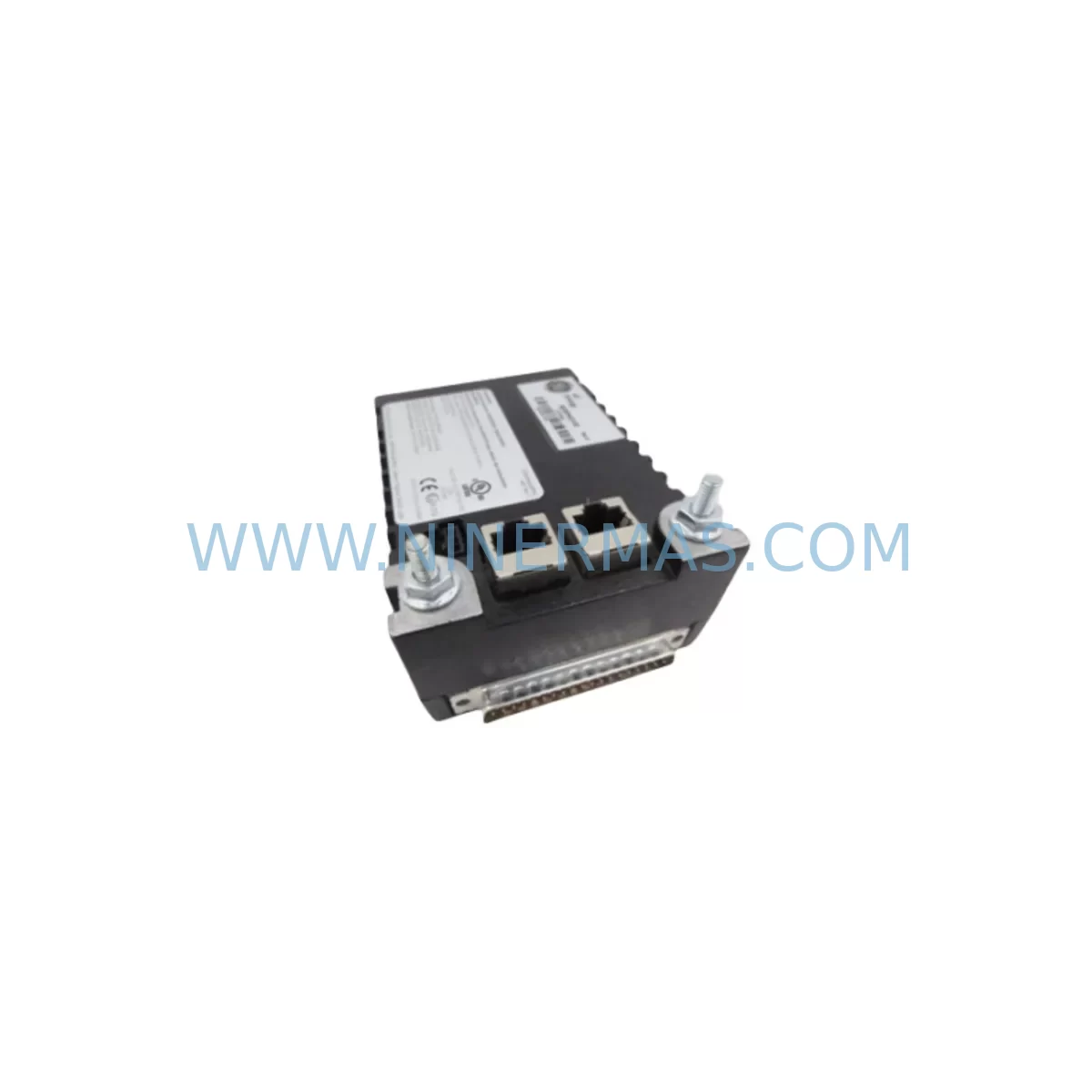
Weidmuller 8708680000 Retrofit Power Supply ConnectPower
Verify the part, confirm the platform family, and move straight into quotation with the right commercial details.
RFQ Ready
- SKU8708680000
- CategoryPLC & Industrial Automation Modules
- BrandWeidmuller
- SupportAvailability, lead time, condition, and shipping coordination
How Buyers Usually Use This Page
- Confirm the exact part number and platform family before sending the quote request.
- Use direct email when quantity, condition, and destination are already defined internally.
- Switch to the broader brand or category archive when you need alternates nearby.
Series Navigation
Move through the most common platform families behind this part.
Product RFQ
Send this part directly for quotation.
Include quantity, required condition, destination country, and target delivery timing. Current reference: Weidmuller 8708680000 Retrofit Power Supply ConnectPower with SKU 8708680000.
Weidmuller 8708680000 Retrofit Power Supply ConnectPower: Legacy-Compatible Upgrade for Industrial Control Systems
The Weidmuller 8708680000 is a ConnectPower series power supply module engineered for direct retrofit into existing automation cabinets, legacy PLC enclosures, and distributed control system (DCS) panels where the original unit has reached end-of-life or has been discontinued. Designed to deliver stable DC output within the same mechanical footprint as predecessor models, the 8708680000 allows maintenance engineers and system integrators to restore full panel functionality without redesigning the control cabinet layout or rewriting the existing control program.
For facilities operating aging production lines built around Weidmuller ConnectPower infrastructure, sourcing a verified replacement that maintains original terminal pitch, output voltage tolerance, and DIN rail mounting geometry is critical to minimizing unplanned downtime. The 8708680000 addresses this requirement directly, offering a pre-tested, in-stock solution backed by a 12-month warranty and pre-shipment functional verification.
Upgrade Compatibility Table
| Parameter | Detail |
|---|---|
| SKU / Part Number | 8708680000 |
| Brand / Series | Weidmuller / ConnectPower |
| Module Type | Power Supply Module (DIN Rail) |
| Mounting | Standard 35 mm DIN Rail (EN 60715) |
| Terminal Compatibility | Compatible with Weidmuller WDU / ZDU terminal block series; standard screw-clamp pitch |
| Communication Interface | N/A (power supply stage); upstream PLC or controller communication unaffected |
| Replacement Suitability | Direct retrofit for discontinued ConnectPower predecessors in same voltage class |
| Installation Space | Verify available DIN rail width and cabinet depth before installation |
| Commissioning Note | Confirm output voltage under load before reconnecting field devices; check upstream breaker rating |
| Warranty | 12 Months — covers manufacturing defects; pre-shipment functional test included |
Retrofit Planning for Existing Automation Systems
When integrating the Weidmuller 8708680000 into a legacy control cabinet, the retrofit process typically begins with a full audit of the existing power distribution architecture. Engineers should document the current load profile — accounting for all 24 VDC consumers on the rail, including Weidmuller ACT 20P signal conditioners, HART interface modules, and any third-party I/O marshalling terminals drawing from the same bus. Overloading a replacement power supply due to undocumented field additions is one of the most common causes of premature failure in retrofit projects.
Terminal wiring adaptation is the next critical step. The 8708680000 uses standard screw-clamp terminals compatible with the Weidmuller WDU 2.5 and ZDU 4 terminal block families. If the existing cabinet uses push-in CAGE CLAMP technology — common in newer Weidmuller terminal strips — verify that the incoming wire cross-sections and ferrule types are appropriate for the replacement module’s terminal specification. Mismatched ferrule sizes can cause intermittent contact resistance, which manifests as voltage sag under peak load conditions.
For cabinets that also house Weidmuller PRO MAX or PRO ECO series power supplies in adjacent slots, confirm that the combined output current does not exceed the DIN rail busbar rating. In multi-supply configurations, the 8708680000 can operate in parallel with compatible units using Weidmuller’s current-sharing diode modules, preserving redundancy without requiring a full panel redesign.
Where the legacy system includes a Siemens S7-300 or S7-400 PLC rack drawing 24 VDC from the ConnectPower bus, the replacement procedure should include a controlled power-down sequence: save the current CPU program to a memory card or PC via STEP 7 or TIA Portal before disconnecting the supply. This protects the program in retentive memory and avoids the need for a full reload after the module swap. Similarly, if the panel includes a Siemens TP700 or TP900 HMI panel, confirm that the HMI project file is backed up and that the communication link to the PLC (typically MPI or PROFIBUS DP) is re-established and verified after power restoration.
In systems using Weidmuller u-remote or UR20 remote I/O modules, the power supply replacement must be coordinated with the fieldbus master — whether PROFIBUS, EtherNet/IP, or PROFINET — to avoid spurious I/O faults during the switchover window. Confirm that the remote I/O head station retains its IP address or PROFIBUS node address after the power cycle, and that the GSD or GSDML device description file in the PLC project matches the installed firmware version of the remote I/O coupler.
For older installations using Weidmuller KLIPPON series relay modules or signal isolators mounted on the same DIN rail segment, verify that the inrush current at power-up does not trip the upstream miniature circuit breaker (MCB). A soft-start or pre-charge circuit may be required if the total capacitive load on the 24 VDC bus is significant. This is particularly relevant in cabinets where multiple Weidmuller WAS 4/24DC/24DC/1 DC/DC converters or isolated barriers are present.
Downtime Control During System Migration
Minimizing production downtime during a power supply replacement requires a structured hot-swap or planned-outage strategy. For non-redundant single-supply panels, the recommended approach is a planned maintenance window during a scheduled production break. Before the outage begins, photograph the existing terminal wiring layout and label all field cables using the original panel drawing references. This documentation step alone can reduce re-commissioning time by 40–60% compared to undocumented swaps.
Where a temporary 24 VDC bench supply can be connected to the load bus via a blocking diode, it is possible to maintain PLC CPU power and preserve the running program in memory while the ConnectPower module is physically replaced. This technique — sometimes called a “live rail transfer” — requires careful current capacity matching and must only be performed by qualified personnel following the applicable IEC 60204-1 safety procedures.
After installing the Weidmuller 8708680000, perform a no-load voltage check at the output terminals before reconnecting field devices. Confirm output voltage is within the specified tolerance band (typically ±1% for regulated DIN rail supplies). Then reconnect loads progressively — starting with the PLC CPU and communication modules, followed by I/O modules, and finally field instruments — monitoring output voltage at each stage to confirm the supply remains stable under incremental load.
Once full load is restored, verify all PROFIBUS or PROFINET communication links are active, confirm that HMI screens are displaying live process values, and check that any Weidmuller ACT 20 HART multiplexers or signal conditioners are reporting correctly. Log the commissioning date and output voltage reading for the maintenance record. The 12-month warranty period begins from the date of shipment, and all units are pre-tested at full rated load before dispatch to reduce the risk of infant mortality failures in the field.
Retrofit Support FAQ
Q1: Is the Weidmuller 8708680000 a direct drop-in replacement for my existing ConnectPower module?
In most cases, yes — provided the original module shares the same output voltage class and DIN rail footprint. Confirm the output voltage, current rating, and terminal pitch against your panel drawings before ordering. If you are unsure, contact us with your existing part number and we will confirm compatibility.
Q2: What commissioning checks are required after installation?
After physical installation, verify output voltage under no-load and full-load conditions, confirm all terminal connections are torqued to specification, re-establish any fieldbus communication links, and validate HMI screen data. For systems with Weidmuller u-remote I/O, confirm that all remote I/O modules have returned to RUN state and that no diagnostic alarms are active in the PLC program.
Q3: Is stock available for immediate shipment, and what is the lead time?
Yes — the 8708680000 is held in stock for immediate dispatch. Standard lead time for in-stock units is 1–3 business days depending on destination. For large-quantity orders or ongoing blanket supply agreements, contact us to discuss inventory reservation and scheduled release options.
Q4: What does the 12-month warranty cover?
The 12-month warranty covers manufacturing defects and functional failures under normal operating conditions. Every unit undergoes a pre-shipment functional test at rated output before dispatch. The warranty period begins from the date of shipment. Physical damage, incorrect installation, or operation outside the rated specification are not covered. Warranty claims are processed promptly with replacement units dispatched from stock where available.
| Product Series | Other series |
|---|
Catalog Continuation
More Weidmuller modules in the catalog.
Use the brand lane to compare nearby part numbers, platform-adjacent modules, and other inquiry-ready listings before sending your final RFQ.

Catalog Continuation
Alternative parts within PLC & Industrial Automation Modules.
Stay inside the same system family when you need substitutes, adjacent modules, or a broader shortlist for procurement review.



SKU: HDD02.2-W040N-HS12-01-FW FWA-DIAX04-ELS-05VRS-MS
Rexroth HDD02.2-W040N-HS12-01-FW Service-Ready Spare Part

SKU: I5DAE375F10010000S
Lenze I5DAE375F10010000S Service-Ready Spare Part for Industrial Maintenance