Original Industrial Spare Part
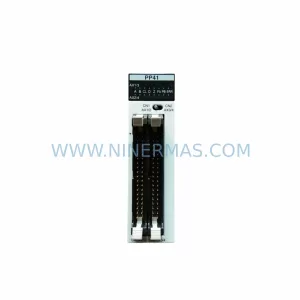
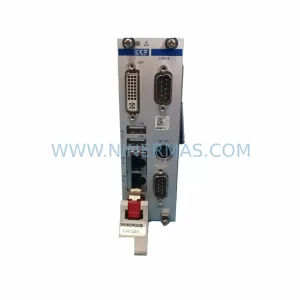
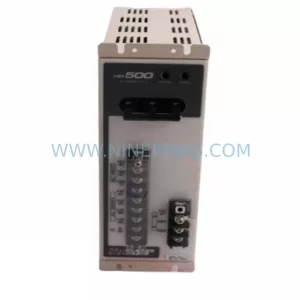
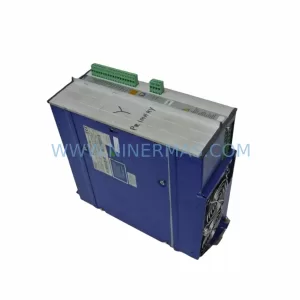
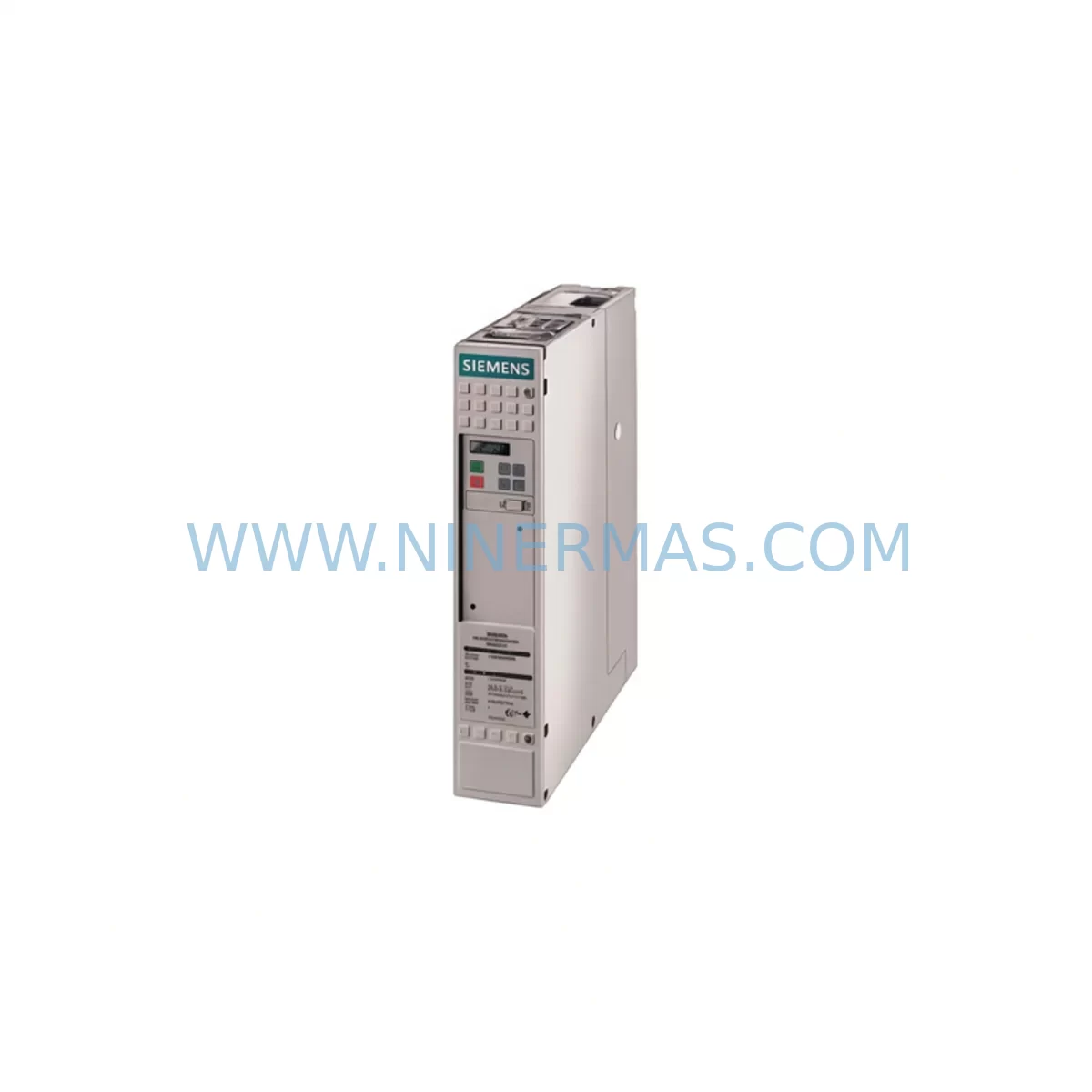
Siemens 6SE7031-5EF60-Z Retrofit Drive for Legacy Systems
Verify the part, confirm the platform family, and move straight into quotation with the right commercial details.
RFQ Ready
- SKU6SE7031-5EF60-Z G41+G93+K80
- CategoryPLC & Industrial Automation Modules
- BrandSiemens
- SupportAvailability, lead time, condition, and shipping coordination
How Buyers Usually Use This Page
- Confirm the exact part number and platform family before sending the quote request.
- Use direct email when quantity, condition, and destination are already defined internally.
- Switch to the broader brand or category archive when you need alternates nearby.
Series Navigation
Move through the most common platform families behind this part.
Product RFQ
Send this part directly for quotation.
Include quantity, required condition, destination country, and target delivery timing. Current reference: Siemens 6SE7031-5EF60-Z Retrofit Drive for Legacy Systems with SKU 6SE7031-5EF60-Z G41+G93+K80.
Siemens 6SE7031-5EF60-Z G41+G93+K80 Retrofit-Compatible AC Drive for Legacy Systems
The Siemens 6SE7031-5EF60-Z G41+G93+K80 is a SIMOVERT Masterdrives series AC variable frequency drive engineered for demanding industrial environments. As production lines age and original equipment manufacturers discontinue legacy drive models, the 6SE7031-5EF60-Z with option codes G41 (external fan), G93 (DC link choke), and K80 (PROFIBUS-DP communication board) remains one of the most sought-after retrofit and replacement units in the field. NINERMAS maintains verified inventory of this unit to support engineers and maintenance teams undertaking control system modernization, panel upgrades, and emergency spare replacements.
Whether you are replacing a failed drive on a legacy production line, upgrading a control cabinet to extend its operational life, or migrating from an older SIMOVERT MC or SIMOVERT P platform, the 6SE7031-5EF60-Z provides a reliable, tested solution with full compatibility documentation and 12-month warranty coverage.
Upgrade Compatibility Table
| Parameter | Details |
|---|---|
| Full SKU | 6SE7031-5EF60-Z G41+G93+K80 |
| Series | SIMOVERT Masterdrives (6SE70 Series) |
| Drive Type | AC Variable Frequency Drive (VFD) / Frequency Converter |
| Option G41 | External fan unit — required for high-ambient or enclosed cabinet installations |
| Option G93 | DC link choke — reduces harmonic distortion, protects upstream supply |
| Option K80 | PROFIBUS-DP communication board — enables integration with S7-300, S7-400, and S7-1500 PLC platforms |
| Communication Protocol | PROFIBUS-DP (via K80); USS protocol also supported |
| Mounting / Installation | Floor-standing or cabinet-mount; verify backplane clearance and ventilation space |
| Replacement Compatibility | Direct retrofit for 6SE70 series predecessors; verify terminal mapping against existing wiring diagram |
| Commissioning Tool | STARTER / DriveMonitor software; compatible with SIMATIC S7 engineering environment |
| Warranty | 12 Months — all units pre-tested and verified before shipment |
| Origin | Germany (OEM) |
| Availability | In-stock — contact NINERMAS for lead time confirmation |
Retrofit Planning for Existing Automation Systems
Retrofitting the 6SE7031-5EF60-Z G41+G93+K80 into an existing automation system requires careful pre-installation planning across several critical areas. Engineers should begin by auditing the existing control cabinet layout to confirm available installation space, backplane slot assignments, and ventilation clearance for the external fan (G41 option). The DC link choke (G93) must be wired in series with the DC bus — verify that the existing busbar rating and cable cross-section are compatible before energizing.
Terminal block mapping is one of the most common sources of commissioning delay during legacy drive replacement. The 6SE7031-5EF60-Z uses the standard SIMOVERT Masterdrives terminal layout, but older installations may have custom wiring adaptations. Cross-reference the existing wiring diagram against the drive’s X100, X101, and X9 terminal strips before disconnecting the old unit. If the original installation used a 6SE7031 predecessor without the K80 PROFIBUS board, the addition of PROFIBUS-DP communication will require corresponding configuration changes in the upstream Siemens S7-300 or S7-400 PLC program — specifically in the hardware configuration (HW Config) and GSD file assignment.
For sites running SIMATIC HMI panels such as the TP177 or MP277, screen variables linked to drive status words and control words must be re-validated after replacement. Drive parameter sets from the old unit should be backed up using DriveMonitor or the STARTER commissioning tool prior to removal, and then uploaded to the replacement unit as a baseline — followed by site-specific tuning for motor nameplate data, ramp times, and current limits.
In multi-drive cabinet installations, the 6SE7031-5EF60-Z often operates alongside companion modules including SIMOVERT Masterdrives 6SE7022 and 6SE7024 series units for lower-power axes, shared DC bus rectifier units such as the 6SE7031-2EF85-1AA0, and 6SN1145 series infeed/regenerative modules in mixed SINAMICS and Masterdrives environments. I/O expansion for auxiliary signals — such as motor thermistor inputs, brake control relays, and encoder feedback — may require additional 6SE7090-0XX84-0AB0 option boards or external signal isolators to bridge legacy sensor wiring to the drive’s digital input terminals.
Where PROFIBUS-DP network topology is involved, confirm the drive’s PROFIBUS node address using the DIP switch settings on the K80 board before installation. Duplicate node addresses on the same PROFIBUS segment will cause network faults and prevent the PLC from establishing communication. A PROFIBUS diagnostic repeater or network analyzer is recommended for sites with long cable runs or multiple network segments. After address assignment, validate cyclic data exchange using the PLC’s diagnostic buffer and confirm that process data (PZD) and parameter channel (PKW) word lengths match the GSD file configuration.
Power supply integrity is equally critical. Confirm that the incoming three-phase supply voltage, frequency, and short-circuit current rating (SCCR) at the drive input terminals are within specification. If the existing installation used a Siemens 6EP1 series 24V DC power supply for control circuit voltage, verify that the supply capacity is sufficient to support the K80 communication board’s additional current draw. Surge protection devices and EMC filters — such as the 6SE7031-0EE85-0AA0 line filter — should be inspected and replaced if they show signs of aging or thermal stress.
Downtime Control During System Migration
Minimizing production downtime during a drive replacement is a primary concern for maintenance engineers. For the 6SE7031-5EF60-Z G41+G93+K80, NINERMAS recommends a structured pre-commissioning approach: complete all parameter backup, terminal mapping verification, and software configuration changes during a planned maintenance window before the physical swap takes place.
Where possible, pre-configure the replacement drive on a bench using the STARTER tool with the motor nameplate data and a copy of the backed-up parameter set. This allows the commissioning team to identify any parameter incompatibilities — such as differences in firmware version or option board configuration — before the unit reaches the production floor. Bench testing with a test motor or load simulator further reduces the risk of unexpected faults during live commissioning.
During the physical changeover, label all terminal connections before disconnection and photograph the existing wiring layout. Retain the original drive’s parameter printout as a reference. After installation of the 6SE7031-5EF60-Z, perform a controlled no-load run to verify rotation direction, speed reference response, and fault-free PROFIBUS communication before reconnecting the mechanical load. This staged approach consistently reduces total changeover time and protects the integrity of the existing PLC program logic and HMI screen variables.
For critical processes where even brief unplanned stops are unacceptable, NINERMAS can support pre-shipment configuration services — loading your parameter file onto the replacement unit prior to dispatch so that on-site installation time is reduced to a direct swap and final verification. All units are tested under load conditions before shipment, and a 12-month warranty covers the replacement unit from the date of invoice.
Retrofit Support FAQ
Q1: Is the 6SE7031-5EF60-Z G41+G93+K80 a direct drop-in replacement for my existing SIMOVERT Masterdrives unit?
In most cases, yes — provided the existing installation uses the same 6SE7031-5EF60-Z base model. Option codes G41, G93, and K80 must match your original configuration. If your existing unit has different option codes, contact NINERMAS to confirm compatibility and discuss any wiring or configuration adaptations required.
Q2: How do I verify PROFIBUS-DP communication after installation?
After setting the correct node address on the K80 board’s DIP switches, power up the drive and check the PROFIBUS diagnostic LEDs on the K80 board. In the upstream PLC (S7-300/S7-400/S7-1500), use the hardware diagnostics function in STEP 7 or TIA Portal to confirm that the drive appears on the network and that cyclic data exchange is active. If communication faults persist, verify the GSD file version and PZD/PKW word length configuration in the PLC hardware config.
Q3: What is included with the unit, and what warranty does NINERMAS provide?
Each 6SE7031-5EF60-Z G41+G93+K80 supplied by NINERMAS is pre-tested and verified before shipment. Units are supplied with a 12-month warranty from the date of invoice. Pre-shipment test reports are available on request. NINERMAS maintains stock of this model to support urgent replacement requirements — contact our team at sale@ninermas.com or +0086 187 5021 5667 for availability and lead time confirmation.
Q4: Can NINERMAS pre-load my parameter file before shipment to reduce on-site commissioning time?
Yes. NINERMAS offers pre-shipment parameter loading as a value-added service. Provide your backed-up parameter file (exported via DriveMonitor or STARTER) and motor nameplate data, and our technical team will configure the replacement unit prior to dispatch. This service is particularly recommended for remote sites or installations where on-site engineering support is limited.
| Product Series | SIMOVERT |
|---|---|
| Country of Origin | DE |
Catalog Continuation
More Siemens modules in the catalog.
Use the brand lane to compare nearby part numbers, platform-adjacent modules, and other inquiry-ready listings before sending your final RFQ.
SKU: 6ES5463-4UA12
Siemens 6ES5463-4UA12 Safety-Reliable Analog Input Module
SKU: 6SE7031-2HG84-1JC1
Siemens 6SE7031-2HG84-1JC1 Service-Ready Spare Part
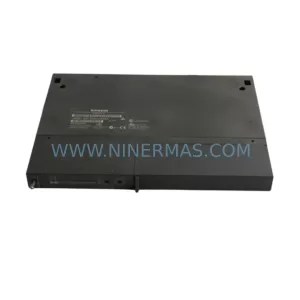
SKU: 6ES7461-0AA01-0AA0
SIEMENS 6ES7461-0AA01-0AA0 Safety-Reliable K-Bus Interface Module
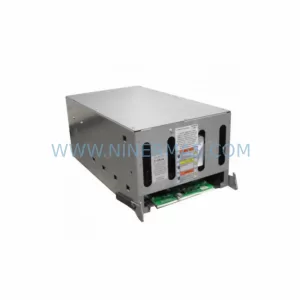
SKU: 6SR4902-0AH00-0AM1 A5E36524726
Siemens 6SR4902-0AH00-0AM1 Safety-Reliable MV Drive for Critical Sites
Catalog Continuation
Alternative parts within PLC & Industrial Automation Modules.
Stay inside the same system family when you need substitutes, adjacent modules, or a broader shortlist for procurement review.