Original Industrial Spare Part
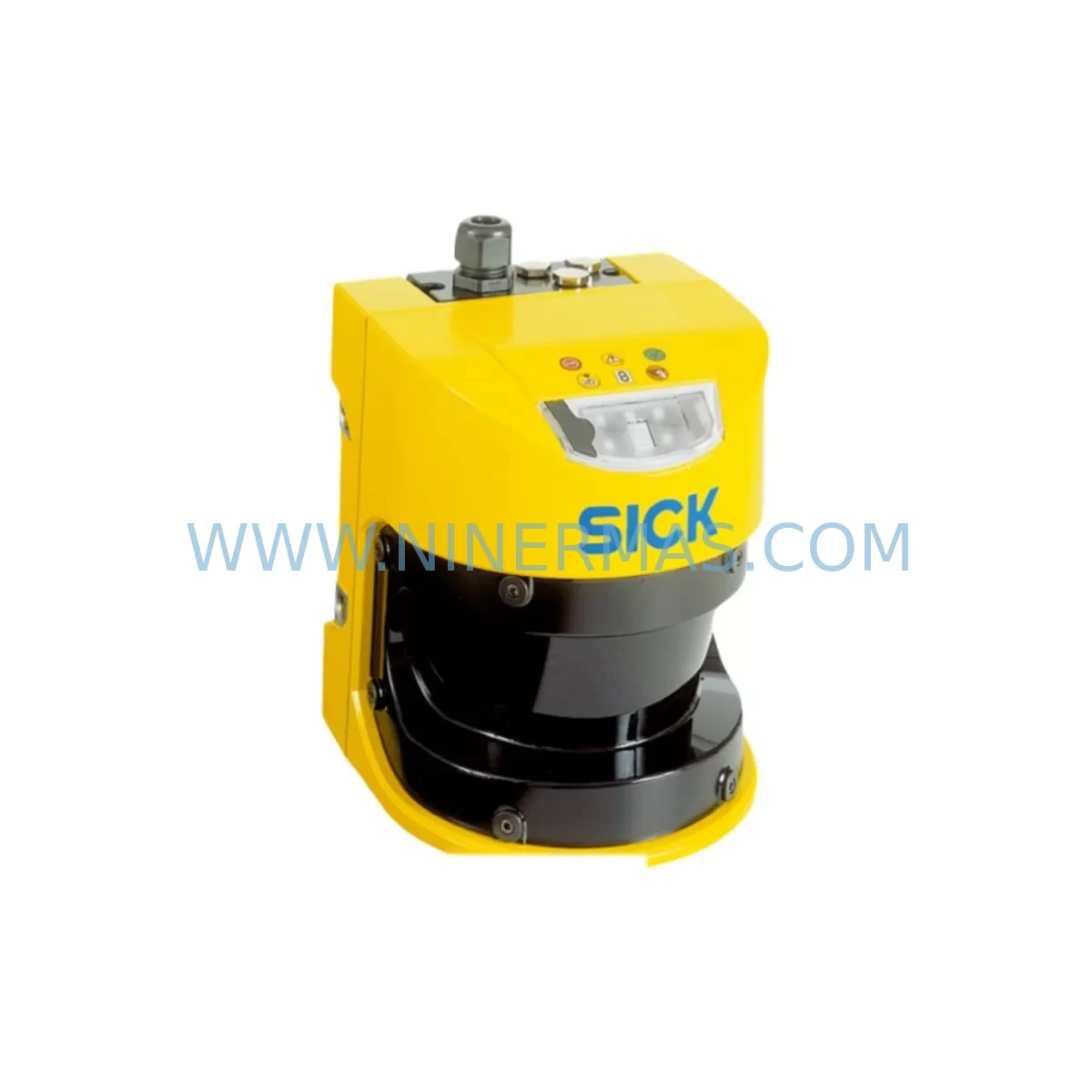
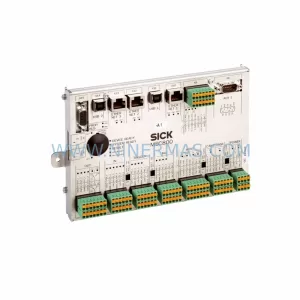
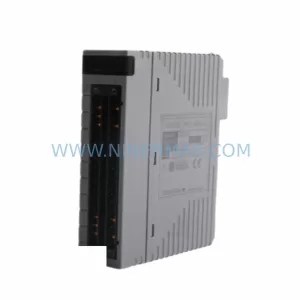
SICK S30A-6011BA Service-Ready Spare Part for Industrial Maintenance
Verify the part, confirm the platform family, and move straight into quotation with the right commercial details.
RFQ Ready
- SKUS30A-6011BA
- CategorySIS Safety & Redundancy Systems
- BrandSICK
- SupportAvailability, lead time, condition, and shipping coordination
How Buyers Usually Use This Page
- Confirm the exact part number and platform family before sending the quote request.
- Use direct email when quantity, condition, and destination are already defined internally.
- Switch to the broader brand or category archive when you need alternates nearby.
Series Navigation
Move through the most common platform families behind this part.
Product RFQ
Send this part directly for quotation.
Include quantity, required condition, destination country, and target delivery timing. Current reference: SICK S30A-6011BA Service-Ready Spare Part for Industrial Maintenance with SKU S30A-6011BA.
SICK S30A-6011BA Service-Ready Spare Part for Industrial Maintenance
The SICK S30A-6011BA is a ruggedized safety laser scanner engineered for continuous area protection in demanding industrial environments. As a direct-replacement spare part, the S30A-6011BA is stocked and tested to support rapid field substitution, minimising unplanned downtime and restoring machine-guarding compliance without extended lead times. Whether you are executing a scheduled annual overhaul, responding to an emergency fault, or building a proactive spare-parts inventory for a critical production line, the S30A-6011BA delivers the original SICK performance specification your safety system was designed around.
Maintenance engineers working with SICK S30A series scanners recognise that the ruggedised housing variant — designated by the -6011BA suffix — is specifically rated for environments with elevated vibration, shock, and contamination exposure. This makes it a preferred replacement in automotive body shops, heavy press lines, palletising cells, and outdoor AGV corridors where standard scanner housings degrade prematurely. Sourcing an original SICK S30A-6011BA rather than a non-OEM substitute ensures that the scanner’s protective field geometry, response time, and SIL/PLd safety integrity level remain fully validated without requiring a new risk assessment or re-certification of the guarding zone.
Spare Maintenance Table
| Parameter | Specification |
|---|---|
| Part Number / SKU | S30A-6011BA |
| Brand | SICK AG |
| Series | S30A (Ruggedised Variant) |
| Product Type | Safety Laser Scanner |
| Scanning Range (Safety Field) | Up to 3 m (protective field); up to 50 m (warning field) |
| Scanning Angle | 270° |
| Response Time | 80 ms (standard); configurable |
| Safety Integrity Level | SIL2 / PLd Cat. 3 (EN ISO 13849-1) |
| Supply Voltage | 24 V DC (±20%) |
| Interface / Communication | OSSD dual-channel safety outputs; EFI (Enhanced Function Interface) |
| Protection Rating | IP65 (ruggedised housing) |
| Operating Temperature | −10 °C to +50 °C |
| Mounting / Installation | Standard SICK S30A bracket set; M12 connectors |
| Compatibility | SICK Flexi Soft safety controller, Flexi Classic, S3000 migration paths |
| Origin | Germany |
| Warranty | 12 Months (NINERMAS) |
| Condition | Original spare part — tested before shipment |
Maintenance Planning for Continuous Operation
When a SICK S30A-6011BA scanner is flagged for replacement during a routine control-cabinet inspection or after a fault event, experienced maintenance engineers treat the scanner swap as a trigger for a broader system health check. The scanner’s 24 V DC supply rail should be verified at the SICK power supply module (such as a SITOP PSU or equivalent DIN-rail unit) before the new unit is energised — voltage sags or ripple above specification are a common root cause of premature scanner faults and will damage a replacement unit if left uncorrected.
The dual-channel OSSD safety outputs of the S30A-6011BA connect directly to the safety relay or safety PLC input card. Inspect the SICK Flexi Soft safety controller or equivalent safety relay module for contact wear, input channel diagnostics, and firmware revision compatibility before reconnecting. If the installation uses an EFI daisy-chain linking multiple S30A scanners or a SICK S3000 unit on the same network segment, verify the EFI cable integrity and termination resistors — a degraded EFI cable is frequently misdiagnosed as a scanner fault.
Cable assemblies deserve particular attention. The SICK DOL-1204 or DOL-1208 M12 connection cables used with S30A scanners are subject to flex fatigue in mobile or rotating-arm installations. Replace any cable showing jacket cracking or continuity intermittency at the same time as the scanner to avoid a repeat callout. Similarly, check the M12 field-bus connector and any SICK CDS (Configuration & Diagnostic Software) USB interface cable used for scanner parameterisation.
For installations integrated into a broader safety architecture, the replacement event is also the right moment to audit adjacent components: SICK safety light curtains (C4000 or deTec4 series) sharing the same safety zone, emergency-stop relay modules, door interlock switches, and any muting sensors wired into the same safety circuit. Confirm that the replacement scanner’s protective field configuration — stored in the SICK CDS project file — matches the validated layout documented in the machine’s safety file before re-enabling the guarding zone.
Procurement engineers building a spare-parts inventory for facilities running multiple S30A-series scanners should consider stocking at least one S30A-6011BA alongside complementary consumables: SICK front-screen replacement kits for the scanner optics window, DIN-rail terminal blocks for the OSSD wiring, and a spare 24 V DC DIN-rail power supply rated for the scanner’s inrush current. Long-term supply agreements with NINERMAS ensure priority allocation of S30A-6011BA units and reduce procurement lead-time risk for facilities with zero-downtime SLAs.
Site Replacement Workflow
Step 1 — Isolation & Permit to Work: De-energise the machine guarding circuit via the control-cabinet isolator. Confirm LOTO (Lockout/Tagout) procedure is complete. Document the existing scanner’s mounting position, cable routing, and protective field orientation using the SICK CDS export function before disconnection.
Step 2 — Physical Removal: Disconnect the M12 power/OSSD cable and, if applicable, the EFI daisy-chain cable. Remove the scanner from its mounting bracket. Inspect the bracket for corrosion or deformation — replace the SICK BEF-SC mounting bracket if damaged to ensure correct scanner alignment on the new unit.
Step 3 — Inspection of Wiring & Supply: Measure 24 V DC supply voltage at the cable connector under load. Check OSSD channel wiring for correct polarity and insulation resistance. Verify that the safety controller input channel is healthy and not latched in a fault state from the previous scanner event.
Step 4 — Installation of S30A-6011BA: Mount the replacement scanner to the bracket. Connect M12 cables — power/OSSD first, then EFI if applicable. Apply power and confirm the scanner enters the correct operating mode (indicated by the LED status display). Use SICK CDS to upload the validated protective field configuration from the saved project file.
Step 5 — Functional Verification: Perform a full protective-field walk test per the machine’s safety validation procedure. Confirm OSSD outputs switch correctly and that the safety controller registers a clean channel-1 / channel-2 signal. Log the replacement in the maintenance management system with the new unit’s serial number and the date of installation.
Step 6 — Return to Service: Remove LOTO, restore power, and conduct a supervised production trial. File the SICK CDS project export and the functional test record in the machine’s safety documentation folder for the next audit cycle.
Spare Parts Support FAQ
Q1: Is the SICK S30A-6011BA a direct drop-in replacement for earlier S30A variants?
The S30A-6011BA ruggedised variant shares the same mechanical footprint and M12 connector pinout as other S30A housing variants, making physical installation straightforward. However, protective field configurations are scanner-specific and must be re-uploaded via SICK CDS after installation. Always verify that the firmware version of the replacement unit is compatible with your Flexi Soft or Flexi Classic safety controller before commissioning. NINERMAS can advise on firmware compatibility prior to shipment.
Q2: How does NINERMAS verify the S30A-6011BA before shipment?
Every S30A-6011BA unit supplied by NINERMAS undergoes a pre-shipment functional test covering power-on self-test completion, OSSD output switching, and EFI communication handshake where applicable. Units are shipped with original SICK packaging and documentation. A 12-month warranty covers manufacturing defects and functional failures under normal operating conditions from the date of delivery.
Q3: What is the recommended inventory strategy for facilities running multiple S30A scanners?
For facilities with three or more S30A-series scanners in safety-critical applications, NINERMAS recommends maintaining a minimum of one S30A-6011BA as a hot spare. For larger installations or those operating under strict uptime SLAs, a two-unit buffer is advisable. NINERMAS offers long-term supply agreements with reserved stock allocation, ensuring availability even during periods of global component shortage or SICK product lifecycle transitions.
Q4: Can NINERMAS support legacy S30A installations where the original model has been discontinued?
Yes. NINERMAS specialises in lifecycle extension for industrial automation safety components, including SICK S30A series scanners that may no longer be available through standard distribution channels. Where a direct replacement is available, we supply it with full traceability. Where a model has been superseded, our technical team can advise on compatible migration paths — such as transitioning to the SICK S300 or S3000 platform — while minimising changes to the existing safety architecture and avoiding full re-certification where possible.
| Product Series | Other series |
|---|---|
| Country of Origin | DE |
Catalog Continuation
More SICK modules in the catalog.
Use the brand lane to compare nearby part numbers, platform-adjacent modules, and other inquiry-ready listings before sending your final RFQ.
Catalog Continuation
Alternative parts within SIS Safety & Redundancy Systems.
Stay inside the same system family when you need substitutes, adjacent modules, or a broader shortlist for procurement review.
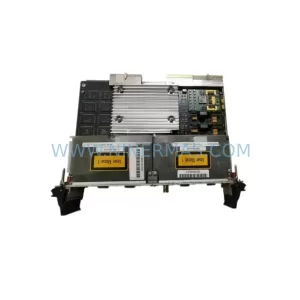
SKU: PCE-2 LIF-1 K15SB000 039-0137-00 657-0000-00
Tektronix PCE-2 LIF-1 Safety-Reliable Control Board
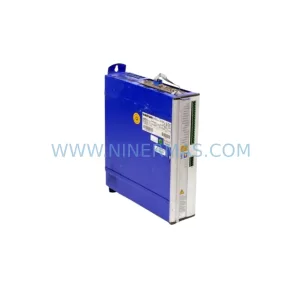
SKU: SERVOSTAR 610-AS
Kollmorgen SERVOSTAR 610-AS Safety-Reliable Servo Drive
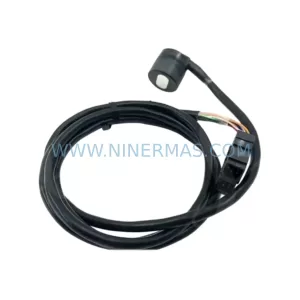
SKU: A860-2120-T051
Fanuc A860-2120-T051 Safety-Reliable Servo Cable Module
SKU: KC4011X1-BQ1 12P6892X042
EMERSON KC4011X1-BQ1 12P6892X042 Safety-Reliable Control Module