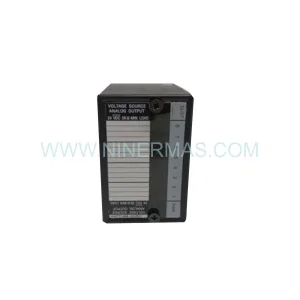
Original Industrial Spare Part
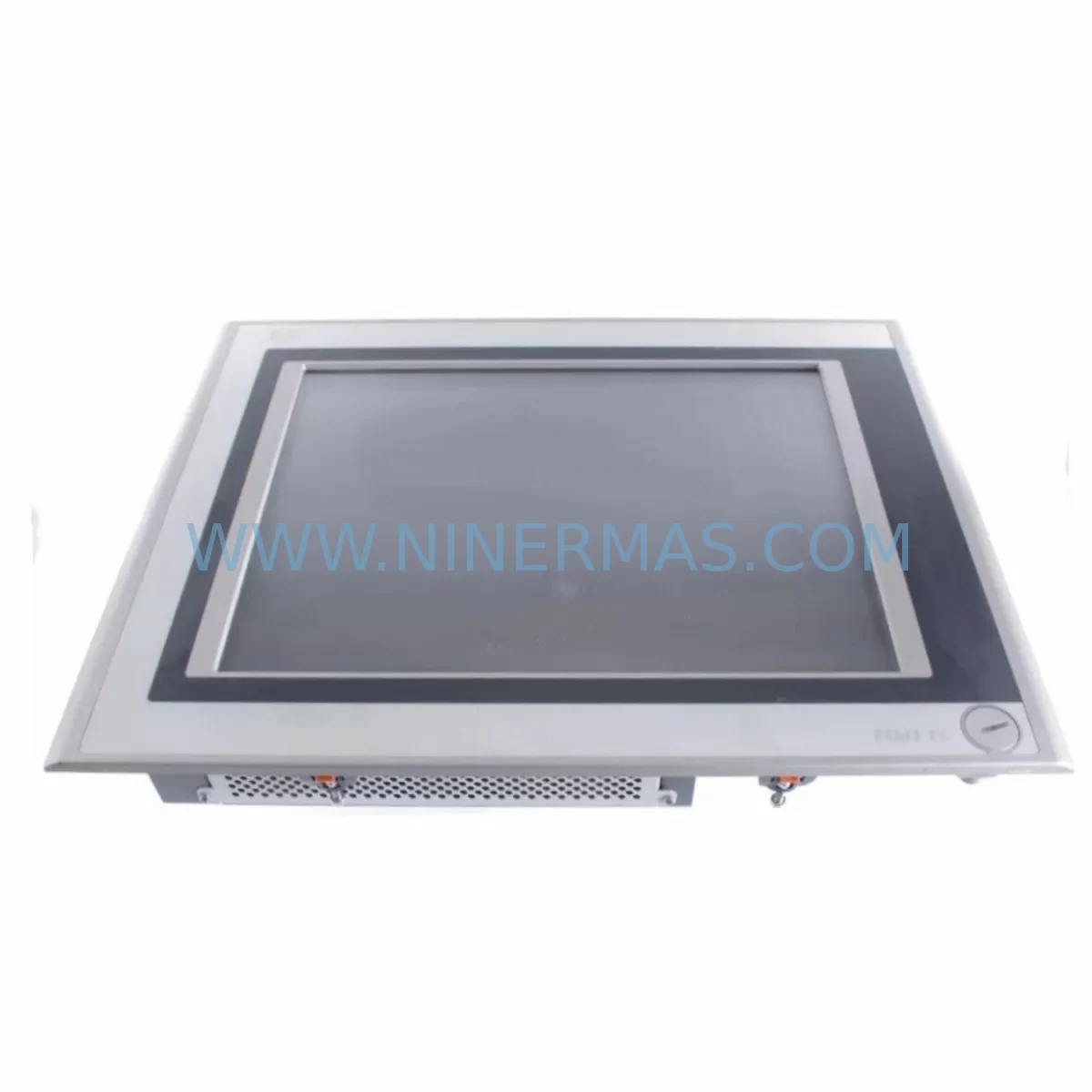
Panasonic FP-VM-10-MO Service-Ready Spare Part for Industrial Maintenance
Verify the part, confirm the platform family, and move straight into quotation with the right commercial details.
RFQ Ready
- SKUFP-VM-10-MO
- CategoryPLC & Industrial Automation Modules
- BrandPanasonic
- SupportAvailability, lead time, condition, and shipping coordination
How Buyers Usually Use This Page
- Confirm the exact part number and platform family before sending the quote request.
- Use direct email when quantity, condition, and destination are already defined internally.
- Switch to the broader brand or category archive when you need alternates nearby.
Series Navigation
Move through the most common platform families behind this part.
Product RFQ
Send this part directly for quotation.
Include quantity, required condition, destination country, and target delivery timing. Current reference: Panasonic FP-VM-10-MO Service-Ready Spare Part for Industrial Maintenance with SKU FP-VM-10-MO.
Panasonic FP-VM-10-MO Service-Ready Spare Part for Industrial Maintenance
The Panasonic FP-VM-10-MO is an original industrial HMI (Human-Machine Interface) touch screen operator panel designed for integration with Panasonic FP-series PLC systems and compatible industrial control architectures. As a service-ready spare part, the FP-VM-10-MO addresses one of the most critical vulnerabilities in legacy automation environments: unplanned HMI failure leading to extended production downtime. Sourced directly from verified supply channels, this unit is tested prior to dispatch and backed by a 12-month warranty, making it a reliable choice for maintenance engineers managing aging control systems and procurement engineers building resilient spare parts inventories.
In industrial facilities where Panasonic FP-series PLCs govern machine sequencing, motion control, or process monitoring, the HMI panel is the primary interface between operators and the control system. A failed or degraded FP-VM-10-MO touch screen can halt production lines, disable fault acknowledgment, and prevent operators from executing manual overrides — all of which compound downtime risk. Stocking the FP-VM-10-MO as a ready-to-install spare eliminates the lead time risk associated with sourcing discontinued or end-of-life HMI components under emergency conditions.
Spare Maintenance Table
| SKU / Part Number | FP-VM-10-MO |
| Brand | Panasonic |
| Series | FP-VM Series |
| Product Type | Industrial HMI Touch Screen / Operator Panel |
| Display Type | Monochrome / Graphic LCD Touch Panel |
| Compatible PLC Systems | Panasonic FP0, FP0R, FP-X, FP2, FP2SH, FP-Sigma series |
| Communication Interface | RS-232C / RS-422 serial communication |
| Power Supply | DC 24V (nominal), compatible with standard industrial panel power rails |
| Operating Temperature | 0°C to +50°C |
| Storage Temperature | -20°C to +60°C |
| Protection Rating | IP65 (front panel) |
| Installation | Panel cut-out mount, standard DIN-compatible enclosure |
| Origin | Japan |
| Condition | Original Spare Part — New or Equivalent-to-New |
| Pre-shipment Testing | Function-verified before dispatch |
| Warranty | 12 Months |
| Application Environment | Industrial automation, machine tool control, process monitoring, OEM panel systems |
| Maintenance Recommendation | Replace at first sign of touch drift, display degradation, or communication timeout errors |
Maintenance Planning for Continuous Operation
When replacing the FP-VM-10-MO in a live control cabinet or during a scheduled maintenance window, a disciplined inspection of surrounding components is essential to prevent repeat failures and ensure system stability. Maintenance engineers should treat the HMI replacement as an opportunity to audit the full operator interface and communication chain.
Begin with the DC 24V power supply module feeding the HMI panel. Voltage ripple or marginal output from an aging power supply — such as a Panasonic AFP0RC10RS or equivalent DIN-rail PSU — can cause intermittent touch screen lockups that mimic HMI hardware failure. Verify output voltage under load before commissioning the replacement FP-VM-10-MO.
Inspect the RS-232C or RS-422 communication cable connecting the HMI to the PLC CPU unit. Degraded shielding, loose D-sub connectors, or incorrect termination resistors on RS-422 links are a common root cause of HMI communication timeout alarms. Replace the communication cable if continuity or insulation resistance is in doubt.
Check the PLC CPU module — typically a Panasonic FP0R-C32T, FP-X C60T, or FP2SH CPU — for firmware version compatibility with the FP-VM-10-MO. Mismatched firmware between the HMI and PLC can result in screen freeze or garbled display output even with a new HMI unit installed. Confirm the GT Designer or FPWIN Pro project file version aligns with the replacement hardware.
Examine I/O expansion modules connected to the PLC backplane. Units such as the Panasonic AFP0RE16RS (relay output) or AFP0RE8YR (transistor output) should be inspected for contact wear, blown output fuses, or terminal block corrosion — particularly in high-cycle applications where the HMI is used to trigger output sequences. A failed I/O module can generate spurious alarms that operators attempt to clear through the HMI, accelerating touch screen wear.
Review the relay and contactor modules in the same control circuit. Intermediate relays — such as Panasonic SF4B safety relays or standard MY2N-type relays on the output side — should be tested for coil resistance and contact integrity. Relay chatter caused by coil voltage fluctuation can introduce electrical noise that propagates back through the 24V rail to the HMI logic board.
Inspect terminal blocks and wiring harnesses within the control cabinet. Loose ferrules, oxidized terminals, or undersized wire gauges on the HMI power and signal lines are a frequent source of intermittent faults. Re-torque all terminal connections to manufacturer specification and apply contact enhancer where appropriate.
If the system includes a signal isolator or surge protection module on the communication line — such as a Phoenix Contact or Weidmuller RS-232/RS-422 isolator — verify that the isolator is functioning correctly and has not been damaged by a transient event that may have also contributed to the HMI failure.
For systems with Panasonic FP2SH or FP-Sigma backplane configurations, inspect the backplane bus connectors and CPU slot contacts for oxidation or mechanical damage. A degraded backplane connection can cause the PLC to drop communication with the HMI intermittently, generating false HMI fault logs.
Finally, review the UPS or battery backup module supporting the control panel. An undersized or end-of-life UPS can allow voltage sags during motor starts or compressor cycling to reach the HMI power rail, causing unexpected resets. Replacing the FP-VM-10-MO without addressing upstream power quality will result in premature failure of the new unit.
Site Replacement Workflow
The FP-VM-10-MO is designed as a direct replacement for existing FP-VM series HMI panels installed in Panasonic PLC-based control systems. The replacement workflow is straightforward for qualified maintenance personnel:
1. Backup the HMI project file from the existing unit using GT Designer or the applicable Panasonic HMI programming tool before powering down. If the existing HMI is non-functional, retrieve the project file from the engineering workstation or backup media.
2. Power down the control cabinet following site LOTO (Lockout/Tagout) procedures. Disconnect the communication cable and 24V power connector from the existing HMI panel.
3. Remove the failed unit from the panel cut-out by releasing the mounting clamps. Note the orientation and cable routing for reinstallation reference.
4. Install the replacement FP-VM-10-MO into the same panel cut-out. Reconnect the 24V power and communication cables. Verify connector seating and cable strain relief.
5. Download the HMI project file to the new unit via the programming cable. Confirm screen layout, tag mapping, and PLC communication parameters match the original configuration.
6. Power up and verify all screen pages, touch zones, alarm displays, and PLC data exchange. Conduct a functional test under normal operating conditions before returning the system to production.
This workflow minimizes downtime to the duration of the physical swap and software download — typically under two hours for a prepared maintenance team — compared to days or weeks of lead time if the spare is not pre-stocked.
Spare Parts Support FAQ
Q1: Is the FP-VM-10-MO still available as a new original spare part?
A: Yes. NINERMAS maintains stock of original Panasonic FP-VM-10-MO units sourced through verified industrial supply channels. Each unit is function-tested prior to shipment and covered by a 12-month warranty. Contact our team to confirm current stock availability and lead time.
Q2: How do I verify compatibility between the FP-VM-10-MO and my existing PLC system?
A: Compatibility is determined by the PLC CPU model, communication protocol (RS-232C or RS-422), and the HMI project file version. The FP-VM-10-MO is compatible with Panasonic FP0, FP0R, FP-X, FP2, and FP-Sigma series PLCs. Provide your PLC model number and current HMI firmware version to our technical team for confirmation before ordering.
Q3: What pre-shipment testing is performed on the FP-VM-10-MO?
A: Every FP-VM-10-MO unit undergoes power-on functional verification, touch screen calibration check, and communication port testing before dispatch. Units that do not pass all test criteria are not shipped. A test report is available upon request for quality-critical procurement requirements.
Q4: Can NINERMAS support long-term supply of the FP-VM-10-MO for multi-year maintenance contracts?
A: Yes. NINERMAS specializes in long-term spare parts supply for end-of-life and legacy industrial components. We can support blanket purchase orders, consignment stock arrangements, and annual supply agreements for the FP-VM-10-MO and related FP-VM series components. Contact sale@ninermas.com to discuss your long-term procurement requirements.
| Product Series | Other series |
|---|
Catalog Continuation
More Panasonic modules in the catalog.
Use the brand lane to compare nearby part numbers, platform-adjacent modules, and other inquiry-ready listings before sending your final RFQ.
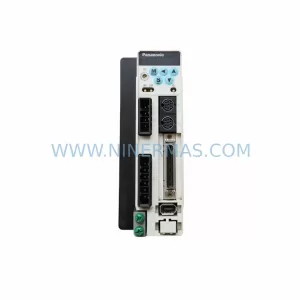
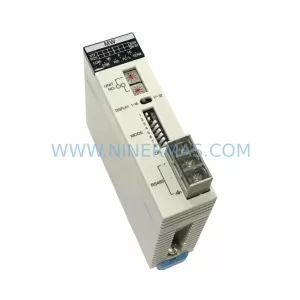
Catalog Continuation
Alternative parts within PLC & Industrial Automation Modules.
Stay inside the same system family when you need substitutes, adjacent modules, or a broader shortlist for procurement review.
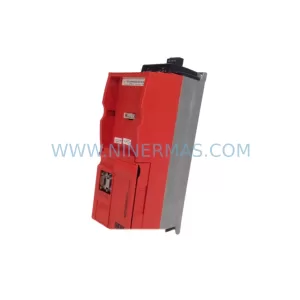
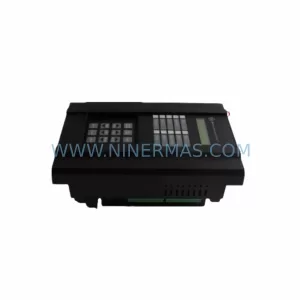
SKU: WS 5-9.081-00 WS5908100
BERGER LAHR WS5908100 Retrofit-Compatible Stepper Drive
SKU: 3183045486 EPC50
Alfa Laval 3183045486 EPC50 Retrofit-Compatible I/O Board