Original Industrial Spare Part
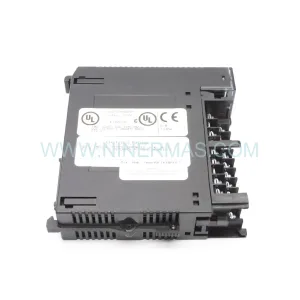
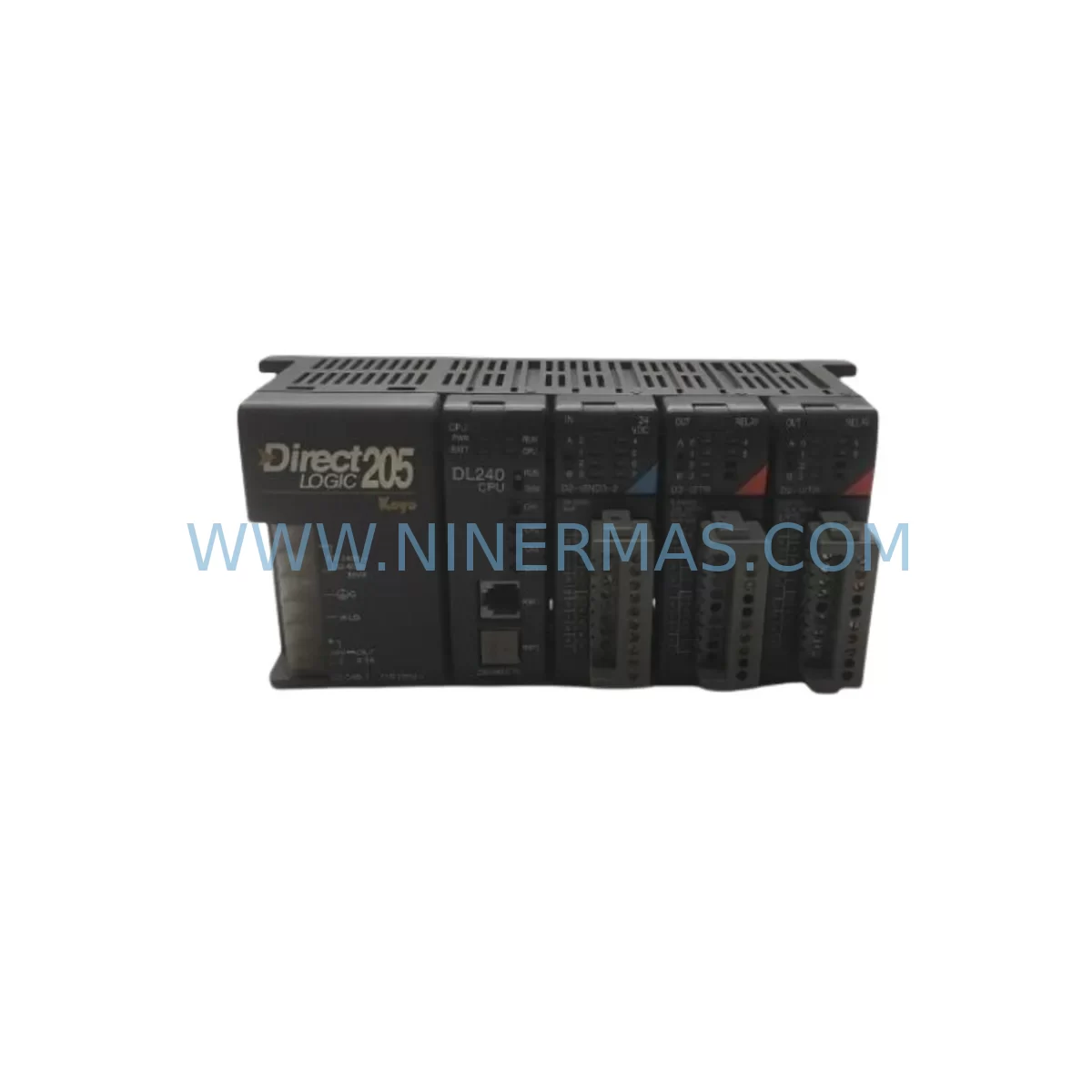
KOYO D2-240 Service-Ready Spare Part for Industrial Maintenance
Verify the part, confirm the platform family, and move straight into quotation with the right commercial details.
RFQ Ready
- SKUD2-240
- CategoryPLC & Industrial Automation Modules
- BrandKOYO
- SupportAvailability, lead time, condition, and shipping coordination
How Buyers Usually Use This Page
- Confirm the exact part number and platform family before sending the quote request.
- Use direct email when quantity, condition, and destination are already defined internally.
- Switch to the broader brand or category archive when you need alternates nearby.
Series Navigation
Move through the most common platform families behind this part.
Product RFQ
Send this part directly for quotation.
Include quantity, required condition, destination country, and target delivery timing. Current reference: KOYO D2-240 Service-Ready Spare Part for Industrial Maintenance with SKU D2-240.
KOYO D2-240 Service-Ready Spare Part for Industrial Maintenance
The KOYO D2-240 is a core programmable logic controller module within the DL240 series, widely deployed across discrete manufacturing, process control, and utility automation environments. When a D2-240 unit fails or reaches end-of-service life, unplanned downtime can cascade across entire production lines. Sourcing a verified, pre-tested replacement from a reliable spare parts supplier is the fastest path to restoring normal operations without compromising system integrity.
At NINERMAS, every D2-240 unit is subject to pre-shipment functional verification before dispatch. This includes power-on testing, I/O channel validation, and communication port checks to confirm the module performs to original KOYO specifications. Each unit ships with a 12-month warranty, giving maintenance engineers and procurement teams confidence in long-term reliability and reduced total cost of ownership.
The D2-240 is compatible with the KOYO DL240 platform, supporting ladder logic programming via DirectSOFT and compatible with standard DL240 expansion racks and backplanes. Its compact form factor and robust industrial-grade design make it suitable for both retrofit installations in legacy control cabinets and direct replacement in existing DL240 system configurations.
Spare Maintenance Table
| Parameter | Specification |
|---|---|
| Model / SKU | D2-240 |
| Brand | KOYO (Automation Direct / DirectLogic) |
| Series | DL240 / DirectLogic 240 |
| Product Type | Programmable Logic Controller (PLC) CPU Module |
| Program Memory | Up to 7.6K words (ladder logic) |
| I/O Capacity | Up to 256 discrete I/O points (local + remote) |
| Communication Ports | 2 × RS-232C / RS-422 serial ports |
| Power Supply Compatibility | DL240 series power supply modules (e.g. D2-04B-1, D2-06B) |
| Backplane Compatibility | DL240 4-slot and 6-slot base units |
| Operating Temperature | 0°C to 60°C (32°F to 140°F) |
| Relative Humidity | 5% to 95% non-condensing |
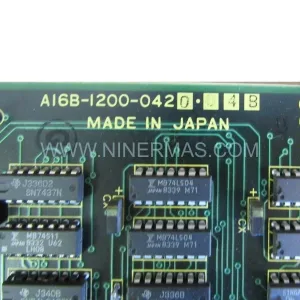
| Origin | Japan |
| Warranty | 12 Months (NINERMAS) |
| Pre-Shipment Testing | Yes — power-on, I/O, and communication verified |
| Compatibility Verified | DL240 series racks, expansion modules, and DirectSOFT programming |
| Maintenance Recommendation | Replace every 8–12 years or upon CPU fault / communication failure |
Maintenance Planning for Continuous Operation
A D2-240 CPU replacement is rarely an isolated event. Experienced maintenance engineers know that when a PLC CPU module shows signs of failure — intermittent communication drops, program execution errors, or failure to power on — the surrounding components in the same control cabinet deserve equal scrutiny before the system is returned to service.
Begin with the DL240 power supply module (such as the D2-04B-1 or equivalent). An aging or undersized power supply is a common root cause of CPU instability and should be load-tested before the new D2-240 is commissioned. Next, inspect the DL240 backplane or base unit for corrosion, bent connector pins, or cracked PCB traces — a damaged backplane can cause the replacement CPU to fail prematurely.
Check all DL240 discrete input and output modules (such as D2-16ND3-2 input modules and D2-16TD1-2 output modules) for blown fuses, welded relay contacts, or degraded transistor outputs. These modules share the same backplane bus as the CPU and can introduce noise or voltage spikes that stress the new unit. Similarly, inspect any installed DL240 analog I/O modules for signal drift or calibration errors that may have contributed to the original fault.
For systems using serial communications, verify the integrity of RS-232C and RS-422 communication cables connecting the D2-240 to HMI panels, SCADA systems, or remote I/O racks. Damaged shielding or loose terminal connections are a frequent source of intermittent faults that are often misdiagnosed as CPU failures. If the installation includes a DL240 remote I/O master or slave module, confirm that the remote drop addresses and baud rate settings are correctly configured after CPU replacement.
Where signal isolators are used between field sensors and DL240 input modules, check isolation barrier integrity and output signal levels. Degraded isolators can introduce ground loops that corrupt analog readings and trigger spurious CPU faults. Inspect terminal blocks and DIN rail wiring for loose connections, insulation breakdown, or signs of thermal stress — these are often overlooked during emergency repairs but are a leading cause of repeat failures.
Finally, if the control cabinet includes an HMI panel communicating directly with the D2-240 via serial link, update the HMI driver configuration to match the replacement CPU’s communication parameters. Confirm that the fuse and circuit protection on the 24VDC control power rail is correctly rated and has not been bypassed during previous emergency repairs.
Site Replacement Workflow
Step 1 — Document before disconnecting. Before removing the failed D2-240, photograph all wiring connections, note the program version stored in the CPU (if accessible via DirectSOFT), and record the current I/O status. This documentation prevents configuration errors during recommissioning.
Step 2 — Power down safely. De-energize the control cabinet following your site’s lockout/tagout (LOTO) procedure. Confirm that all field devices are in a safe state before proceeding. Remove the D2-240 from the DL240 base unit by releasing the module latch and sliding it out of the backplane slot.
Step 3 — Inspect the backplane slot. Before inserting the replacement D2-240, visually inspect the backplane connector for bent pins, debris, or corrosion. Clean with dry compressed air if necessary. Do not insert the new module into a damaged backplane.
Step 4 — Install the replacement D2-240. Align the module with the backplane slot and press firmly until the latch engages. Reconnect all communication cables and verify that the RS-232C/RS-422 port connections are secure and correctly terminated.
Step 5 — Restore and verify the program. Power on the system and use DirectSOFT to download the saved ladder logic program to the new D2-240. Verify that all I/O points respond correctly in monitor mode before returning the system to automatic operation. Confirm communication with any connected HMI or SCADA system.
Step 6 — Commission and document. Record the replacement date, new module serial number, and post-installation test results in your maintenance log. Update your spare parts inventory to reflect the consumed unit and initiate a reorder to maintain your minimum stock level.
Spare Parts Support FAQ
Q1: Is this D2-240 a new original unit or a refurbished part?
All D2-240 units supplied by NINERMAS are sourced as original spare parts and undergo pre-shipment functional testing. Each unit is covered by a 12-month warranty from the date of shipment. Refurbished units are clearly identified as such; unless otherwise stated, all listings refer to original stock.
Q2: How do I confirm compatibility with my existing DL240 system before ordering?
The D2-240 is the standard CPU module for the KOYO DL240 (DirectLogic 240) platform and is compatible with all standard DL240 4-slot and 6-slot base units. If your installation uses a non-standard rack configuration or a third-party expansion chassis, please contact us at sale@ninermas.com with your system details before placing an order.
Q3: What is your lead time and long-term supply capability for the D2-240?
In-stock units typically ship within 1–3 business days. For procurement engineers managing planned maintenance or annual shutdown schedules, we recommend confirming stock availability and lead times in advance. NINERMAS maintains ongoing sourcing relationships to support long-term supply of DL240 series components, including the D2-240 and associated I/O and power supply modules.
Q4: What does the 12-month warranty cover, and what is the claims process?
The 12-month warranty covers manufacturing defects and functional failures under normal operating conditions. It does not cover damage caused by incorrect installation, overvoltage, or physical mishandling. To initiate a warranty claim, contact sale@ninermas.com with your order number, a description of the fault, and any available diagnostic information. NINERMAS will arrange for inspection and replacement or repair as appropriate.
| Product Series | Other series |
|---|
Catalog Continuation
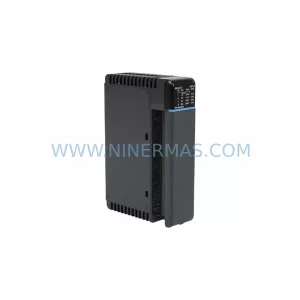
More KOYO modules in the catalog.
Use the brand lane to compare nearby part numbers, platform-adjacent modules, and other inquiry-ready listings before sending your final RFQ.
Catalog Continuation
Alternative parts within PLC & Industrial Automation Modules.
Stay inside the same system family when you need substitutes, adjacent modules, or a broader shortlist for procurement review.
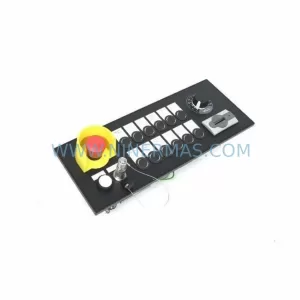
SKU: MPP1500D 6FC5303-1AF30-0AA0
Siemens MPP1500D 6FC5303-1AF30-0AA0 Retrofit Operator Panel
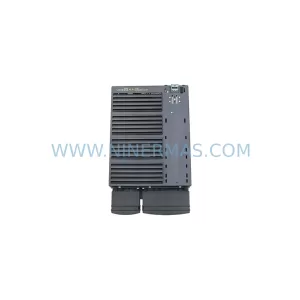
SKU: 6SL3224-0BE31-5UA0
Siemens 6SL3224-0BE31-5UA0 Service-Ready Spare Part