
Original Industrial Spare Part
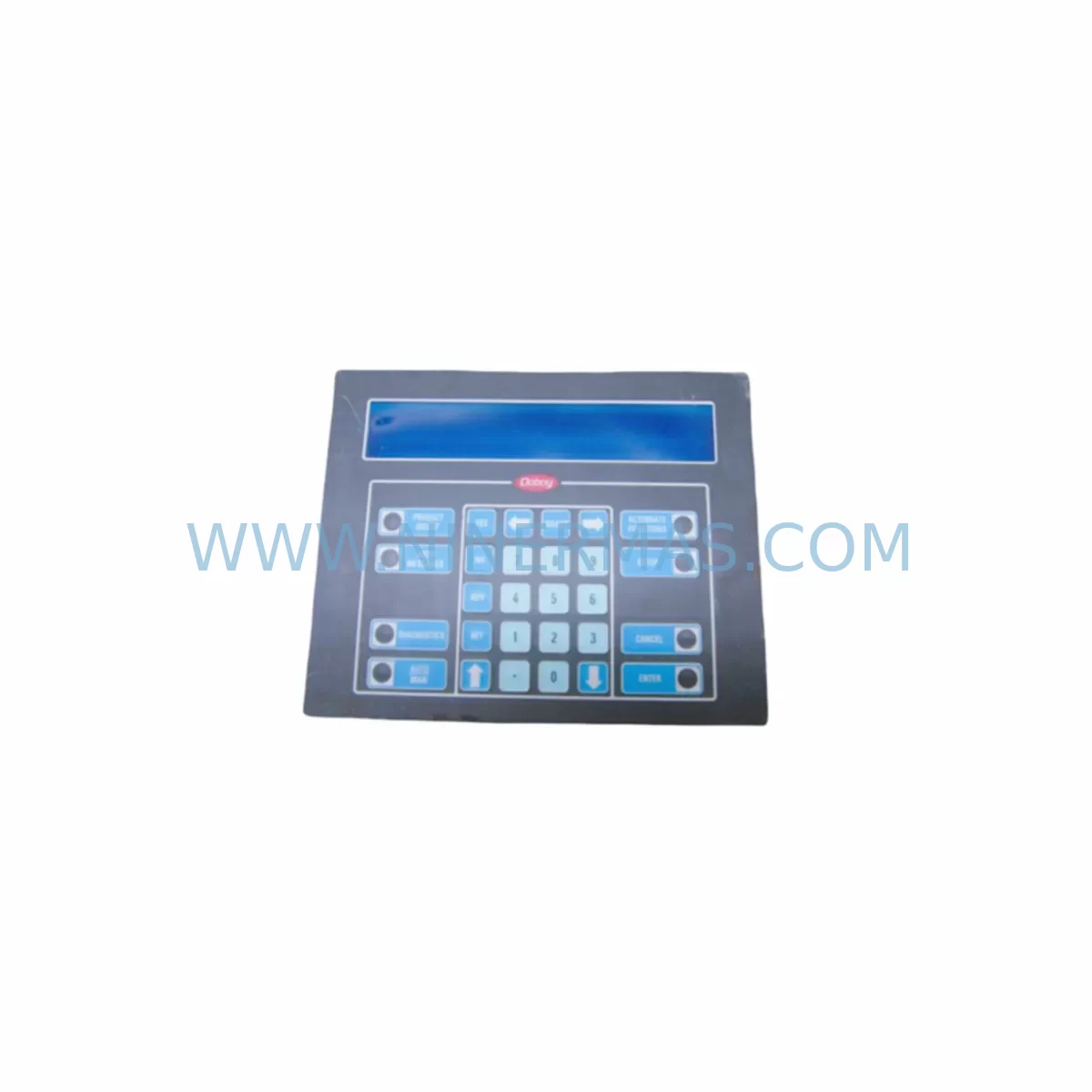
IEE 03601-54-080 Retrofit-Compatible Display for Legacy Systems
Verify the part, confirm the platform family, and move straight into quotation with the right commercial details.
RFQ Ready
- SKU03601-54-080 03601-34-080
- CategoryPLC & Industrial Automation Modules
- BrandIEE
- SupportAvailability, lead time, condition, and shipping coordination
How Buyers Usually Use This Page
- Confirm the exact part number and platform family before sending the quote request.
- Use direct email when quantity, condition, and destination are already defined internally.
- Switch to the broader brand or category archive when you need alternates nearby.
Series Navigation
Move through the most common platform families behind this part.
Product RFQ
Send this part directly for quotation.
Include quantity, required condition, destination country, and target delivery timing. Current reference: IEE 03601-54-080 Retrofit-Compatible Display for Legacy Systems with SKU 03601-54-080 03601-34-080.
IEE 03601-54-080 Retrofit-Compatible Display for Legacy Systems
The IEE 03601-54-080 is a FLIP Series operator interface display module engineered for seamless integration into legacy industrial automation environments. As production lines age and original equipment manufacturers discontinue support for older control architectures, the 03601-54-080 provides a reliable, drop-in compatible solution that preserves existing wiring infrastructure, panel cutouts, and control logic without requiring a full system overhaul. Whether you are managing a brownfield retrofit, replacing a failed unit on a critical line, or executing a phased control cabinet upgrade, this module delivers the operational continuity your facility demands.
NINERMAS maintains verified stock of the IEE 03601-54-080 (also referenced as 03601-34-080 in certain regional configurations) with a committed 12-month warranty on every unit shipped. Each module undergoes pre-shipment functional verification to confirm display integrity, interface connectivity, and signal response before leaving our facility.
Upgrade Compatibility Table
| Parameter | Details |
|---|---|
| Primary SKU | IEE 03601-54-080 |
| Alternate Reference | 03601-34-080 |
| Series | IEE FLIP Series |
| Module Type | Operator Interface / Display Module |
| Interface Compatibility | Compatible with legacy FLIP Series backplane and panel wiring harnesses |
| Installation Format | Panel-mount; retains original cutout dimensions for direct swap |
| Communication Compatibility | Supports legacy serial and parallel interface protocols used in FLIP Series control architectures |
| Replacement Recommendation | Direct replacement for discontinued IEE FLIP display units; verify connector pinout before installation |
| Commissioning Notes | Confirm display address settings, backlight power supply voltage, and HMI screen mapping prior to power-on |
| Warranty | 12 Months — NINERMAS Standard Spare Parts Warranty |
Retrofit Planning for Existing Automation Systems
Integrating the IEE 03601-54-080 into an existing control architecture requires a structured pre-installation assessment. Begin by auditing the control cabinet layout to confirm available panel space and verify that the existing wiring harness connector matches the FLIP Series interface standard. In many legacy installations, the power supply module — often a 24 VDC rail-mount unit — must be checked for sufficient current capacity to support the display module alongside co-installed I/O expansion cards and communication adapters.
Terminal block wiring should be documented before removal of the original unit. Engineers frequently encounter situations where field wiring labels have degraded over years of service; photographing the existing terminal layout before disconnection prevents costly rewiring errors. If the control cabinet includes a dedicated signal isolator between the display module and the PLC backplane, confirm that the isolator’s signal range remains compatible with the 03601-54-080’s input specifications.
For systems running on legacy programmable logic controllers with fixed I/O racks, the module address assignment must be verified against the existing PLC program. In FLIP Series architectures, display modules are typically addressed through DIP switch configurations on the module rear panel. Mismatched addressing will prevent the HMI screen from correctly rendering process variable data, requiring a program download or address table update in the controller.
Where the control system includes a communication gateway or protocol converter — for example, a serial-to-Ethernet bridge linking the FLIP Series display network to a supervisory SCADA layer — the gateway configuration must be reviewed to ensure the replacement module’s node address is correctly registered. Systems that rely on Modbus RTU or proprietary serial protocols for HMI-to-controller communication are particularly sensitive to address conflicts introduced during module swap-out.
Facilities upgrading from older FLIP Series display units to the 03601-54-080 as part of a broader control cabinet modernization may also be replacing adjacent components such as relay output modules, analog input cards, and DIN-rail mounted power distribution blocks. In these scenarios, it is advisable to sequence the replacement so that the display module is the final component installed, allowing all upstream signal sources to be verified before the operator interface is brought online. Programming cables used for controller backup and program verification should be on-site during commissioning to enable rapid recovery if a configuration discrepancy is identified.
For multi-axis or multi-zone systems where a single FLIP Series display serves as the primary operator interface for several control zones, the retrofit plan should include a zone-by-zone validation sequence. Each zone’s I/O status, alarm setpoints, and process variable scaling should be confirmed on the new display before the system is returned to automatic operation.
Downtime Control During System Migration
Minimizing production downtime during a display module replacement is a primary concern for maintenance teams operating in continuous-process or high-throughput manufacturing environments. The IEE 03601-54-080 is designed to support a rapid swap-out procedure that, when properly planned, can be completed within a single scheduled maintenance window.
Before initiating the replacement, perform a full backup of the PLC program and HMI screen configuration using the appropriate programming cable and software. For FLIP Series controllers, this typically involves connecting a laptop running the original programming environment to the controller’s programming port and executing a full project upload. Store the backup on both a local drive and a network location to ensure redundancy.
During the physical swap, maintain field wiring continuity by using temporary jumper leads to preserve signal paths where process interlocks are active. This approach prevents nuisance trips of safety relays or emergency stop circuits that monitor display module health signals. Once the 03601-54-080 is mechanically installed and terminal connections are confirmed, restore power incrementally — first to the control power bus, then to the display module supply — to allow each subsystem to initialize in sequence.
Post-installation, verify all HMI screen pages render correctly and that process variable values displayed match readings from independent field instruments. Confirm that alarm acknowledgment functions, setpoint entry screens, and trend displays operate as expected before releasing the system to production. Document the completed replacement in the facility’s maintenance management system, noting the new module serial number, installation date, and any configuration changes made during commissioning. This record supports future warranty claims and spare parts lifecycle planning.
Retrofit Support FAQ
Q1: Is the IEE 03601-54-080 a direct replacement for the original FLIP Series display unit in my control cabinet?
A: The 03601-54-080 is designed as a retrofit-compatible replacement for legacy IEE FLIP Series display modules. In most installations, the physical panel cutout, wiring harness connector, and backplane interface are compatible with the original unit. However, we recommend verifying the connector pinout and DIP switch address settings against your existing system documentation before installation. NINERMAS technical support can assist with compatibility confirmation based on your system’s serial number or original part reference.
Q2: What pre-shipment testing does NINERMAS perform on the 03601-54-080?
A: Every IEE 03601-54-080 unit shipped by NINERMAS undergoes a functional verification process that includes display panel illumination testing, interface connector integrity checks, and signal response validation. Units are shipped with a test report confirming pass status. The 12-month warranty covers manufacturing defects and functional failures under normal operating conditions from the date of shipment.
Q3: Can the 03601-54-080 be used in a system that has already been partially upgraded to a newer PLC platform?
A: Yes. In hybrid control architectures where a newer PLC or communication gateway has been introduced alongside legacy FLIP Series hardware, the 03601-54-080 can continue to serve as the operator interface for the legacy segment. Ensure that the communication protocol between the display module and the controller — whether serial, parallel, or via a protocol bridge — is correctly configured on both ends. NINERMAS can provide application guidance for mixed-generation system configurations upon request.
Q4: What is the lead time and stock availability for the IEE 03601-54-080?
A: NINERMAS maintains committed inventory of the IEE 03601-54-080 to support urgent replacement and planned maintenance programs. Standard orders are processed and shipped within 3–5 business days. For high-volume procurement or long-term spare parts programs requiring guaranteed stock allocation over a 12–24 month horizon, please contact our sales team to discuss a dedicated inventory agreement.
| Product Series | Legacy |
|---|
Catalog Continuation
Alternative parts within PLC & Industrial Automation Modules.
Stay inside the same system family when you need substitutes, adjacent modules, or a broader shortlist for procurement review.
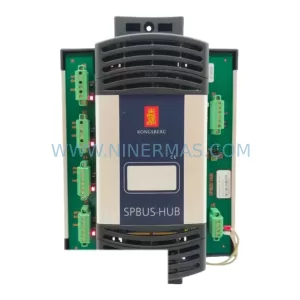
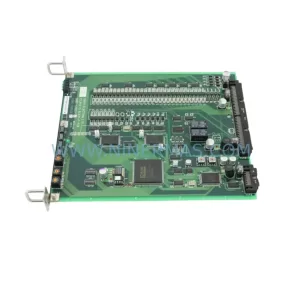
SKU: TTLM10-11 ELVIF-F 3895-120321-21 TTLD14-12 WCIF-L 3881-020032-11 TTLM11-11 W/TIF-L 3895-120322-21
TEL 3895-120321-21 Service-Ready Spare for Industrial Maintenance
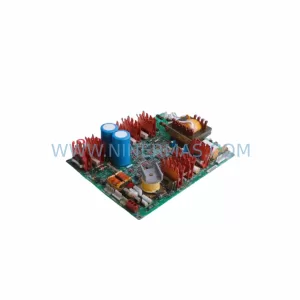
SKU: KR6 00-204-935 00-204-551
KUKA KR6 00-204-935 00-204-551 Retrofit-Compatible Signal Cable for Legacy Systems



