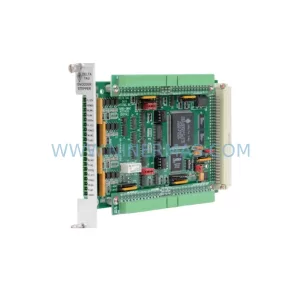
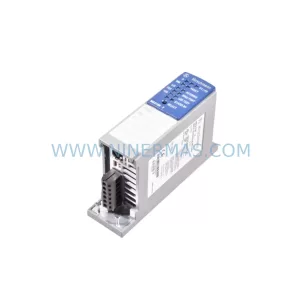
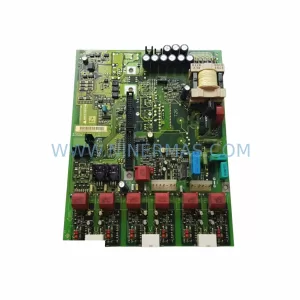
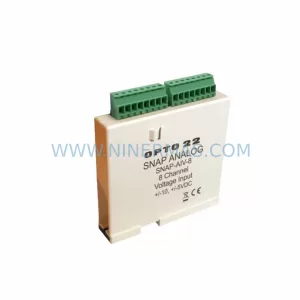
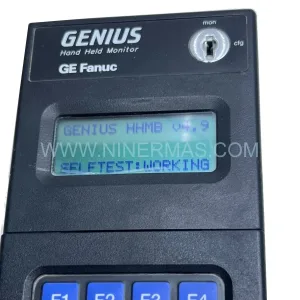
Original Industrial Spare Part
GE IC755CSS10CDA-AG Service-Ready Spare Part
Verify the part, confirm the platform family, and move straight into quotation with the right commercial details.
RFQ Ready
- SKUIC755CSS10CDA-AG
- CategoryPLC & Industrial Automation Modules
- BrandGE Automation
- SupportAvailability, lead time, condition, and shipping coordination
How Buyers Usually Use This Page
- Confirm the exact part number and platform family before sending the quote request.
- Use direct email when quantity, condition, and destination are already defined internally.
- Switch to the broader brand or category archive when you need alternates nearby.
Series Navigation
Move through the most common platform families behind this part.
Product RFQ
Send this part directly for quotation.
Include quantity, required condition, destination country, and target delivery timing. Current reference: GE IC755CSS10CDA-AG Service-Ready Spare Part with SKU IC755CSS10CDA-AG.
GE IC755CSS10CDA-AG Service-Ready Spare Part: Minimizing Downtime Risk in Industrial HMI Replacement
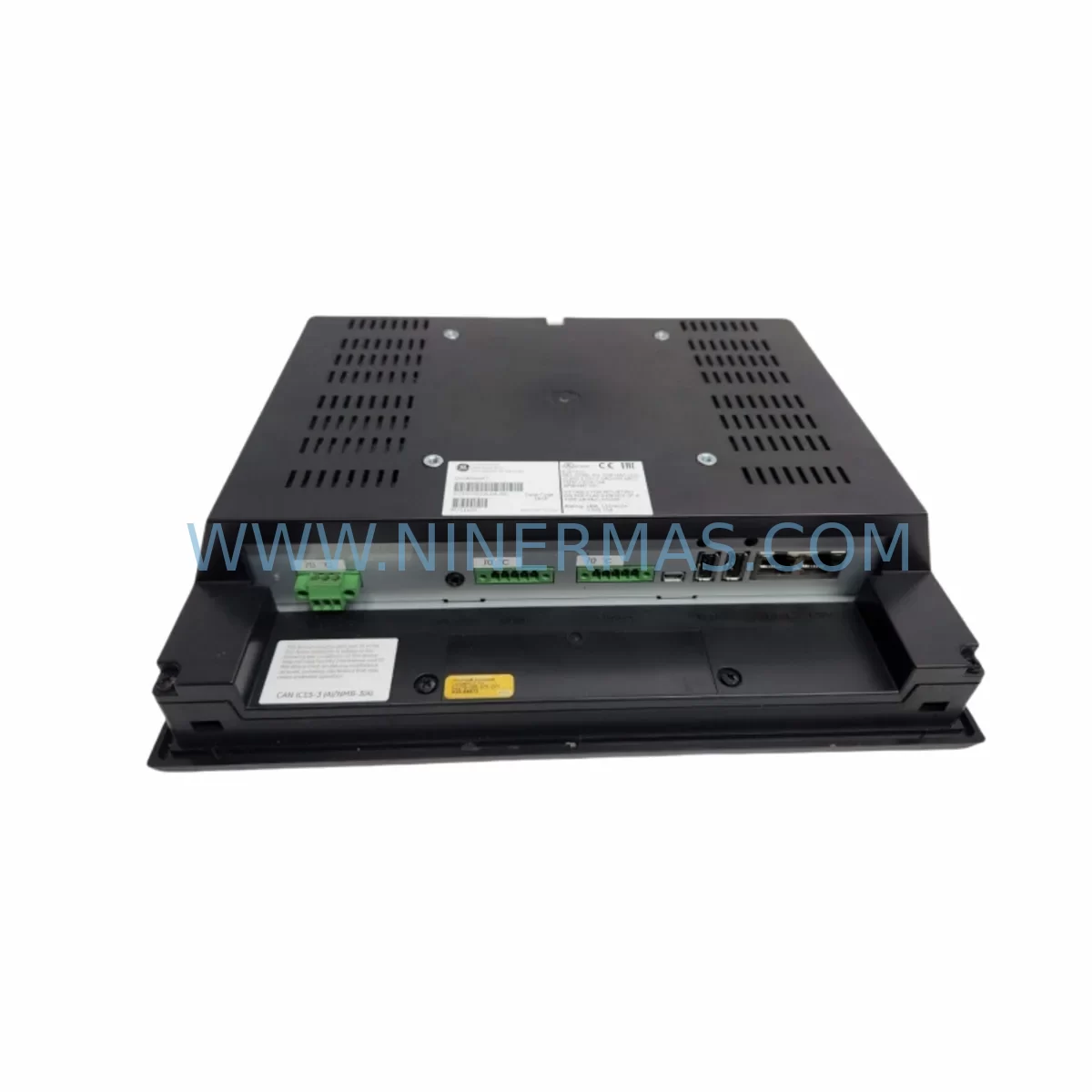
The GE IC755CSS10CDA-AG is a ruggedized 10-inch color touch panel module engineered for demanding industrial environments where panel failure translates directly into production downtime. Designed for integration within GE’s QuickPanel+ operator interface platform and compatible with Proficy Machine Edition visualization projects, this unit delivers reliable human-machine interface performance in harsh conditions including high vibration, wide temperature ranges, and elevated EMI exposure. Sourcing an original IC755CSS10CDA-AG spare part from a verified supplier ensures your maintenance team can execute a rapid, like-for-like replacement without reconfiguration delays or compatibility risk.
For maintenance engineers managing aging control systems, the IC755CSS10CDA-AG represents a critical node in the operator interface layer. When this panel fails — whether due to touchscreen degradation, backlight failure, or communication dropout — the entire operator visibility into the process is lost. Stocking at least one verified replacement unit in your spare parts cabinet is a standard risk-mitigation practice for any facility running GE QuickPanel+ HMIs in continuous or semi-continuous production environments.
Procurement engineers sourcing this module should verify the full part number suffix -AG, which denotes a specific hardware revision with defined display resolution, I/O configuration, and communication port layout. Substituting an incorrect revision can introduce firmware incompatibilities with existing Proficy Machine Edition project files, requiring additional engineering hours to resolve. NINERMAS supplies original IC755CSS10CDA-AG units with full traceability, pre-shipment functional testing, and a 12-month warranty covering manufacturing defects.
Spare Maintenance Table
| Parameter | Specification / Detail |
|---|---|
| Part Number | IC755CSS10CDA-AG |
| Brand / Manufacturer | GE Automation (GE Intelligent Platforms) |
| Series | QuickPanel+ Operator Interface |
| Product Type | Ruggedized Industrial HMI Touch Panel |
| Display Size | 10.4-inch Color TFT LCD |
| Touchscreen Type | Resistive touch (stylus and gloved-hand compatible) |
| Operating System | Windows Embedded Compact 7 |
| Communication Ports | Ethernet (RJ-45), USB Host, USB Device, Serial (RS-232/RS-485) |
| Software Compatibility | GE Proficy Machine Edition (View) |
| Power Supply Input | 24 VDC nominal (18–30 VDC range) |
| Operating Temperature | 0°C to +50°C (panel face); –20°C to +60°C storage |
| Protection Rating | IP65 (front panel) |
| Mounting | Panel cutout mount, VESA compatible |
| Origin | United States |
| Condition | Original, new or fully tested refurbished |
| Warranty | 12 months from shipment date |
| Pre-Shipment Testing | Power-on, display, touch calibration, communication port verification |
| Typical Lead Time | In-stock: 1–3 business days; sourced: 7–21 business days |
| Application Environment | Automotive, food & beverage, water treatment, oil & gas, discrete manufacturing |
| Maintenance Recommendation | Inspect touchscreen calibration and backlight brightness quarterly; replace every 5–7 years or at first sign of display degradation |
Maintenance Planning for Continuous Operation
A field replacement of the IC755CSS10CDA-AG is rarely an isolated event. Maintenance engineers performing a scheduled or emergency HMI swap should treat the intervention as an opportunity to inspect the broader control cabinet ecosystem. The QuickPanel+ panel interfaces directly with the plant network and the underlying PLC or DCS layer, meaning that a panel failure is often symptomatic of upstream power quality issues or communication instability.
Begin by verifying the 24 VDC panel power supply — a dedicated DIN-rail mounted industrial power supply such as the GE PSCBE241W or equivalent 24 VDC regulated unit. Voltage ripple or transient spikes are a leading cause of premature HMI failure and should be measured before the replacement panel is energized. Inspect the 24 VDC power wiring and terminal blocks for signs of oxidation, loose crimps, or undersized conductors that could cause intermittent brownouts at the panel.
Check the Ethernet communication cable connecting the IC755CSS10CDA-AG to the plant network switch or directly to the PLC CPU. Industrial-grade shielded Cat5e or Cat6 cable with proper grounding at one end is recommended. If the panel communicates via serial protocol, inspect the RS-232 or RS-485 cable assembly and verify termination resistors are correctly installed on the RS-485 bus to prevent reflection-induced communication errors.
For facilities running GE PACSystems RX3i or RX7i controllers, confirm that the PLC CPU module — such as the IC695CPE330 or IC695CPE302 — is operating within normal parameters and that the Ethernet module (IC695ETM001) is not reporting communication faults. A degraded Ethernet module can cause the HMI to display stale data or lose connection intermittently, symptoms that are often misattributed to the panel itself.
Inspect the I/O modules in the same rack or remote I/O drop that the HMI is monitoring. Modules such as the IC694MDL754 (discrete output) or IC694ALG220 (analog input) should be checked for fault LEDs and verified against the I/O status display in the Proficy Machine Edition project. A failed I/O module will surface as an alarm on the HMI and can be mistaken for a panel malfunction.
Review the UPS or battery backup protecting the control cabinet. An uninterruptible power supply that has exceeded its battery service life may allow momentary power interruptions that corrupt the HMI’s flash storage or cause repeated unclean shutdowns, accelerating wear on the panel’s embedded OS. Replace the UPS battery on the same maintenance cycle as the HMI if both are approaching end-of-service age.
Finally, document the Proficy Machine Edition project version currently loaded on the outgoing panel before removal. Ensure the replacement IC755CSS10CDA-AG is loaded with the identical project revision to avoid operator interface discrepancies after restart. Maintain a current project backup on a dedicated engineering workstation and on removable media stored in the cabinet.
Site Replacement Workflow
Step 1 — Pre-replacement preparation: Obtain the current Proficy Machine Edition project file from the engineering workstation or from the panel’s internal storage via USB export. Confirm the project version number and target hardware configuration match the IC755CSS10CDA-AG revision being installed.
Step 2 — Safe isolation: Follow site LOTO (Lockout/Tagout) procedures. Isolate the 24 VDC supply to the panel at the dedicated circuit breaker or fuse. Do not rely solely on the panel’s power button. Verify zero voltage at the panel power terminals with a calibrated multimeter before proceeding.
Step 3 — Physical removal: Disconnect the Ethernet cable, USB peripherals, and serial cables, labeling each connector. Release the panel mounting clamps from the rear of the cutout. Support the panel weight during removal to avoid stressing the cable assemblies.
Step 4 — Replacement installation: Insert the IC755CSS10CDA-AG into the panel cutout and secure all mounting clamps evenly to maintain the IP65 front-panel seal. Reconnect all cables in reverse order of removal. Verify cable shield grounding continuity.
Step 5 — Power-on and commissioning: Restore 24 VDC power. Allow the panel to complete its boot sequence (typically 60–90 seconds). Load the Proficy Machine Edition project via USB or network download if not pre-loaded. Perform touchscreen calibration using the built-in calibration utility. Verify all communication links — Ethernet, serial — are established and that live process data is displaying correctly on all HMI screens.
Step 6 — Functional verification: Cycle through all HMI screens and confirm alarm displays, trend views, and operator control buttons are functioning as expected. Log the replacement in the site maintenance record with the new panel serial number, installation date, and technician name.
This structured workflow reduces mean time to repair (MTTR) and ensures the replacement IC755CSS10CDA-AG is commissioned correctly on the first attempt, minimizing the risk of a second unplanned outage caused by installation error.
Spare Parts Support FAQ
Q1: Is the IC755CSS10CDA-AG still available as a new original part, or only as refurbished?
NINERMAS maintains stock of both new original and fully tested refurbished IC755CSS10CDA-AG units. All refurbished units undergo the same pre-shipment power-on, display, touch, and communication testing as new units and carry the same 12-month warranty. Stock availability is confirmed at the time of inquiry — contact our team for current lead times.
Q2: How do I verify compatibility between the IC755CSS10CDA-AG and my existing Proficy Machine Edition project?
Compatibility depends on the hardware target configured in your Machine Edition project. Open the project in Proficy Machine Edition and check the target hardware type under the Inspector panel. The IC755CSS10CDA-AG must match the configured target model. If your project was built for an earlier QuickPanel+ revision, a hardware target update and re-download may be required — our technical team can advise on this process before shipment.
Q3: What is included in the 12-month warranty, and what does it cover?
The 12-month warranty covers manufacturing defects, display failures, touchscreen malfunction, and communication port failures under normal operating conditions. It does not cover damage caused by incorrect installation voltage, physical impact, liquid ingress beyond the panel’s IP rating, or unauthorized modification. Warranty claims are processed with a replacement-first policy to minimize your downtime.
Q4: Can NINERMAS support long-term supply of IC755CSS10CDA-AG for a multi-year maintenance contract?
Yes. NINERMAS specializes in long-term spare parts supply for legacy and end-of-life industrial automation components. We can establish a blanket purchase order or annual supply agreement for the IC755CSS10CDA-AG, with agreed pricing, priority allocation, and guaranteed lead times. This is particularly valuable for facilities operating multiple QuickPanel+ installations where a single panel failure can trigger a site-wide maintenance response.
| Product Series | Other series |
|---|---|
| Country of Origin | US |
Catalog Continuation
More GE Automation modules in the catalog.
Use the brand lane to compare nearby part numbers, platform-adjacent modules, and other inquiry-ready listings before sending your final RFQ.
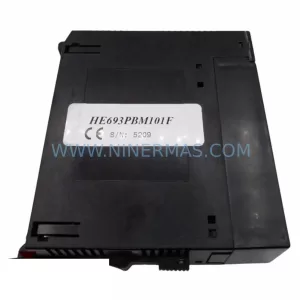
SKU: GE HE693PBM101F Module
GE HE693PBM101F Retrofit-Compatible Backplane Module
SKU: IC694MDL660-CC
GE IC694MDL660-CC Spare Part for Industrial Maintenance
Catalog Continuation
Alternative parts within PLC & Industrial Automation Modules.
Stay inside the same system family when you need substitutes, adjacent modules, or a broader shortlist for procurement review.