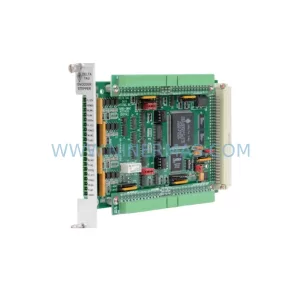
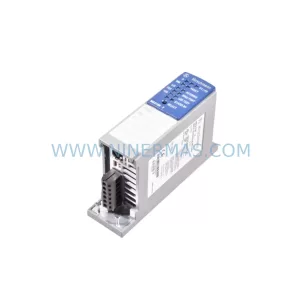
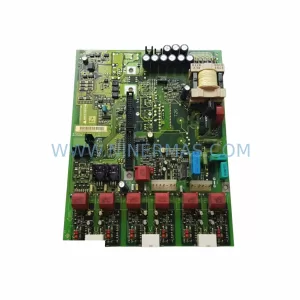
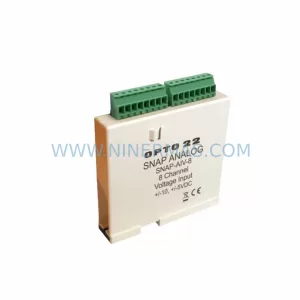
Original Industrial Spare Part
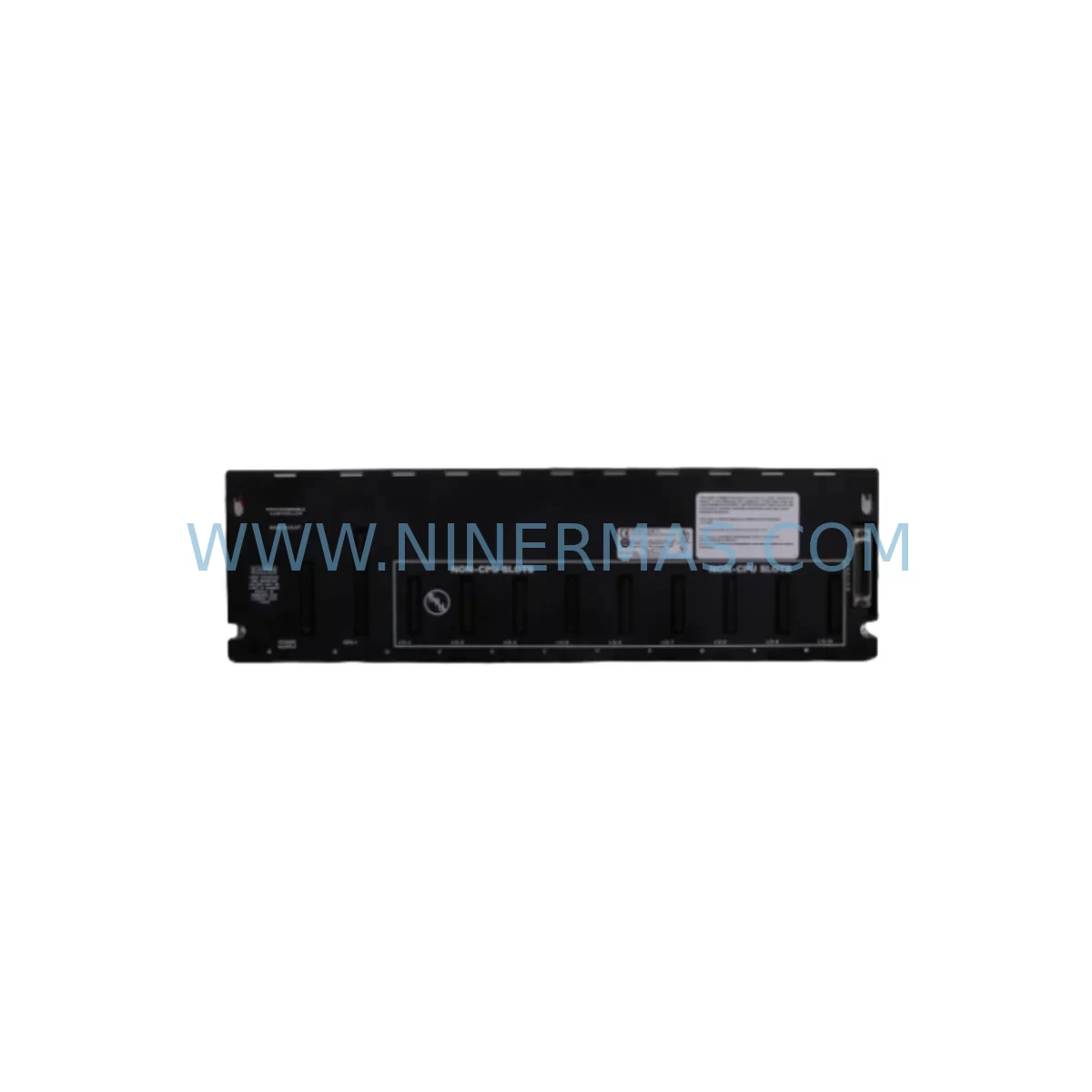
GE IC697CHS790 Service-Ready Spare Part for Industrial Maintenance
Verify the part, confirm the platform family, and move straight into quotation with the right commercial details.
RFQ Ready
- SKUIC697CHS790
- CategoryPLC & Industrial Automation Modules
- BrandGE Automation
- SupportAvailability, lead time, condition, and shipping coordination
How Buyers Usually Use This Page
- Confirm the exact part number and platform family before sending the quote request.
- Use direct email when quantity, condition, and destination are already defined internally.
- Switch to the broader brand or category archive when you need alternates nearby.
Series Navigation
Move through the most common platform families behind this part.
Product RFQ
Send this part directly for quotation.
Include quantity, required condition, destination country, and target delivery timing. Current reference: GE IC697CHS790 Service-Ready Spare Part for Industrial Maintenance with SKU IC697CHS790.
GE IC697CHS790 Service-Ready Spare Part for Industrial Maintenance
The GE IC697CHS790 is a 9-slot VME-style backplane rack designed for the GE Series 90-70 Programmable Logic Controller (PLC) platform — one of the most widely deployed process and discrete automation architectures in heavy industry. As a structural backbone of the Series 90-70 control system, the IC697CHS790 rack houses CPU modules, power supply units, I/O modules, and communications interfaces in a single integrated chassis. When this rack fails or degrades, the entire control node goes offline. Sourcing a verified, pre-tested replacement unit is the fastest path to restoring production continuity and avoiding extended unplanned downtime.
At NINERMAS, every IC697CHS790 unit is sourced from documented supply channels, subjected to pre-shipment functional verification, and shipped with a 12-month warranty. Our inventory supports maintenance engineers and procurement teams managing aging Series 90-70 installations across power generation, oil and gas, water treatment, chemical processing, and discrete manufacturing environments.
Spare Maintenance Table
| Parameter | Specification / Detail |
|---|---|
| Part Number | IC697CHS790 |
| Brand | GE Automation (GE Fanuc / GE Intelligent Platforms) |
| Series | Series 90-70 PLC |
| Product Type | 9-Slot VME Backplane Rack |
| Rack Slots | 9 (Slots 1–9, Slot 1 reserved for CPU or power) |
| Bus Architecture | VMEbus (IEEE 1014) |
| Compatible Power Supplies | IC697PWR710, IC697PWR711, IC697PWR724, IC697PWR748 |
| Compatible CPUs | IC697CPU772, IC697CPU781, IC697CPU782, IC697CPU788 |
| Mounting | Panel or DIN rail adapter mount |
| Operating Temperature | 0°C to 60°C |
| Relative Humidity | 5% to 95% non-condensing |
| Origin | United States |
| Condition | Original / Tested Surplus |
| Pre-Shipment Test | Yes — functional verification performed |
| Warranty | 12 Months |
| Lead Time | In-stock: ships within 2 business days |
| Long-Term Supply | Available via stock-commitment program |
Maintenance Planning for Continuous Operation
Replacing the IC697CHS790 rack is rarely an isolated task. In a Series 90-70 control cabinet, the rack is the integration point for every module in the node. A thorough maintenance plan requires inspecting and — where necessary — stocking replacement units for all components that share the same chassis or electrical circuit.
Begin with the power supply module. The IC697PWR711 and IC697PWR724 are the most common power supplies paired with the IC697CHS790 in field installations. Capacitor aging and output voltage drift are leading causes of rack instability; if the rack is being replaced due to intermittent faults, the power supply should be tested in parallel. Maintain at least one spare power supply per control node.
Next, audit the CPU module. The IC697CPU772 and IC697CPU781 are frequently found in IC697CHS790-based systems. Firmware version compatibility between the CPU and the replacement rack must be confirmed before commissioning. If the CPU is approaching end-of-life or shows memory fault history, consider stocking a tested spare alongside the rack replacement.
Inspect all I/O modules seated in the rack. Analog input modules such as the IC697ALG320 and digital output modules such as the IC697MDL340 are common occupants of Series 90-70 racks. Backplane connector pins on I/O modules can oxidize over time, causing intermittent communication errors that are often misdiagnosed as rack failures. Clean or replace I/O modules with damaged connectors during the same maintenance window.
Review the communications interface modules. The IC697CMM742 (Ethernet) and IC697BEM731 (Genius Bus Controller) are typical communications modules in Series 90-70 architectures. If the rack replacement is part of a broader system refresh, verify that communications modules are compatible with the replacement rack’s bus revision and update firmware as required.
Check terminal blocks and field wiring connected to I/O modules. Loose terminal connections, corroded wiring, and undersized fusing are common contributors to I/O module failures that cascade into rack-level faults. Replace any terminal blocks showing signs of heat discoloration or mechanical wear. Verify that fuse ratings match the field device load specifications.
For systems with signal isolation requirements, inspect any signal isolators or barriers installed between field instruments and I/O modules. Degraded isolation barriers can introduce ground loops that damage I/O module inputs and, in severe cases, corrupt backplane communications. Replace isolation barriers on a scheduled cycle rather than waiting for failure.
Finally, document the rack slot configuration before removal. Photograph or record the module type, slot position, and wiring label for every module in the IC697CHS790 before disassembly. This documentation reduces reinstallation errors and accelerates commissioning of the replacement rack.
Site Replacement Workflow
Step 1 — Confirm compatibility. Verify that the replacement IC697CHS790 matches the rack revision required by the installed CPU and I/O modules. Check the GE Series 90-70 hardware manual for revision compatibility matrices. NINERMAS technical support can assist with revision identification from the unit’s label or serial number.
Step 2 — Isolate and de-energize. Follow site lockout/tagout (LOTO) procedures. Remove power from the control cabinet before disconnecting any modules. Allow capacitors in the power supply to discharge fully before handling the rack.
Step 3 — Document and remove modules. Record the slot position of every module. Remove modules in reverse order from the highest slot number to Slot 1. Store modules in anti-static bags during the rack swap.
Step 4 — Install replacement rack. Mount the IC697CHS790 replacement unit in the same panel position. Verify that all mounting screws are torqued to specification and that the rack is properly grounded to the cabinet earth bus.
Step 5 — Reinstall modules and restore power. Reinstall modules in their documented slot positions. Reconnect field wiring. Restore power and verify that the CPU initializes correctly and all I/O modules report healthy status in the programming software (e.g., GE Proficy Machine Edition or Logicmaster 90).
Step 6 — Functional test. Execute a point-to-point I/O test for all field devices connected to the rack. Confirm that analog signals are within calibrated range and that digital outputs respond correctly to commanded states. Log the replacement in the site maintenance record.
Spare Parts Support FAQ
Q1: Is the IC697CHS790 still available as a new unit, or is it only available as tested surplus?
GE has discontinued active production of Series 90-70 hardware. The IC697CHS790 is available through authorized aftermarket channels as tested surplus or refurbished stock. NINERMAS sources units from documented supply chains, performs pre-shipment functional verification, and provides a 12-month warranty on every unit shipped. This ensures that maintenance teams receive a reliable replacement even for legacy systems that are no longer supported by the OEM.
Q2: How do I verify that a replacement IC697CHS790 is compatible with my existing CPU and I/O modules?
Compatibility is determined by the rack hardware revision and the firmware versions of the installed CPU and I/O modules. Provide NINERMAS with your CPU part number (e.g., IC697CPU772) and the rack’s current revision label, and our technical team will confirm compatibility before shipment. In most cases, IC697CHS790 units are backward-compatible across the Series 90-70 product family.
Q3: What does the 12-month warranty cover, and what is the process for a warranty claim?
The 12-month warranty covers functional defects identified under normal operating conditions. If a unit fails within the warranty period, contact NINERMAS at sale@ninermas.com with the order reference and a description of the fault. We will arrange a replacement shipment or repair at no additional cost. Warranty claims are typically resolved within 5 business days of fault confirmation.
Q4: Can NINERMAS support long-term spare parts programs for Series 90-70 systems?
Yes. NINERMAS offers stock-commitment programs for customers managing multiple Series 90-70 installations or planning multi-year lifecycle extensions. Under these programs, we reserve inventory of critical components — including IC697CHS790 racks, power supplies, CPU modules, and I/O modules — at agreed pricing for defined contract periods. Contact our procurement team to discuss volume requirements and lead time commitments.
| Product Series | 90-70 |
|---|---|
| Country of Origin | US |
Catalog Continuation
More GE Automation modules in the catalog.
Use the brand lane to compare nearby part numbers, platform-adjacent modules, and other inquiry-ready listings before sending your final RFQ.
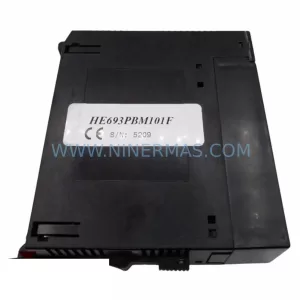
SKU: GE HE693PBM101F Module
GE HE693PBM101F Retrofit-Compatible Backplane Module
SKU: IC694MDL660-CC
GE IC694MDL660-CC Spare Part for Industrial Maintenance
Catalog Continuation
Alternative parts within PLC & Industrial Automation Modules.
Stay inside the same system family when you need substitutes, adjacent modules, or a broader shortlist for procurement review.