Original Industrial Spare Part
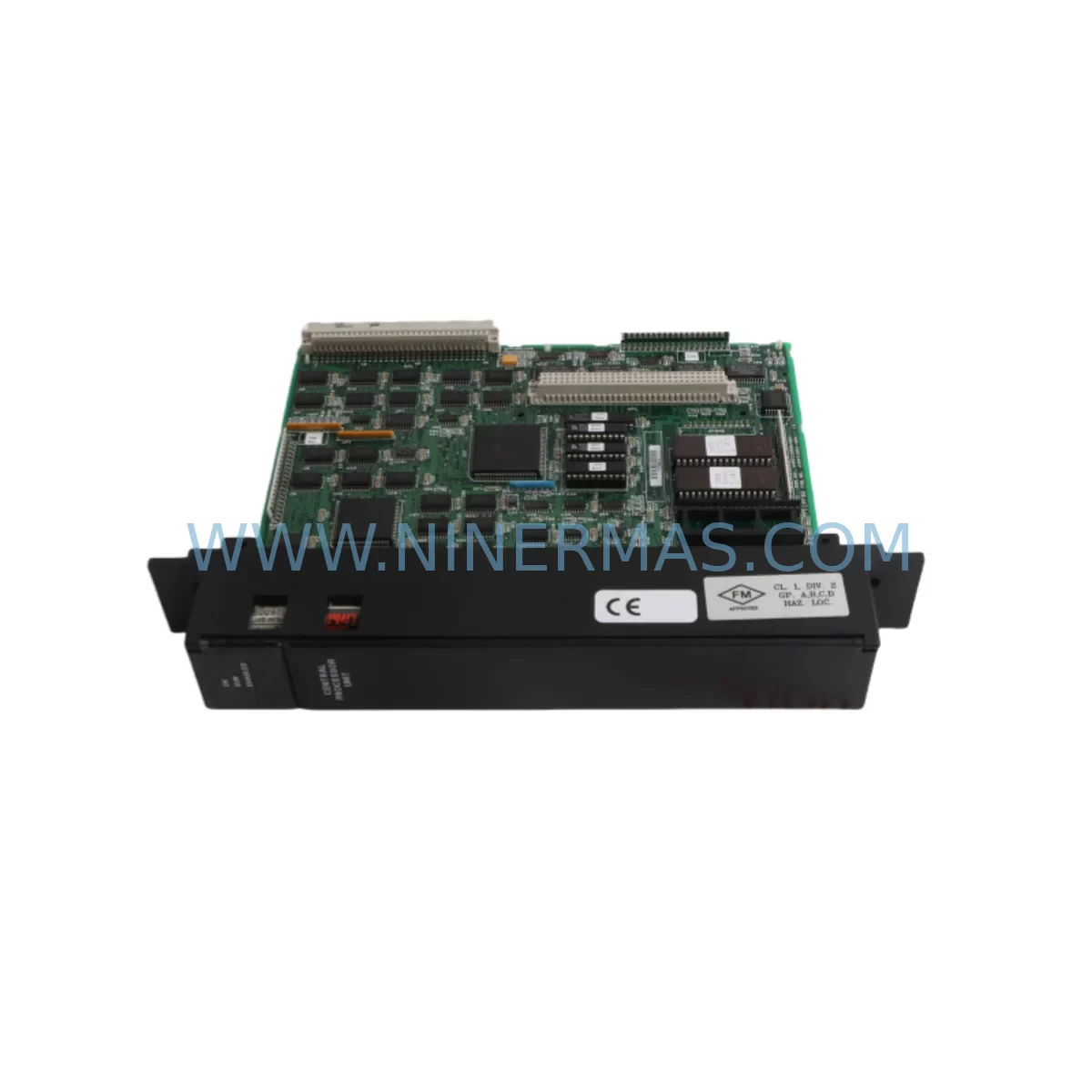
GE IC697CPU731 Service-Ready Spare Part for Industrial Maintenance
Verify the part, confirm the platform family, and move straight into quotation with the right commercial details.
RFQ Ready
- SKUIC697CPU731
- CategoryPLC & Industrial Automation Modules
- BrandGE
- SupportAvailability, lead time, condition, and shipping coordination
How Buyers Usually Use This Page
- Confirm the exact part number and platform family before sending the quote request.
- Use direct email when quantity, condition, and destination are already defined internally.
- Switch to the broader brand or category archive when you need alternates nearby.
Series Navigation
Move through the most common platform families behind this part.
Product RFQ
Send this part directly for quotation.
Include quantity, required condition, destination country, and target delivery timing. Current reference: GE IC697CPU731 Service-Ready Spare Part for Industrial Maintenance with SKU IC697CPU731.
GE IC697CPU731 Service-Ready Spare Part for Industrial Maintenance
The GE IC697CPU731 is a high-performance CPU module designed for the GE Series 90-70 programmable logic controller (PLC) platform — one of the most widely deployed industrial automation architectures in process manufacturing, power generation, oil & gas, and heavy industry. As a service-ready original spare part, the IC697CPU731 is an essential component for maintenance engineers managing aging control systems where unplanned downtime carries significant operational and financial risk.
At NINERMAS, every IC697CPU731 unit is sourced, inspected, and tested before shipment. We understand that when a CPU module fails, the clock starts immediately. Our goal is to ensure that your replacement arrives verified, compatible, and ready to install — minimizing mean time to repair (MTTR) and restoring production continuity as fast as possible.
Whether you are managing a scheduled annual overhaul, responding to an emergency fault, or building a strategic spare parts inventory for a Series 90-70 control cabinet, the IC697CPU731 represents a critical line item in your maintenance BOM. Its role as the central processing unit of the rack means that all I/O scanning, ladder logic execution, communications, and diagnostics flow through this module — making its availability non-negotiable for continuous operation.
Spare Maintenance Table
| Parameter | Specification |
|---|---|
| Part Number | IC697CPU731 |
| Brand | GE (General Electric) / GE Fanuc |
| Series | Series 90-70 |
| Module Type | CPU Module (Central Processing Unit) |
| Compatibility | GE Series 90-70 VME Rack Systems |
| Memory | 512KB user memory (program + data) |
| Communication Ports | RS-232 serial port (programming & HMI) |
| I/O Capacity | Up to 12,288 discrete I/O points |
| Operating Temperature | 0°C to 60°C |
| Power Supply Compatibility | IC697PWR711 / IC697PWR724 / IC697PWR748 |
| Rack Compatibility | IC697CHS750 / IC697CHS782 / IC697CHS790 |
| Installation Environment | Industrial control cabinet, DIN rail or rack-mount |
| Condition | Original, tested, service-ready |
| Warranty | 12 Months — NINERMAS Quality Guarantee |
| Lead Time | Ships within 1–3 business days |
Maintenance Planning for Continuous Operation
Replacing the IC697CPU731 in a live Series 90-70 system is rarely an isolated task. Experienced maintenance engineers know that a CPU fault often signals broader stress across the control cabinet. Before returning the system to service, a thorough inspection of adjacent components is strongly recommended to prevent repeat failures and ensure long-term stability.
Start with the power supply module. The IC697PWR711 or IC697PWR724 rack power supply should be checked for output voltage stability, capacitor aging, and thermal performance. A degraded power supply is one of the most common root causes of CPU module failure in aging Series 90-70 systems. If the power supply has not been replaced within the last five years, consider scheduling it as a concurrent replacement.
Next, inspect the backplane and rack assembly — typically the IC697CHS750 or IC697CHS782 chassis. Backplane connector corrosion, bent pins, or intermittent contact can cause erratic CPU behavior that mimics a module fault. Clean and inspect all card-edge connectors before reseating the replacement IC697CPU731.
I/O modules should also be verified. Discrete input modules such as the IC697MDL340 and IC697MDL341, as well as analog input modules like the IC697ALG230, should be checked for blown fuses, failed channels, and wiring integrity. A failed I/O module that was masked by the CPU fault may cause immediate re-faulting after the CPU is replaced.
Communications infrastructure deserves equal attention. If the system uses a Genius Bus Controller (IC697BEM731) or an Ethernet Interface Module (IC697CMM742), verify that these modules are communicating correctly after the CPU swap. Token ring or Genius bus faults can appear as CPU errors in some diagnostic configurations.
For systems with HMI connectivity, check the RS-232 serial cable and any protocol converters between the IC697CPU731 and operator panels. A damaged cable or misconfigured baud rate can prevent the HMI from reconnecting after the CPU replacement, causing unnecessary delays during commissioning.
Signal isolation and protection components — including surge suppressors on I/O terminal blocks, fused terminal strips, and DIN rail-mounted signal isolators — should be inspected as part of any CPU replacement workflow. These components protect the CPU from field-side transients and are often overlooked during emergency repairs.
Finally, if the system includes relay output modules such as the IC697MDL940 or IC697MDL753, verify contact integrity and coil resistance. Relay modules in high-cycle applications degrade over time and can introduce ground faults that stress the CPU’s I/O bus.
Site Replacement Workflow
The IC697CPU731 is a direct replacement for earlier Series 90-70 CPU variants including the IC697CPU731A, IC697CPU731B, and IC697CPU731C suffix revisions. In most cases, the replacement module can be installed without rack rewiring or I/O reconfiguration, provided the firmware revision is compatible with the existing program.
Step 1 — Pre-Replacement Backup: Before removing the faulty CPU, use the GE Proficy Machine Edition or Logicmaster 90-70 programming software to upload and save the current ladder logic program, configuration data, and reference table values. Store the backup on a secure engineering workstation.
Step 2 — Power Down Safely: Follow your site’s lockout/tagout (LOTO) procedure. De-energize the rack via the IC697PWR711 power supply disconnect. Verify zero-energy state with a calibrated multimeter before touching any module.
Step 3 — Module Removal: Release the IC697CPU731 module locking tabs, slide the module out of slot 1 (CPU slot), and place it in an ESD-safe bag for return or failure analysis.
Step 4 — Install Replacement: Insert the new IC697CPU731 into slot 1, ensuring full backplane engagement. Reconnect the RS-232 programming cable if applicable.
Step 5 — Power Up and Verify: Restore power and observe the CPU status LEDs. A solid green RUN LED and no active fault LEDs indicate successful initialization. Download the saved program from your engineering workstation and verify I/O scan integrity before returning the system to automatic mode.
Step 6 — System Commissioning: Perform a full I/O check, verify HMI communications, and confirm that all Genius bus or Ethernet nodes are online. Document the replacement in your maintenance management system (CMMS) and update the spare parts inventory accordingly.
Spare Parts Support FAQ
Q1: Is the IC697CPU731 compatible with all Series 90-70 rack configurations?
The IC697CPU731 is designed for the GE Series 90-70 VME-based rack platform and is compatible with standard 9-slot and 5-slot chassis configurations including the IC697CHS750, IC697CHS782, and IC697CHS790. It must be installed in the dedicated CPU slot (slot 1). Compatibility with specific I/O and communications modules depends on firmware revision — contact our technical team at sale@ninermas.com to confirm compatibility for your exact system configuration before ordering.
Q2: How do you verify the IC697CPU731 before shipment?
Every IC697CPU731 unit sold by NINERMAS undergoes a pre-shipment functional test that includes power-on verification, LED status check, memory integrity test, and communications port validation. Units that do not pass all test criteria are not shipped. A test report is available upon request. All units are covered by our 12-month warranty from the date of delivery.
Q3: Can you supply IC697CPU731 units on an ongoing basis for long-term maintenance contracts?
Yes. NINERMAS maintains a dedicated inventory of Series 90-70 spare parts to support long-term maintenance agreements, annual overhaul programs, and emergency call-off orders. We can provide framework pricing for multi-unit procurement and guaranteed lead times for critical spare parts. Contact sale@ninermas.com or call +0086 187 5021 5667 to discuss your supply requirements.
Q4: What is your return and warranty policy if the IC697CPU731 does not resolve the fault?
All IC697CPU731 units are covered by a 12-month warranty. If the module fails within the warranty period under normal operating conditions, NINERMAS will provide a replacement unit at no additional cost. If the module is returned within 30 days of delivery and is found to be in original condition, a full refund or exchange is available. We recommend performing a root cause analysis before replacement to ensure the CPU module is the confirmed fault source — our technical team can assist with remote diagnostics guidance.
| Product Series | 90-70 |
|---|---|
| Country of Origin | US |
Catalog Continuation
Nearby part numbers around IC697CPU.
Use this lane when the buyer is comparing adjacent model numbers, revision-near items, or closely related spare variants within the same brand family.
Catalog Continuation
More GE modules in the catalog.
Use the brand lane to compare nearby part numbers, platform-adjacent modules, and other inquiry-ready listings before sending your final RFQ.
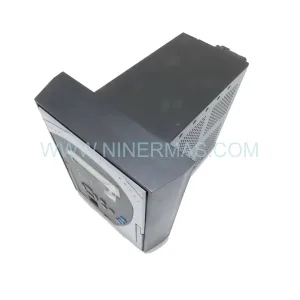
SKU: 350-E-P5-G5-H-E-E-N-W-SN-D-N
GE 350-E-P5-G5-H-E-E-N-W-SN-D-N | Feeder Retrofit & Modernization Relay
Catalog Continuation
Alternative parts within PLC & Industrial Automation Modules.
Stay inside the same system family when you need substitutes, adjacent modules, or a broader shortlist for procurement review.
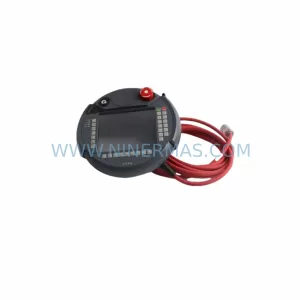
SKU: KETOP T50 R01 VX/69908/14
KEBA KETOP T50 R01 VX/69908/14 Service-Ready Spare Part
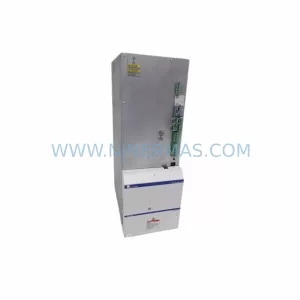
SKU: HMS01.1N-W0020-A-07-NNNN
Rexroth HMS01.1N-W0020-A-07-NNNN Retrofit Single-Axis Servo Drive
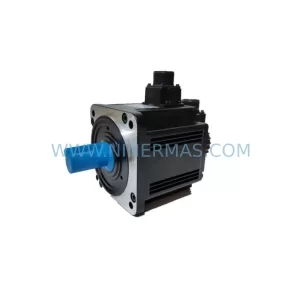
SKU: SRZ-041 HB-R54VD-01 0050-90653 0100-09131
Heidenhain SRZ 041 HB R54VD 01 Retrofit Encoder Legacy Systems