Original Industrial Spare Part
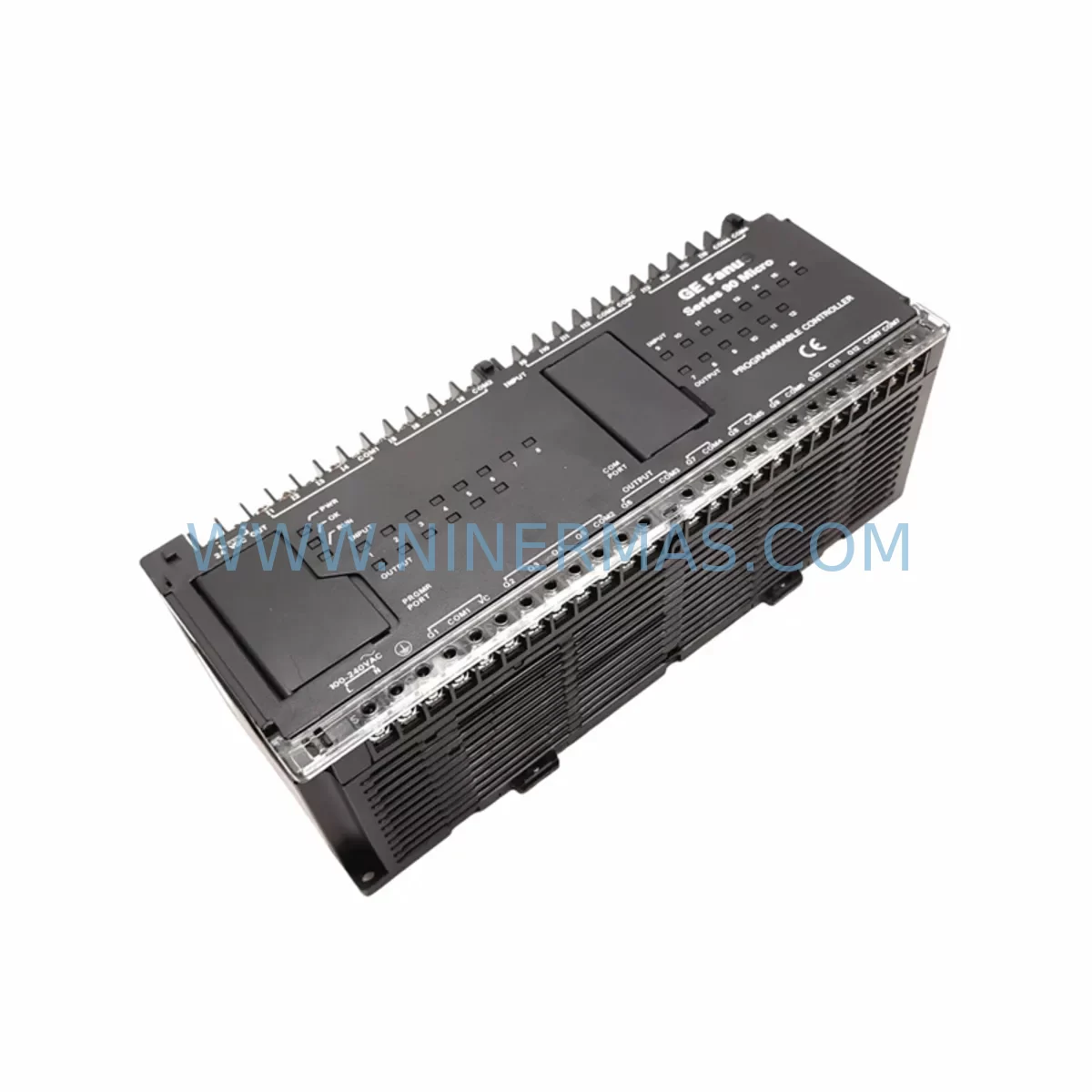
GE IC693UDR005FP1 Service-Ready Spare Part for Industrial Maintenance
Verify the part, confirm the platform family, and move straight into quotation with the right commercial details.
RFQ Ready
- SKUIC693UDR005FP1
- CategorySIS Safety & Redundancy Systems
- BrandGE
- SupportAvailability, lead time, condition, and shipping coordination
How Buyers Usually Use This Page
- Confirm the exact part number and platform family before sending the quote request.
- Use direct email when quantity, condition, and destination are already defined internally.
- Switch to the broader brand or category archive when you need alternates nearby.
Series Navigation
Move through the most common platform families behind this part.
Product RFQ
Send this part directly for quotation.
Include quantity, required condition, destination country, and target delivery timing. Current reference: GE IC693UDR005FP1 Service-Ready Spare Part for Industrial Maintenance with SKU IC693UDR005FP1.
GE IC693UDR005FP1 Service-Ready Spare Part for Industrial Maintenance
The GE IC693UDR005FP1 is a ruggedized discrete I/O module designed for the GE Series 90-30 PLC platform, engineered to deliver reliable performance in harsh industrial environments. As a service-ready spare part, this module is essential for maintenance engineers managing aging automation systems where unplanned downtime carries significant operational and financial risk. Whether you are executing a scheduled annual overhaul, responding to an emergency fault condition, or building a proactive spare parts inventory for a critical production line, the IC693UDR005FP1 provides the compatibility, durability, and performance assurance your facility demands.
Sourced as an original GE Fanuc component, this module integrates directly into existing Series 90-30 rack configurations without requiring firmware reconfiguration or hardware adaptation. Its ruggedized design addresses the thermal cycling, vibration, and electrical noise conditions common in manufacturing, utilities, and process control environments. Maintenance teams operating legacy GE 90-30 systems can deploy this module with confidence, knowing it meets the original OEM specification and carries a 12-month warranty covering manufacturing defects and functional performance.
For procurement engineers managing multi-site spare parts programs, the IC693UDR005FP1 represents a low-risk, high-availability stocking decision. Its long production lifecycle within the GE Fanuc ecosystem means it remains a viable replacement for systems installed over the past two decades. Establishing a committed stock position for this module — particularly for facilities running continuous or semi-continuous processes — directly reduces mean time to repair (MTTR) and supports compliance with maintenance interval requirements.
Spare Maintenance Table
| Parameter | Specification |
|---|---|
| Part Number | IC693UDR005FP1 |
| Brand / Manufacturer | GE Fanuc Automation |
| Series | GE Series 90-30 PLC |
| Module Type | Ruggedized Discrete I/O Safety Module |
| I/O Configuration | Discrete relay output, mixed I/O |
| Operating Voltage | 24 VDC / 120 VAC (application dependent) |
| Operating Temperature | 0°C to 60°C (standard); ruggedized for extended range |
| Backplane Compatibility | GE Series 90-30 5-slot and 10-slot racks |
| Mounting | DIN rail / rack-mount via Series 90-30 backplane |
| Application Environment | Harsh industrial: high vibration, EMI, thermal cycling |
| Compliance | OEM original specification; CE / UL industrial standards |
| Condition | New / Service-ready original spare |
| Warranty | 12 months from date of shipment |
| Origin | United States |
| Lead Time | In stock — ships within 3–5 business days |
Maintenance Planning for Continuous Operation
When replacing or inspecting the IC693UDR005FP1 in a Series 90-30 control cabinet, a disciplined maintenance engineer will not limit the scope to the module itself. The surrounding electrical environment must be assessed to prevent repeat failures and ensure system stability after the spare is installed.
Begin with the IC693PWR321 or IC693PWR330 Series 90-30 power supply module. A degraded power supply delivering marginal voltage regulation is a leading cause of premature I/O module failure. Verify output voltage under load and inspect capacitor condition if the unit has been in service for more than five years. Alongside the power supply, inspect the IC693CPU374 or equivalent CPU module for firmware currency and memory integrity — a CPU operating with corrupted configuration data can generate spurious fault signals that mask the true source of a discrete I/O fault.
Check all terminal block wiring connected to the IC693UDR005FP1’s field-side connectors. Loose terminations, oxidized contacts, and undersized conductors are common contributors to intermittent I/O faults in high-vibration environments. Replace any terminal blocks showing signs of heat discoloration or mechanical wear. If the cabinet includes IC693MDL655 or IC693MDL752 discrete input/output modules in adjacent slots, inspect their relay contacts and output transistors for signs of wear, particularly if the system has been operating near rated load.
For systems with communications requirements, verify the condition of the IC693CMM321 communications module and associated Ethernet or serial cables. A failing communications module can cause the CPU to log false I/O faults during network polling cycles. If the cabinet includes a GE QuickPanel HMI or equivalent operator interface, confirm that the HMI firmware is compatible with the current CPU version to avoid display anomalies after the module replacement.
Signal isolation should also be reviewed: if the IC693UDR005FP1 interfaces with field instruments through signal isolators or surge protection barriers, test these components for leakage current and isolation resistance. Degraded isolators can introduce ground loops that corrupt discrete signal states. Finally, inspect the cabinet’s 24 VDC auxiliary power rail, fuse holders, and miniature circuit breakers supplying field devices — a blown fuse or tripped breaker on the field power circuit is frequently misdiagnosed as a module fault.
Site Replacement Workflow
Step 1 — Pre-replacement verification: Confirm the IC693UDR005FP1 is the correct replacement by cross-referencing the existing module’s label against the rack slot assignment in the PLC configuration software (Proficy Machine Edition or equivalent). Document the current I/O map and tag assignments before powering down.
Step 2 — Safe isolation: Follow your site’s lockout/tagout (LOTO) procedure. De-energize the Series 90-30 rack and disconnect field wiring from the module’s terminal connector. Label all field wires before removal to prevent miswiring during reinstallation.
Step 3 — Module extraction and inspection: Remove the faulty IC693UDR005FP1 from the backplane. Inspect the backplane connector pins for damage or corrosion. Clean the slot with compressed air if contamination is present.
Step 4 — Spare installation: Insert the service-ready IC693UDR005FP1 into the correct rack slot. Reconnect field wiring per the documented tag assignments. Verify terminal torque specifications are met.
Step 5 — System restart and validation: Re-energize the rack and observe the CPU status LEDs. Use Proficy Machine Edition or the site SCADA system to confirm all I/O points associated with the replaced module are reading correctly. Run a functional test of all connected field devices before returning the system to production.
Step 6 — Documentation: Record the replacement in the site maintenance log, including the date, technician name, module serial number, and post-replacement test results. Update the spare parts inventory to trigger reorder if stock falls below the minimum holding level.
Spare Parts Support FAQ
Q1: Is the IC693UDR005FP1 a direct drop-in replacement for the standard IC693UDR005?
The FP1 suffix designates the ruggedized conformal-coated variant of the IC693UDR005, optimized for harsh environments with elevated humidity, vibration, or airborne contaminants. It is functionally compatible with the same rack slots and I/O configurations as the standard variant. If your application environment is classified as harsh or outdoor-adjacent, the FP1 variant is the recommended stocking choice for long-term reliability.
Q2: What is included in the 12-month warranty and how is a claim initiated?
Every IC693UDR005FP1 shipped by NINERMAS carries a 12-month warranty from the date of shipment, covering manufacturing defects and functional performance failures under normal operating conditions. To initiate a warranty claim, contact our technical support team at sale@ninermas.com with the order reference, module serial number, and a description of the fault condition. We will arrange return logistics and expedite a replacement to minimize your downtime.
Q3: How should the IC693UDR005FP1 be stored as a long-term spare?
Store the module in its original anti-static packaging in a climate-controlled environment: temperature 15°C to 35°C, relative humidity below 70% non-condensing. Avoid storage near strong magnetic fields or sources of electrostatic discharge. Inspect the module annually for any signs of corrosion on connector pins. Modules stored under these conditions maintain full functional integrity for a minimum of five years.
Q4: Can NINERMAS support long-term supply commitments for the IC693UDR005FP1?
Yes. NINERMAS specializes in long-lifecycle spare parts programs for legacy automation platforms including the GE Series 90-30 family. We can support annual blanket purchase orders, consignment stock arrangements, and multi-site procurement programs. Contact our sales team to discuss volume pricing, lead-time guarantees, and dedicated stock reservation for your facility’s maintenance schedule.
| Product Series | Fanuc |
|---|---|
| Country of Origin | US |
Catalog Continuation
More GE modules in the catalog.
Use the brand lane to compare nearby part numbers, platform-adjacent modules, and other inquiry-ready listings before sending your final RFQ.
SKU: Bridge Interface Mark VI
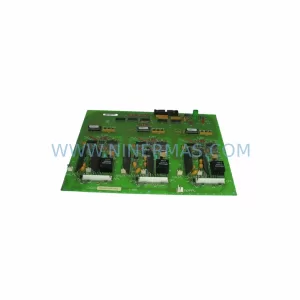
GE IS210AEDBH4AGD Safety-Reliable Bridge Interface for Critical Control
SKU: DS200ADMAH1AA
GE DS200ADMAH1AA | Industrial Safety & Performance Component
Catalog Continuation
Alternative parts within SIS Safety & Redundancy Systems.
Stay inside the same system family when you need substitutes, adjacent modules, or a broader shortlist for procurement review.
SKU: CDB01.1C-SE-ENS-ENS-NNN-NNN-NN-S-NN-FW
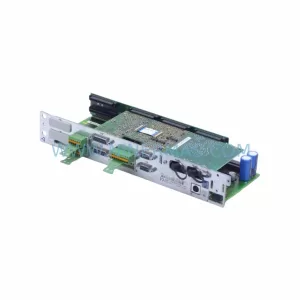
Bosch Rexroth CDB01.1C-SE-ENS-ENS-NNN-NNN-NN-S-NN-FW Safety-Reliable Drive
SKU: KJ2201X1-BA1 12P3162X162 SLS1508
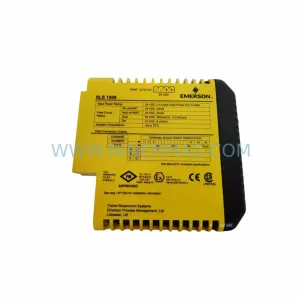
Emerson KJ2201X1-BA1 Retrofit-Compatible Logic I/O Module
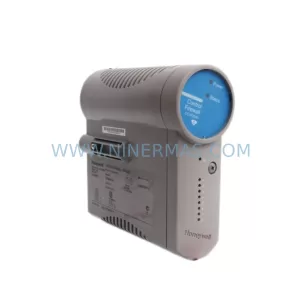
SKU: CC-PCF901 51405047-176
Honeywell CC-PCF901 51405047-176 Safety-Reliable C9 Controller