Original Industrial Spare Part
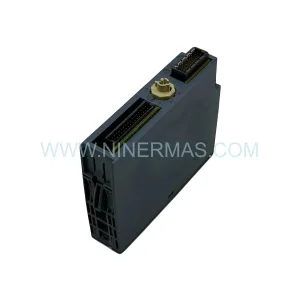
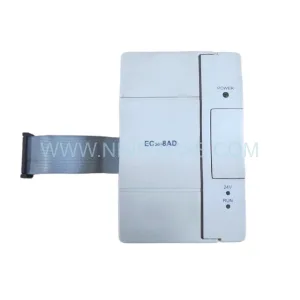
BEIJER E410-04822 Retrofit-Compatible Touch Panel for Legacy Systems
Verify the part, confirm the platform family, and move straight into quotation with the right commercial details.
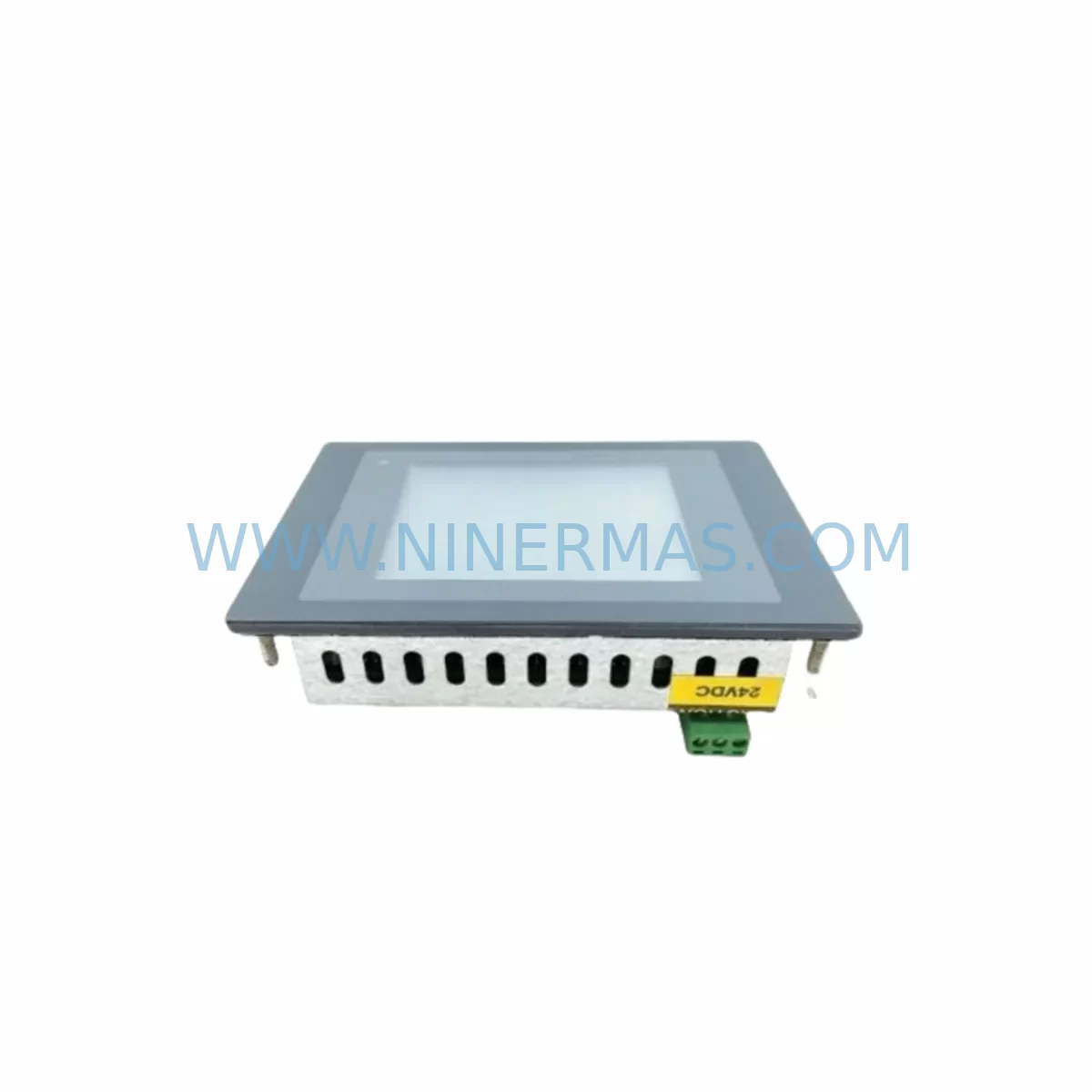
RFQ Ready
- SKUE410-04822
- CategoryPLC & Industrial Automation Modules
- BrandBEIJER
- SupportAvailability, lead time, condition, and shipping coordination
How Buyers Usually Use This Page
- Confirm the exact part number and platform family before sending the quote request.
- Use direct email when quantity, condition, and destination are already defined internally.
- Switch to the broader brand or category archive when you need alternates nearby.
Series Navigation
Move through the most common platform families behind this part.
Product RFQ
Send this part directly for quotation.
Include quantity, required condition, destination country, and target delivery timing. Current reference: BEIJER E410-04822 Retrofit-Compatible Touch Panel for Legacy Systems with SKU E410-04822.
BEIJER E410-04822 Retrofit-Compatible Touch Panel for Legacy Systems
The BEIJER E410-04822 is a ruggedized HMI touch screen module engineered for seamless integration into existing automation architectures. As legacy BEIJER E-series panels reach end-of-life and spare parts become increasingly scarce, the E410-04822 provides a validated retrofit path that preserves existing PLC logic, operator interface layouts, and communication wiring without requiring a full control system overhaul. This module is pre-shipment tested, backed by a 12-month warranty, and maintained in stock to support urgent production line recovery and planned modernization projects alike.
Industrial facilities running aging BEIJER E300, E600, or E700 series HMI panels frequently encounter discontinued firmware support, cracked display assemblies, and failed touchscreen digitizers. The E410-04822 addresses these failure modes directly, offering a physically compatible replacement that retains the original panel cutout dimensions in most standard control cabinet configurations. Engineers responsible for retrofit planning should verify the exact bezel dimensions and mounting depth against the existing cabinet aperture before committing to installation, as minor frame adapter plates may be required in some enclosure types.
Power supply compatibility is a critical first checkpoint in any E410-04822 retrofit. The module operates on a 24 VDC nominal supply, consistent with the power rail specifications found in most BEIJER E-series installations. Before disconnecting the legacy panel, confirm that the existing 24 VDC PSU — such as a BEIJER BFI-P2 series power supply or equivalent third-party DIN-rail unit — can sustain the inrush current demand of the replacement module. If the existing supply is marginal or aging, this retrofit presents an ideal opportunity to upgrade to a higher-capacity unit simultaneously, reducing the risk of nuisance trips during startup.
Terminal wiring and connector pinout verification is the next essential step. The E410-04822 uses a standard DB9 or RJ45 serial interface depending on the communication protocol in use. For installations running BEIJER’s proprietary Melsec or Modbus RTU protocol over RS-232 or RS-485, the existing cable harness can typically be reused with minor pin remapping. Technicians should document the original wiring diagram before removal and cross-reference it against the E410-04822 terminal assignment table. Where the legacy panel used a BEIJER programming cable such as the CBL-E300 or a USB-to-serial adapter, the same interface is generally compatible with the replacement unit for initial configuration and project upload.
Backplane and rack interface considerations apply where the E410-04822 is installed adjacent to modular I/O expansion units. In control cabinets that combine the HMI panel with BEIJER or third-party I/O modules — including discrete input modules, analog output cards, and relay output assemblies — the module address configuration must be verified to avoid address conflicts on the communication bus. This is particularly relevant in multi-drop RS-485 networks where each node requires a unique station address. Confirm the DIP switch or software address settings on all connected I/O nodes before powering the replacement panel for the first time.
Upgrade Compatibility Table
| Parameter | Legacy E-Series Panel | BEIJER E410-04822 | Retrofit Note |
|---|---|---|---|
| Supply Voltage | 24 VDC | 24 VDC | Direct reuse of existing PSU; verify current capacity |
| Communication Interface | RS-232 / RS-485 | RS-232 / RS-485 | Reuse existing cable; verify pinout mapping |
| Protocol Support | Modbus RTU, Melsec, proprietary | Modbus RTU, Melsec, proprietary | Confirm driver version in E-Designer or IX Developer |
| Panel Cutout | Varies by E-series model | Standard E410 footprint | Measure existing aperture; adapter plate may be needed |
| Project Upload | E-Designer / IX Developer | E-Designer / IX Developer | Backup original project before transfer |
| Operating Temperature | 0–50 °C typical | 0–50 °C | Confirm cabinet ventilation is adequate |
| IP Rating | IP65 front (typical) | IP65 front | Verify gasket condition on installation |
| Warranty | Expired / unsupported | 12 Months | Covered from date of shipment |
Retrofit Planning for Existing Automation Systems
A successful E410-04822 retrofit begins with a thorough audit of the existing control architecture. In a typical legacy installation, the HMI panel communicates with a PLC — commonly a Mitsubishi FX3U, FX5U, or Q-series controller, or a Siemens S7-200/S7-300 — via a serial or Ethernet link. The E410-04822 supports a broad range of PLC drivers, making it suitable for multi-vendor environments where the controller itself is not being replaced. Before ordering, confirm the specific PLC model and firmware version to ensure the correct communication driver is available in the panel’s project software.
In control cabinets that house both the HMI and associated I/O infrastructure, the retrofit scope often extends beyond the panel itself. Technicians frequently discover that aging terminal blocks, worn DIN-rail mounted relay modules, and deteriorating cable insulation require attention during the same maintenance window. Addressing these ancillary components — including signal isolators for 4–20 mA analog loops, surge protection modules on communication lines, and DIN-rail power distribution blocks — during the panel replacement minimizes the number of planned shutdowns required over the following 12–24 months.
For installations that include remote I/O expansion over a fieldbus network such as Profibus DP or CANopen, the E410-04822 retrofit must account for the master/slave configuration of the network. If the legacy panel served as a gateway or protocol converter between the operator interface and a remote I/O rack, the replacement unit must be configured with the same network parameters, including baud rate, station address, and data word mapping. In some cases, a standalone protocol gateway or communication module may be required to bridge the E410-04822 to legacy fieldbus segments that are not natively supported.
HMI screen migration is a frequently underestimated element of retrofit planning. The original operator screens — including alarm pages, trend displays, recipe management interfaces, and process overview graphics — must be exported from the legacy panel project file and validated against the E410-04822’s display resolution and color depth. Where the original project was developed in an older version of E-Designer, a project conversion step may be required before the screens can be loaded onto the replacement unit. Retaining the original screen layout and tag mapping reduces operator retraining time and preserves institutional knowledge embedded in the HMI configuration.
Downtime Control During System Migration
Minimizing production downtime during an E410-04822 installation requires a structured pre-commissioning approach. The replacement panel should be fully configured, project-loaded, and bench-tested against a representative PLC or simulator before the scheduled maintenance window begins. This offline preparation — including communication link verification, alarm acknowledgment testing, and I/O tag validation — compresses the on-site installation time to a panel swap and final commissioning check rather than a full configuration exercise.
During the physical swap, the original panel’s project file should be backed up to a USB drive or engineering workstation before the unit is removed from service. This backup preserves the original tag database, screen graphics, and communication settings as a recovery reference in the event that the new panel requires reconfiguration. Where the control system includes a SCADA layer or historian — such as a Wonderware InTouch or Ignition-based system — the OPC or DDE communication link to the HMI should be documented and tested as part of the post-installation verification checklist.
Field commissioning of the E410-04822 should follow a structured sequence: power-on self-test, communication link establishment with the PLC, I/O tag scan verification, alarm setpoint confirmation, and operator acceptance sign-off. Where the installation involves a safety-rated control loop — such as an emergency stop circuit or safety PLC interlock — the safety function must be independently verified after the HMI replacement, as the panel may interact with safety status displays or acknowledgment functions. Documenting the commissioning sequence and results provides a traceable record for maintenance teams and auditors.
Controlling downtime also depends on having replacement parts available before the maintenance window opens. Sourcing the E410-04822 from a stocking distributor with confirmed inventory and a defined lead time eliminates the risk of extended production outages caused by supply chain delays. Our pre-shipment testing protocol ensures that every unit shipped has been powered on, communication-verified, and inspected before dispatch, reducing the probability of a DOA unit extending the planned outage.
Retrofit Support FAQ
Q: Is the BEIJER E410-04822 a direct drop-in replacement for my existing E-series panel?
A: The E410-04822 is designed to be compatible with the E410 series footprint and communication interfaces. Physical fit depends on your specific cabinet cutout dimensions. We recommend verifying the panel aperture size and mounting depth before installation. In most standard BEIJER E-series enclosures, the replacement is straightforward with no modification required.
Q: Can I reuse my existing project files and HMI screens on the E410-04822?
A: Yes, in most cases. Projects developed in E-Designer or IX Developer can be transferred to the E410-04822 after a compatibility check. If your original project was created in an older software version, a conversion step may be required. We recommend backing up the original project file before attempting any transfer or modification.
Q: What communication protocols does the E410-04822 support for PLC connectivity?
A: The E410-04822 supports a wide range of protocols including Modbus RTU, Melsec, and various proprietary BEIJER drivers. Compatibility with specific PLC models — including Mitsubishi FX and Q series, Siemens S7 series, and others — should be confirmed against the current driver library in your version of E-Designer or IX Developer before installation.
Q: What warranty and pre-shipment testing does the E410-04822 include?
A: Every E410-04822 unit is pre-shipment tested — powered on, communication-verified, and inspected — before dispatch. A 12-month warranty is included from the date of shipment, covering manufacturing defects and component failures under normal operating conditions. For urgent replacement requirements, please contact us directly to confirm current stock availability and lead time.
| Product Series | Legacy |
|---|---|
| Country of Origin | SE |
Catalog Continuation
Alternative parts within PLC & Industrial Automation Modules.
Stay inside the same system family when you need substitutes, adjacent modules, or a broader shortlist for procurement review.
SKU: TTLM10-11 ELVIF-F 3895-120321-21 TTLD14-12 WCIF-L 3881-020032-11 TTLM11-11 W/TIF-L 3895-120322-21
TEL 3895-120321-21 Service-Ready Spare for Industrial Maintenance
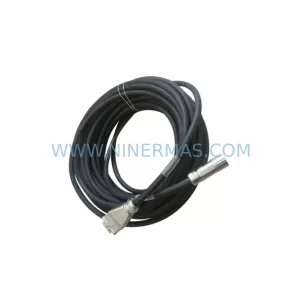
SKU: KR6 00-204-935 00-204-551
KUKA KR6 00-204-935 00-204-551 Retrofit-Compatible Signal Cable for Legacy Systems