Original Industrial Spare Part
AMAT 0100-11002 Service-Ready Spare Part for Industrial Maintenance
Verify the part, confirm the platform family, and move straight into quotation with the right commercial details.
RFQ Ready
- SKU0100-11002
- CategoryPLC & Industrial Automation Modules
- BrandAMAT
- SupportAvailability, lead time, condition, and shipping coordination
How Buyers Usually Use This Page
- Confirm the exact part number and platform family before sending the quote request.
- Use direct email when quantity, condition, and destination are already defined internally.
- Switch to the broader brand or category archive when you need alternates nearby.
Series Navigation
Move through the most common platform families behind this part.
Product RFQ
Send this part directly for quotation.
Include quantity, required condition, destination country, and target delivery timing. Current reference: AMAT 0100-11002 Service-Ready Spare Part for Industrial Maintenance with SKU 0100-11002.
AMAT 0100-11002 Service-Ready Spare Part for Industrial Maintenance
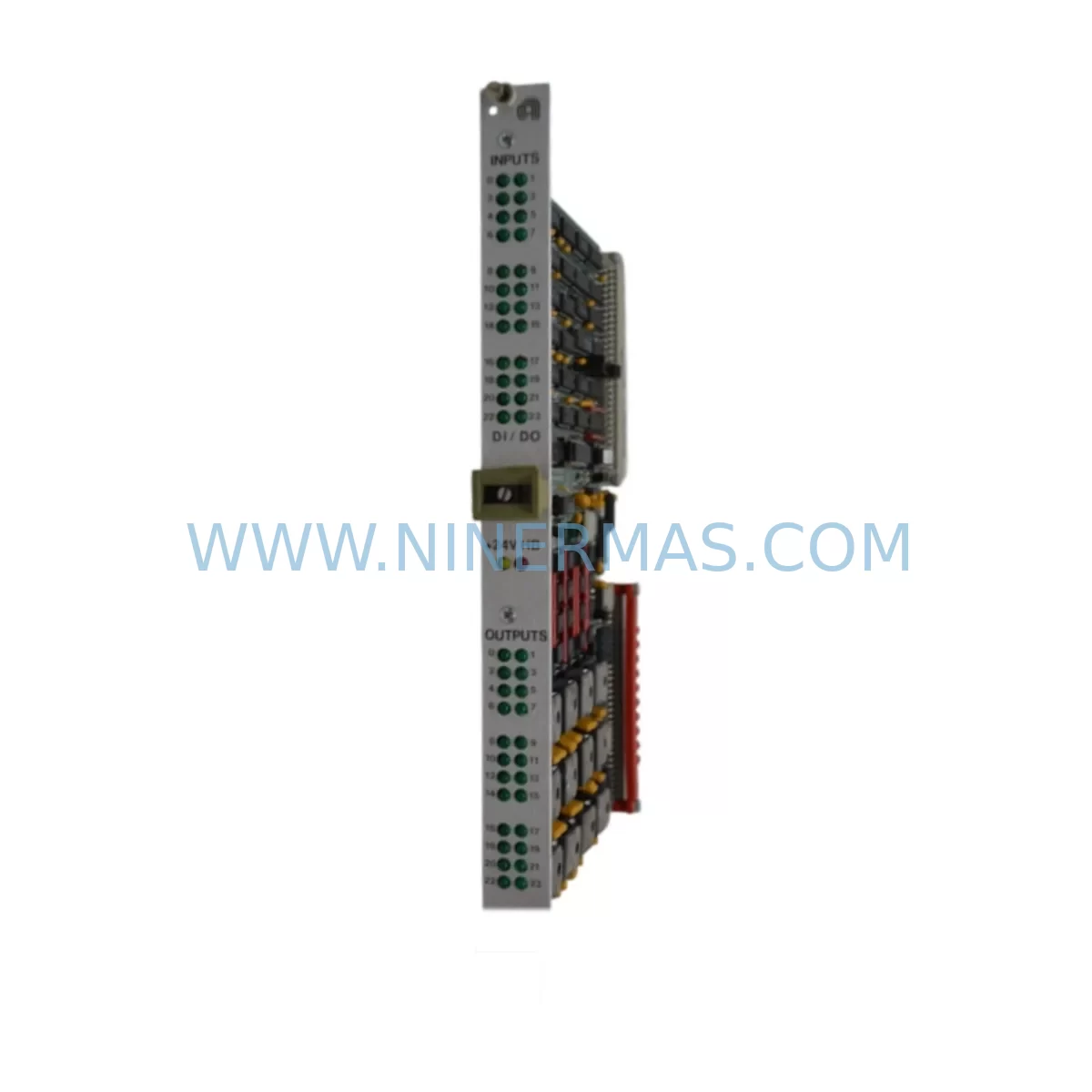
The AMAT 0100-11002 is a Digital I/O module designed for VME-architecture control systems used in semiconductor manufacturing and precision industrial automation environments. As a service-ready spare part sourced and verified by NINERMAS, this component is intended to support rapid field replacement, minimize unplanned downtime, and maintain the operational continuity of Applied Materials (AMAT) process equipment. Whether you are managing a scheduled annual overhaul, responding to an emergency fault isolation event, or building a strategic spare parts inventory for a critical production line, the 0100-11002 represents a high-priority stocking item for any maintenance engineering team operating AMAT VME-based control platforms.
Applied Materials VME-series control architectures are widely deployed across etch, CVD, PVD, and CMP process chambers. The Digital I/O subsystem — of which the 0100-11002 is a core component — handles discrete signal exchange between the process controller and field devices including valves, sensors, interlocks, and safety relays. A failure or degradation in this module can result in loss of process control, false fault alarms, or complete chamber lockout, all of which translate directly into production loss and costly recovery procedures.
Spare Maintenance Table
| Parameter | Details |
|---|---|
| Part Number / SKU | 0100-11002 |
| Brand | AMAT (Applied Materials) |
| Series | VME Digital I/O Series |
| Product Type | Digital I/O Module |
| Form Factor | VME Bus Card |
| Signal Type | Digital Input / Output (Discrete) |
| Application | Semiconductor Process Equipment, Industrial Automation Control |
| Compatibility | AMAT VME-based control systems; Applied Materials etch, CVD, PVD, CMP platforms |
| Installation Environment | Control cabinet, VME chassis, cleanroom-compatible |
| Origin | United States |
| Condition | Original / Service-Ready Spare |
| Pre-shipment Testing | Function-verified before dispatch |
| Warranty | 12 Months |
| Lead Time | Subject to stock availability — contact for confirmation |
| Long-term Supply | Supported — NINERMAS maintains ongoing sourcing for legacy AMAT components |
Maintenance Planning for Continuous Operation
When replacing the AMAT 0100-11002 Digital I/O module in a VME control cabinet, a thorough maintenance engineer will not stop at the module itself. The VME backplane interconnects multiple subsystems, and a fault that manifests in the Digital I/O layer often has upstream or downstream causes that must be addressed simultaneously to prevent repeat failures.
Begin by inspecting the VME backplane and card cage for signs of oxidation, bent connector pins, or thermal stress damage. A compromised backplane can cause intermittent I/O faults that are misdiagnosed as module failures. Next, verify the VME power supply module — typically a dedicated +5V/±12V industrial power supply — as voltage sag or ripple is a leading cause of digital logic errors in VME I/O cards. If the system uses a AMAT 0100-series analog I/O module in adjacent slots, inspect those simultaneously, as shared power rail issues affect the entire card cage.
Check all field wiring terminal blocks and I/O connector harnesses at the module’s front panel. Loose or corroded terminations on discrete signal lines — particularly 24VDC digital inputs from proximity sensors, pressure switches, or flow meters — can cause erratic I/O behavior that mimics module failure. Inspect solid-state relay (SSR) output modules and electromechanical relay boards connected downstream of the Digital I/O card; a shorted relay coil can back-feed voltage into the I/O output channel and damage the module.
For systems with a VME communication module (such as an Ethernet, GPIB, or serial interface card), confirm that the communication bus is stable and that no address conflicts exist after the I/O module is reseated or replaced. In AMAT process tools, the system controller CPU board — often a Motorola 68k or PowerPC-based VME SBC — should be checked for firmware compatibility with the replacement I/O module revision. Confirm the AMAT software recipe and I/O mapping configuration is backed up before any hardware swap.
Additionally, review the signal isolation barriers and optocoupler interface boards that sit between the VME I/O card and high-voltage field devices. These components absorb transient energy and degrade over time; replacing the I/O module without inspecting the isolation layer risks premature failure of the new part. Finally, check the fuse holders and circuit protection devices on the I/O output channels — blown fuses are a common symptom of downstream wiring faults that must be resolved before the replacement module is energized.
For facilities managing multiple AMAT process chambers, it is strongly recommended to maintain at least one 0100-11002 unit in your on-site spare parts inventory alongside compatible VME analog I/O cards, CPU boards, and power supply modules to support rapid chamber recovery without waiting on procurement lead times.
Site Replacement Workflow
The 0100-11002 is a direct replacement for the original AMAT Digital I/O VME module. Before beginning the swap, ensure the VME chassis is powered down and all stored energy in the control cabinet is safely discharged. Remove the faulty module by releasing the front panel ejector levers — do not force the card, as VME connectors are precision-fit and can be damaged by misaligned extraction.
Inspect the replacement module’s P1 and P2 VME connectors for cleanliness and pin integrity before insertion. Seat the card firmly and evenly into the backplane slot, ensuring both ejector levers are fully engaged. Power up the chassis and verify that the module’s status LEDs indicate normal operation before restoring process control software communication.
If the system previously ran an older revision of the 0100-11002, confirm with your process engineer whether any I/O address remapping or software parameter adjustment is required. NINERMAS recommends documenting the module revision number and installation date in your CMMS (Computerized Maintenance Management System) to support future lifecycle tracking and warranty claims. With a proper replacement workflow, chamber recovery can typically be achieved within one to two hours of parts availability, significantly reducing the cost impact of unplanned downtime.
Spare Parts Support FAQ
Q1: Is the AMAT 0100-11002 supplied as an original part or a third-party substitute?
NINERMAS supplies the 0100-11002 as an original or OEM-equivalent service-ready spare part. Each unit undergoes functional verification prior to shipment. We do not supply uncertified clones or unmarked substitutes. If you require documentation of part origin or test records, please contact our sales team before placing your order.
Q2: What is the warranty coverage and what does it include?
All AMAT 0100-11002 units supplied by NINERMAS carry a 12-month warranty from the date of shipment. The warranty covers manufacturing defects and functional failures under normal operating conditions. It does not cover damage resulting from incorrect installation, electrical overstress, or use outside the specified operating environment. Warranty claims are supported by our technical team with replacement or repair options.
Q3: Can NINERMAS support long-term or repeat procurement of this part?
Yes. NINERMAS maintains ongoing sourcing relationships for legacy and active AMAT components, including the 0100-11002 and related VME-series modules. We support blanket purchase orders, scheduled delivery programs, and emergency stock requests. Customers managing multiple AMAT process tools are encouraged to discuss annual spare parts planning with our procurement team to ensure supply continuity.
Q4: How do I confirm compatibility before ordering?
Provide your AMAT system model number, chamber configuration, and current module revision (if known) to our sales team at sale@ninermas.com. We will cross-reference your system documentation and confirm compatibility before shipment. For urgent replacement needs, our team can typically provide compatibility confirmation within one business day.
| Product Series | Other series |
|---|---|
| Country of Origin | US |
Catalog Continuation
More AMAT modules in the catalog.
Use the brand lane to compare nearby part numbers, platform-adjacent modules, and other inquiry-ready listings before sending your final RFQ.
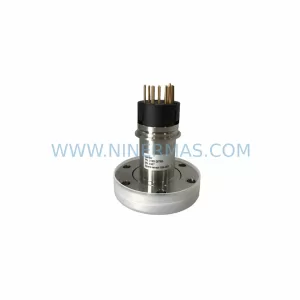
SKU: 0100-01944 0190-60306 41CM HVL-100
AMAT HVL-100-0100-01944 Service-Ready Industrial Spare Part
SKU: 0190-05399 50020R-10 810-800256-207 FL2004, P/N 1006146 0190-17311
AMAT 0190-05399 Service-Ready Spare Part for Industrial Maintenance
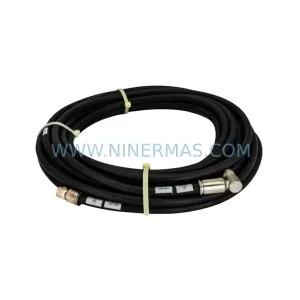
SKU: 0150-10613 20360207 20704A-25352
AMAT 0150-10613 Retrofit-Compatible RF Cable for Legacy Systems
Catalog Continuation
Alternative parts within PLC & Industrial Automation Modules.
Stay inside the same system family when you need substitutes, adjacent modules, or a broader shortlist for procurement review.
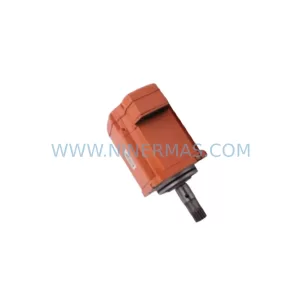
SKU: 3HAC058121-006 3HAC058121-005 IRB67003HAC058121-005
ABB 3HAC058121-006 Retrofit-Compatible Servo Unit for Legacy Systems
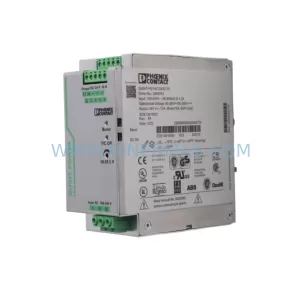
SKU: QUINT-PS/1AC/24VDC/10 2866763
Phoenix Contact QUINT-PS/1AC/24VDC/10 2866763 Retrofit Power Supply
SKU: CCU-24-H 3AXD50000018771
ABB 3AXD50000018771 Retrofit Control Unit for Legacy Systems