Original Industrial Spare Part
ABB SPDS122 Service-Ready Spare Part for Industrial Maintenance
Verify the part, confirm the platform family, and move straight into quotation with the right commercial details.
RFQ Ready
- SKUSPDS122
- CategoryPLC & Industrial Automation Modules
- BrandABB
- SupportAvailability, lead time, condition, and shipping coordination
How Buyers Usually Use This Page
- Confirm the exact part number and platform family before sending the quote request.
- Use direct email when quantity, condition, and destination are already defined internally.
- Switch to the broader brand or category archive when you need alternates nearby.
Series Navigation
Move through the most common platform families behind this part.
Product RFQ
Send this part directly for quotation.
Include quantity, required condition, destination country, and target delivery timing. Current reference: ABB SPDS122 Service-Ready Spare Part for Industrial Maintenance with SKU SPDS122.
ABB SPDS122 Service-Ready Spare Part for Industrial Maintenance
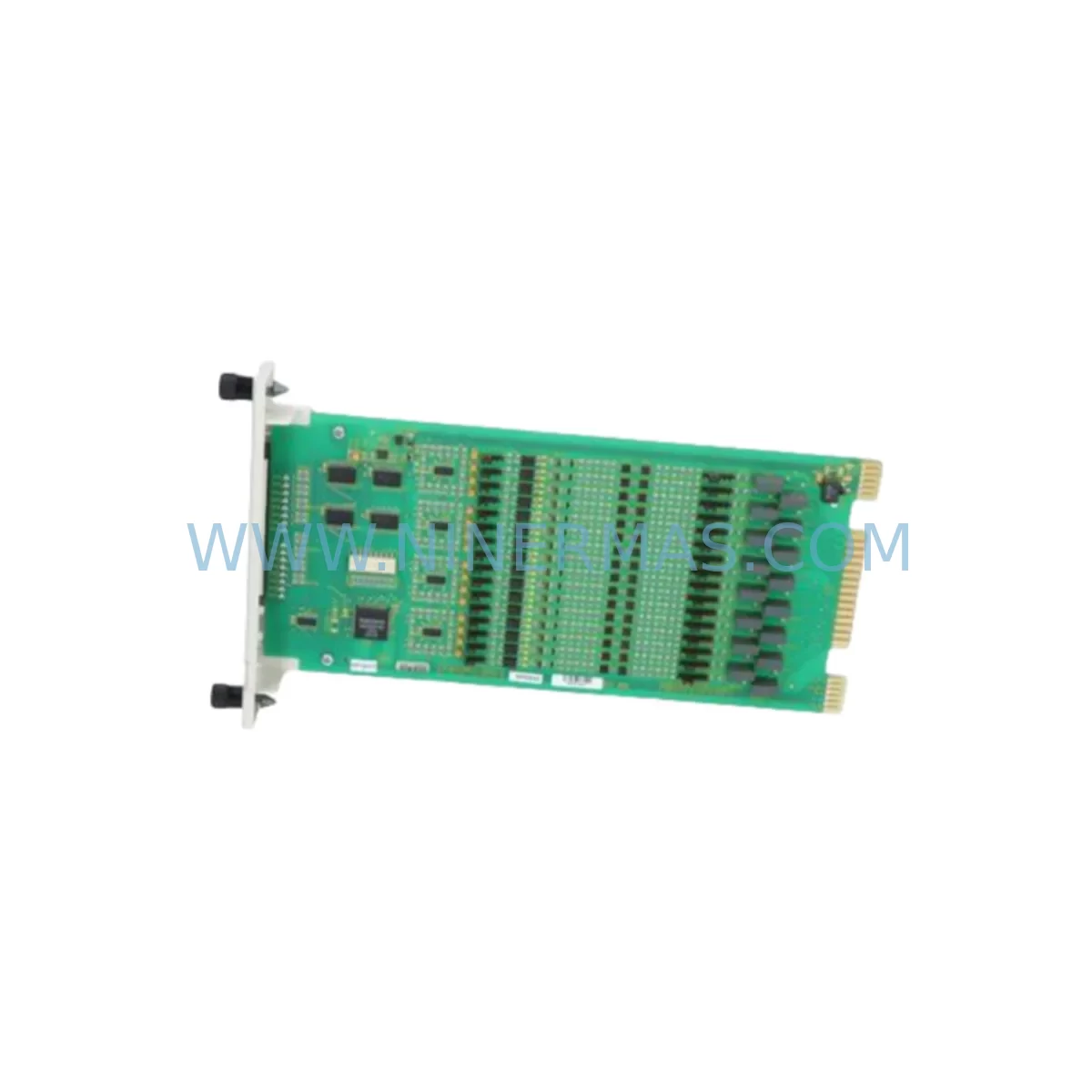
The ABB SPDS122 is an original digital input (DI) module designed for use within ABB’s AC500 programmable logic controller platform — one of the most widely deployed PLC families in industrial automation, process control, and manufacturing environments worldwide. When a DI module fails or degrades, the consequences extend far beyond a single I/O point: entire control loops can go blind, safety interlocks may trip, and production lines can halt within seconds. Sourcing a verified, service-ready SPDS122 replacement is the fastest path to restoring normal operation and protecting your facility’s uptime record.
At NINERMAS, every ABB SPDS122 unit is inspected, function-tested, and shipped with a 12-month warranty. Whether you are responding to an emergency breakdown, building a preventive spare parts inventory, or planning an annual overhaul, the SPDS122 we supply is ready to install directly into your AC500 control cabinet without additional conditioning or modification.
Spare Maintenance Table
| Parameter | Specification / Details |
|---|---|
| Part Number | SPDS122 |
| Brand | ABB |
| Series | AC500 |
| Module Type | Digital Input (DI) Module |
| Input Channels | 16 DI channels (24 V DC, IEC 61131-2 Type 1/3) |
| Input Voltage | 24 V DC nominal |
| Signal Logic | Positive / Negative switching compatible |
| Backplane Interface | AC500 S500 I/O bus |
| Mounting | DIN rail via AC500 terminal unit (e.g., TA521, TA526) |
| Operating Temperature | -25 °C to +60 °C |
| Protection Rating | IP20 |
| Diagnostics | Per-channel LED status, group fault indication |
| Compatibility | AC500 PM5xx / PM5xx-ETH / PM5xx-2ETH CPU families |
| Origin | Germany (ABB Automation Products) |
| Warranty | 12 Months (NINERMAS) |
| Condition | Original, service-ready, function-tested before shipment |
| Lead Time | In stock — same-day or next-business-day dispatch available |
Maintenance Planning for Continuous Operation
A digital input module like the SPDS122 sits at the front end of every field signal chain. When maintenance engineers plan a cabinet inspection or respond to a fault, replacing the DI module alone is rarely sufficient. A thorough site assessment should cover all components that interact with the SPDS122 in the same electrical loop and control architecture.
Begin with the AC500 terminal unit — typically a TA521 or TA526 — on which the SPDS122 is mounted. Terminal units accumulate mechanical wear from repeated module swaps and can develop intermittent contact issues that mimic DI module faults. Inspect the backplane connector pins for corrosion or deformation before seating the new SPDS122.
Next, verify the 24 V DC field power supply feeding the input circuits. A degraded power supply — such as an ABB CP-E 24/5.0 or equivalent industrial SMPS — can cause erratic input readings that are misdiagnosed as module failure. Measure output voltage under load and check ripple levels before commissioning the replacement module.
The AC500 CPU module (e.g., PM564-T, PM566-T, or PM591-ETH) should be checked for firmware currency and configuration integrity. After replacing the SPDS122, confirm that the I/O configuration in Automation Builder matches the new module’s channel mapping to avoid address conflicts or missing diagnostics.
Field wiring connected to the SPDS122 input terminals deserves careful attention. Inspect terminal blocks and wiring ferrules for loose connections, insulation breakdown, or moisture ingress — all common causes of false input signals in industrial environments. If the cabinet is located in a high-vibration area, consider replacing standard terminal blocks with vibration-resistant types during the same maintenance window.
For systems using signal isolators or signal conditioners between field sensors and the DI module, verify that isolation barriers are functioning correctly. A failed isolator can inject noise or DC offset into the input channel, causing the SPDS122 to register spurious transitions. Brands such as Phoenix Contact MINI MCR or Pepperl+Fuchs KFD series isolators are commonly found in the same cabinets as AC500 systems.
If the SPDS122 is part of a safety-related circuit, cross-reference the replacement with any associated safety relay modules or safety PLCs in the loop. Confirm that the new module’s response time and diagnostic coverage meet the original SIL or PL requirements documented in the machine’s safety plan.
Communication health should also be validated. The AC500 I/O bus relies on a healthy backplane communication link between the CPU and all I/O modules. Use Automation Builder’s diagnostic tools to confirm that the SPDS122 is recognized on the bus and that no other modules in the rack are reporting communication errors after the swap.
Finally, review the cabinet’s fuse and circuit protection for the 24 V DC input supply rail. A blown or weakened fuse protecting the DI input power circuit is a frequent root cause of apparent module failure. Replace any fuses that show signs of thermal stress, and document the replacement in the maintenance log alongside the SPDS122 swap.
Site Replacement Workflow
Step 1 — Isolate and document. Before removing the SPDS122, record the current I/O status in the SCADA or HMI (e.g., ABB CP600 or CP620 panel) and note which input channels are active. Place the CPU in STOP mode or use the AC500’s hot-swap capability if your firmware version supports it. Tag out the 24 V DC field supply to the affected terminal unit.
Step 2 — Remove the legacy module. Unlatch the SPDS122 from the terminal unit by pressing the release lever and sliding the module upward. Inspect the terminal unit connector for damage. If the connector shows wear, replace the terminal unit at the same time to avoid repeat failures.
Step 3 — Seat the replacement SPDS122. Align the new module with the terminal unit guide rails and press firmly until the latch clicks. Restore the 24 V DC field supply and observe the module’s LED indicators — a steady green RUN LED confirms successful initialization on the I/O bus.
Step 4 — Verify in Automation Builder. Go online with the CPU and confirm that the SPDS122 appears in the I/O tree without fault flags. Perform a channel-by-channel input test by actuating each field device connected to the module and verifying the corresponding bit state in the PLC program.
Step 5 — Restore and document. Return the CPU to RUN mode, confirm normal process operation on the HMI, and update the maintenance record with the replacement date, module serial number, and test results. Store the removed module in an ESD-safe bag for evaluation or return.
This workflow minimizes downtime to under 30 minutes for a trained technician and eliminates the risk of configuration errors that can extend outages unnecessarily.
Spare Parts Support FAQ
Q1: Is the SPDS122 supplied by NINERMAS an original ABB product?
Yes. Every SPDS122 we supply is sourced as an original ABB component. Each unit undergoes functional testing prior to shipment to confirm correct I/O bus communication, channel response, and LED diagnostics. A 12-month warranty is included with every order.
Q2: How do I confirm compatibility with my existing AC500 system?
The SPDS122 is compatible with all AC500 S500 I/O terminal units (TA521, TA526, TA523, etc.) and all AC500 CPU families from PM554 through PM595. If you are unsure about your specific configuration, share your CPU part number and terminal unit type with our technical team at sale@ninermas.com and we will confirm compatibility before shipment.
Q3: What is your lead time and can you support emergency orders?
The SPDS122 is held in stock for immediate dispatch. Standard orders ship within one business day. For emergency breakdown situations, contact us directly at +0086 187 5021 5667 to arrange same-day dispatch and expedited freight. We support both single-unit emergency replacements and bulk orders for spare parts inventory programs.
Q4: Can NINERMAS support long-term supply for ongoing maintenance contracts?
Yes. We specialize in long-term spare parts supply for industrial automation systems, including legacy and discontinued ABB product lines. We can establish a standing supply agreement for the SPDS122 and related AC500 components, ensuring your maintenance team always has access to verified replacements without lead-time risk. All units supplied under long-term agreements carry the same 12-month warranty and pre-shipment testing standard.
| Product Series | AC500 |
|---|---|
| Country of Origin | SE |
Catalog Continuation
More ABB modules in the catalog.
Use the brand lane to compare nearby part numbers, platform-adjacent modules, and other inquiry-ready listings before sending your final RFQ.
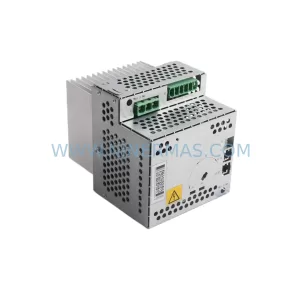
SKU: DSQC664 3HAC030923-001
ABB DSQC664 3HAC030923-001 Service-Ready Spare Part
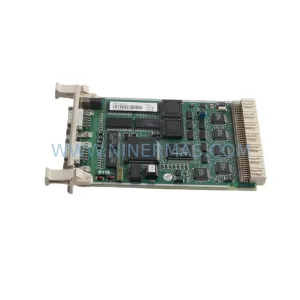
SKU: CI532V02 3BSE003827R1
ABB CI532V02 3BSE003827R1 Safety-Reliable MODBUS Module
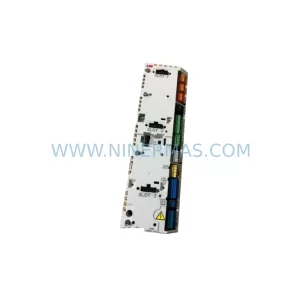
SKU: ZCU-14 3AXD50000005164
ABB ZCU-14 3AXD50000005164 Safety-Reliable Drive Control Unit
Catalog Continuation
Alternative parts within PLC & Industrial Automation Modules.
Stay inside the same system family when you need substitutes, adjacent modules, or a broader shortlist for procurement review.
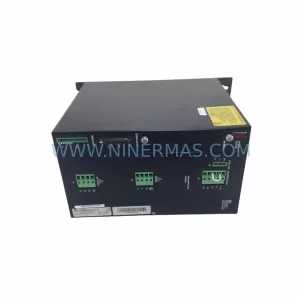
SKU: SCE906A2-002-01 SCE906A200201
Pacific Scientific SCE906A2-002-01 Retrofit Servo Amplifier
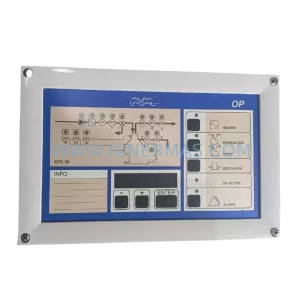
SKU: EPC500 3183062451
Alfa Laval EPC500 3183062451 Service-Ready Spare Part