Original Industrial Spare Part
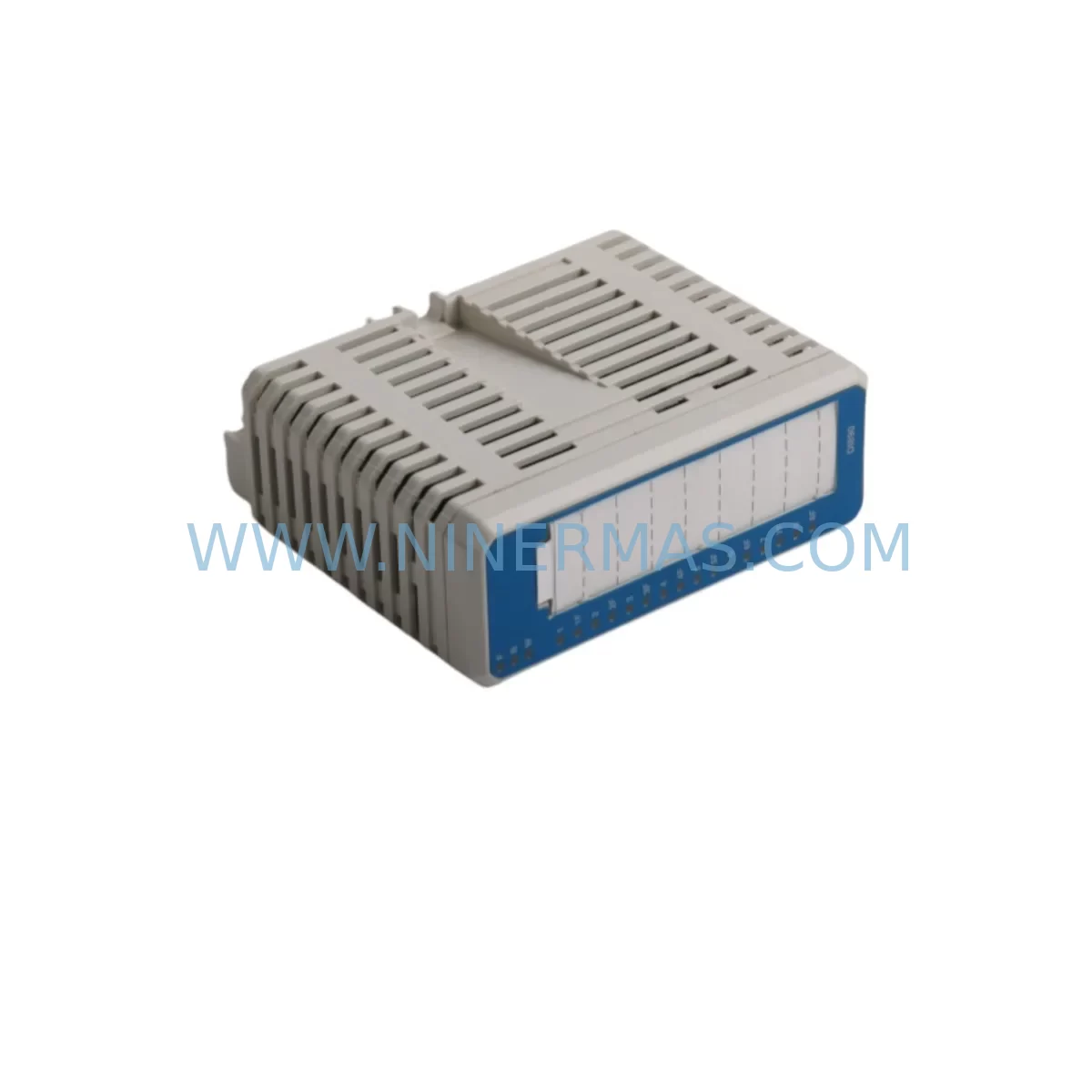
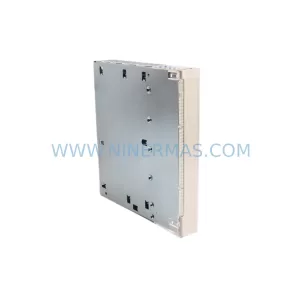
ABB DI890 3BSC690073R1 Retrofit-Compatible Digital Input for Legacy S800
Verify the part, confirm the platform family, and move straight into quotation with the right commercial details.
RFQ Ready
- SKUDI890 3BSC690073R1
- CategoryPLC & Industrial Automation Modules
- BrandABB
- SupportAvailability, lead time, condition, and shipping coordination
How Buyers Usually Use This Page
- Confirm the exact part number and platform family before sending the quote request.
- Use direct email when quantity, condition, and destination are already defined internally.
- Switch to the broader brand or category archive when you need alternates nearby.
Series Navigation
Move through the most common platform families behind this part.
Product RFQ
Send this part directly for quotation.
Include quantity, required condition, destination country, and target delivery timing. Current reference: ABB DI890 3BSC690073R1 Retrofit-Compatible Digital Input for Legacy S800 with SKU DI890 3BSC690073R1.
ABB DI890 3BSC690073R1 Retrofit-Compatible Digital Input Module for Legacy S800 I/O Systems
The ABB DI890 (part number 3BSC690073R1) is a 24 VDC digital input module designed for the ABB S800 I/O platform, widely deployed across process automation, power generation, oil & gas, and pulp & paper industries. As ABB progressively phases out legacy S800 hardware in favour of the S900 and AC800M-integrated architectures, the DI890 has become one of the most sought-after retrofit and replacement components for engineers tasked with keeping existing control systems operational without a full DCS migration.
NINERMAS maintains verified stock of the DI890 3BSC690073R1, fully tested prior to shipment and backed by a 12-month warranty. Each unit is inspected for firmware compatibility, terminal block integrity, and backplane connector condition before dispatch.
Upgrade Compatibility Table
| Parameter | DI890 3BSC690073R1 | Retrofit Notes |
|---|---|---|
| Module Type | Digital Input, 24 VDC | Verify field wiring voltage before swap |
| Channel Count | 8 channels | Map I/O addresses in AC800M / Freelance controller |
| Backplane Interface | S800 ModuleBus | Compatible with TB820 and TB840 bus modem modules |
| Installation | S800 I/O station rail mount | Confirm slot position and module address DIP settings |
| Communication | ModuleBus (optical or electrical) | TB820V2 / TB840A bus modem required for optical link |
| Replacement Path | Direct drop-in for DI890 variants | Cross-check 3BSC690073R1 vs. 3BSC690073R2 revision |
| Commissioning Focus | Module address, I/O list, HMI tag binding | Re-download configuration via Control Builder M |
| Warranty | 12 months from shipment date — NINERMAS standard | |
Retrofit Planning for Existing Automation Systems
When planning a retrofit around the DI890 3BSC690073R1, the starting point is always a full audit of the existing S800 I/O station. A typical station may include a mix of digital and analog modules — DI890 for discrete inputs, DO890 for digital outputs, AI890 for analog inputs, and AO890 for analog outputs — all communicating over the S800 ModuleBus through a TB820V2 or TB840A bus modem. Before ordering a replacement DI890, engineers should confirm the exact revision suffix (R1 vs. R2) and whether the installed bus modem supports the optical or electrical ModuleBus variant, as this affects cabling and termination at the MTU.
Power supply capacity is a critical pre-check. The S800 I/O station draws power from an SD821 or SD822 power supply unit. Adding or replacing modules without verifying the total current draw against the PSU rating can cause intermittent faults or station resets. If the existing SD821 is already near capacity, a parallel SD822 or a dedicated rail segment may be required before the DI890 is installed.
Terminal block wiring on the DI890 follows a standard 24 VDC sourcing or sinking configuration. During a like-for-like replacement, the existing TB820-series terminal block can typically be reused, which eliminates the need to re-terminate field cables — a significant time saver when downtime windows are tight. However, if the original terminal block shows signs of corrosion or mechanical wear, replacing it with a new TB820 at the same time as the DI890 is strongly recommended.
Module address configuration is set via DIP switches on the DI890 body. The address must match the slot assignment defined in the AC800M or Freelance 800F controller configuration. A mismatch will cause the module to appear as “unknown” in Control Builder M and prevent I/O scanning. Before powering up, cross-reference the physical DIP setting against the hardware configuration file exported from the engineering workstation.
For sites running ABB Freelance 800F controllers with DigiVis or 800xA HMI, the DI890 channel tags are typically bound to HMI faceplates and alarm pages. After a module swap, it is essential to verify that all 8 channel tags are correctly mapped and that no forced values remain active in the controller from previous diagnostic sessions. A full I/O force list review using Control Builder M or Freelance Engineering Studio should be part of the commissioning checklist.
Where the retrofit involves a communication protocol migration — for example, moving from a legacy PROFIBUS DP segment to PROFINET or Modbus TCP — the DI890 itself remains on the internal ModuleBus, but the upstream CI854 or CI858 communication interface module connecting the S800 station to the controller network may need to be upgraded. In such cases, the DI890 replacement is often performed in parallel with a CI854B-to-CI858 swap, allowing the I/O station to remain physically unchanged while the network layer is modernised.
Downtime Control During System Migration
Minimising unplanned downtime is the primary concern for any plant engineer authorising a DI890 replacement. NINERMAS recommends a structured hot-swap preparation process: before the maintenance window opens, export the full hardware configuration from Control Builder M, document all module addresses, and prepare a pre-tested replacement DI890 3BSC690073R1 on the bench with DIP switches pre-set to the correct address.
During the window, the sequence is: isolate the field circuits connected to the faulty module using the TB820 terminal block’s test disconnect feature (where available), remove the DI890, install the replacement, restore field connections, and power up the station. The AC800M controller will automatically detect the new module if the address matches and the hardware configuration is already downloaded. In most cases, the I/O station returns to normal operation within 5–10 minutes, without requiring a full controller restart or program re-download.
To protect original program logic, NINERMAS strongly advises creating a full controller backup — including the application program, hardware configuration, and I/O list — before any physical intervention. This backup serves as the recovery baseline if the replacement module triggers unexpected diagnostic alarms or if a configuration mismatch is discovered during commissioning. Keeping the original DI890 on-site until the replacement has been validated in live operation provides an additional safety net.
For multi-station retrofits where several DI890 units are being replaced across a control cabinet upgrade, a phased approach — replacing one station at a time while keeping adjacent stations in service — maintains field control continuity and limits the blast radius of any single commissioning issue. NINERMAS can supply multiple units from the same production batch to ensure firmware and hardware revision consistency across all replaced modules.
Retrofit Support FAQ
Q1: Is the DI890 3BSC690073R1 a direct drop-in replacement for all DI890 variants?
The 3BSC690073R1 is the standard revision of the DI890. It is directly compatible with S800 I/O stations using TB820 or TB840 bus modems. If your existing module carries a different revision suffix (e.g., 3BSC690073R2), verify the revision changelog with ABB documentation or contact NINERMAS for cross-reference confirmation before ordering.
Q2: What commissioning steps are required after installing the replacement DI890?
After physical installation, set the DIP address switches to match the slot assignment in your controller configuration. Power up the I/O station and verify module status in Control Builder M or Freelance Engineering Studio. Confirm all 8 input channels are scanning correctly, check for any forced I/O values, and validate HMI tag bindings before returning the loop to automatic control.
Q3: Does NINERMAS test the DI890 before shipment, and what does the warranty cover?
Yes. Every DI890 3BSC690073R1 shipped by NINERMAS undergoes functional testing including power-on verification, channel scan confirmation, and backplane connector inspection. The 12-month warranty covers hardware defects and functional failures under normal operating conditions. Units damaged by incorrect wiring, overvoltage, or physical mishandling are excluded from warranty coverage.
Q4: Can NINERMAS supply multiple DI890 units for a large-scale cabinet upgrade?
Yes. NINERMAS maintains inventory of the DI890 3BSC690073R1 and can fulfil multi-unit orders for planned cabinet upgrades or emergency restocking. For orders of 5 units or more, contact our team at sale@ninermas.com to confirm batch availability, revision consistency, and lead time. Expedited shipping is available for urgent plant recovery situations.
| Product Series | S800 |
|---|---|
| Country of Origin | SE |
Catalog Continuation
More ABB modules in the catalog.
Use the brand lane to compare nearby part numbers, platform-adjacent modules, and other inquiry-ready listings before sending your final RFQ.

SKU: 3BSE011790R1(PXHK401)
ABB 3BSE011790R1 PXHK401 Retrofit-Ready Communication Module
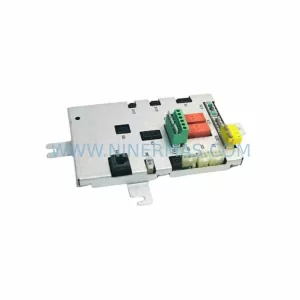
SKU: DSQC611 3HAC13389-2
ABB DSQC611 3HAC13389-2 Service-Ready Spare for IRC5
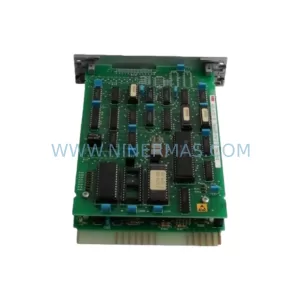
SKU: HESG447440R0001 70BK03C-E
ABB HESG447440R0001 70BK03C-E Safety-Reliable I/O Module
SKU: PM632 3BSE005831R1
ABB PM632 3BSE005831R1 Retrofit-Compatible Processor for Legacy Systems
Catalog Continuation
Alternative parts within PLC & Industrial Automation Modules.
Stay inside the same system family when you need substitutes, adjacent modules, or a broader shortlist for procurement review.