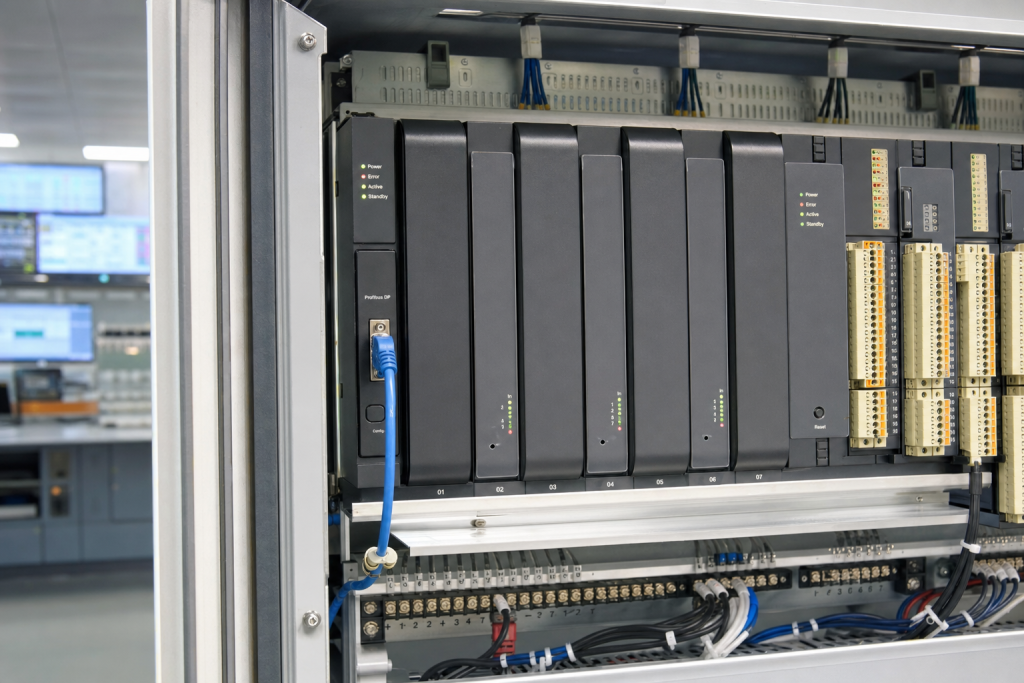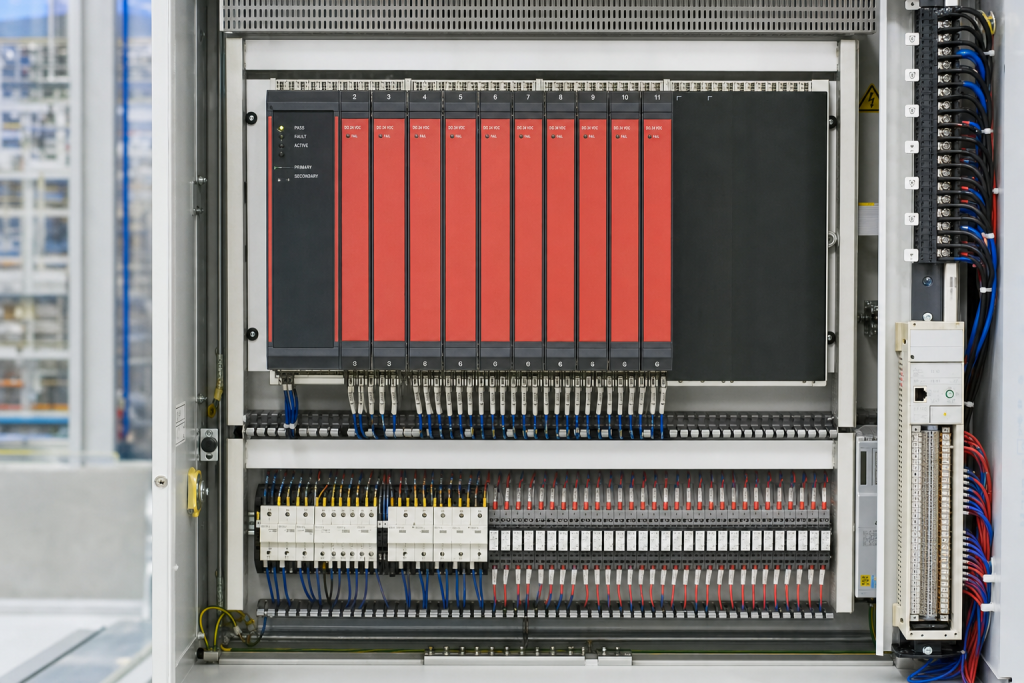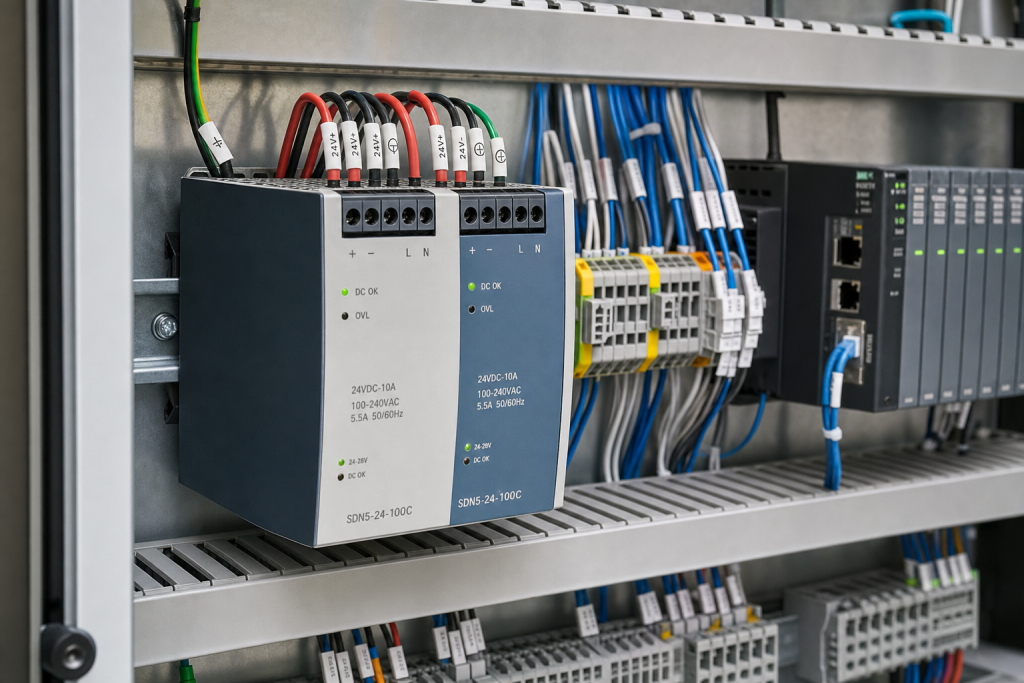
CISA published advisory ICSA-26-181-01 on June 30, 2026 for Mitsubishi Electric MELSOFT Update Manager SW1DND-UDM-M. At first glance, an update manager advisory may look less urgent than a PLC CPU or safety controller notice. In a real plant, however, engineering software is part of the recovery path. If the workstation that manages updates, projects, licenses, or backups is weak, the spare hardware on the shelf may not be enough to recover the line.
NINERMAS readers maintain mixed DCS, PLC, SIS, and monitoring environments where software tools often outlive the original project team. A Mitsubishi PLC platform may still run reliably, but the plant may depend on one old engineering laptop, one USB license device, one folder of project files, and one person who knows where the update media is stored. A cybersecurity advisory is a good moment to check that fragile chain.
Treat engineering stations as operational assets
An engineering workstation is not ordinary office IT. It may contain project files, device drivers, firmware packages, serial adapters, Ethernet settings, license files, virtual machines, and vendor-specific update utilities. When the workstation is rebuilt or isolated, maintenance can lose the ability to compare versions, restore a controller, or validate a replacement module. That makes the engineering station a spare-planning asset.
The practical record should include hardware model, operating system, installed engineering tools, software versions, license handling, backup location, required adapters, and the controller families supported. If the workstation supports Mitsubishi PLC maintenance, record the MELSOFT tools and safe update workflow. This belongs beside broader platform and system guides, not in a forgotten IT inventory.
The spare kit is more than a laptop
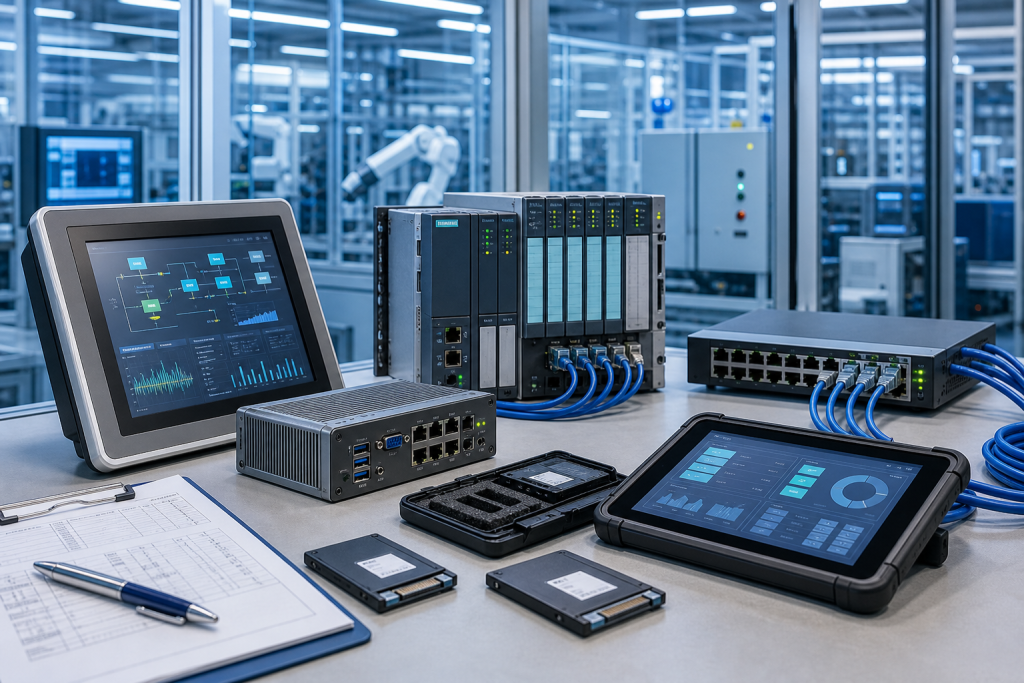
A useful engineering spare kit can include a compatible workstation or virtual image, recovery media, license evidence, USB or serial adapters, Ethernet cables, memory cards, backup SSDs, antivirus or allow-listing notes, and a clean project-file archive. For older systems, adapter and driver compatibility can matter as much as the computer itself. A new laptop that cannot talk to the installed PLC is not a recovery workstation.
Backups should be tested before the outage. Open the project, confirm the software can read it, verify that required drivers are present, and confirm that the restore process does not depend on a missing password or retired employee. Do not expose sensitive credentials in purchasing records; simply record whether backup ownership is current, old, unknown, or under review.
Procurement also needs better evidence. If a replacement workstation, license device, interface adapter, or memory accessory is required, the RFQ should include model photos, software role, quantity, acceptable condition, destination, and deadline. Ask suppliers to state whether the quote is hardware-only or includes the required accessory set.
Use advisories to clean up ownership
The most valuable question after an engineering-tool advisory is simple: who owns the recovery path? Controls may own the project file, IT may own the operating system image, procurement may own replacement hardware, and cybersecurity may own access restrictions. If those responsibilities are not written down, the next maintenance window will expose them under pressure.
A yearly engineering workstation audit is a practical compromise. List the tools, project families, licenses, backups, adapters, and supported equipment. Then identify what would stop a replacement from being commissioned within the target recovery window. Some gaps need purchase. Some need documentation. Some need a clean virtual image. All are cheaper to solve calmly.
For plants running several Mitsubishi or mixed PLC platforms, keep one approved workstation baseline for maintenance. This does not mean every site needs identical hardware. It means the recovery method, software versions, license storage, and adapter kit should be deliberate rather than improvised.
Receiving inspection should also cover software support items. If a replacement adapter, license device, or workstation is purchased, check it against the installed platform before it enters stores. Confirm that drivers install, ports communicate, and the project can at least be opened in a safe offline environment. A sealed box on the shelf is not proof of readiness.
For procurement, separate three needs in the RFQ: emergency replacement, planned workstation refresh, and bench-test support. Emergency replacement needs speed and accessory completeness. Planned refresh can allow more time for compatibility review. Bench-test support may accept a narrower configuration. When those needs are mixed together, suppliers may quote technically valid items that do not match the maintenance target.
If your team is uncertain which evidence is safe to share, use the NINERMAS request quote path with hardware photos and role descriptions only. Keep project logic, credentials, and confidential network details inside the plant.
FAQ
Does the MELSOFT advisory mean my PLC hardware is unsafe?
Not automatically. It means the engineering software environment should be reviewed against vendor guidance, exposure, update process, and recovery readiness.
What should be included in an engineering workstation spare kit?
Include compatible workstation hardware or a tested VM, project backups, license evidence, update media, adapters, cables, memory devices, and restore notes.
Should project files be sent in an RFQ?
No. Send safe hardware and role evidence only. Keep project files, passwords, and sensitive configuration inside approved plant processes.
How does this relate to spare parts?
A replacement PLC, module, or memory card still needs software access and backup evidence. Engineering workstation readiness makes the hardware spare usable.
If your plant is reviewing Mitsubishi engineering tools after the MELSOFT advisory, send NINERMAS safe workstation details, adapter photos, and recovery priorities. We can help identify the practical spare path behind the software notice.
© 2026 NINERMAS. All rights reserved. Official Website: https://NINERMAS.com Inquiry: sale@NINERMAS.com | WhatsApp/Tel: +86 187 5021 5667
Next Step
Move the research into a cleaner RFQ.
Send the part number, quantity, condition expectation, destination, and timing details so the sourcing team can reply with better availability and lead-time context.