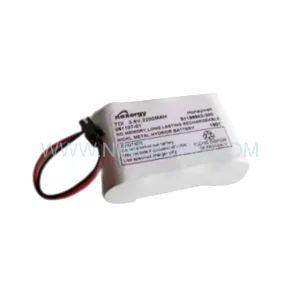
Original Industrial Spare Part
Siemens 6DD1688-1AB0 Retrofit-Compatible Interface Submodule
Verify the part, confirm the platform family, and move straight into quotation with the right commercial details.
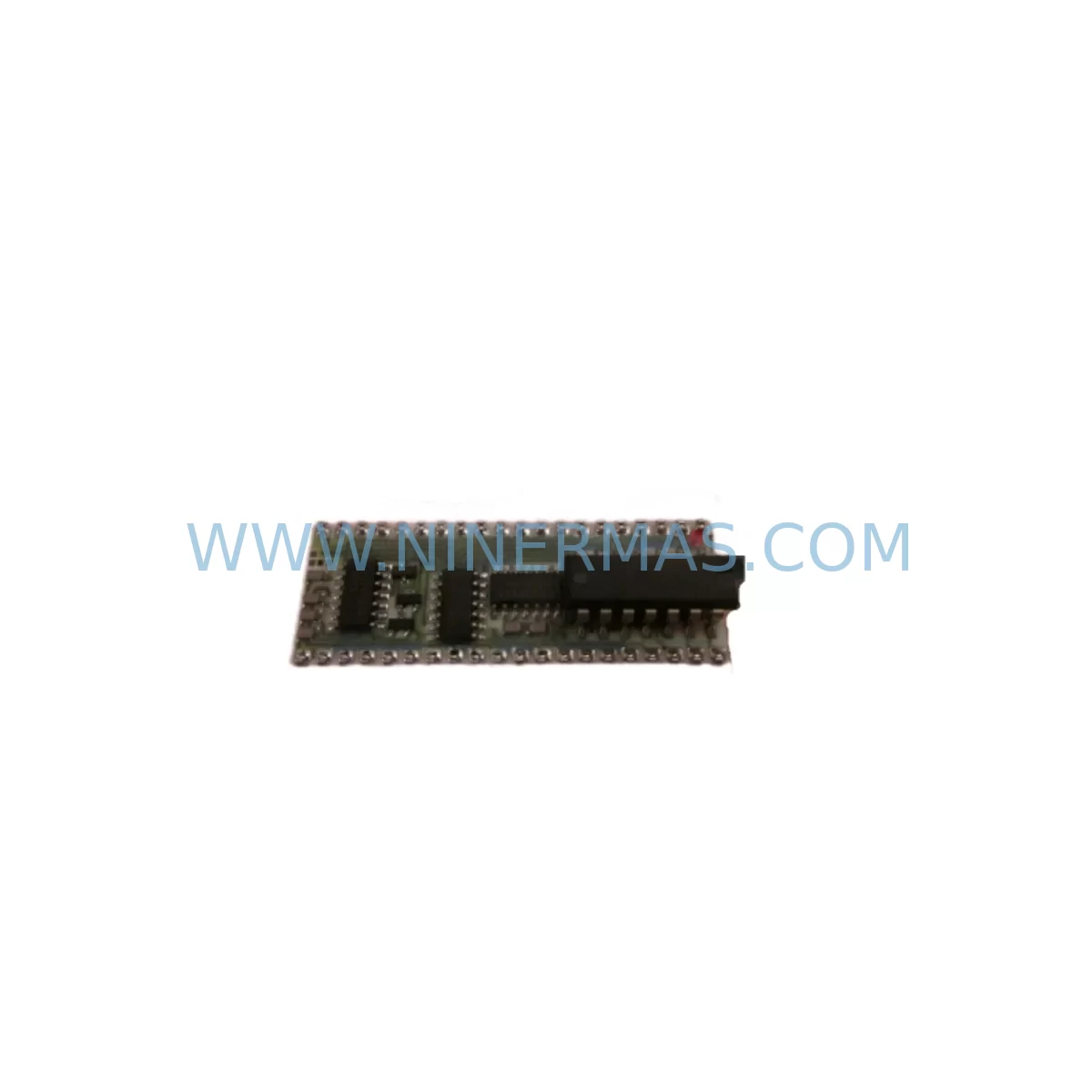
RFQ Ready
- SKU6DD1688-1AB0
- CategoryPLC & Industrial Automation Modules
- BrandSiemens
- SupportAvailability, lead time, condition, and shipping coordination
How Buyers Usually Use This Page
- Confirm the exact part number and platform family before sending the quote request.
- Use direct email when quantity, condition, and destination are already defined internally.
- Switch to the broader brand or category archive when you need alternates nearby.
Series Navigation
Move through the most common platform families behind this part.
Product RFQ
Send this part directly for quotation.
Include quantity, required condition, destination country, and target delivery timing. Current reference: Siemens 6DD1688-1AB0 Retrofit-Compatible Interface Submodule with SKU 6DD1688-1AB0.
Siemens 6DD1688-1AB0 Retrofit-Compatible Interface Submodule for Legacy Systems
The Siemens 6DD1688-1AB0 is a retrofit-compatible interface submodule engineered for integration into SIMADYN D control platforms and related legacy automation architectures. As industrial facilities face increasing pressure to extend the operational life of aging control systems while managing the risks of discontinued spare parts, the 6DD1688-1AB0 provides a reliable, field-proven solution for engineers undertaking panel upgrades, control cabinet modernization, and process continuity programs. Each unit supplied by NINERMAS COMPANY LIMITED is pre-shipment tested, documented, and backed by a 12-month warranty, ensuring confidence in every retrofit deployment.
Originally designed for high-demand drive and process control environments, the 6DD1688-1AB0 serves as a critical interface layer between the SIMADYN D processor modules and peripheral I/O or communication subsystems. Its compact submodule form factor fits standard SIMADYN D rack assemblies without mechanical modification, making it a preferred choice for maintenance engineers who need to minimize installation time and avoid costly structural changes to existing control cabinets.
Upgrade Compatibility Table
| Parameter | Details |
|---|---|
| Part Number | 6DD1688-1AB0 |
| Brand / Manufacturer | Siemens |
| Series / Platform | SIMADYN D |
| Module Type | Interface Submodule |
| Rack / Backplane Compatibility | SIMADYN D standard rack; compatible with 6DD1660-0AH0 and related backplane assemblies |
| Communication Interface | Parallel bus interface; compatible with SIMADYN D internal communication protocol |
| Replacement Suitability | Direct retrofit replacement for failed or end-of-life 6DD1688-1AB0 units in existing installations |
| Installation Requirement | No mechanical modification required; slot-in replacement within existing rack |
| Power Supply Compatibility | Powered via SIMADYN D rack bus; verify rack PSU capacity before installation |
| Commissioning Notes | Verify module address settings, I/O mapping, and HMI signal assignments post-installation |
| Pre-Shipment Testing | Yes — functional test performed before dispatch |
| Warranty | 12 Months |
| Stock Status | Available — contact for lead time confirmation |
Retrofit Planning for Existing Automation Systems
Replacing the 6DD1688-1AB0 within a live or recently decommissioned SIMADYN D installation requires a structured approach to avoid configuration errors and unplanned downtime. Before removing the failed submodule, engineers should document the existing rack slot assignment, verify the power budget of the installed 6DD1660-0AH0 backplane, and confirm that the associated 6DD1607-0AA0 processor module firmware version is compatible with the replacement unit.
In systems where the 6DD1688-1AB0 interfaces with external I/O expansion racks, it is essential to map all terminal wiring connections prior to removal. Field wiring connected to downstream 6DD1681-0AE0 I/O submodules or analog input cards must be labeled and photographed to ensure accurate reconnection. Any signal isolators installed between the submodule and field instruments should also be checked for impedance compatibility with the replacement unit.
For installations that include SIMATIC S5 or early SIMATIC S7-300 controllers operating alongside the SIMADYN D platform, engineers should verify that the communication link between the interface submodule and the PLC remains intact after replacement. In mixed-platform environments, the 6DD1684-0AE0 communication module may require re-parameterization to re-establish the data exchange cycle after the 6DD1688-1AB0 is swapped.
HMI systems connected to the SIMADYN D platform — including legacy SIMATIC OP series operator panels or SCADA workstations running WinCC — should be monitored during the first commissioning cycle after replacement. Signal tag assignments and alarm thresholds linked to the interface submodule’s I/O channels must be verified against the original engineering documentation to prevent false alarms or missed process events.
Where the control cabinet also houses a 6DD1682-0BD0 power supply module, engineers should confirm that the total current draw of the rack does not exceed the PSU’s rated output after the new submodule is installed. Overloaded power supplies are a common root cause of intermittent faults in retrofitted SIMADYN D systems and should be addressed proactively during the upgrade planning phase.
For facilities running PROFIBUS DP networks connected through the SIMADYN D platform, the network segment should be tested for correct termination and address uniqueness after the 6DD1688-1AB0 replacement. A PROFIBUS diagnostic tool or programming cable such as the 6ES7 972-0CB20-0XA0 can be used to verify bus integrity and confirm that all slave devices are responding correctly before the system is returned to production.
Downtime Control During System Migration
Minimizing production downtime during a SIMADYN D interface submodule replacement requires careful pre-planning and a disciplined change management process. The recommended approach is to perform a full backup of the existing control program using the SIMADYN D engineering software before any hardware is disturbed. This backup should include all function block parameters, I/O assignments, communication configurations, and HMI variable mappings, stored on a secure offline medium.
Where possible, the replacement of the 6DD1688-1AB0 should be scheduled during a planned maintenance window rather than as an emergency repair. Pre-staging the replacement unit — including verifying its physical condition, confirming the module address switch settings match the original, and performing a bench-level power-on test — reduces the risk of a second failure during the live swap. NINERMAS supplies each 6DD1688-1AB0 with a pre-shipment functional test report to support this pre-staging process.
During the physical swap, the control system should be placed in a safe state with all field outputs de-energized and interlocks confirmed. After the new submodule is seated in the rack, the system should be powered up in stages: first confirming rack bus communication, then verifying I/O channel responses, and finally re-enabling process control loops one section at a time. This staged restart approach protects the original program logic and allows engineers to isolate any configuration discrepancies before they affect production.
Post-commissioning, a minimum 30-minute observation period under normal operating conditions is recommended before the maintenance window is closed. Any deviations in process values, alarm states, or communication cycle times should be investigated and resolved before the system is handed back to operations. Detailed commissioning records — including the replacement unit serial number, test results, and sign-off signatures — should be retained as part of the plant’s maintenance history for future reference and warranty claims.
Retrofit Support FAQ
Q1: Is the 6DD1688-1AB0 a direct drop-in replacement for the original Siemens unit?
Yes. The 6DD1688-1AB0 supplied by NINERMAS is functionally equivalent to the original Siemens production unit. It is designed to fit the same rack slot, use the same backplane connector, and operate within the same SIMADYN D control architecture without requiring hardware modification or firmware changes in most standard installations. Engineers should verify module address switch settings match the original configuration before powering up.
Q2: What pre-shipment testing is performed on each unit?
Every 6DD1688-1AB0 dispatched by NINERMAS undergoes a functional power-on test to verify that the module initializes correctly, all interface circuits are active, and there are no visible or measurable defects. A test record is available upon request. Units are packed in anti-static protective packaging to prevent damage during transit.
Q3: What is the warranty coverage and how do I make a claim?
All units are covered by a 12-month warranty from the date of shipment. The warranty covers manufacturing defects and functional failures under normal operating conditions. To initiate a warranty claim, contact NINERMAS at sale@ninermas.com with the order reference, unit serial number, and a description of the fault. Replacement or repair will be arranged promptly to minimize your system downtime.
Q4: Can NINERMAS confirm long-term stock availability for ongoing maintenance programs?
Yes. NINERMAS operates a long-term spare parts supply program specifically for discontinued and end-of-life industrial automation components including the SIMADYN D series. For facilities requiring guaranteed stock commitments over 12–36 month horizons, please contact our sales team to discuss inventory reservation agreements and bulk pricing options.
| Product Series | SIMADYN D |
|---|---|
| Country of Origin | DE |
Catalog Continuation
More Siemens modules in the catalog.
Use the brand lane to compare nearby part numbers, platform-adjacent modules, and other inquiry-ready listings before sending your final RFQ.
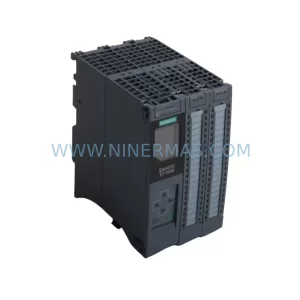
SKU: 6ES7511-1CK01-0AB0
Siemens 6ES7511-1CK01-0AB0 Service-Ready Spare Part
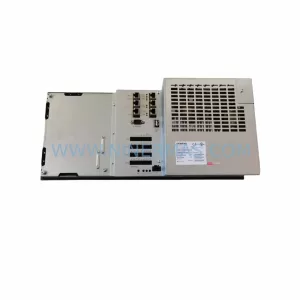
SKU: 828D PPU281.1 6FC5370-7AA00-0AA0
Siemens 6FC5370-7AA00-0AA0 Retrofit Panel Processing Unit
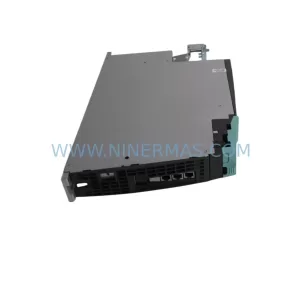
SKU: 6SL3120-1TE21-0AD0
Siemens 6SL3120-1TE21-0AD0 Safe Double Motor Module
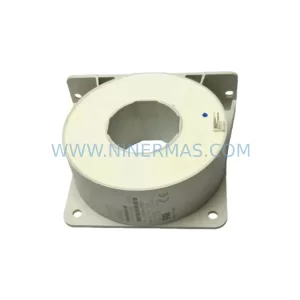
Catalog Continuation
Alternative parts within PLC & Industrial Automation Modules.
Stay inside the same system family when you need substitutes, adjacent modules, or a broader shortlist for procurement review.
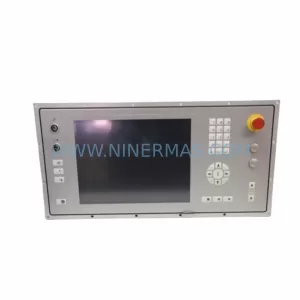
SKU: 5AP980.1505-K15
B&R 5AP980.1505-K15 Retrofit-Compatible Panel PC for Legacy Systems
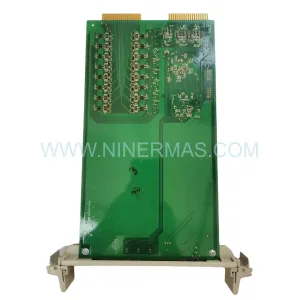
SKU: 3HAC025097-001 DSQC639
ABB 3HAC025097-001 DSQC639 Service-Ready Spare Part for Industrial Maintenance
SKU: 6ES5470-4UC12
Siemens 6ES5470-4UC12 Retrofit-Compatible Analog Output