Original Industrial Spare Part
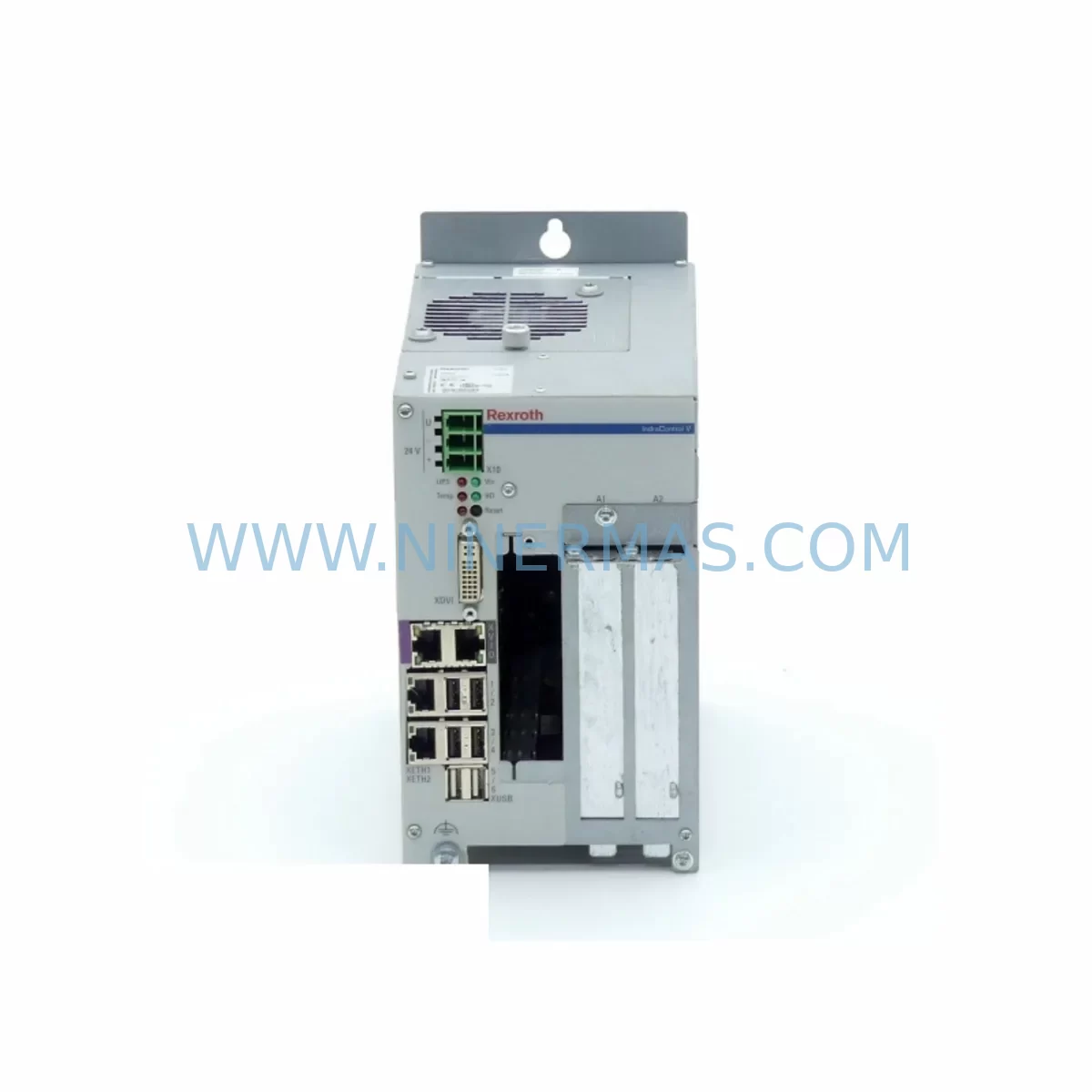
Rexroth VPB40 Retrofit-Compatible Panel PC for Legacy Systems
Verify the part, confirm the platform family, and move straight into quotation with the right commercial details.
RFQ Ready
- SKUVPB40
- CategoryPLC & Industrial Automation Modules
- BrandBosch Rexroth
- SupportAvailability, lead time, condition, and shipping coordination
How Buyers Usually Use This Page
- Confirm the exact part number and platform family before sending the quote request.
- Use direct email when quantity, condition, and destination are already defined internally.
- Switch to the broader brand or category archive when you need alternates nearby.
Series Navigation
Move through the most common platform families behind this part.
Product RFQ
Send this part directly for quotation.
Include quantity, required condition, destination country, and target delivery timing. Current reference: Rexroth VPB40 Retrofit-Compatible Panel PC for Legacy Systems with SKU VPB40.
Rexroth VPB40 Retrofit-Compatible Panel PC for Legacy Systems
The Bosch Rexroth VPB40 is an IndraControl V-series industrial panel PC designed for demanding automation environments. As legacy Indramat and early Rexroth control platforms approach end-of-life, the VPB40 has become a critical retrofit component for plant engineers and maintenance teams seeking to extend the operational life of existing production lines without committing to a full system overhaul. With its robust industrial-grade construction, compatibility with Rexroth’s IndraControl architecture, and support for SERCOS, Profibus, and Ethernet-based communication protocols, the VPB40 serves as a reliable bridge between discontinued control hardware and modern automation requirements.
Whether you are replacing a failed operator terminal, upgrading an aging HMI station, or migrating a legacy Indramat-based control cabinet to a current Rexroth platform, the VPB40 provides the processing power, display interface, and I/O connectivity needed to maintain production continuity. NINERMAS maintains verified stock of the VPB40 with pre-shipment functional testing and a 12-month warranty, ensuring that your retrofit project proceeds with confidence and minimal downtime risk.
Upgrade Compatibility Table
| Parameter | Specification | Retrofit Notes |
|---|---|---|
| Interface Type | Touch panel / keypad | Verify HMI screen layout compatibility with existing operator workflow |
| Mounting Dimensions | Panel cutout per IndraControl V standard | Confirm cabinet door cutout dimensions before installation |
| Power Supply Input | 24 VDC nominal | Check existing PSI6100 or equivalent power supply output capacity |
| Communication Protocols | SERCOS II/III, Profibus DP, Ethernet/IP | Validate protocol version compatibility with connected drives and PLCs |
| Display Resolution | VGA / SVGA (model-dependent) | Confirm resolution matches existing HMI project screen definitions |
| Backplane Connector | IndraControl V backplane interface | Inspect backplane slot alignment and connector pin condition |
| Replacement Reference | Replaces legacy Indramat BTV series terminals | Program migration from BTV40 operator terminal recommended |
| Commissioning Focus | Address assignment, firmware version, HMI project upload | Use IndraWorks or WinStudio for project transfer and parameter restore |
| OS Compatibility | Windows CE / Windows Embedded | Confirm application software compatibility before deployment |
| Warranty | 12 months from shipment | Covers hardware defects; functional test report available on request |
Retrofit Planning for Existing Automation Systems
Successful integration of the VPB40 into an existing automation system requires careful pre-project assessment across several technical dimensions. Before removing the legacy operator terminal, engineers should document all existing HMI screen definitions, alarm configurations, and operator parameter sets. If the current installation uses a BTV40 operator terminal connected to an Indramat-era control bus, the migration path to the VPB40 typically involves updating the communication module configuration and re-uploading the HMI project using IndraWorks Engineering.
On the drive side, systems running CSB01.1N IndraDrive controllers or legacy HDS03.2-W075N servo drives must have their axis parameters and motion profiles backed up prior to any panel replacement. The VPB40 communicates with these drives via SERCOS fiber-optic ring or Profibus DP, and the ring topology must be re-established correctly after installation. If the system includes a DKC02.3 drive controller operating in an older Indramat rack, verify that the firmware version on the DKC02.3 is compatible with the communication protocol version supported by the VPB40.
Memory and storage considerations are equally important. The VPB40 typically uses a CFL01.1 CompactFlash card as its primary storage medium. Before commissioning, confirm that the CompactFlash card contains the correct firmware image and that the HMS01.1N memory module — if present in the drive system — holds a valid parameter set backup. For systems using a CDB01.1C communication board to interface between the control panel and a fieldbus network, verify that the board’s node address and baud rate settings are preserved during the panel swap.
I/O expansion requirements should also be reviewed. If the existing control cabinet relies on distributed I/O modules connected via Profibus or Interbus, the VPB40’s communication configuration must reflect the correct GSD file entries and I/O address mapping. Any changes to the I/O map will require corresponding updates in the PLC program, particularly if the system runs IndraLogic as its soft PLC environment. Signal isolators between the panel and field devices should be inspected for compatibility with the VPB40’s input voltage ranges.
Finally, confirm that the existing PSI6100 power supply or equivalent 24 VDC source can support the additional current draw of the VPB40 alongside other cabinet components. Insufficient power supply headroom is a common cause of intermittent faults during retrofit commissioning and should be ruled out before the system is returned to production.
Downtime Control During System Migration
Minimizing production downtime during a panel PC replacement requires a structured migration approach. Begin by scheduling the replacement during a planned maintenance window and preparing a complete backup of all PLC programs, drive parameters, HMI projects, and communication configurations before any hardware is removed. Use the IndraWorks project archive function to capture the full system state, including axis configurations and safety parameters if applicable.
Where possible, pre-stage the VPB40 on a bench setup to verify firmware version, HMI project upload, and communication link establishment before bringing it to the production floor. This parallel preparation approach allows the engineering team to identify and resolve compatibility issues — such as mismatched SERCOS cycle times or incorrect Profibus node addresses — without consuming production time.
During the physical swap, label all terminal wiring clearly before disconnection and photograph the existing wiring layout for reference. Re-establish the SERCOS fiber ring or Profibus cable connections in the correct sequence and power up the system in a controlled manner, monitoring drive status indicators and communication diagnostics before enabling machine motion. Retain the original operator terminal as a spare until the VPB40 has completed a full production cycle without fault, providing a fallback option if unexpected compatibility issues arise.
Retrofit Support FAQ
Q: Is the VPB40 a direct drop-in replacement for the BTV40 operator terminal?
A: The VPB40 and BTV40 share the same IndraControl V platform architecture, but the HMI project and communication configuration must be migrated and re-uploaded. Physical mounting dimensions are compatible in most cabinet configurations, but verify the panel cutout size and backplane connector alignment before installation.
Q: Does NINERMAS perform functional testing before shipment?
A: Yes. All VPB40 units are powered on and functionally tested prior to shipment. A test report is available on request. Units are shipped with protective packaging to prevent transit damage to the display and connector interfaces.
Q: What wiring adaptations are typically required during installation?
A: Terminal wiring for power input (24 VDC), communication cables (SERCOS fiber or Profibus DP), and any discrete I/O connections should be verified against the VPB40 wiring diagram. If the existing installation uses non-standard cable lengths or connector types, adapters or short extension cables may be required. NINERMAS technical support can provide wiring reference documentation upon request.
Q: What does the 12-month warranty cover, and is stock available for immediate shipment?
A: The 12-month warranty covers hardware defects under normal operating conditions and excludes damage caused by incorrect installation, overvoltage, or environmental contamination. NINERMAS maintains verified stock of the VPB40 and can confirm lead time and availability upon inquiry. Contact sale@ninermas.com or call +0086 187 5021 5667 for current stock status and pricing.
| Product Series | Legacy |
|---|---|
| Country of Origin | DE |
Catalog Continuation
Nearby part numbers around VPB40.
Use this lane when the buyer is comparing adjacent model numbers, revision-near items, or closely related spare variants within the same brand family.
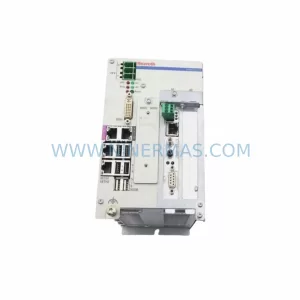
SKU: VPB40.3D1L-1G0NN-D1D-DN-NN-FW R911171030
Rexroth VPB40.3D1L-1G0NN-D1D-DN-NN-FW Safety-Reliable HMI Panel
Catalog Continuation
More Bosch Rexroth modules in the catalog.
Use the brand lane to compare nearby part numbers, platform-adjacent modules, and other inquiry-ready listings before sending your final RFQ.
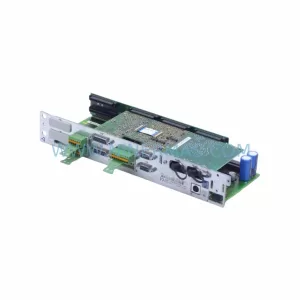
SKU: CDB01.1C-SE-ENS-ENS-NNN-NNN-NN-S-NN-FW
Bosch Rexroth CDB01.1C-SE-ENS-ENS-NNN-NNN-NN-S-NN-FW Safety-Reliable Drive
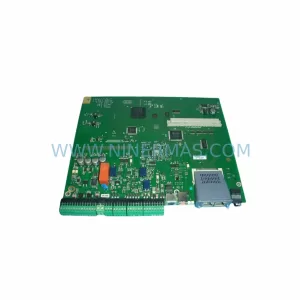
SKU: 1070092392-AA/1070089906-GI1
Rexroth 1070092392-AA/1070089906-GI1 Spare Part for Industrial Maintenance
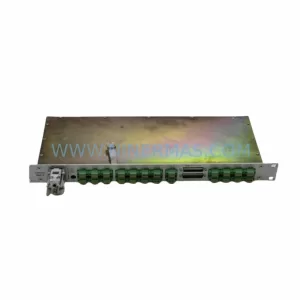
SKU: R91132808 CDB01.1C-SE-ENS-ENS-NNN-NNN-S2-S-NN-FW
Rexroth R91132808 CDB01.1C Safety-Reliable Drive Control for Critical Sites
Catalog Continuation
Alternative parts within PLC & Industrial Automation Modules.
Stay inside the same system family when you need substitutes, adjacent modules, or a broader shortlist for procurement review.
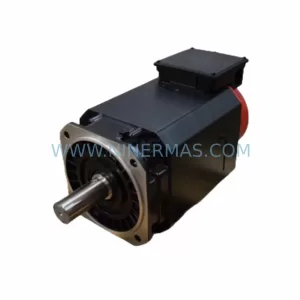
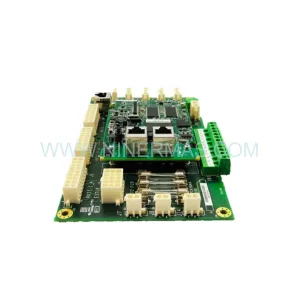
SKU: IS200AEPCH1ABC
GE IS200AEPCH1ABC Energy Board | Mark VIe Safety & Performance


SKU: 00-176-037 00-176-037 00-262-652 00-262-652 00-178-888 00-178-888
KUKA 00-176-037 Retrofit Reducer Module for Legacy Systems