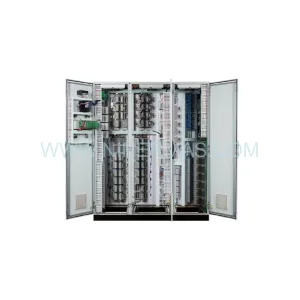
Original Industrial Spare Part
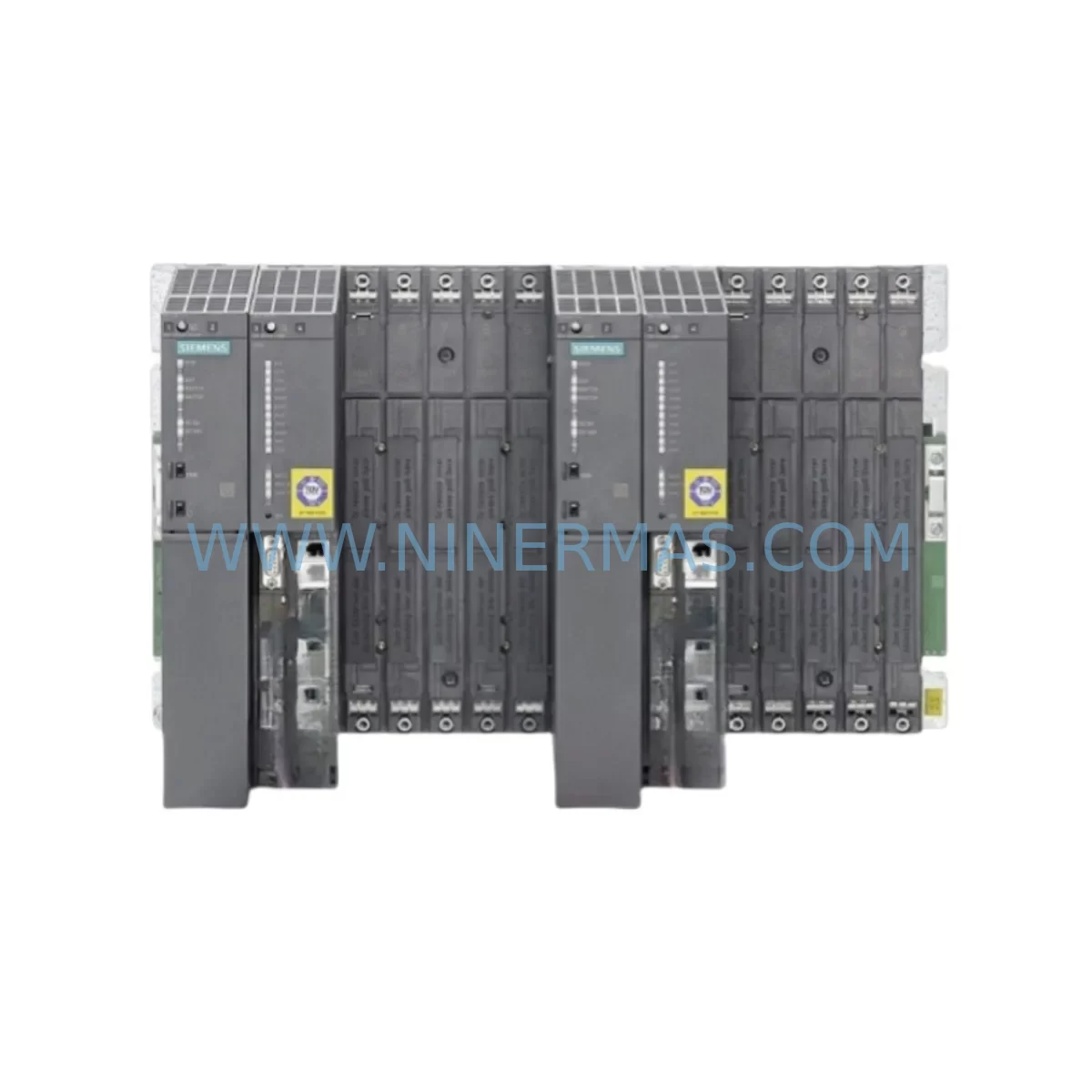
Siemens 6ES7400-0HR01-4AB0 Service-Ready Spare Part
Verify the part, confirm the platform family, and move straight into quotation with the right commercial details.
RFQ Ready
- SKU6ES7400-0HR01-4AB0
- CategoryPLC & Industrial Automation Modules
- BrandSiemens
- SupportAvailability, lead time, condition, and shipping coordination
How Buyers Usually Use This Page
- Confirm the exact part number and platform family before sending the quote request.
- Use direct email when quantity, condition, and destination are already defined internally.
- Switch to the broader brand or category archive when you need alternates nearby.
Series Navigation
Move through the most common platform families behind this part.
Product RFQ
Send this part directly for quotation.
Include quantity, required condition, destination country, and target delivery timing. Current reference: Siemens 6ES7400-0HR01-4AB0 Service-Ready Spare Part with SKU 6ES7400-0HR01-4AB0.
Siemens 6ES7400-0HR01-4AB0 Service-Ready Spare Part for Industrial Maintenance
The Siemens 6ES7400-0HR01-4AB0 is a ruggedized power supply module from the SIMATIC S7-400 PS 407 series, engineered for continuous operation in demanding industrial environments including high-vibration, wide-temperature, and electrically noisy plant floors. As a direct service-ready spare part, this unit is sourced, inspected, and dispatched by NINERMAS to support maintenance engineers and procurement teams managing critical automation infrastructure with zero tolerance for unplanned downtime.
Whether you are executing a planned annual overhaul, responding to an emergency shutdown, or building a strategic spare parts buffer for your S7-400 control cabinet, the 6ES7400-0HR01-4AB0 delivers the electrical reliability and form-factor compatibility required for a drop-in replacement without system reconfiguration.
Spare Maintenance Table
| Parameter | Specification |
|---|---|
| Part Number / SKU | 6ES7400-0HR01-4AB0 |
| Brand | Siemens |
| Series | SIMATIC S7-400 / PS 407 |
| Module Type | Ruggedized Power Supply Module |
| Output Voltage | 24 V DC / 5 V DC (rack supply) |
| Input Voltage Range | 85–264 V AC (wide-range) |
| Design Standard | Ruggedized (extended temperature & vibration tolerance) |
| Mounting | S7-400 UR1 / UR2 / UR2-H Rack, Slot 1 or 2 |
| Compatibility | SIMATIC S7-400 CPU 41x, CPU 412, CPU 414, CPU 416, CPU 417 series |
| Application Environment | Process automation, heavy industry, harsh plant environments |
| Origin | Germany |
| Condition | Original spare part — inspected and tested before shipment |
| Warranty | 12 Months from date of shipment |
| Lead Time | Subject to stock availability — contact for confirmation |
| Maintenance Recommendation | Replace at first sign of output voltage drift, fan noise, or thermal alarm; inspect every 3–5 years in continuous-duty installations |
Maintenance Planning for Continuous Operation
When a 6ES7400-0HR01-4AB0 power supply module is flagged for replacement during a control cabinet inspection or after a fault event, experienced maintenance engineers know that the power supply is rarely the only component that warrants attention. A systematic approach to the surrounding electrical circuit significantly reduces the risk of repeat failures and secondary downtime.
Begin by verifying the 24 V DC bus integrity across the S7-400 rack. A degraded power supply often masks underlying issues in the backplane bus connector or the UR2 rack itself — inspect the rack’s bus contacts for oxidation or mechanical damage before installing the replacement module. If the cabinet serves a process-critical loop, also check the CPU module (such as a 6ES7414-3XM05-0AB0 or 6ES7416-3XS07-0AB0) for any stored diagnostic buffer entries that may indicate prior undervoltage events.
On the input side, inspect the AC supply circuit breaker and any surge protection device (SPD) upstream of the panel. A failed power supply in a ruggedized application is frequently preceded by transient overvoltage events that also stress input filter capacitors and EMC suppression components. Replacing the power supply without addressing upstream surge exposure is a common cause of premature re-failure.
For I/O integrity, audit the digital input and output modules connected to the same rack — modules such as the 6ES7421 or 6ES7422 series DI/DO cards can exhibit latent damage from power transients. Similarly, any analog input modules (e.g., 6ES7431 series) sharing the same 24 V supply rail should be verified for signal accuracy after the power supply swap.
Communication continuity is equally important. If the S7-400 system uses PROFIBUS DP or PROFINET communication modules (such as the 6GK7443 series CP modules), confirm that the communication bus recovers cleanly after power restoration and that no slave devices have dropped from the network configuration. In multi-rack configurations, check the IM 460 / IM 461 interface modules for proper synchronization after the power cycle.
For installations with redundant power supply configurations, verify that the standby PS module (if present) is within its service life and that the load-sharing diode assembly is functioning correctly. Procurement teams supporting long-lifecycle S7-400 installations should consider maintaining at least one 6ES7400-0HR01-4AB0 unit in local stock alongside a spare CPU battery module and a set of terminal block connectors to minimize mean time to repair (MTTR) during emergency callouts.
Site Replacement Workflow
Step 1 — Pre-replacement safety isolation: De-energize the cabinet following your site LOTO (Lockout/Tagout) procedure. Confirm zero voltage on the AC input terminals of the existing PS module using a calibrated multimeter.
Step 2 — CPU state preservation: Before removing the power supply, note the current CPU operating mode (RUN/STOP). If the CPU is equipped with a memory card (MMC), confirm the program is saved to the card. This prevents data loss during the power interruption.
Step 3 — Module extraction: Loosen the front panel screws on the 6ES7400-0HR01-4AB0, disconnect the AC input wiring from the terminal block, and slide the module out of the rack slot. Note the slot position — the PS module must be reinstalled in Slot 1 or Slot 2 of the S7-400 rack.
Step 4 — Replacement installation: Insert the new 6ES7400-0HR01-4AB0 into the same slot. Reconnect AC input wiring to the correct L, N, and PE terminals. Torque terminal screws to specification to ensure reliable contact.
Step 5 — Power-up and verification: Re-energize the cabinet and observe the PS module’s LED indicators. A steady green DC5V and DC24V LED confirms normal output. Monitor the CPU diagnostic buffer via STEP 7 or TIA Portal for any startup faults. Verify all I/O modules and communication interfaces have returned to normal operation before releasing the system to production.
Step 6 — Documentation: Record the replacement in your maintenance log including the date, replaced module serial number, and technician ID. Update your spare parts inventory accordingly.
Spare Parts Support FAQ
Q1: Is the 6ES7400-0HR01-4AB0 a direct drop-in replacement for earlier PS 407 variants?
The 6ES7400-0HR01-4AB0 is the ruggedized variant of the PS 407 power supply family and is mechanically and electrically compatible with the standard S7-400 rack system. It can replace earlier PS 407 modules in the same slot position. Always verify the output current rating matches your rack’s total load before installation. If you are replacing a non-ruggedized variant, the 6ES7400-0HR01-4AB0 provides enhanced environmental tolerance at equivalent electrical performance.
Q2: How does NINERMAS verify spare parts before shipment?
Every unit dispatched by NINERMAS undergoes a pre-shipment inspection covering physical condition, label authenticity, and where applicable, functional power-on testing. Units are packaged in anti-static, shock-protected packaging to prevent transit damage. A 12-month warranty is provided from the date of shipment, covering manufacturing defects and premature failure under normal operating conditions.
Q3: Can NINERMAS support long-term or blanket purchase orders for the 6ES7400-0HR01-4AB0?
Yes. NINERMAS specializes in long-lifecycle spare parts supply for industrial automation systems, including legacy Siemens S7-400 platforms. We support blanket orders, scheduled releases, and consignment stock arrangements for maintenance teams and MRO procurement departments managing multi-site installations. Contact our sales team to discuss volume pricing and lead-time commitments.
Q4: What should I do if my S7-400 system shows a power supply fault but the PS module appears undamaged?
A power supply fault diagnostic in the S7-400 CPU buffer does not always indicate a failed PS module. Before replacing the 6ES7400-0HR01-4AB0, check the AC input voltage at the module terminals, inspect the rack backplane for contamination or damaged bus contacts, and verify that the total current draw of installed modules does not exceed the PS module’s rated output. If the fault persists after these checks, the PS module should be replaced as part of a systematic fault isolation process. NINERMAS technical support can assist with compatibility and replacement guidance.
| Product Series | SIMATIC S7-400 |
|---|---|
| Country of Origin | DE |
Catalog Continuation
Likely Simatic S7-400 platform matches.
These parts are closer to the same platform family signaled by the current SKU and title, so buyers can validate continuity before sending a final RFQ.
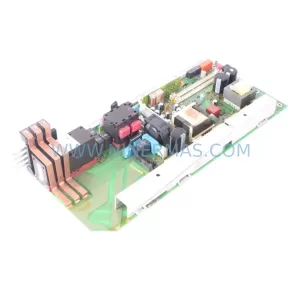
SKU: 6ES7135-6FB00-0BA1
Siemens 6ES7135-6FB00-0BA1 Retrofit AO for Legacy Systems
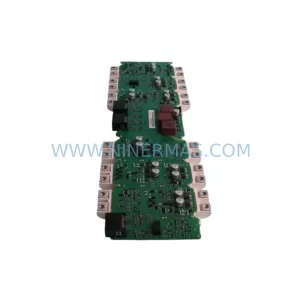
SKU: A5E00399482 C98043-A1716-L26
Siemens A5E00399482 C98043-A1716-L26 Retrofit Drive
SKU: A5E32100313 6SR0960-0CC07-1
Siemens A5E32100313 6SR0960-0CC07-1 Retrofit I/O Board
Catalog Continuation
More Siemens modules in the catalog.
Use the brand lane to compare nearby part numbers, platform-adjacent modules, and other inquiry-ready listings before sending your final RFQ.

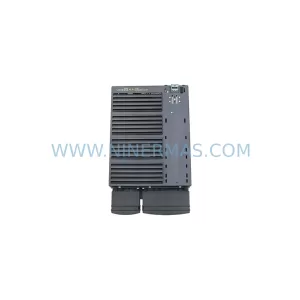
SKU: 6FC5357-0BB12-0AE0
Siemens 6FC5357-0BB12-0AE0 Service-Ready Industrial Spare Part
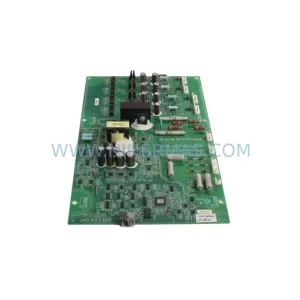
SKU: 6SL3224-0BE32-2UA0
Siemens 6SL3224-0BE32-2UA0 Retrofit PM240 Power Module
Catalog Continuation
Alternative parts within PLC & Industrial Automation Modules.
Stay inside the same system family when you need substitutes, adjacent modules, or a broader shortlist for procurement review.