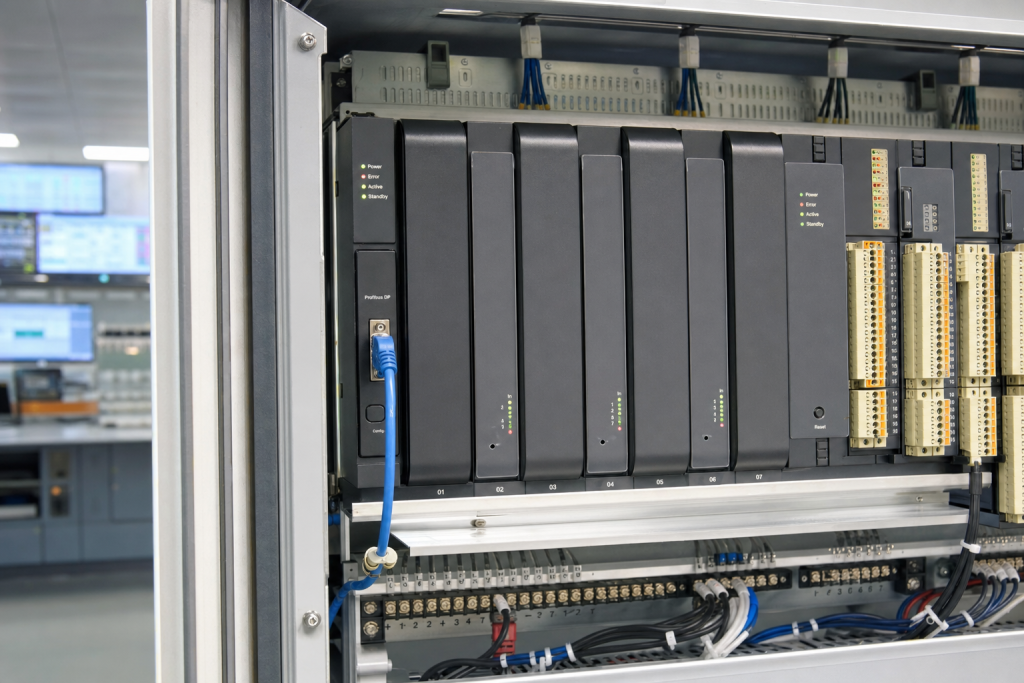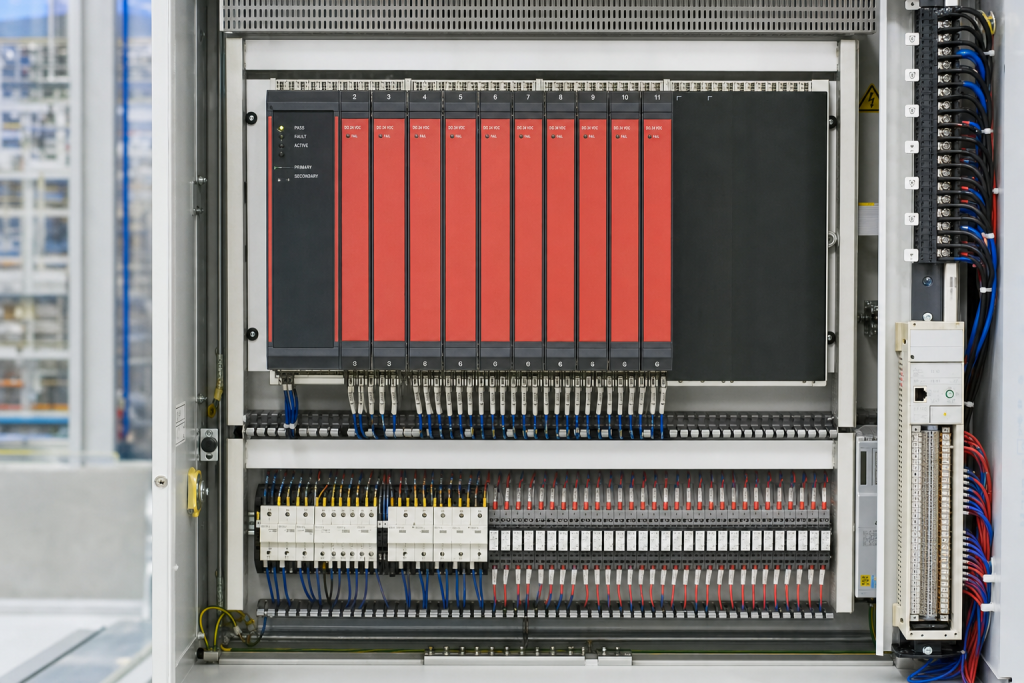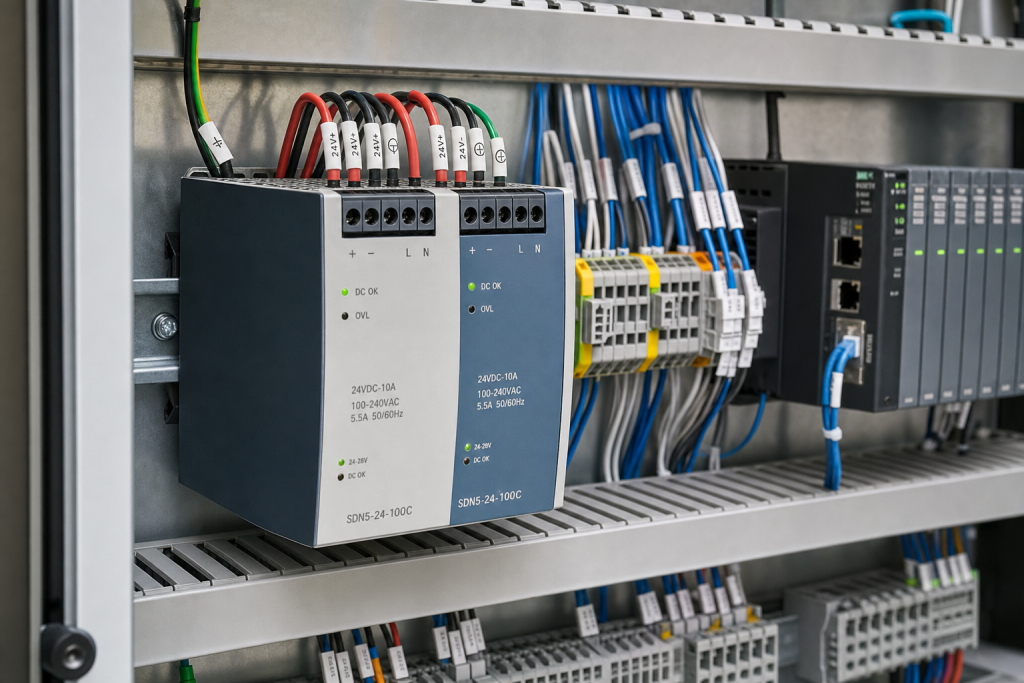

On June 11, 2026, CISA published advisory ICSA-26-162-03 for Brickcom Cameras. At first glance, a camera advisory may look less urgent than a PLC, DCS controller, or safety relay bulletin. In a plant, however, that distinction is becoming harder to defend. Network cameras sit on the same maintenance boundary as access control panels, remote substations, packaging-line HMIs, and engineering workstations. They are often installed by a different contractor and forgotten until an audit or incident forces the plant to ask who owns them.
The affected Brickcom Cube, Dome, Bullet, and Box cameras running version 3.2.3.5.6 were listed with missing authentication and default-credential weaknesses. CISA noted that exploitation could expose live video feeds, reveal sensitive visual information, and potentially lead to administrative control. The CVSS v3 score was 7.7. For maintenance and reliability teams, the lesson is not only “patch the camera.” Every Ethernet-connected edge device has become part of the industrial control system support plan, even when the asset tag still says “security equipment.”
The weak point is often outside the PLC rack
Most plants have improved discipline around controllers. A ControlLogix chassis, a CENTUM cabinet, a DeltaV controller, or a Triconex rack usually has drawings, firmware notes, spares, and a shutdown procedure. The less glamorous devices at the edge are different. IP cameras, serial servers, unmanaged switches, media converters, remote access gateways, and small firewalls are frequently added during projects and then disappear into “network infrastructure.” When one of those devices is vulnerable, obsolete, or physically failing, the plant discovers that nobody owns a tested spare.
That ownership gap is exactly where a security advisory turns into a maintenance problem. If a camera is reachable from the wrong VLAN, a firmware decision may require a site survey, switch-port review, firewall change, and temporary replacement. If the device has default credentials or cannot be patched, the practical mitigation may be replacement rather than configuration. That is why an OT camera security notice belongs in the same planning conversation as Honeywell Modbus TCP firewall modules, industrial Ethernet switches, and plant network interface cards.
Security remediation needs hardware readiness
In a meeting room, the instruction “replace vulnerable cameras” sounds simple. On the plant floor, it is rarely simple. Cameras may be mounted over live process areas, at loading bays, inside clean rooms, near hazardous zones, or in remote substations. Their network paths may pass through aging switches and old copper runs. Their power may come from a PoE injector that no one has touched in years.
That is why the best OT teams treat edge-device remediation as a small shutdown work package. Before touching firmware or changing credentials, they confirm the physical device, port, power source, configuration backup, compatible replacement, and rollback method. A spare camera is useful, but it is not enough. Patch leads, power injectors, SFPs, industrial switches, and protocol modules may all be part of the repair path.
This is where industrial spare-parts planning has to widen its scope. A plant that stocks a ProSoft MVI56E-MNETR Modbus TCP/IP network interface module already understands that communications hardware can be mission-critical. The same logic should apply to the edge layer. If a camera or gateway supports remote process checks, personnel safety, perimeter access, or material handling, it is no longer “just IT.”
What to check after a camera or edge-device advisory
The first check is exposure. Start with the path from the device to the rest of the plant. Is it reachable from the corporate network? Is it exposed through a vendor VPN? Does it share a switch with PLC I/O, safety engineering, or historian traffic? CISA’s recommended practices are familiar but still underused: minimize network exposure, keep control devices away from the internet, place remote devices behind firewalls, and isolate them from business networks where possible.
The second check is lifecycle. If the device is running old firmware and the vendor response is weak, a patch may not be enough. Decide whether it can remain in service behind stronger controls or should be replaced with a supportable model. Lead time, mounting compatibility, lens angle, PoE requirements, environmental rating, recording platform compatibility, and commissioning labor all matter.
The third check is the network spare pool. When security work touches physical infrastructure, the repair cart should not depend on last-minute online shopping. Depending on the site, the pool may include items such as a Bachmann MP213/E Ethernet master module, an ABB PNI800 plant network interface module, or a GE TCP/IP communication processor for legacy systems that cannot tolerate long network outages.
How maintenance and procurement should respond
For maintenance engineers, the response should begin with an asset walkdown. Pull a list of cameras, edge gateways, small switches, firewalls, serial converters, and PoE devices in production and utility areas. Compare it against the network scan. The mismatch is usually where the risk hides. Then classify each device by operational function.
For reliability engineers, the question is failure consequence. If a vulnerable edge device must be removed, does production lose operator situational awareness, remote maintenance access, or security monitoring required for safe operation? If yes, build a replacement path before the advisory becomes an emergency ticket.
For spare-parts buyers, the practical move is to add network edge hardware to the RFQ template. Ask for exact model numbers, condition, accessories, mounting parts, and cable/interface requirements. For legacy systems, include adjacent communication modules and firewalls in the same inquiry. A camera replacement may seem unrelated to a PLC module until the work depends on an old switch, a Modbus TCP gateway, or a proprietary plant network card.
FAQ
Does an IP camera advisory really matter to an industrial control system?
Yes, when the camera is connected to OT networks, remote operations, access control, safety observation, or production troubleshooting. Even if it does not run logic, it can expose sensitive visual information or become a weak entry point into poorly segmented plant networks.
Should we patch vulnerable OT cameras immediately?
Patch when a vendor-supported update exists and after impact analysis. If the device is old, undocumented, or difficult to access, first confirm configuration backups, physical access, replacement hardware, and rollback steps. A rushed patch can create downtime if the device fails or loses compatibility.
What spare parts should be reviewed after an edge-device vulnerability?
Review the camera or gateway itself plus the surrounding network chain: PoE injectors, switches, SFPs, patch cables, firewalls, media converters, serial gateways, and any PLC or DCS communication modules that could be affected during segmentation or replacement work.
How should procurement write an RFQ for OT network remediation spares?
Include the exact device model, firmware or hardware revision if known, required condition, quantity, accessories, environmental rating, destination, and urgency. If the replacement supports a security remediation window, say so, because lead time and compatibility matter more than a generic lowest-price quote.
Need help planning OT network or edge-device spares? Send the device model, part number, required condition, quantity, destination, and maintenance window to NINERMAS. We can help review compatible industrial communication modules, network interfaces, firewalls, and related spares before the next outage window.
© 2026 NINERMAS. All rights reserved. Official Website: https://NINERMAS.com Inquiry: sale@NINERMAS.com | WhatsApp/Tel: +86 187 5021 5667
Next Step
Move the research into a cleaner RFQ.
Send the part number, quantity, condition expectation, destination, and timing details so the sourcing team can reply with better availability and lead-time context.