Original Industrial Spare Part
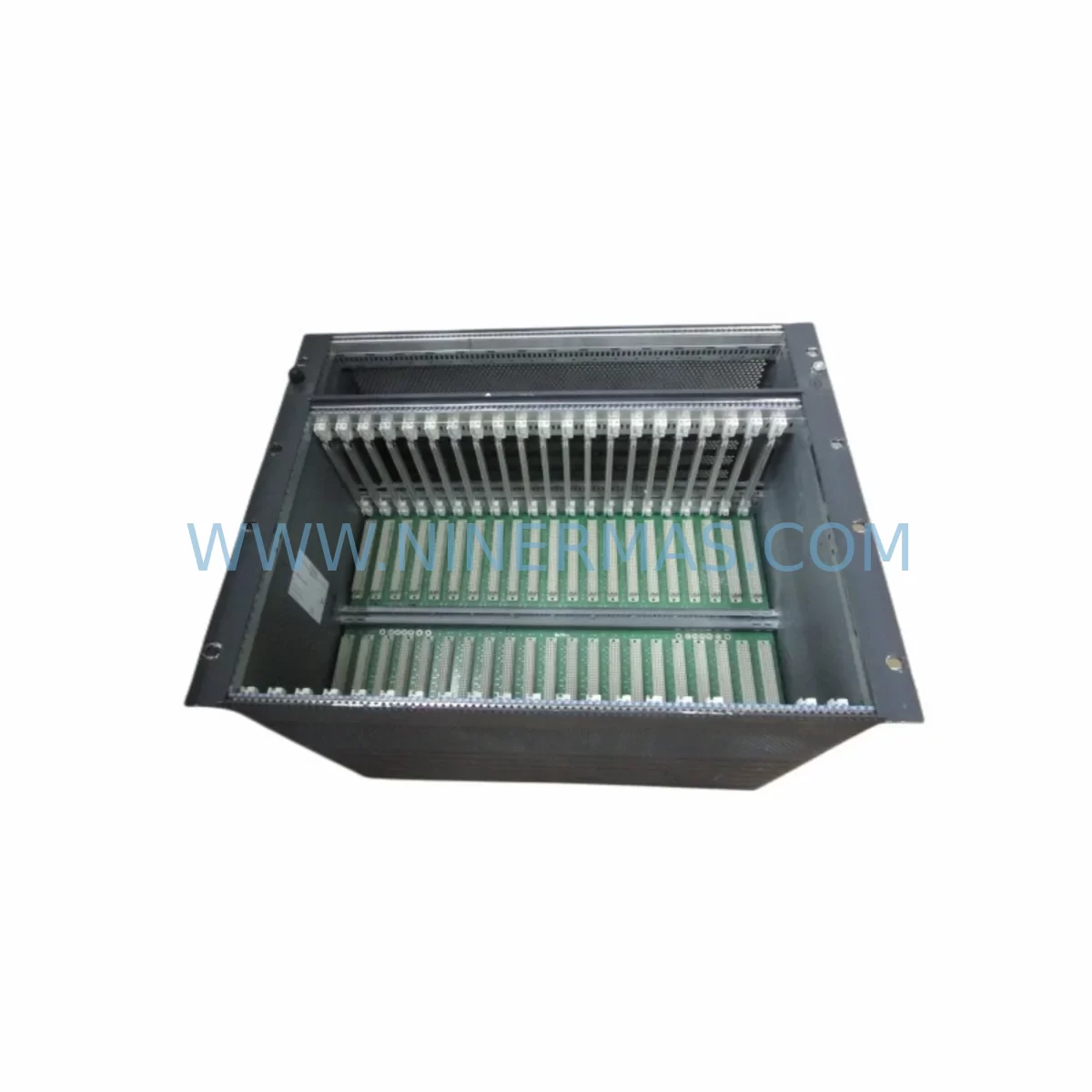
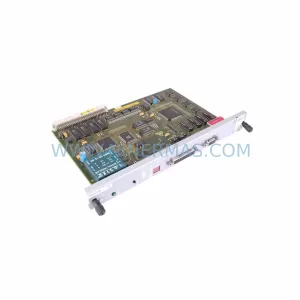
Siemens 6DD1682-0CH0 Retrofit-Compatible I/O Module for Legacy Systems
Verify the part, confirm the platform family, and move straight into quotation with the right commercial details.
RFQ Ready
- SKU6DD1682-0CH0
- CategoryPLC & Industrial Automation Modules
- BrandSiemens
- SupportAvailability, lead time, condition, and shipping coordination
How Buyers Usually Use This Page
- Confirm the exact part number and platform family before sending the quote request.
- Use direct email when quantity, condition, and destination are already defined internally.
- Switch to the broader brand or category archive when you need alternates nearby.
Series Navigation
Move through the most common platform families behind this part.
Product RFQ
Send this part directly for quotation.
Include quantity, required condition, destination country, and target delivery timing. Current reference: Siemens 6DD1682-0CH0 Retrofit-Compatible I/O Module for Legacy Systems with SKU 6DD1682-0CH0.
Siemens 6DD1682-0CH0 Retrofit-Compatible I/O Module for Legacy Systems
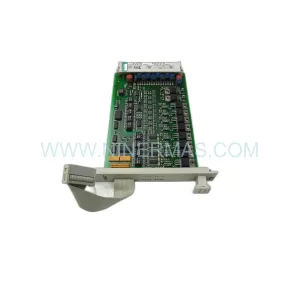
The Siemens 6DD1682-0CH0 is a digital I/O module designed for the SIMADYN D modular control platform — one of Siemens’ most widely deployed closed-loop control systems in power generation, drives, and heavy industrial automation. As the SIMADYN D series approaches end-of-life and spare parts availability tightens, the 6DD1682-0CH0 remains a critical component for engineers managing legacy panel upgrades, control cabinet retrofits, and system life extension programs. NINERMAS maintains verified stock of this module, pre-shipment tested and backed by a 12-month warranty, to support your retrofit planning with minimal lead time and maximum confidence.
Whether you are replacing a failed module in an active production line, building a spare parts buffer for a long-running SIMADYN D installation, or executing a phased migration toward a SIMATIC S7-400 or SIMATIC S7-300 platform, the 6DD1682-0CH0 provides a direct-fit solution that preserves your existing wiring, rack geometry, and control logic without requiring immediate full-system replacement.
Upgrade Compatibility Table
| Parameter | Details |
|---|---|
| Module Part Number | 6DD1682-0CH0 |
| Platform | Siemens SIMADYN D |
| Module Function | Digital I/O Interface Module |
| Rack / Backplane Compatibility | SIMADYN D standard rack; compatible with 6DD1660-0AH0 and 6DD1660-0AG0 backplane variants |
| Terminal Wiring | Screw-terminal field wiring; verify terminal block pitch and signal grouping against existing drawings before installation |
| Communication Interface | Internal SIMADYN D bus; no external fieldbus adapter required for direct replacement |
| Replacement Recommendation | Direct drop-in for failed or degraded 6DD1682-0CH0 units; confirm module address DIP switch settings match original configuration |
| Migration Path | For full platform migration, pair with SIMATIC S7-400 CPU modules and ET 200M distributed I/O for a structured upgrade |
| Commissioning Notes | Restore module address, verify I/O mapping in STEP 5 or STEP 7 project, confirm HMI tag assignments before restart |
| Pre-Shipment Testing | Yes — functional test performed on all units prior to dispatch |
| Warranty | 12 Months from date of shipment |
| Stock Status | Available — contact NINERMAS for lead time confirmation |
Retrofit Planning for Existing Automation Systems
A successful retrofit of a SIMADYN D installation begins well before the replacement module arrives on site. Engineers must audit the full rack assembly, which typically includes the central processor module (such as the 6DD1606-0AH0 or 6DD1607-0AH0), the power supply unit (commonly the 6DD1682-0BA0 or 6DD1682-0BB0 series), and the communication interface cards that bridge the SIMADYN D internal bus to plant-level PROFIBUS DP or SIMATIC NET networks.
When replacing the 6DD1682-0CH0, the first step is to document the existing DIP switch configuration for module addressing. SIMADYN D racks assign slot-based addresses that must be replicated exactly on the replacement module to avoid I/O mapping conflicts in the STEP 5 project file. If the site is running a STEP 7 migration in parallel, this is also the point at which engineers should verify that the I/O symbolic address table has been updated to reflect any hardware changes.
Terminal wiring is the next critical checkpoint. The 6DD1682-0CH0 uses a screw-terminal field connection interface. Before disconnecting the existing module, photograph or document all terminal assignments, wire labels, and signal polarities. Pay particular attention to 24 VDC digital input commons and output load circuits, as incorrect reconnection can damage field devices or trigger nuisance trips in the safety interlock system.
For sites where the SIMADYN D rack also hosts analog I/O modules such as the 6DD1682-0AD0 or signal conditioning cards, confirm that the replacement 6DD1682-0CH0 does not share a power rail segment that is already at capacity. The rack power supply must be able to support the full module complement, including any newly added I/O expansion cards or communication modules like the 6DD1684-0GD0 PROFIBUS interface.
HMI integration is another area that requires careful attention during a SIMADYN D retrofit. If the plant uses a WinCC or SIMATIC OP/TP panel connected via MPI or PROFIBUS, the HMI tag database must be verified against the updated I/O configuration. Any changes to module slot assignments or signal addresses will require corresponding updates in the HMI project before the system is returned to service.
For installations that are transitioning from SIMADYN D to a SIMATIC S7-400 platform, the retrofit plan should include a parallel run phase where both systems operate simultaneously on separate I/O circuits. This approach allows the control team to validate the new STEP 7 program logic against the existing STEP 5 reference before cutting over. During this phase, signal isolators and marshalling panels are often used to split field signals between the legacy and new control systems without rewiring field instruments.
Programming cable access is also a practical consideration. SIMADYN D programming requires a dedicated STEP 5 workstation with the appropriate hardware interface. If the site no longer maintains a STEP 5 environment, NINERMAS recommends sourcing a pre-configured programming cable and a licensed STEP 5 installation before the replacement module is installed, to ensure that any post-installation parameter adjustments can be made without delay.
Downtime Control During System Migration
Minimizing unplanned downtime is the primary operational concern when replacing a module in a live SIMADYN D system. The recommended approach is to perform the replacement during a scheduled maintenance window, with the control system placed in a safe state and all field outputs de-energized before the module is removed from the rack.
Before powering down, capture a full backup of the STEP 5 project from the CPU module. This backup should include the program blocks, data blocks, and system configuration files. Store the backup on a separate medium independent of the programming workstation to protect against data loss during the maintenance window.
Once the replacement 6DD1682-0CH0 is installed and the rack is powered up, perform a cold restart of the CPU and monitor the diagnostic buffer for any fault messages related to the new module. Confirm that all I/O channels are reporting correctly in the STEP 5 status display before releasing the system to automatic control mode.
For critical processes where even a brief interruption is unacceptable, consider maintaining a hot-standby spare module on site. NINERMAS supports bulk spare parts programs with fixed pricing and committed lead times, allowing maintenance teams to hold a buffer stock of high-wear modules such as the 6DD1682-0CH0 without tying up excessive capital in slow-moving inventory.
After the replacement is complete and the system has been returned to service, document the intervention in the site maintenance log, including the module serial number, installation date, DIP switch settings, and any deviations from the original configuration. This record supports future troubleshooting and provides evidence of due diligence for compliance audits.
Retrofit Support FAQ
Q1: Is the 6DD1682-0CH0 a direct replacement for the original module, or are there hardware revisions I need to account for?
The 6DD1682-0CH0 is a direct form-fit-function replacement for units of the same part number. Hardware revisions within the same part number are generally backward compatible within the SIMADYN D platform, but NINERMAS recommends confirming the firmware revision level of the CPU module if the site has experienced compatibility issues with previous replacement attempts. All units supplied by NINERMAS are pre-shipment tested to verify basic I/O functionality before dispatch.
Q2: Can I install the 6DD1682-0CH0 without a STEP 5 programming workstation on site?
If the module address DIP switches are set correctly to match the original configuration and no program changes are required, the replacement can be completed without a programming workstation. However, NINERMAS strongly recommends having a STEP 5 environment available during the first power-up to monitor the diagnostic buffer and confirm that the CPU recognizes the new module without generating configuration faults.
Q3: What is the warranty coverage for the 6DD1682-0CH0 supplied by NINERMAS?
All modules supplied by NINERMAS carry a 12-month warranty from the date of shipment. The warranty covers functional defects identified under normal operating conditions. Modules that have been subjected to incorrect installation, overvoltage, or physical damage are excluded from warranty coverage. NINERMAS provides a return merchandise authorization process for warranty claims, with replacement units dispatched upon receipt and inspection of the returned module.
Q4: How quickly can NINERMAS supply the 6DD1682-0CH0 for an emergency breakdown situation?
NINERMAS maintains stock of the 6DD1682-0CH0 and can confirm availability and lead time upon inquiry. For emergency breakdown situations, expedited dispatch options are available. Contact the NINERMAS sales team directly at sale@ninermas.com or +0086 187 5021 5667 to confirm stock status and arrange priority shipment.
| Product Series | SIMADYN D |
|---|---|
| Country of Origin | DE |
Catalog Continuation
More Siemens modules in the catalog.
Use the brand lane to compare nearby part numbers, platform-adjacent modules, and other inquiry-ready listings before sending your final RFQ.
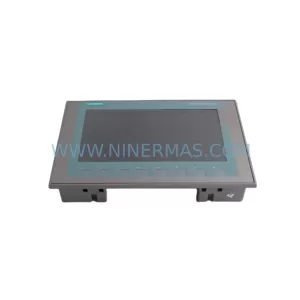
SKU: 6AV2123-2JB03-0AX0
Siemens 6AV2123-2JB03-0AX0 Retrofit HMI for KP700 Basic
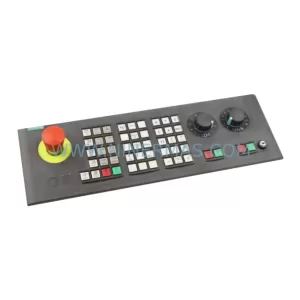
SKU: 6FC5303-0AF22-0AA1
Siemens 6FC5303-0AF22-0AA1 Safety-Reliable CNC Operator Panel
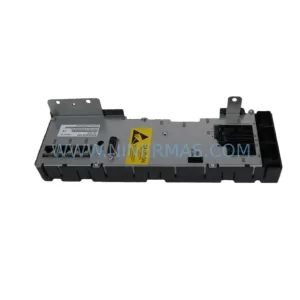
SKU: 6SL3955-0TX00-1AA2
Siemens 6SL3955-0TX00-1AA2 Retrofit Thyristor Module
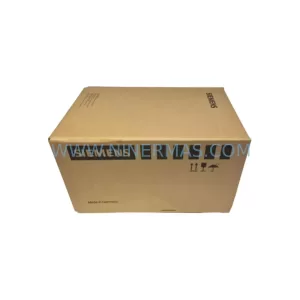
SKU: 6SE7090-0XX84-1CJ0
Siemens 6SE7090-0XX84-1CJ0 Retrofit-Compatible Drive for Legacy Systems
Catalog Continuation
Alternative parts within PLC & Industrial Automation Modules.
Stay inside the same system family when you need substitutes, adjacent modules, or a broader shortlist for procurement review.
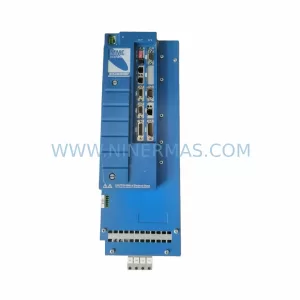
SKU: MMC-SD-12.0-460-D
KOLLMORGEN MMC-SD-12.0-460-D Retrofit-Compatible Servo Drive
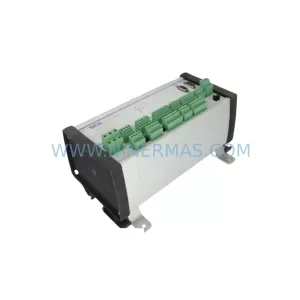
SKU: BM-DP12 1070075887-202
Bosch BM-DP12 1070075887-202 Retrofit-Compatible PROFIBUS DP Module