Original Industrial Spare Part
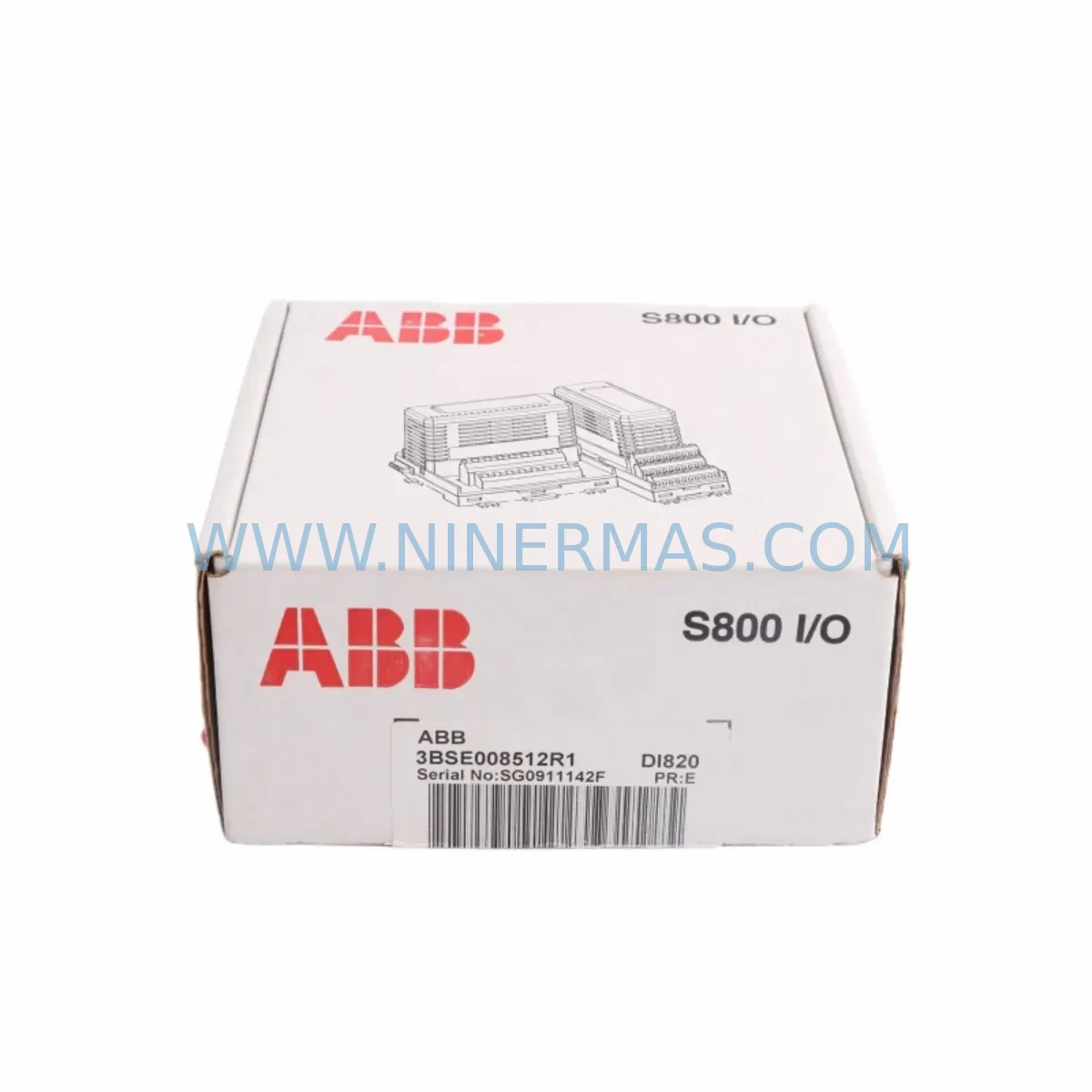
ABB DI820 3BSE008512R1 Service-Ready Spare Part
Verify the part, confirm the platform family, and move straight into quotation with the right commercial details.
RFQ Ready
- SKUDI820 3BSE008512R1
- CategoryPLC & Industrial Automation Modules
- BrandABB
- SupportAvailability, lead time, condition, and shipping coordination
How Buyers Usually Use This Page
- Confirm the exact part number and platform family before sending the quote request.
- Use direct email when quantity, condition, and destination are already defined internally.
- Switch to the broader brand or category archive when you need alternates nearby.
Series Navigation
Move through the most common platform families behind this part.
Product RFQ
Send this part directly for quotation.
Include quantity, required condition, destination country, and target delivery timing. Current reference: ABB DI820 3BSE008512R1 Service-Ready Spare Part with SKU DI820 3BSE008512R1.
ABB DI820 3BSE008512R1 Service-Ready Spare Part: Spare Replacement & Downtime Risk Control
The ABB DI820 (3BSE008512R1) is a 24 VDC digital input module designed for the ABB AC500 PLC series — one of the most widely deployed programmable logic controller platforms in process automation, power generation, water treatment, and discrete manufacturing. With 16 digital input channels and a compact S500 I/O form factor, the DI820 serves as a critical signal acquisition component in control cabinets across global industrial facilities. When this module fails or degrades, the consequences extend beyond a single I/O point — they can cascade into process shutdowns, safety interlock failures, and unplanned downtime that costs thousands per hour.
At NINERMAS, every ABB DI820 3BSE008512R1 unit is sourced as an original spare, subjected to pre-shipment functional testing, and dispatched with a 12-month warranty. Our inventory is maintained specifically to support maintenance engineers and procurement teams who cannot afford lead times measured in weeks. Whether you are executing a planned annual overhaul, responding to an emergency fault, or building a strategic spare parts buffer for a critical production line, the DI820 3BSE008512R1 is available for rapid dispatch.
Spare Maintenance Table
| Parameter | Specification |
|---|---|
| Part Number | 3BSE008512R1 |
| Model | DI820 |
| Brand | ABB |
| Series | AC500 / S500 I/O |
| Module Type | Digital Input Module |
| Number of Channels | 16 DI channels |
| Input Voltage | 24 VDC |
| Input Signal Standard | IEC 61131-2 Type 1 / Type 3 |
| Communication Interface | S500 I/O bus (local expansion) |
| Compatible CPUs | PM571, PM581, PM591, PM595 and AC500 eCo variants |
| Mounting | DIN rail via TB511 / TB521 terminal base |
| Operating Temperature | -25°C to +60°C |
| Protection Rating | IP20 |
| Certifications | CE, UL, cUL, ATEX (zone 2 with appropriate housing) |
| Compatibility | Drop-in replacement for existing AC500 S500 I/O racks |
| Condition | Original spare, pre-shipment tested |
| Warranty | 12 months from date of shipment |
| Delivery | Express global shipping available |
Maintenance Planning for Continuous Operation
Replacing the DI820 3BSE008512R1 in an AC500 control cabinet is rarely an isolated task. Experienced maintenance engineers understand that a failed digital input module is often a symptom of broader electrical stress in the I/O rack or field wiring circuit. A disciplined replacement workflow should include inspection of the surrounding system components to prevent repeat failures and ensure the restored system operates reliably through the next maintenance interval.
Begin with the TB511 or TB521 terminal base that the DI820 plugs into. Terminal bases accumulate mechanical wear and oxidation on their connector contacts over years of service — a degraded terminal base can cause intermittent signal faults even after a new module is installed. Inspect and replace the terminal base if contact resistance is elevated or physical damage is visible.
Next, verify the 24 VDC field power supply feeding the input circuit. Modules like the DI820 are sensitive to voltage ripple and transient spikes from inductive field devices. If the site uses an aging SITOP, Phoenix Contact QUINT, or equivalent DIN rail power supply, check output voltage stability under load. A degraded power supply can shorten the service life of replacement I/O modules significantly.
Inspect the field wiring and terminal blocks connected to the 16 input channels. Loose terminations, corroded conductors, or undersized cable cross-sections are common root causes of digital input faults. Pay particular attention to channels connected to proximity sensors, limit switches, and pushbutton stations — these field devices generate the highest number of switching cycles and are prone to contact wear.
If the AC500 system uses a CM572-DP PROFIBUS communication module or a CM575-DN DeviceNet module in the same rack, verify that the communication bus is operating without error flags after the DI820 is replaced. I/O rack disturbances during module swap can occasionally trigger bus timeout faults that require a CPU restart to clear.
For systems running PM591 or PM595 CPU modules, confirm that the I/O configuration in the Automation Builder project matches the physical slot assignment of the replacement DI820. A configuration mismatch will prevent the CPU from recognizing the new module and will generate a hardware fault alarm on the HMI — typically a CP600 or CP620 operator panel in AC500-based installations.
Where the control cabinet includes signal isolators or signal conditioners between field sensors and the DI820 input channels, inspect these devices as part of the replacement workflow. Signal isolators from brands such as Pepperl+Fuchs, MTL, or Phoenix Contact have finite service lives and can introduce signal distortion that mimics I/O module faults.
Finally, review the fuse protection on the 24 VDC input circuit. Blown or degraded fuses on individual input channel groups are a common finding during DI820 replacement work. Replacing fuses with correctly rated components — and documenting the event in the maintenance log — is a low-cost step that prevents future nuisance trips.
For facilities managing multiple AC500 racks across a plant, NINERMAS recommends maintaining a minimum buffer stock of one DI820 3BSE008512R1 per five installed units. This inventory posture supports same-day field replacement without waiting for procurement cycles and is consistent with best practices for critical infrastructure spare parts management.
Site Replacement Workflow
Step 1 — Isolation and safety: De-energize the 24 VDC field power supply feeding the DI820 input circuit. Follow site LOTO (Lockout/Tagout) procedures. Do not remove the module under live field voltage.
Step 2 — Document current configuration: Before removal, photograph the wiring layout on the terminal base and record the slot position of the DI820 within the I/O rack. In Automation Builder, export the current hardware configuration as a reference backup.
Step 3 — Module removal: Release the DI820 from the TB511/TB521 terminal base by pressing the release lever and sliding the module upward. The terminal base and field wiring remain in place — this is the key advantage of the S500 I/O modular design, which eliminates the need to disconnect individual field wires during module swap.
Step 4 — Terminal base inspection: With the module removed, inspect the terminal base connector for oxidation, bent pins, or debris. Clean with appropriate contact cleaner if required.
Step 5 — Install replacement DI820 3BSE008512R1: Align the replacement module with the terminal base guide rails and press firmly until the locking lever engages. Verify the module is fully seated.
Step 6 — Power restoration and diagnostics: Re-energize the field power supply. Observe the DI820 status LEDs — a steady green RUN LED indicates normal operation. Check the AC500 CPU diagnostic buffer and HMI alarm list to confirm no residual fault codes are present.
Step 7 — Functional verification: Activate each field input device connected to the 16 channels and verify correct signal state in the Automation Builder online monitor or SCADA system. Document the replacement in the site maintenance record.
This workflow is compatible with all AC500 CPU variants and supports hot-swap replacement in systems where the terminal base remains powered — consult the AC500 system manual for hot-swap eligibility based on your specific CPU firmware version.
Spare Parts Support FAQ
Q1: Is the DI820 3BSE008512R1 a direct drop-in replacement for units already installed in my AC500 rack?
Yes. The DI820 3BSE008512R1 is the original ABB part number for this module. It is fully compatible with all TB511 and TB521 terminal bases and all AC500 CPU variants that support S500 I/O expansion. No firmware update or hardware modification is required for direct replacement.
Q2: What pre-shipment testing does NINERMAS perform on the DI820 before dispatch?
Each unit undergoes functional verification of all 16 input channels, power supply integrity check, and communication bus response test prior to shipment. Units that do not pass all test criteria are not dispatched. A test report is available upon request for critical infrastructure procurement.
Q3: Can NINERMAS support long-term supply agreements for the DI820 3BSE008512R1?
Yes. NINERMAS offers long-term spare parts supply programs for facilities that require guaranteed stock availability over multi-year maintenance cycles. Contact our team to discuss annual volume commitments, reserved inventory arrangements, and priority dispatch agreements tailored to your plant’s maintenance schedule.
Q4: What does the 12-month warranty cover, and what is the claims process?
The 12-month warranty covers manufacturing defects and functional failures under normal operating conditions from the date of shipment. If a unit fails within the warranty period, NINERMAS will provide a replacement unit or full refund following fault verification. Contact sale@ninermas.com with your order reference and a description of the fault to initiate a warranty claim.
| Product Series | AC500 |
|---|---|
| Country of Origin | SE |
Catalog Continuation
More ABB modules in the catalog.
Use the brand lane to compare nearby part numbers, platform-adjacent modules, and other inquiry-ready listings before sending your final RFQ.
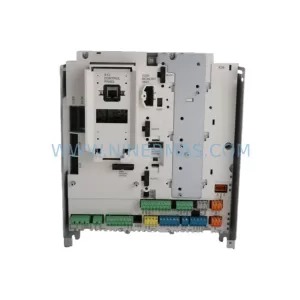
SKU: SDCS-CON-H01 3ADT220166R0002
ABB SDCS-CON-H01 3ADT220166R0002 Service-Ready Spare Part
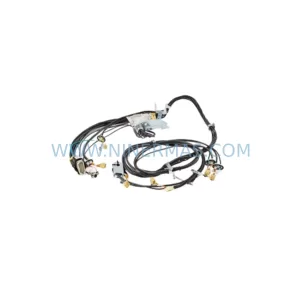
SKU: 3HAC033388-001
ABB 3HAC033388-001 Safety-Reliable Robot Harness Module
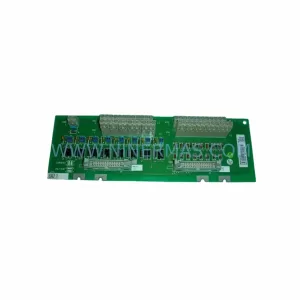
SKU: DSTA001B 3BSE018316R1
ABB DSTA001B 3BSE018316R1 Retrofit-Compatible Interface for Legacy Systems
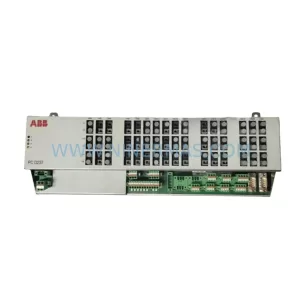
SKU: 3BHE028915R0101 PCD237 A101
ABB 3BHE028915R0101 PCD237 A101 Retrofit Safety Controller
Catalog Continuation
Alternative parts within PLC & Industrial Automation Modules.
Stay inside the same system family when you need substitutes, adjacent modules, or a broader shortlist for procurement review.


SKU: 00-176-037 00-176-037 00-262-652 00-262-652 00-178-888 00-178-888
KUKA 00-176-037 Retrofit Reducer Module for Legacy Systems

SKU: 6SE7027-2TD84-6HF3
SIEMENS 6SE7027-2TD84-6HF3 Service-Ready Spare Part