Original Industrial Spare Part
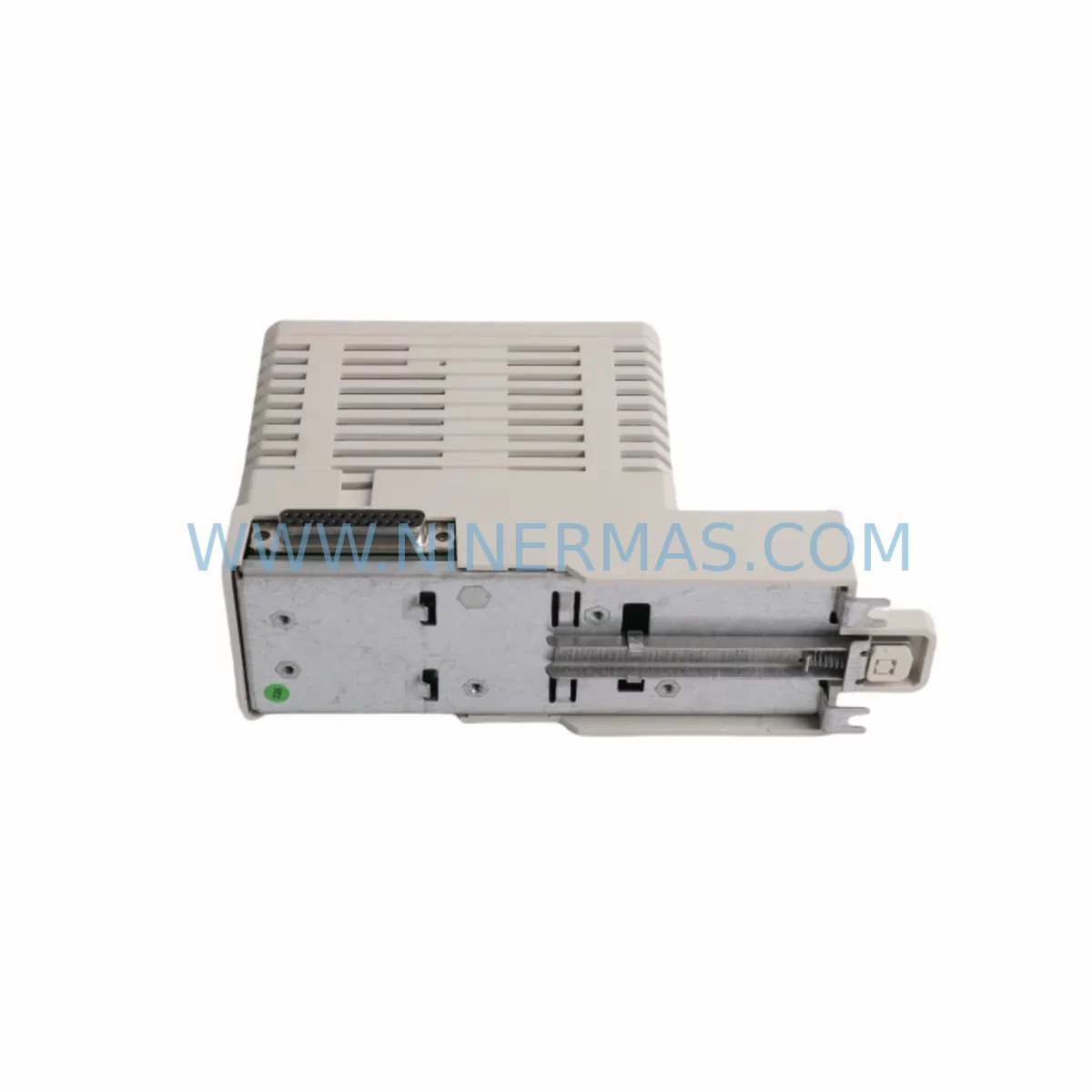
ABB CI856K01 3BSE026055R1 Retrofit-Compatible Comm Module
Verify the part, confirm the platform family, and move straight into quotation with the right commercial details.
RFQ Ready
- SKUCI856K01 3BSE026055R1
- CategoryDCS Distributed Control Systems
- BrandABB
- SupportAvailability, lead time, condition, and shipping coordination
How Buyers Usually Use This Page
- Confirm the exact part number and platform family before sending the quote request.
- Use direct email when quantity, condition, and destination are already defined internally.
- Switch to the broader brand or category archive when you need alternates nearby.
Series Navigation
Move through the most common platform families behind this part.
Product RFQ
Send this part directly for quotation.
Include quantity, required condition, destination country, and target delivery timing. Current reference: ABB CI856K01 3BSE026055R1 Retrofit-Compatible Comm Module with SKU CI856K01 3BSE026055R1.
ABB CI856K01 3BSE026055R1 Retrofit-Compatible Communication Module: Legacy System Compatibility & Smooth Upgrade
The ABB CI856K01 (catalog number 3BSE026055R1) is a PROFIBUS DP communication interface module designed for the ABB S100 I/O series, widely deployed in AC800M-based distributed control systems across power generation, oil & gas, pulp & paper, and heavy manufacturing industries. As the CI856K01 has reached end-of-life status in many regional markets, plant engineers and automation integrators are increasingly sourcing verified replacement units to sustain aging control architectures without committing to a full platform migration. NINERMAS maintains ready stock of the CI856K01 3BSE026055R1, fully tested and backed by a 12-month warranty, to support both emergency breakdown recovery and planned retrofit programs.
Upgrade Compatibility Table
| Parameter | CI856K01 (3BSE026055R1) | Retrofit Notes |
|---|---|---|
| Module Type | PROFIBUS DP Communication Interface | Direct replacement for CI856 variants in S100 I/O racks |
| Compatible Platform | ABB AC800M / S100 I/O Series | Verify AC800M controller firmware version before swap |
| Communication Protocol | PROFIBUS DP (up to 12 Mbit/s) | Confirm DP address settings match legacy configuration |
| Backplane Interface | S100 I/O Baseunit / Rack Slot | Check baseunit model (e.g., TB820V2, TB840A) for slot compatibility |
| Power Supply Requirement | 24 VDC via backplane | Verify SD821 or SD822 power supply capacity before installation |
| Installation Space | Standard S100 I/O module footprint | No mechanical modification required for direct slot replacement |
| Module Address Configuration | Hardware DIP switch / software parameterization | Record existing DP node address before removal |
| HMI / SCADA Compatibility | Compatible with ABB 800xA System | No HMI screen rebuild required for like-for-like swap |
| Program Logic Compatibility | Fully compatible with existing Control Builder M projects | No application code changes required for direct replacement |
| Warranty | 12-Month Warranty | Tested before shipment | Traceable batch documentation available | |
Retrofit Planning for Existing Automation Systems
Replacing the CI856K01 within a live S100 I/O system requires careful pre-engineering to avoid unplanned downtime and configuration drift. The first step is a full rack audit: identify the baseunit type — commonly the TB820V2 or TB840A — and confirm that the target slot is mechanically and electrically compatible with the CI856K01 3BSE026055R1 form factor. Engineers should also document the current PROFIBUS DP node address assigned to the outgoing module, as this setting must be replicated exactly on the replacement unit to maintain network topology integrity.
Power budget verification is equally critical. The S100 I/O rack draws 24 VDC from dedicated power supply modules such as the SD821 or SD822. Before inserting the CI856K01, calculate the total current draw across all populated slots — including AI810, AO810V2, DI810, and DO810 I/O modules — to confirm that the power supply has sufficient headroom. Overloading the backplane power rail is a common cause of intermittent faults in retrofit projects that are otherwise mechanically correct.
On the communication side, the CI856K01 interfaces with the AC800M controller via the PROFIBUS DP segment. Integrators should export the existing Control Builder M project and verify that the hardware configuration tree correctly references the CI856K01 module type and its GSD file. If the replacement unit carries a different hardware revision, a GSD file update may be required before the controller can re-establish communication. The PM866 or PM891 processor modules in the AC800M cabinet should be checked for firmware compatibility with the replacement CI856K01 revision level.
Terminal wiring on the PROFIBUS cable side — typically a 9-pin D-sub connector — should be inspected for pin integrity, shielding continuity, and correct bus termination at both ends of the DP segment. Incorrect termination is a frequent source of communication instability after module replacement. Where the existing installation uses CI840A or CI858 communication modules on adjacent DP segments, ensure that the replacement CI856K01 does not introduce address conflicts on the shared PROFIBUS network.
For systems that include remote I/O expansion via DP/PA link modules or fieldbus couplers, verify that the CI856K01’s DP master class and cycle time settings are compatible with the downstream device profiles. In multi-rack installations, the S100 I/O expansion cables and rack interconnects should also be inspected as part of the retrofit scope, since degraded backplane connectors can cause sporadic faults that are incorrectly attributed to the new communication module.
Downtime Control During System Migration
Minimizing production interruption during a CI856K01 replacement requires a structured hot-swap or controlled-shutdown procedure. Where the process permits a brief controlled stop, the recommended approach is to place the AC800M controller into manual mode via the 800xA operator station, freeze all PID loops and interlock logic, and then power down only the affected S100 I/O rack segment. This preserves the last-known output states on analog and digital I/O channels and prevents spurious trips on connected field devices.
Before powering down, export a full backup of the Control Builder M project, including hardware configuration, application code, and parameter sets. This backup serves as the recovery baseline if the replacement module requires any configuration adjustment. The 800xA System Archive function should also be used to capture the current faceplates and alarm configuration, ensuring that HMI screens referencing the CI856K01 node do not require manual reconstruction after the swap.
Physical replacement of the CI856K01 3BSE026055R1 is straightforward: release the module locking mechanism, withdraw the outgoing unit, insert the replacement, and secure the latch. Power restoration should be staged — energize the power supply modules first, then confirm backplane voltage stability before allowing the AC800M to re-scan the I/O configuration. Monitor the PROFIBUS DP diagnostic LEDs on the CI856K01 during the first scan cycle to confirm that the module has acquired its node address and established communication with the controller.
Post-replacement commissioning should include a full I/O channel verification pass: force each AI810 and DI810 input channel and confirm that the 800xA faceplate reflects the correct value. For AO810V2 and DO810 output channels, verify that field actuators respond correctly to manual commands issued from the operator station. Document the commissioning results and retain them alongside the replacement module’s serial number and test certificate for future maintenance reference. Total controlled replacement time for an experienced technician is typically 2–4 hours, including pre-shutdown preparation and post-restoration verification.
Retrofit Support FAQ
Q1: Is the CI856K01 3BSE026055R1 a direct drop-in replacement for all CI856 variants?
The CI856K01 (3BSE026055R1) is the standard catalog variant for S100 I/O PROFIBUS DP communication. It is directly compatible with S100 I/O racks using TB820V2 or TB840A baseunits. If your existing installation uses an earlier CI856 hardware revision, verify the GSD file version in your Control Builder M project to confirm compatibility before installation. NINERMAS can provide hardware revision documentation upon request.
Q2: Do I need to modify my Control Builder M application code after replacing the CI856K01?
For a like-for-like replacement with the same hardware revision, no application code changes are required. The AC800M controller will re-recognize the module using the existing hardware configuration. If the replacement unit is a different hardware revision, a GSD file update and hardware configuration download may be necessary. NINERMAS supplies units with full revision traceability to help you assess compatibility before shipment.
Q3: What pre-shipment testing does NINERMAS perform on the CI856K01 3BSE026055R1?
Every CI856K01 unit shipped by NINERMAS undergoes functional power-on testing, PROFIBUS DP communication verification, and visual inspection for connector and backplane contact integrity. Units are supplied with a test record and are covered by a 12-month warranty from the date of shipment. Expedited shipping is available for emergency breakdown situations.
Q4: Can NINERMAS supply related S100 I/O and AC800M components to complete my retrofit?
Yes. NINERMAS maintains inventory of complementary components commonly required in CI856K01 retrofit projects, including S100 I/O power supply modules, AI810 and DI810 input modules, AO810V2 and DO810 output modules, TB820V2 baseunits, and AC800M processor modules. Contact our technical sales team to confirm availability and lead times for your specific bill of materials.
| Product Series | AC800M |
|---|---|
| Country of Origin | SE |
Catalog Continuation
More ABB modules in the catalog.
Use the brand lane to compare nearby part numbers, platform-adjacent modules, and other inquiry-ready listings before sending your final RFQ.
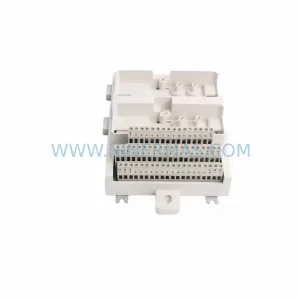
SKU: TU843 3BSE021443R1
ABB TU843 3BSE021443R1 Retrofit-Compatible I/O Terminal
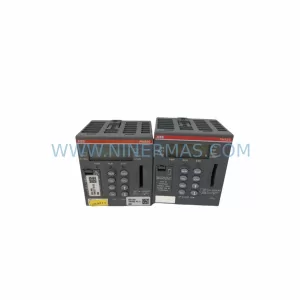
SKU: PM590-ETH 1SAP150000R0271
ABB PM590-ETH 1SAP150000R0271 Service-Ready Spare Part for Industrial Maintenance
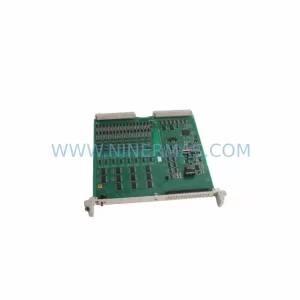
SKU: HESG324013R101/D 216AB61
ABB HESG324013R101/D 216AB61 Service-Ready Spare Part
Catalog Continuation
Alternative parts within DCS Distributed Control Systems.
Stay inside the same system family when you need substitutes, adjacent modules, or a broader shortlist for procurement review.
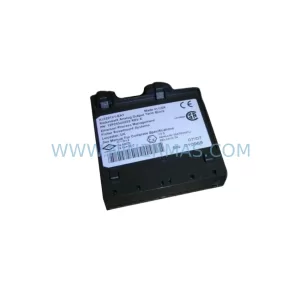
SKU: KJ3221X1-EA1 12P2534X032
Emerson KJ3221X1-EA1 12P2534X032 Retrofit I/O Controller
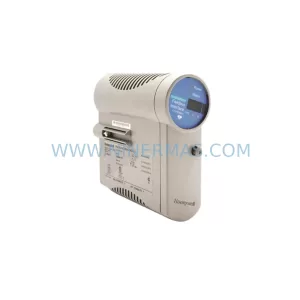
SKU: 8C-TAOX51 8U-TAOX51 8C-TAOX61 8U-TAOX61
Honeywell 8C-TAOX51 Retrofit Analog Output for Legacy Systems