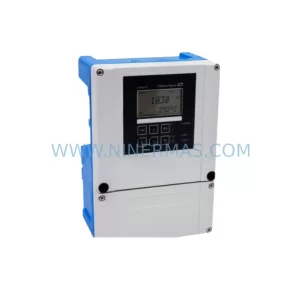
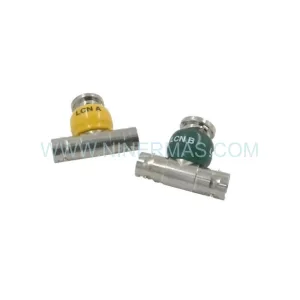
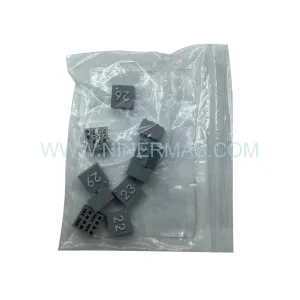
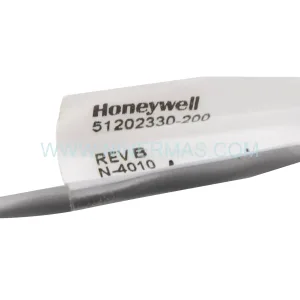
Original Industrial Spare Part
Honeywell MC-ELMMS1 51454552-175 Safety Manager Spare Part
Verify the part, confirm the platform family, and move straight into quotation with the right commercial details.
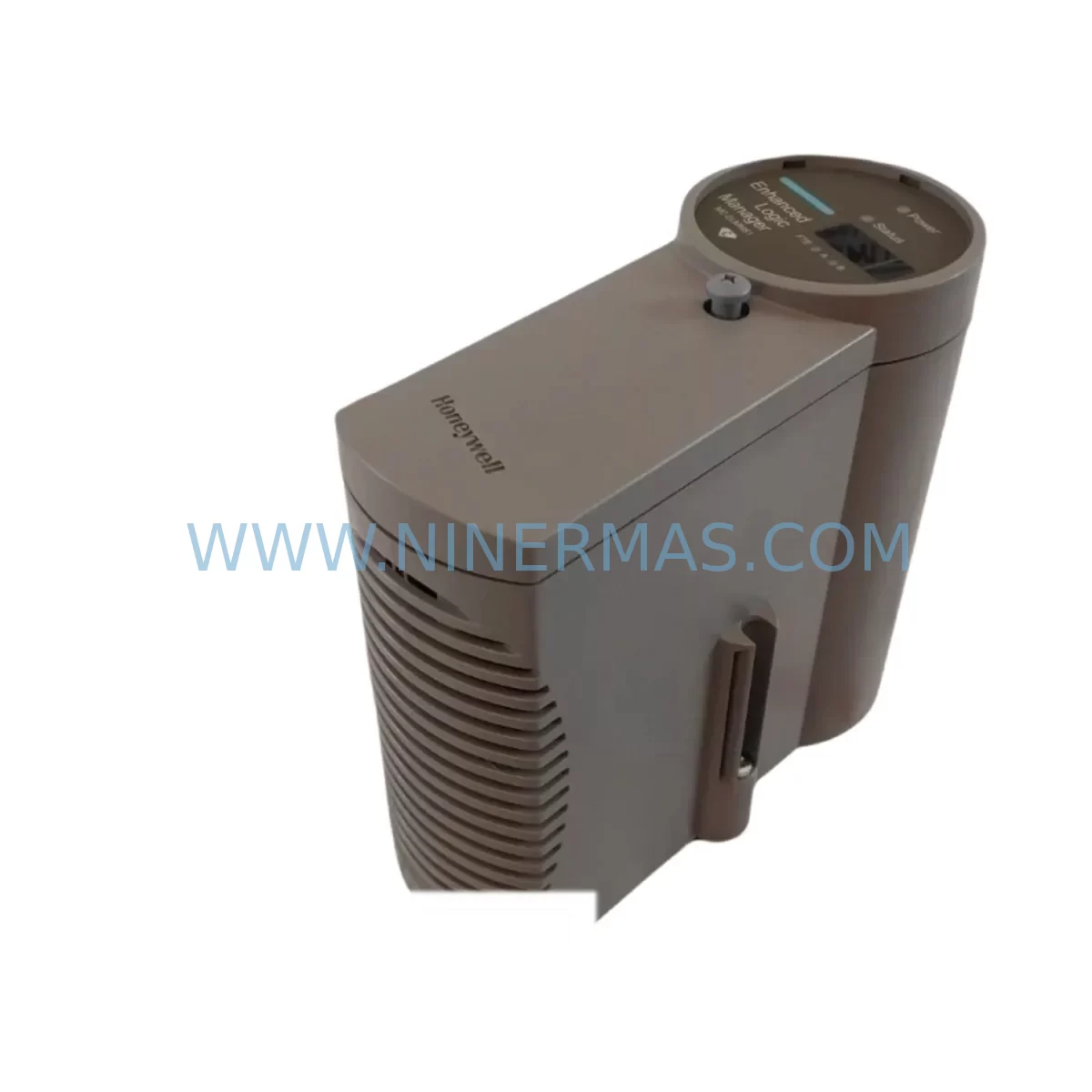
RFQ Ready
- SKUMC-ELMMS1 51454552-175
- CategorySIS Safety & Redundancy Systems
- BrandHoneywell
- SupportAvailability, lead time, condition, and shipping coordination
How Buyers Usually Use This Page
- Confirm the exact part number and platform family before sending the quote request.
- Use direct email when quantity, condition, and destination are already defined internally.
- Switch to the broader brand or category archive when you need alternates nearby.
Series Navigation
Move through the most common platform families behind this part.
Product RFQ
Send this part directly for quotation.
Include quantity, required condition, destination country, and target delivery timing. Current reference: Honeywell MC-ELMMS1 51454552-175 Safety Manager Spare Part with SKU MC-ELMMS1 51454552-175.
Honeywell MC-ELMMS1 51454552-175 Safety Manager Spare Part: Rapid Replacement for Industrial Safety System Downtime Recovery
The Honeywell MC-ELMMS1 (P/N 51454552-175) is a critical spare part for the Honeywell Safety Manager (SM) platform — a dedicated safety instrumented system (SIS) widely deployed in oil & gas, petrochemical, power generation, and process manufacturing facilities. When a Safety Manager node experiences a fault or reaches end-of-life, having a verified, service-ready replacement on hand is the single most effective strategy for minimizing unplanned downtime and protecting SIL 2/SIL 3 loop integrity.
At NINERMAS, every MC-ELMMS1 unit is sourced, inspected, and dispatched with full traceability documentation. Our inventory supports maintenance engineers and procurement teams who cannot afford to wait weeks for OEM lead times when a safety system fault threatens production continuity.
Spare Maintenance Table
| Parameter | Specification / Detail |
|---|---|
| Part Number | MC-ELMMS1 / 51454552-175 |
| Brand | Honeywell |
| Series / Platform | Safety Manager (SM) — Experion Safety System |
| Module Function | Enhanced Logic Manager / Safety Manager Module |
| Safety Integrity Level | SIL 2 / SIL 3 capable (IEC 61508 / IEC 61511) |
| Communication Interface | FTE (Fault Tolerant Ethernet) / Safety Bus compatible |
| Operating Voltage | 24 VDC (nominal, from SM backplane power supply) |
| Operating Temperature | 0°C to +60°C |
| Mounting | SM chassis backplane slot (hot-swap capable per system config) |
| Compatibility | Honeywell Safety Manager SM chassis, Experion PKS safety nodes |
| Condition | Original / Service-Ready (tested prior to dispatch) |
| Origin | United States |
| Warranty | 12 Months — covers manufacturing defects and functional failure |
| Lead Time | In-stock: ships within 1–3 business days |
| Application Environment | Industrial process control, SIS, ESD, F&G systems |
| Maintenance Recommendation | Replace on fault alarm, scheduled 5-year overhaul, or SIL revalidation cycle |
Maintenance Planning for Continuous Operation
When a Safety Manager node such as the MC-ELMMS1 is flagged for replacement during a planned turnaround or emergency fault response, experienced maintenance engineers know that the module itself is rarely the only component requiring attention. A thorough inspection of the surrounding safety loop is essential to restore full SIL-rated performance and prevent repeat failures.
Begin with the SM chassis backplane — connector wear and backplane power distribution faults are a common root cause of module communication errors that are misdiagnosed as module failures. Verify that the SM power supply modules (such as the MC-PSMA1 or MC-PSMB1) are delivering stable 24 VDC within tolerance; an under-voltage condition will cause logic manager modules to behave erratically even after replacement.
Inspect all field terminal assemblies (FTAs) and associated wiring harnesses connected to the safety I/O loops served by this module. Corroded terminals, loose ferrules, or degraded cable insulation in the marshalling cabinet can introduce ground faults that stress replacement modules immediately upon commissioning. If the system uses MC-TAIH or MC-TAIC series I/O termination assemblies, verify their integrity as part of the same work order.
For facilities running Honeywell Experion PKS alongside the Safety Manager, confirm that the FTE network switches and fiber patch panels serving the safety node are operating within specification. A degraded FTE link can cause the replacement MC-ELMMS1 to report communication faults that appear as module failures in the Experion Station HMI. Check FTE switch port statistics and replace any SFP transceivers showing elevated error counts.
The Safety Manager engineering workstation and associated SM Configuration Studio software must be used to download the validated safety application to the replacement module. Ensure the configuration backup is current before beginning the swap — an outdated application version loaded onto a new module is a common cause of post-maintenance SIL validation failures.
Where the safety system interfaces with a Distributed Control System (DCS) via Modbus, PROFIBUS, or OPC, verify that the communication gateway modules (such as the MC-COMM series) are functioning correctly after the replacement. Safety-to-DCS data handshaking should be confirmed before returning the loop to automatic mode.
Finally, review the status of surge protection devices (SPDs) and signal isolators on field instrument loops feeding into the safety I/O. Transient events that caused the original module failure may have also degraded these protective components. Replacing the MC-ELMMS1 without addressing upstream surge damage is a leading cause of premature repeat failures in high-lightning-risk or heavy-industrial environments.
Procurement engineers should consider stocking a minimum of one spare MC-ELMMS1 per Safety Manager chassis, alongside critical consumables such as SM backplane fuses, FTE patch cables, and I/O FTA connector blocks, to support a zero-delay emergency response posture.
Site Replacement Workflow
Step 1 — Pre-Replacement Verification: Confirm the fault is isolated to the MC-ELMMS1 using the Safety Manager diagnostic display and Experion Station alarm summary. Document the module’s slot position, application version, and current I/O status before initiating any bypass or inhibit procedures.
Step 2 — Safety Bypass & Isolation: Follow your site’s Management of Change (MOC) and Safety Instrumented Function (SIF) bypass procedures. Inhibit the affected SIF loops in the Safety Manager application and notify the control room. Ensure all relevant permits to work are in place.
Step 3 — Physical Replacement: Power down the chassis slot if hot-swap is not supported in your configuration. Remove the faulty MC-ELMMS1 by releasing the module locking mechanism. Insert the replacement unit, ensuring full backplane connector engagement. Restore slot power.
Step 4 — Application Download & Commissioning: Using SM Configuration Studio, download the validated safety application to the replacement module. Confirm the module transitions to RUN state and all I/O channels report healthy status. Verify FTE communication link establishment.
Step 5 — Loop Verification & SIF Reinstatement: Perform a functional test of each SIF loop served by the replacement module per your site’s proof test procedure. Remove all inhibits and bypasses in the correct sequence. Confirm the Safety Manager system returns to full automatic operation and document the replacement in your CMMS.
This structured workflow minimizes total downtime to under 4 hours for a prepared maintenance team and ensures the replacement module is commissioned to the same SIL-rated standard as the original installation.
Spare Parts Support FAQ
Q1: Is the MC-ELMMS1 (51454552-175) compatible with all Honeywell Safety Manager chassis generations?
The MC-ELMMS1 is designed for the Honeywell Safety Manager platform. Compatibility depends on your specific SM chassis revision and application software version. We recommend providing your SM system serial number and software revision when ordering so our technical team can confirm direct compatibility before dispatch. Where minor firmware differences exist, we will advise on any required update procedures.
Q2: What testing is performed before the unit is shipped?
Every MC-ELMMS1 unit in our inventory undergoes a pre-shipment functional verification process, including power-on self-test confirmation, communication interface check, and visual inspection for physical damage. Units are dispatched with a test report and are covered by our 12-month warranty against manufacturing defects and functional failure from the date of delivery.
Q3: Can NINERMAS support long-term or repeat supply of this part for multi-site operations?
Yes. NINERMAS maintains dedicated inventory for Honeywell Safety Manager spare parts to support multi-site procurement programs, annual maintenance contracts, and emergency call-off orders. We offer framework pricing for customers requiring guaranteed stock availability across multiple facilities or fiscal years. Contact our sales team to discuss a long-term supply agreement.
Q4: What is the recommended spare parts holding strategy for the MC-ELMMS1?
Industry best practice for SIS spare parts management (aligned with IEC 61511 guidance) recommends holding at least one cold spare per Safety Manager chassis at site level, with a regional warehouse spare for multi-site operations. Given the criticality of safety system availability, a minimum 12-month forward stock position is advisable for facilities where OEM lead times exceed 8 weeks. NINERMAS can support both site-level and centralized warehouse stocking strategies.
| Product Series | Safety Manager |
|---|---|
| Country of Origin | US |
Catalog Continuation
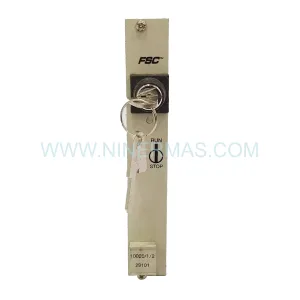
Likely FSC Safety Manager platform matches.
These parts are closer to the same platform family signaled by the current SKU and title, so buyers can validate continuity before sending a final RFQ.
Catalog Continuation
More Honeywell modules in the catalog.
Use the brand lane to compare nearby part numbers, platform-adjacent modules, and other inquiry-ready listings before sending your final RFQ.
Catalog Continuation
Alternative parts within SIS Safety & Redundancy Systems.
Stay inside the same system family when you need substitutes, adjacent modules, or a broader shortlist for procurement review.
SKU: 6ES5955-7NC12
Siemens 6ES5955-7NC12 Safety-Reliable Power Supply Module
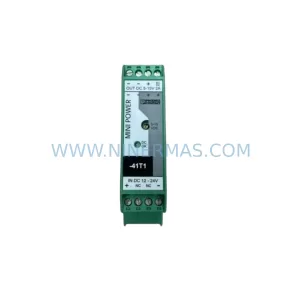
SKU: MINI-PS/12-24DC/5-15DC/2 2320018
Phoenix Contact MINI-PS/12-24DC/5-15DC/2 2320018 DC Power Supply