Original Industrial Spare Part
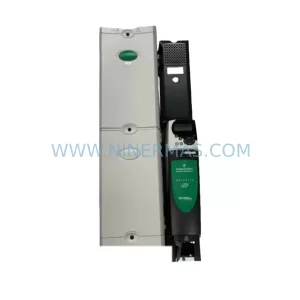
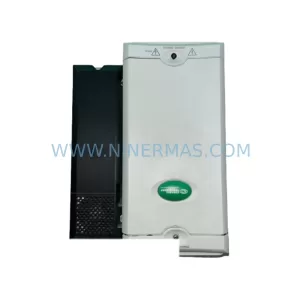
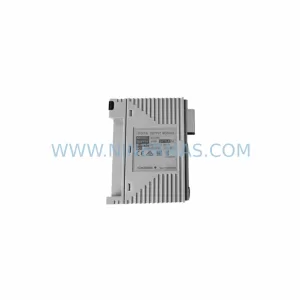
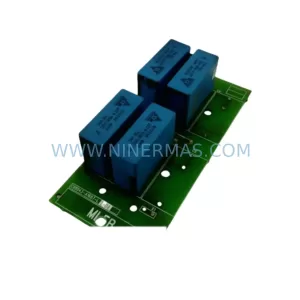
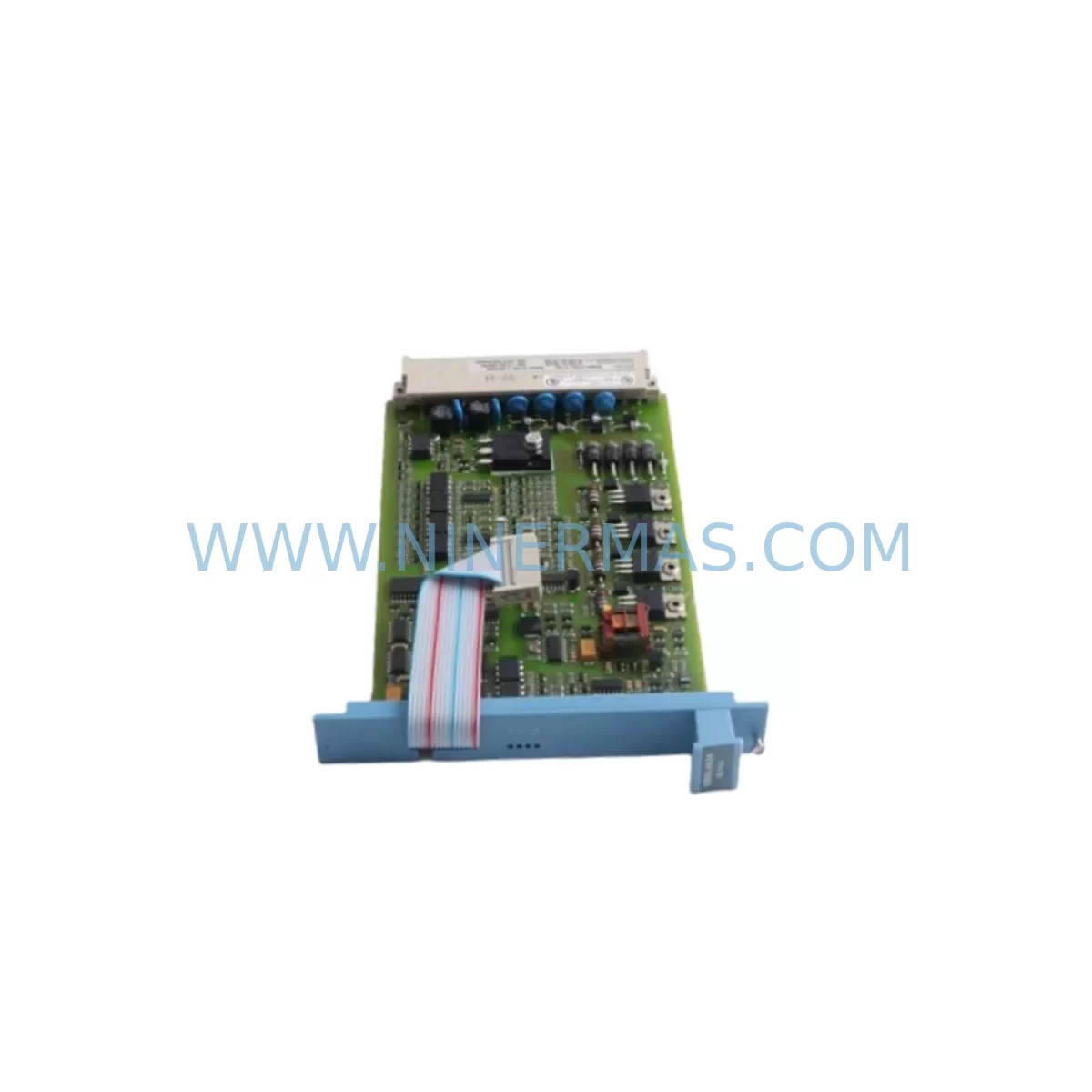
Honeywell 51402497-100 Service-Ready Spare Part for Industrial Maintenance
Verify the part, confirm the platform family, and move straight into quotation with the right commercial details.
RFQ Ready
- SKU51402497-100
- CategoryDCS Distributed Control Systems
- BrandHoneywell
- SupportAvailability, lead time, condition, and shipping coordination
How Buyers Usually Use This Page
- Confirm the exact part number and platform family before sending the quote request.
- Use direct email when quantity, condition, and destination are already defined internally.
- Switch to the broader brand or category archive when you need alternates nearby.
Series Navigation
Move through the most common platform families behind this part.
Product RFQ
Send this part directly for quotation.
Include quantity, required condition, destination country, and target delivery timing. Current reference: Honeywell 51402497-100 Service-Ready Spare Part for Industrial Maintenance with SKU 51402497-100.
Honeywell 51402497-100 Service-Ready Spare Part for Industrial Maintenance
The Honeywell 51402497-100 Enhanced Operator Keyboard is a critical human-machine interface component within the Honeywell TDC3000 Distributed Control System architecture. Designed for continuous process industries including refining, petrochemical, power generation, and pulp and paper, this operator keyboard serves as the primary input device through which control room engineers interact with the Universal Control Network (UCN) and the Local Control Network (LCN). When this component fails or degrades, operators lose the ability to issue commands, acknowledge alarms, or navigate process displays — making rapid spare part availability a non-negotiable element of any serious maintenance strategy.
At NINERMAS, every 51402497-100 unit is sourced from verified supply channels, subjected to pre-shipment functional inspection, and dispatched with a 12-month warranty covering manufacturing defects and operational failures under normal industrial use. Our inventory is maintained to support both emergency breakdown replacements and planned annual overhaul schedules, ensuring that procurement engineers can secure stock without lead-time uncertainty.
Spare Maintenance Table
| Parameter | Specification / Detail |
|---|---|
| Part Number | 51402497-100 |
| Brand | Honeywell |
| Series / Platform | TDC3000 / LCN (Local Control Network) |
| Component Type | Enhanced Operator Keyboard (EOK) |
| Interface | LCN Bus — proprietary Honeywell backplane connection |
| Compatible Consoles | Universal Station (US), Enhanced Universal Station (EUS), GUS (Global User Station) |
| Operating Voltage | +5 VDC (supplied via console backplane) |
| Operating Temperature | 0°C to 50°C (32°F to 122°F) |
| Humidity | 5% to 95% RH, non-condensing |
| Mounting | Integrated console panel mount — slide-in / latch mechanism |
| Origin | United States |
| Condition | Original spare — new or fully refurbished to OEM specification |
| Pre-Shipment Test | Functional key-matrix scan, LCN communication handshake verification |
| Warranty | 12 Months — covers manufacturing defects and operational failure under normal use |
| Lead Time | In-stock units: 3–7 business days international shipping |
| Application | Refining, Petrochemical, Power Generation, Pulp & Paper, Chemical Processing |
Maintenance Planning for Continuous Operation
Replacing the 51402497-100 Enhanced Operator Keyboard in a TDC3000 console is rarely an isolated task. Experienced maintenance engineers treat a keyboard failure as a trigger for a broader console health audit. During the same maintenance window, it is standard practice to inspect the Universal Station (US) or Enhanced Universal Station (EUS) backplane for oxidized connector pins and cracked PCB traces, since the keyboard interfaces directly with the backplane bus. The LCN Interface Module (51401288-100) should be checked for communication errors logged in the History Module, as intermittent LCN faults can cause false keyboard unresponsiveness that is misdiagnosed as a keyboard hardware failure.
Power integrity is equally important. The Honeywell Power Entry Module (51109944-100) and associated DC Power Supply modules within the console should be load-tested, as voltage sag on the +5 VDC rail is a known cause of keyboard scan errors and missed keystrokes. Maintenance teams should also verify the condition of the console cable harness connecting the keyboard assembly to the backplane — insulation cracking and connector fretting are common in consoles that have operated for more than ten years in high-humidity environments.
For sites running parallel operator stations, the Honeywell 51401195-100 Universal Station Processor should be confirmed as fault-free before returning the console to service, since a degraded station processor can cause the replacement keyboard to appear unresponsive during initial power-on. If the site uses Honeywell 51304516-100 or 51304754-100 series I/O Link modules, their status should be reviewed in the same maintenance cycle to ensure that operator commands issued from the restored keyboard are correctly propagated to field I/O.
Sites that have integrated Honeywell 51196694-100 series communication gateways for Modbus or HART pass-through should verify gateway health after any console maintenance, as LCN bus disturbances during keyboard replacement can occasionally reset gateway communication tables. Additionally, alarm printer interface modules and historian data servers connected to the LCN should be confirmed as online after the keyboard swap to ensure no data gaps occur in the process record.
For long-term spare parts planning, procurement engineers managing TDC3000 assets should maintain buffer stock of the 51402497-100 alongside related consumables: keyboard overlay membranes, LCN coaxial cable segments, and console fan assemblies. These items share similar failure timelines in aging installations and are frequently required together during major turnaround maintenance events.
Site Replacement Workflow
Step 1 — Pre-Replacement Verification: Confirm the fault is isolated to the 51402497-100 keyboard by running the TDC3000 self-diagnostic routine from a secondary operator station. Document all active alarms and process states before proceeding.
Step 2 — Console Isolation: Notify the control room supervisor and shift engineer. Place the affected Universal Station in maintenance mode via the system manager node. Do not power down the LCN segment — the keyboard can be replaced hot in most TDC3000 console configurations, but verify site-specific procedures before proceeding.
Step 3 — Physical Replacement: Release the keyboard latch mechanism, disconnect the ribbon cable connector, and slide the 51402497-100 unit free from the console panel. Install the replacement unit, ensuring the ribbon cable connector is fully seated and the latch is engaged. Inspect the connector pins for debris before insertion.
Step 4 — System Re-Integration: Restore the station from maintenance mode. Perform a full key-matrix test by cycling through all function keys, softkeys, and numeric entry keys. Confirm that the station display responds correctly to all keyboard inputs and that no LCN communication errors are generated.
Step 5 — Documentation: Record the replacement in the site maintenance management system (CMMS), including the serial number of the removed unit and the replacement unit. Update the spare parts inventory and initiate a reorder if buffer stock falls below the site-defined minimum.
This workflow is designed to minimize console downtime to under 30 minutes for a prepared maintenance team, preserving process continuity and reducing the risk of unplanned production loss.
Spare Parts Support FAQ
Q1: Is the 51402497-100 compatible with both the Universal Station (US) and the Enhanced Universal Station (EUS)?
Yes. The 51402497-100 Enhanced Operator Keyboard is designed for use across the TDC3000 console family, including the Universal Station, Enhanced Universal Station, and Global User Station (GUS) platforms. Before installation, confirm the console model and backplane revision with your site documentation to ensure connector compatibility. If you require compatibility verification for a specific console serial number, contact our technical team with your site configuration details.
Q2: What is included in the 12-month warranty, and what does it cover?
Every 51402497-100 unit supplied by NINERMAS carries a 12-month warranty from the date of shipment. The warranty covers manufacturing defects, component failures, and operational malfunctions arising under normal industrial use conditions. It does not cover physical damage caused by incorrect installation, electrical overstress, or environmental exposure beyond the rated operating range. Warranty claims are processed with priority turnaround to minimize site downtime.
Q3: How is each unit tested before shipment?
All 51402497-100 units undergo a pre-shipment inspection protocol that includes a full key-matrix scan to verify every key switch and contact, an LCN communication handshake test to confirm bus interface integrity, and a visual inspection of the connector, housing, and overlay membrane. Units that do not pass all test criteria are quarantined and not dispatched. A test record is available upon request for quality-critical procurement requirements.
Q4: Can NINERMAS support long-term or recurring supply of the 51402497-100 for multi-site operations?
Yes. NINERMAS maintains standing inventory of the 51402497-100 and related TDC3000 spare parts to support both single-site emergency orders and multi-site annual maintenance contracts. Procurement engineers managing multiple TDC3000 installations are encouraged to contact us to discuss volume pricing, reserved stock arrangements, and scheduled delivery programs that align with planned turnaround cycles. Long-term supply agreements are available to ensure uninterrupted access to this component as the TDC3000 platform continues its extended service life across global process industries.
| Product Series | TDC3000 |
|---|---|
| Country of Origin | US |
Catalog Continuation
More Honeywell modules in the catalog.
Use the brand lane to compare nearby part numbers, platform-adjacent modules, and other inquiry-ready listings before sending your final RFQ.
Catalog Continuation
Alternative parts within DCS Distributed Control Systems.
Stay inside the same system family when you need substitutes, adjacent modules, or a broader shortlist for procurement review.