Original Industrial Spare Part
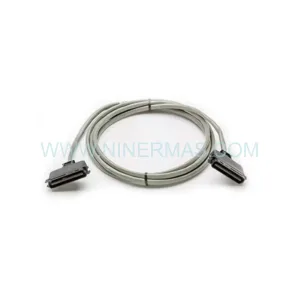
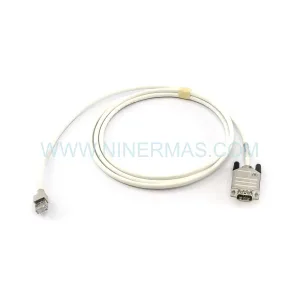
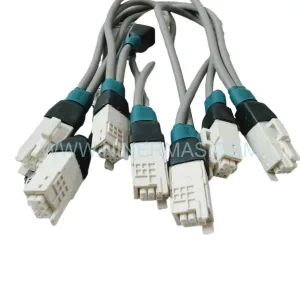
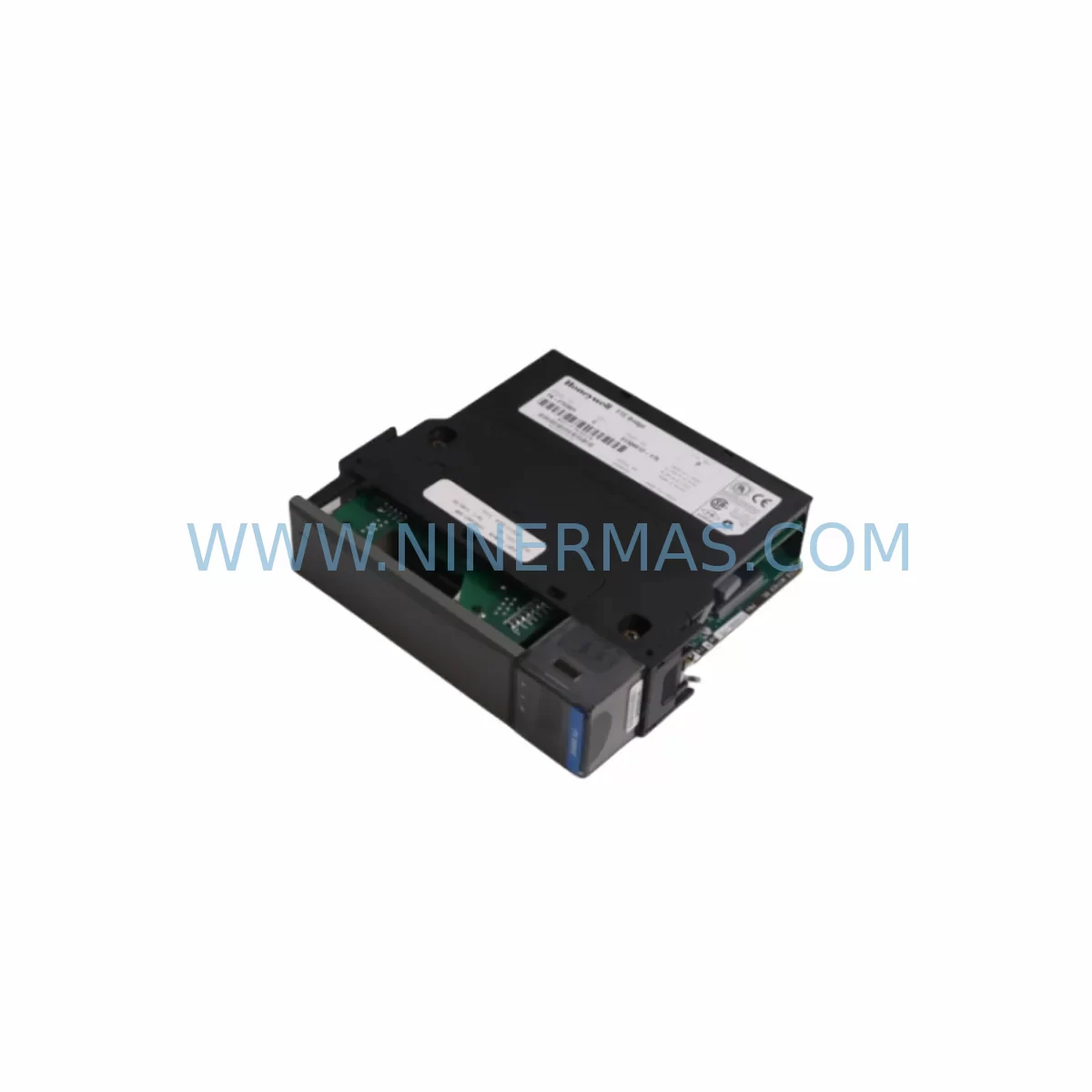
Honeywell TK-FTEB01 51309512-175 Retrofit-Compatible Ethernet
Verify the part, confirm the platform family, and move straight into quotation with the right commercial details.
RFQ Ready
- SKUTK-FTEB01 51309512-175
- CategoryDCS Distributed Control Systems
- BrandHoneywell
- SupportAvailability, lead time, condition, and shipping coordination
How Buyers Usually Use This Page
- Confirm the exact part number and platform family before sending the quote request.
- Use direct email when quantity, condition, and destination are already defined internally.
- Switch to the broader brand or category archive when you need alternates nearby.
Series Navigation
Move through the most common platform families behind this part.
Product RFQ
Send this part directly for quotation.
Include quantity, required condition, destination country, and target delivery timing. Current reference: Honeywell TK-FTEB01 51309512-175 Retrofit-Compatible Ethernet with SKU TK-FTEB01 51309512-175.
Honeywell TK-FTEB01 51309512-175 Retrofit-Compatible Ethernet Module: Seamless Legacy System Integration and Smooth Upgrade Path
The Honeywell TK-FTEB01 (part number 51309512-175) is a Fault Tolerant Ethernet (FTE) Bridge Module designed for the Experion PKS C300 control platform. As legacy Honeywell TDC 3000 and PlantScape systems approach end-of-life, the TK-FTEB01 serves as a critical bridge component enabling engineers to migrate aging control architectures to modern Experion PKS infrastructure without full system replacement. This module supports redundant FTE network topologies, ensuring continuous process visibility and control continuity during phased retrofit projects across refineries, chemical plants, power generation facilities, and discrete manufacturing environments.
For maintenance engineers and system integrators managing aging distributed control systems, sourcing a verified, pre-tested TK-FTEB01 51309512-175 with documented firmware compatibility is essential. NINERMAS maintains ready inventory of this module with full pre-shipment functional testing and a 12-month warranty, supporting global spare parts programs for critical automation assets.
Upgrade Compatibility Table
| Parameter | TK-FTEB01 51309512-175 Specification | Retrofit / Replacement Notes |
|---|---|---|
| Interface Type | Fault Tolerant Ethernet (FTE) Bridge | Verify FTE switch compatibility (e.g., Cisco IE 2000 series used in Experion FTE networks) |
| Backplane Compatibility | Experion PKS C300 Controller Chassis | Confirm chassis slot assignment and backplane revision before installation |
| Communication Protocol | FTE (IEEE 802.3 Ethernet, redundant) | Ensure FTE network topology is configured for redundant ring or star; validate with Experion R4xx or R5xx software |
| Power Requirement | Supplied via C300 chassis backplane | Verify chassis power supply (e.g., TK-PRS021 or equivalent) capacity before adding modules |
| Installation Space | Single slot, C300 controller chassis | Confirm available slot count in TC-CCR014 or TC-CCR024 rack; plan for adjacent module clearance |
| Firmware / Software | Compatible with Experion PKS R400 and above | Validate firmware version against running Experion release; update via Experion Engineering Station if required |
| Replacement Suggestion | Direct replacement for discontinued 51309512-175 variants | Cross-reference with Honeywell obsolescence notices; confirm hardware revision matches existing chassis |
| Commissioning Focus | FTE network address assignment, redundancy switchover test | Perform FTE switchover test post-installation; validate via Experion Station alarm and event log |
| 12-Month Warranty | Yes — NINERMAS standard | Covers manufacturing defects; pre-shipment functional test report available on request |
Retrofit Planning for Existing Automation Systems
Integrating the TK-FTEB01 51309512-175 into an existing Experion PKS or legacy Honeywell control environment requires a structured approach that accounts for hardware, software, and network dependencies across the control cabinet and field I/O layers.
Before installation, engineers should audit the existing C300 controller chassis — typically a TC-CCR014 (14-slot) or TC-CCR024 (24-slot) rack — to confirm available backplane slots and verify that the chassis power supply, such as the TK-PRS021 24VDC Power Supply Module, has sufficient headroom to support the additional FTE bridge load. Overloading the backplane power rail is a common oversight during phased upgrades and can cause intermittent module resets that are difficult to diagnose under live process conditions.
On the network side, the TK-FTEB01 connects to the FTE supervisory network, which in most Experion installations runs through managed Ethernet switches configured for the FTE redundant topology. Engineers should document existing FTE IP address assignments and reserve a static address for the new module prior to installation. If the site is migrating from an older PlantScape or TDC 3000 architecture, the FTE network segment may need to be extended or reconfigured, which can also affect connected C300 controllers, TC-IOM I/O Link Modules, and any Series C I/O modules such as the TC-IXR061 Digital Input Module or TC-ODD321 Digital Output Module already installed in the field cabinets.
For sites running mixed I/O architectures, the retrofit may also involve reviewing the TC-FPCXX2 C300 Field Controller and its associated Series C I/O modules to ensure that adding the FTE bridge does not alter the existing I/O module address map or interrupt the Series C I/O Link communication. Any change to the backplane slot configuration should be reflected in the Experion Control Builder project file before the module is physically installed, as the C300 controller performs an automatic hardware scan on power-up that will flag unexpected module changes as faults.
HMI screen updates are another consideration often underestimated during FTE bridge retrofits. If the TK-FTEB01 is being installed as part of a broader network segmentation or redundancy upgrade, Experion Station displays and custom operator graphics may need to be updated to reflect new network paths or alarm routing changes. Coordination with the DCS programming team to review and update the Experion Control Builder strategy — including any FTE-dependent communication blocks — is recommended before the cutover window.
Signal isolation requirements should also be reviewed if the retrofit involves extending the FTE network to remote I/O panels or junction boxes where electrical noise from variable frequency drives, servo amplifiers, or high-current switching equipment may affect Ethernet signal integrity. In such cases, fiber optic FTE media converters or signal isolators may be required in addition to the TK-FTEB01 itself. Similarly, if the site uses programming cables such as the 51198947-100 Engineering Station Interface Cable for direct controller access during commissioning, ensure these are available and compatible with the Experion release running on the engineering workstation.
Finally, for sites that rely on the TC-BATT01 Controller Battery Module for C300 memory backup, verify battery health before the retrofit cutover. A failed battery during a module swap can result in loss of the controller’s non-volatile memory, requiring a full program download from the Experion Engineering Station — a significant source of unplanned downtime in retrofit projects.
Downtime Control During System Migration
Minimizing downtime during a TK-FTEB01 retrofit requires careful pre-planning, a well-rehearsed cutover sequence, and a validated rollback procedure. The following approach is recommended for live production environments:
Pre-Cutover Preparation: Complete all Experion Control Builder project changes, FTE network address reservations, and chassis slot assignments in a staging or simulation environment before the maintenance window. Export and archive the current controller strategy and HMI graphics as a baseline backup. Confirm that the replacement TK-FTEB01 51309512-175 has been pre-tested and that the firmware version matches the target Experion release.
Controlled Shutdown Sequence: Place the affected C300 controller in a safe state by transferring control of critical loops to manual or backup regulatory control where available. Notify field operators and coordinate with the process safety team before removing any modules from a live chassis. Use the Experion Station to verify that all I/O modules in the affected chassis — including any TC-IXR061 input modules and TC-ODD321 output modules — have been placed in their configured fallback states.
Module Swap and Restart: Remove the failed or obsolete FTE bridge module and install the TK-FTEB01 51309512-175 in the correct backplane slot. Power up the chassis and allow the C300 controller to complete its hardware scan. Verify that the FTE bridge appears correctly in the Experion Network Manager and that the redundant FTE link is established before returning the controller to automatic mode.
Post-Cutover Validation: Perform a full FTE redundancy switchover test to confirm that the backup FTE path is active and that the switchover does not cause process upsets. Review the Experion alarm and event log for any unexpected faults. Confirm that all HMI displays are updating correctly and that field I/O values are within expected ranges before releasing the system to operations.
With proper preparation, a TK-FTEB01 module swap in a well-documented Experion PKS system can typically be completed within a two-to-four hour maintenance window, significantly reducing the risk of extended unplanned outages.
Retrofit Support FAQ
Q1: Is the TK-FTEB01 51309512-175 a direct replacement for older Honeywell FTE bridge modules?
The TK-FTEB01 51309512-175 is the current Honeywell part number for the FTE Bridge Module used in Experion PKS C300 systems. It is compatible with C300 chassis running Experion R400 and above. For older PlantScape or TDC 3000 systems, a migration path to the Experion PKS platform is required before this module can be used. NINERMAS can advise on cross-reference compatibility based on your existing hardware revision and Experion software release.
Q2: What pre-shipment testing does NINERMAS perform on the TK-FTEB01?
Each TK-FTEB01 51309512-175 unit shipped by NINERMAS undergoes functional power-on testing and visual inspection for physical damage, connector integrity, and firmware label verification. A test report is available on request. All units are covered by a 12-month warranty from the date of shipment, covering manufacturing defects and functional failures under normal operating conditions.
Q3: How do I verify wiring and terminal compatibility before installing the TK-FTEB01?
The TK-FTEB01 connects to the FTE network via standard RJ-45 Ethernet ports and to the C300 chassis via the backplane connector — no field wiring terminals are required for the module itself. However, engineers should verify that the FTE network cabling (Cat5e or Cat6 shielded) meets the Honeywell FTE installation guidelines, particularly for cable runs exceeding 90 meters or in electrically noisy environments where shielded cable and proper grounding are essential.
Q4: What is the lead time and inventory availability for the TK-FTEB01 51309512-175?
NINERMAS maintains service-ready stock of the TK-FTEB01 51309512-175 to support urgent maintenance and planned retrofit projects. Standard lead time for in-stock units is 3–7 business days for international shipments. For large-quantity or long-term supply agreements, NINERMAS can arrange reserved inventory with agreed lead times to support multi-site retrofit programs. Contact our team at sale@ninermas.com or +0086 187 5021 5667 for current stock levels and pricing.
—
| Product Series | Experion PKS |
|---|---|
| Country of Origin | US |
Catalog Continuation
More Honeywell modules in the catalog.
Use the brand lane to compare nearby part numbers, platform-adjacent modules, and other inquiry-ready listings before sending your final RFQ.

Catalog Continuation
Alternative parts within DCS Distributed Control Systems.
Stay inside the same system family when you need substitutes, adjacent modules, or a broader shortlist for procurement review.
SKU: KJ3241X1-EA1 12P2565X032
Emerson KJ3241X1-EA1 12P2565X032 Service-Ready Spare Part
SKU: KJ2221X1-EA1 12P3241X012
EMERSON KJ2221X1-EA1 12P3241X012 Service-Ready Spare Part