Original Industrial Spare Part
Beckhoff CP6902-1009-0000 Spare Part for Industrial Maintenance
Verify the part, confirm the platform family, and move straight into quotation with the right commercial details.
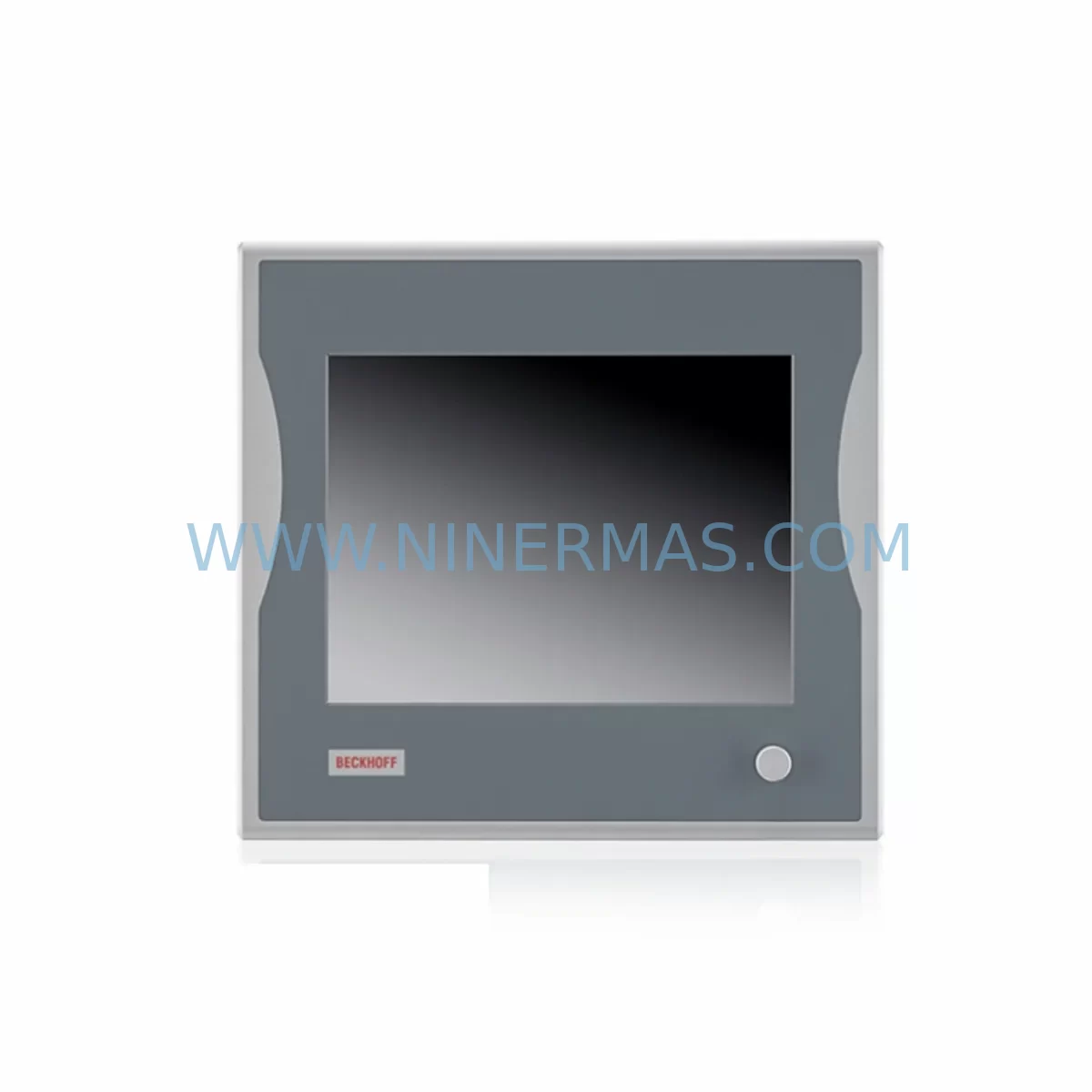
RFQ Ready
- SKUCP6902-1009-0000
- CategoryPLC & Industrial Automation Modules
- BrandBeckhoff
- SupportAvailability, lead time, condition, and shipping coordination
How Buyers Usually Use This Page
- Confirm the exact part number and platform family before sending the quote request.
- Use direct email when quantity, condition, and destination are already defined internally.
- Switch to the broader brand or category archive when you need alternates nearby.
Series Navigation
Move through the most common platform families behind this part.
Product RFQ
Send this part directly for quotation.
Include quantity, required condition, destination country, and target delivery timing. Current reference: Beckhoff CP6902-1009-0000 Spare Part for Industrial Maintenance with SKU CP6902-1009-0000.
Beckhoff CP6902-1009-0000 Spare Part for Industrial Maintenance: Spare Parts Replacement and Downtime Risk Control
The Beckhoff CP6902-1009-0000 is a ruggedized industrial Panel PC belonging to the CP69xx series, designed for deployment in harsh production environments where vibration, dust, and wide temperature ranges are standard operating conditions. For maintenance engineers managing legacy automation infrastructure, this unit serves as the primary human-machine interface (HMI) node in Beckhoff TwinCAT-based control architectures. When this component fails or degrades, the entire operator interface layer is compromised — halting production visibility, alarm acknowledgment, and manual override capability.
At NINERMAS, we stock the CP6902-1009-0000 as a service-ready spare part, pre-inspected and tested prior to shipment. Our supply chain covers original Beckhoff components sourced through verified industrial channels, backed by a 12-month warranty covering manufacturing defects and functional integrity. Whether you are responding to an unplanned breakdown or building a proactive spare parts inventory for a scheduled annual overhaul, this unit ships with full documentation support.
Spare Maintenance Table
| Parameter | Specification |
|---|---|
| Part Number / SKU | CP6902-1009-0000 |
| Brand | Beckhoff Automation |
| Series | CP69xx Industrial Panel PC |
| Product Type | Ruggedized Industrial Panel PC / HMI Terminal |
| Display | 9-inch TFT LCD, resistive touchscreen |
| Protection Rating | IP65 front panel (suitable for harsh environments) |
| Operating Temperature | 0°C to +55°C (standard industrial range) |
| Supply Voltage | 24 V DC (nominal), compatible with standard DIN rail PSU |
| Communication Interface | Ethernet (RJ45), USB, DVI/Display port (series-dependent) |
| OS Compatibility | Windows Embedded / TwinCAT 2 / TwinCAT 3 runtime |
| Mounting | Panel cut-out mounting, front-flush installation |
| Origin | Germany (DE) |
| Condition | Original spare part, pre-tested before shipment |
| Warranty | 12 Months — covers manufacturing defects and functional performance |
| Lead Time | Subject to stock availability — contact for confirmation |
| Compatible Systems | Beckhoff TwinCAT PLC/CNC/Motion control architectures |
Maintenance Planning for Continuous Operation
When a CP6902-1009-0000 Panel PC is flagged for replacement during a control cabinet inspection or after a fault event, experienced maintenance engineers know that the HMI terminal rarely fails in isolation. A systematic site assessment should accompany any panel replacement to prevent repeat failures and ensure full system restoration.
Begin by verifying the 24 V DC power supply feeding the panel. Units such as the Beckhoff CX2020 or CX5130 embedded PCs that share the same cabinet power rail may be drawing excess current, causing voltage sag that accelerates HMI wear. Inspect the power supply module — typically a Phoenix Contact QUINT or Siemens SITOP unit — for output ripple and load capacity before commissioning the replacement CP6902-1009-0000.
Next, audit the communication path. The CP69xx panel communicates with the TwinCAT runtime via Ethernet or EtherCAT. Check the EK1100 EtherCAT coupler and downstream EL-series I/O terminals (such as EL1008 digital input or EL2008 digital output modules) for error LEDs or diagnostic flags in TwinCAT System Manager. A degraded EtherCAT segment can cause the new panel to display communication timeouts immediately after installation, masking the root cause.
Inspect the KL-series or EL-series analog I/O modules connected to the same backplane. Signal drift on EL3062 analog input terminals or EL4002 analog output modules can trigger false alarms on the HMI, leading operators to misdiagnose the panel as faulty when the underlying issue is signal integrity. Replacing the CP6902-1009-0000 without addressing these upstream signal conditions will result in recurring incidents.
For sites running Beckhoff fieldbus communication, verify the FC310x or FC510x fieldbus cards and associated communication modules. If the control system integrates PROFIBUS or CANopen segments, check the bus termination resistors and cable shielding continuity. Poor shielding is a common cause of HMI display glitches and touchscreen registration errors that are often misattributed to the panel hardware itself.
Relay output modules — such as the EL2624 or KL2602 — connected to alarm circuits and motor starter interlocks should be tested for contact resistance and coil response time. Welded relay contacts can create ground loops that introduce noise into the HMI power supply, shortening the service life of the replacement panel. Include relay module inspection in your annual maintenance checklist alongside the CP6902-1009-0000 replacement cycle.
Finally, review the UPS module (if installed) that protects the panel PC during power interruptions. Beckhoff CX-series UPS modules or third-party DIN-rail UPS units should be load-tested annually. A degraded UPS that fails to hold voltage during a brief grid disturbance can corrupt the panel’s embedded OS, requiring a full re-imaging — a far more costly intervention than a scheduled battery replacement.
Procurement engineers should consider stocking one CP6902-1009-0000 unit per production line as a cold standby, alongside a set of EtherCAT I/O terminal spares and a replacement 24 V DC power supply module. This three-component spare kit covers the majority of HMI-related downtime scenarios in Beckhoff-based control systems and reduces mean time to repair (MTTR) from hours to under 30 minutes.
Site Replacement Workflow
Step 1 — Isolation and Backup: Before removing the existing CP6902-1009-0000 or its predecessor unit, perform a full TwinCAT project backup via the engineering workstation. Export the current HMI visualization project (TE2000 TwinCAT HMI or older CE-based SCADA screens) to a network share. Document all IP address assignments, EtherCAT topology, and fieldbus node addresses.
Step 2 — Power Down Sequence: Follow the site-specific lockout/tagout (LOTO) procedure. De-energize the 24 V DC rail feeding the panel. Disconnect the Ethernet cable, USB peripherals, and DVI/display cable if applicable. Label all connectors before removal to prevent mis-wiring during reinstallation.
Step 3 — Physical Replacement: Remove the panel from the cabinet cut-out by releasing the mounting clamps. Install the replacement CP6902-1009-0000 into the same cut-out. Verify the IP65 gasket seating before tightening clamps to the specified torque. Reconnect all cables in reverse order of removal.
Step 4 — Software Restoration: Power up the panel and confirm the OS boots correctly. Restore the TwinCAT runtime and HMI project from backup. Verify EtherCAT master scan detects all downstream I/O nodes. Confirm all analog and digital I/O channels report expected values before releasing the system to production.
Step 5 — Functional Verification: Run a 30-minute supervised trial with the operator present. Confirm touchscreen calibration, alarm acknowledgment, trend display, and remote access (if applicable via ADS or VPN). Log the replacement in the site maintenance record with the new unit’s serial number and installation date.
This workflow applies equally when upgrading from an older CP6901 or CP6900 series panel to the CP6902-1009-0000, ensuring backward compatibility with existing TwinCAT projects while improving display resolution and environmental protection.
Spare Parts Support FAQ
Q1: Is the CP6902-1009-0000 compatible with both TwinCAT 2 and TwinCAT 3 runtime environments?
The CP6902-1009-0000 Panel PC supports both TwinCAT 2 and TwinCAT 3 runtime installations, subject to the Windows Embedded OS version pre-loaded on the unit. Confirm the OS image version with our technical team before ordering if your site runs a specific TwinCAT build. We can advise on image compatibility and, where required, coordinate OS pre-configuration prior to shipment.
Q2: What pre-shipment testing does NINERMAS perform on this spare part?
Every CP6902-1009-0000 unit undergoes a functional power-on test, touchscreen registration verification, communication port check (Ethernet, USB), and visual inspection for physical damage before dispatch. Units that do not pass all test criteria are quarantined and not shipped. A test report summary is available upon request for quality-critical procurement processes.
Q3: How should we manage long-term spare parts inventory for end-of-life Beckhoff CP69xx panels?
For production lines with a planned operational life exceeding five years, we recommend a last-time-buy (LTB) strategy: secure a minimum of two CP6902-1009-0000 units per critical line segment when the product approaches end-of-availability. Store units in anti-static packaging in a climate-controlled environment (15–25°C, <60% RH). NINERMAS offers long-term supply agreements with reserved stock allocation for customers managing multi-site Beckhoff infrastructure.
Q4: What is covered under the 12-month warranty, and what is the RMA process?
The 12-month warranty covers manufacturing defects, functional failures under normal operating conditions, and DOA (dead-on-arrival) units. Physical damage caused by incorrect installation, overvoltage, or environmental exposure beyond the rated IP65 specification is excluded. To initiate an RMA, contact sale@ninermas.com with the order reference, unit serial number, and a brief fault description. Replacement units are dispatched within 3–5 business days of fault confirmation.
| Product Series | Other series |
|---|---|
| Country of Origin | DE |
Catalog Continuation
More Beckhoff modules in the catalog.
Use the brand lane to compare nearby part numbers, platform-adjacent modules, and other inquiry-ready listings before sending your final RFQ.
SKU: AM3043-0E00-0000 716-069688-793 3520782 DRIVE 4003 AT
Beckhoff AM3043-0E00-0000 Spare Part for Industrial Maintenance
SKU: CP7232-0001-0010
Beckhoff CP7232-0001-0010 Spare Part for Industrial Maintenance
SKU: CX2500/CX2030/CX2550/CX2100/EL6070/EK1110
BECKHOFF CX2030 Safety-Reliable Embedded PC for Critical Control
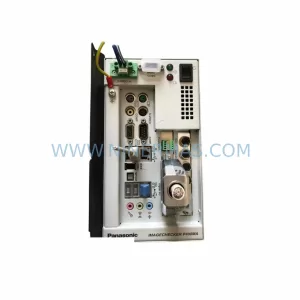
SKU: 0024105677D1321
BECKHOFF 0024105677D1321 Safety-Reliable I/O for Critical Control
Catalog Continuation
Alternative parts within PLC & Industrial Automation Modules.
Stay inside the same system family when you need substitutes, adjacent modules, or a broader shortlist for procurement review.
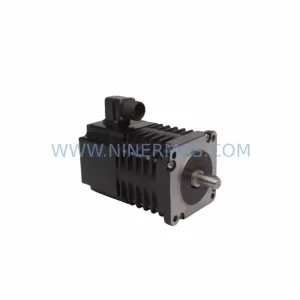
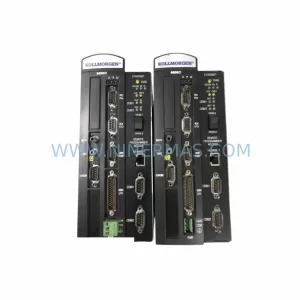
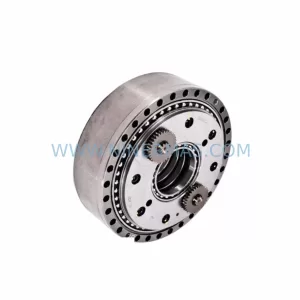
SKU: HW0380219-A HP-25A-11-F0-SP
YASKAWA HW0380219-A Retrofit Servo Board for Legacy Systems
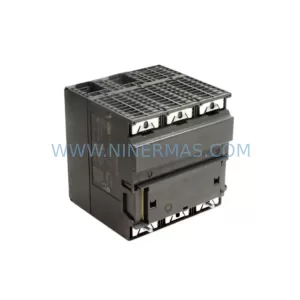
SKU: 6ES7313-5BG04-0AB0
Siemens 6ES7313-5BG04-0AB0 Spare Part for Industrial Maintenance